









Discover why Unitlab stands out as the ultimate solution for your data annotation needs.
Fastest Data Annotation

Free Up AI Engineer’s Time

Save AI Development Cost
From data labeling to performance tracking — streamline every step with intelligent automation and full visibility.
.png)
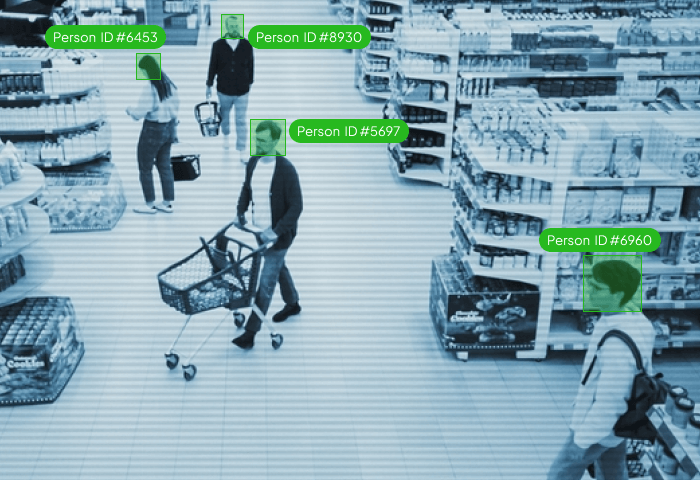
Our auto-annotation models detect, classify, and segment data instantly—reducing manual effort while maintaining precision.
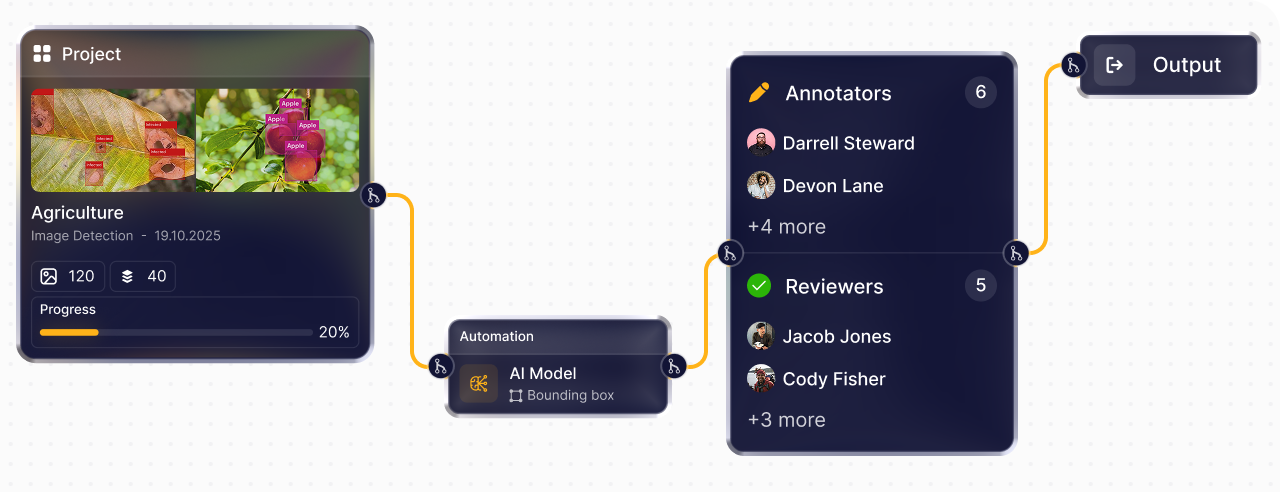
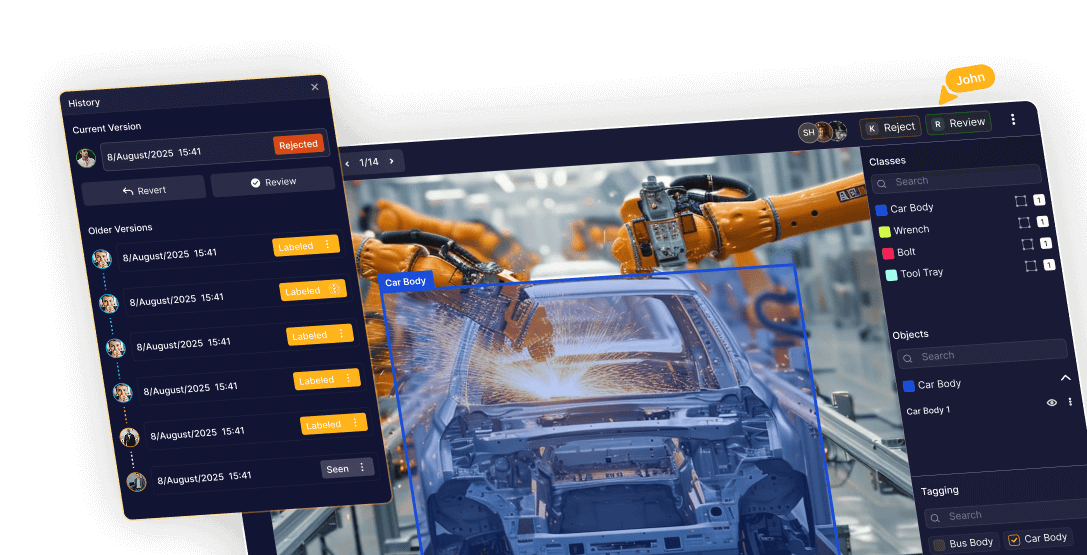
Build custom workflows that connect labeling and QA into one automated loop. Minimize manual handoffs and deliver data pipelines that scale effortlessly.
.png)
Power your workflows with custom or pre-trained AI models. Run predictions, enhance labeling accuracy, and optimize your data pipeline — all in one place.
.png)
Gain full visibility into project performance with real-time analytics, team productivity metrics, and accuracy dashboards.
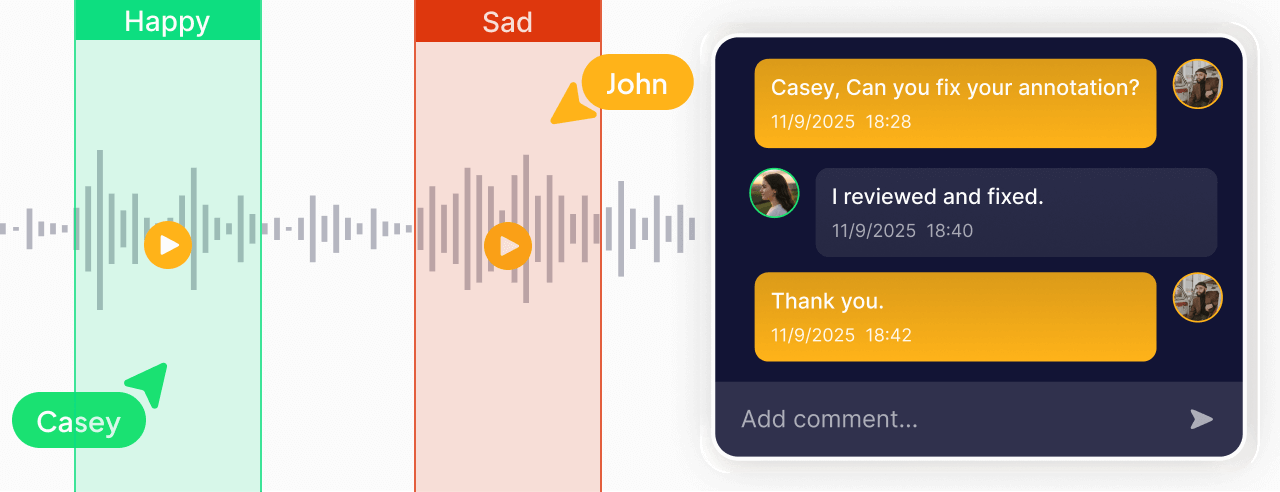
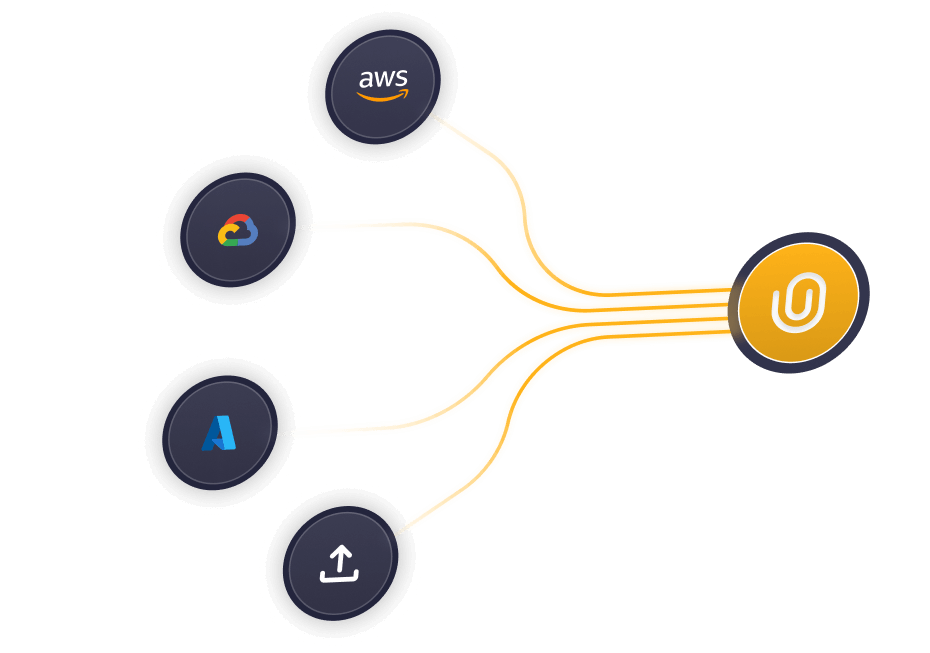
Manage large datasets, assign tasks, and collaborate with distributed teams — all within a secure, scalable environment.

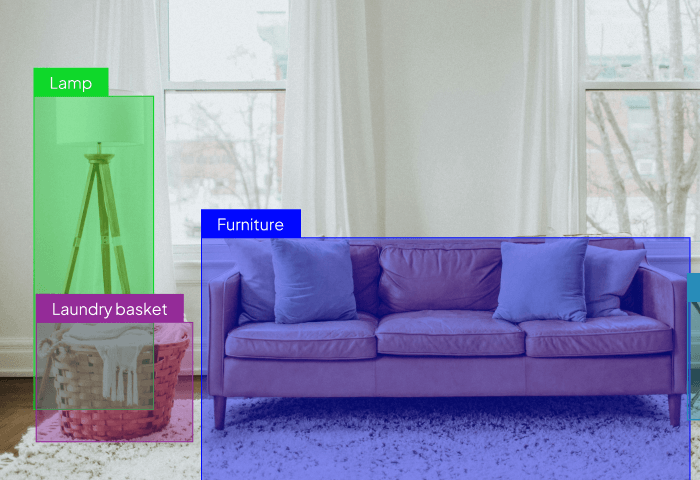
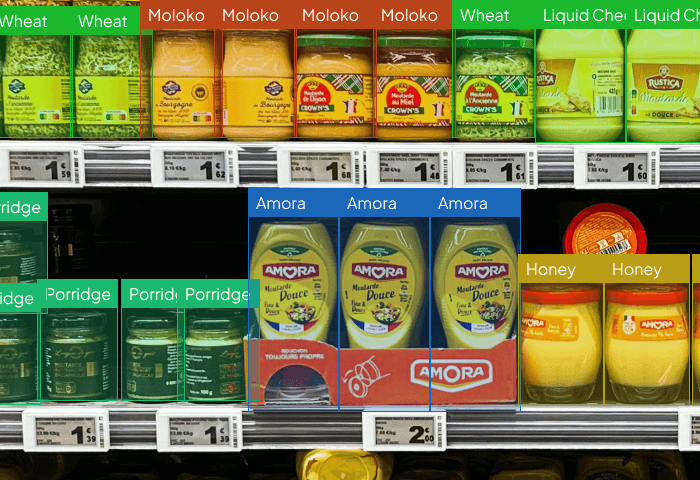
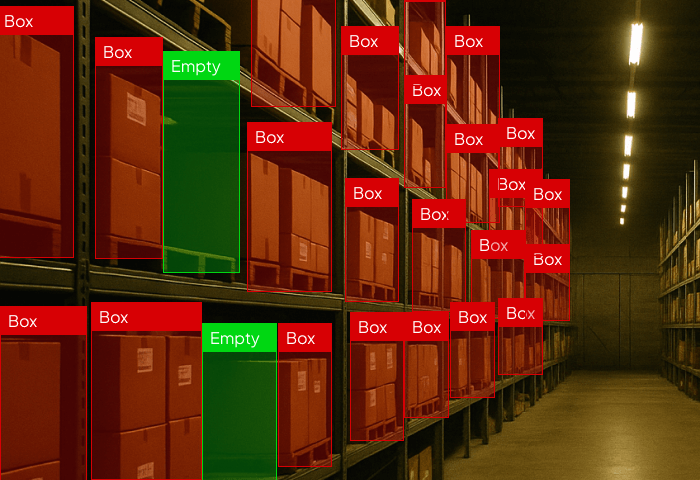
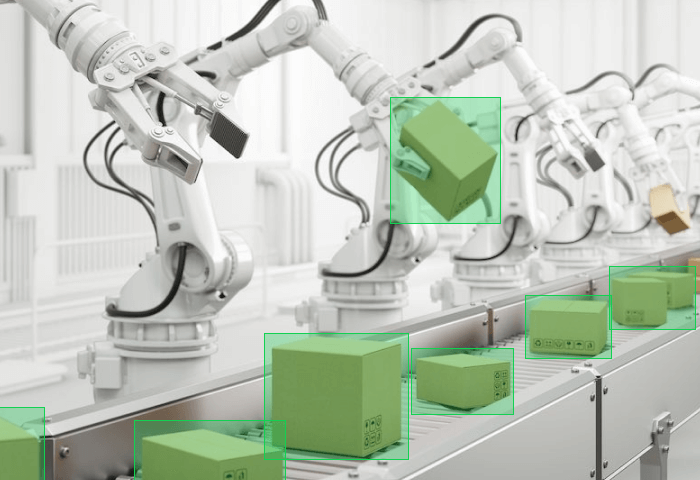
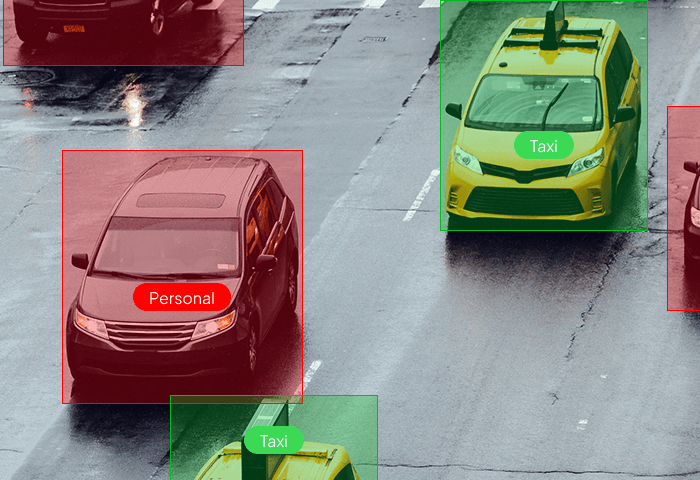
Identify and label every object in your dataset faster with AI-powered tools. From bounding boxes to multi-class detection — Unitlab makes annotation seamless, scalable, and intuitive.
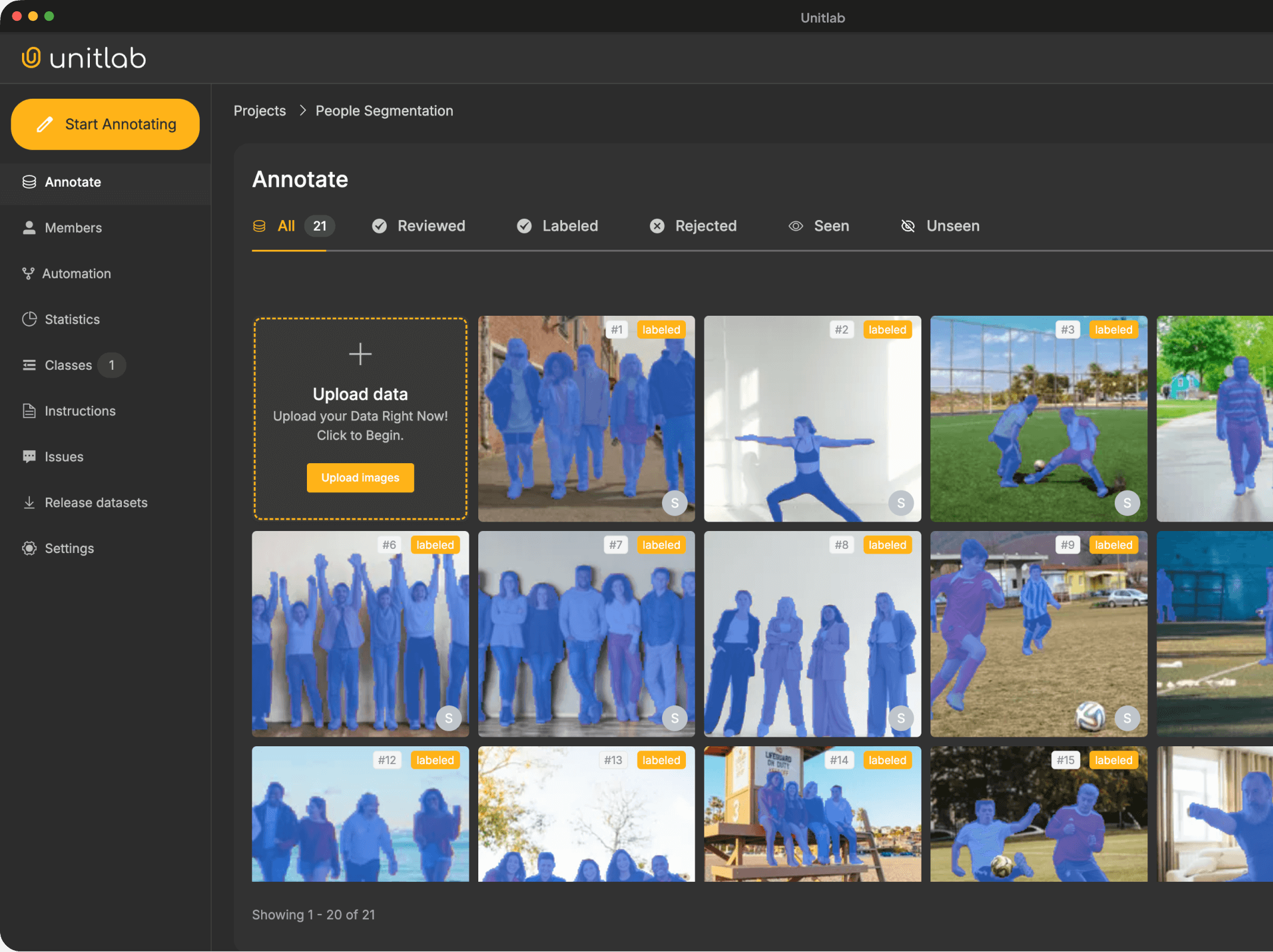

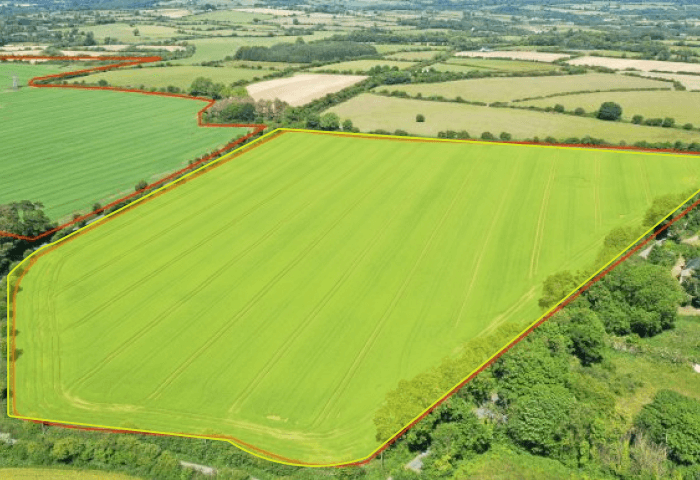
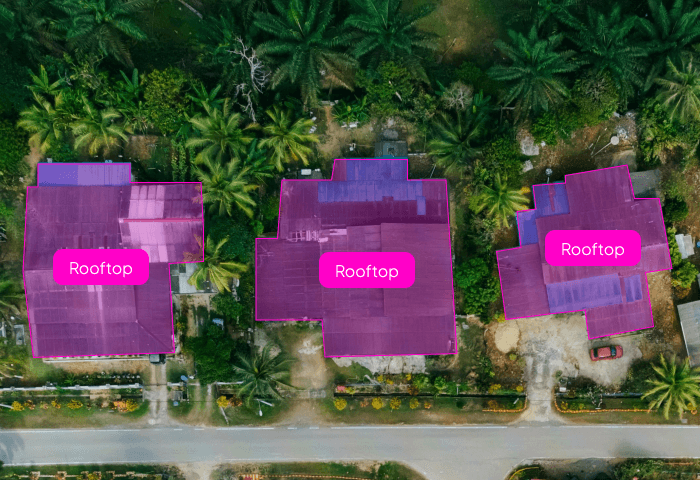
Automatically isolate any object in an image with pixel-level accuracy. Our AI handles simple to highly complex shapes, cutting annotation time and boosting dataset consistency.

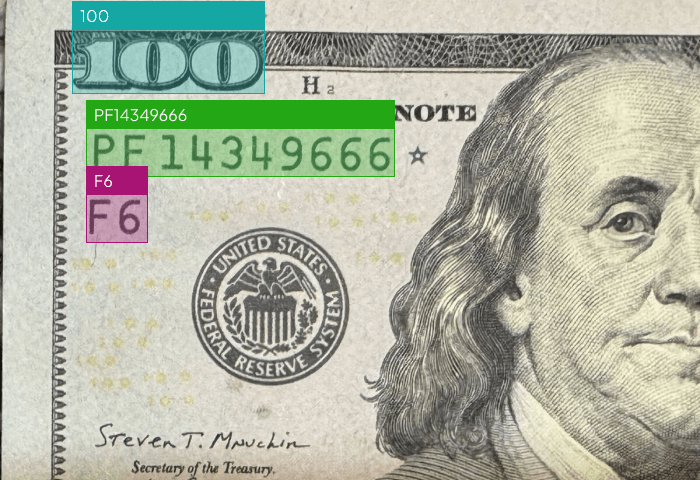
Capture text from documents, images, and screens with exceptional clarity. Supports multi-language, handwritten, and structured layouts for enterprise-grade document workflows.

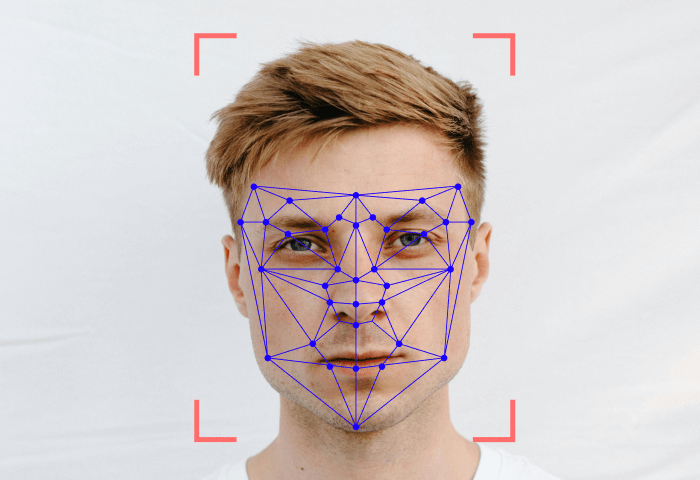
Identify and label keypoints across humans, objects, and mechanical structures. Ideal for pose estimation, movement analysis, product inspection, and advanced vision models.

Create accurate polygon labels for irregular, detailed, or non-standard shapes. AI-assisted contour detection ensures fast and reliable annotations across any dataset.

Identify and label every object in your dataset faster with AI-powered tools. From bounding boxes to multi-class detection — Unitlab makes annotation seamless, scalable, and intuitive.
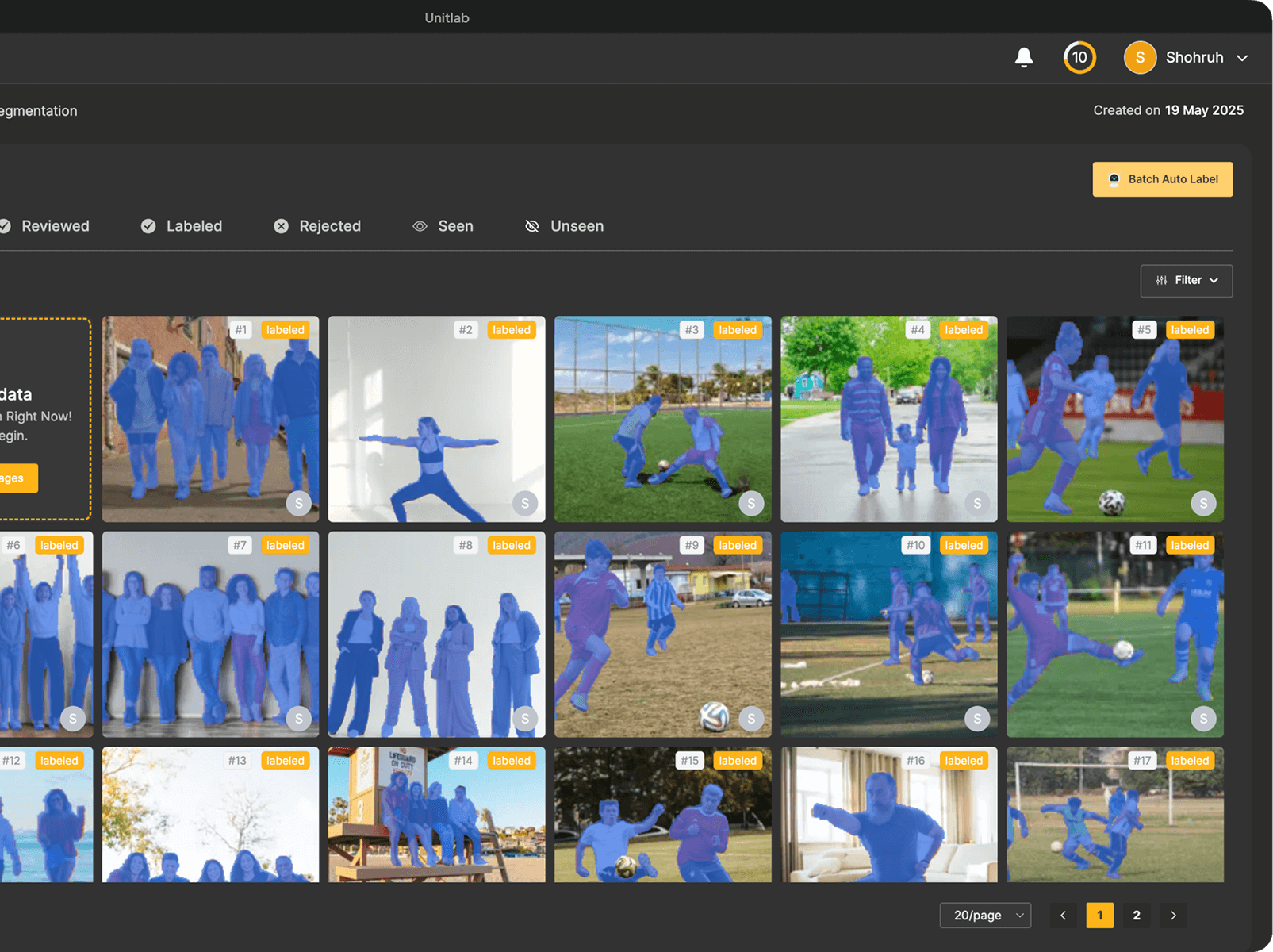

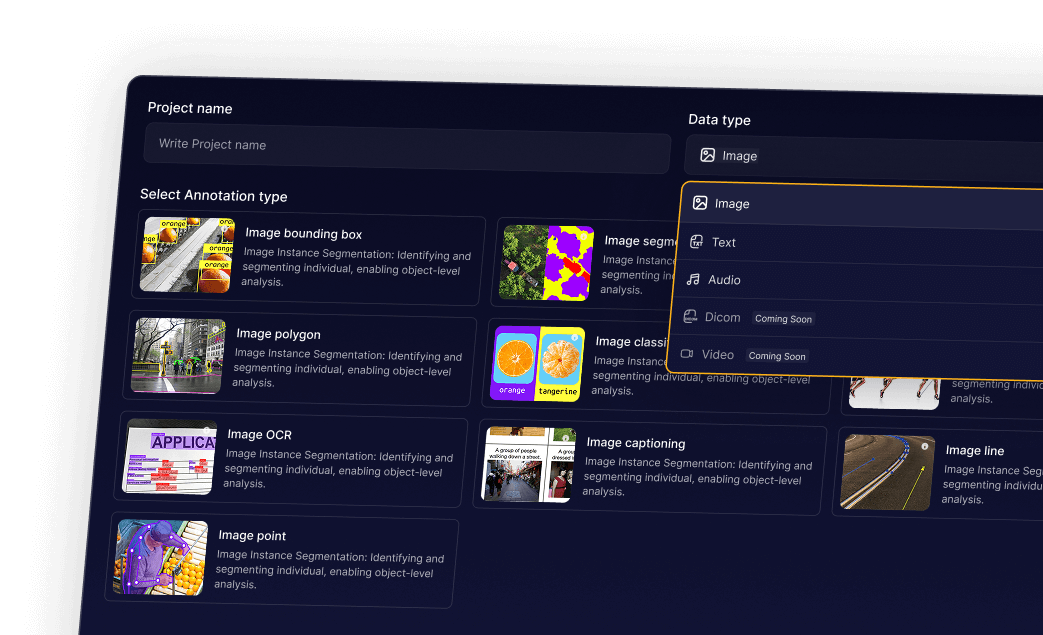
Quickly and accurately label images with bounding boxes, polygons, or segmentation masks. Perfect for building precise computer vision datasets.

Turn raw text into structured insights with entity recognition, sentiment analysis, and custom labels for NLP and AI applications.

Transcribe, segment, and label audio files efficiently. Capture speech, sound events, and emotions for AI-driven audio models.

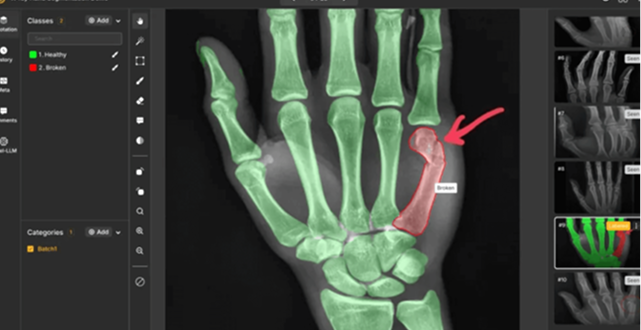
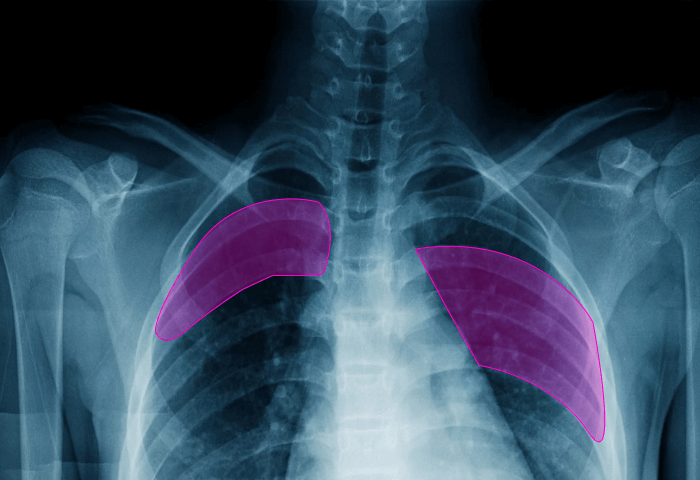
Annotate medical images and records with high accuracy. Supports CT, MRI, X-ray, and clinical text for reliable healthcare AI datasets.



.png)


是的,确实如此!无需信用卡即可使用 Unitlab。只要您保持在设定的限额内,就可以永久免费使用 Unitlab 工具。但是,为了更广泛地使用,Unitlab提供了订阅模式。该模型的定价是根据您组织的特定用法、数据要求以及您可能需要的任何额外服务(例如我们的高级标签解决方案)定制的。要获得量身定制的报价和更多信息,请联系我们的销售团队。
是的,您可以开始使用免费计划,然后在评估哪种计划最适合自己时更改计划。
数据标签服务起步于 0.02 美元 每张图片。基本价格取决于数据注释的类型、类别的数量以及每张图像要注释的对象的平均数量。
Unitlab 提供了一系列可扩展的本地解决方案! 联系我们 讨论您的需求。在咨询我们后,您可以购买 Unitlab 的本地解决方案。我们帮助您在工作空间中安装我们的整个注释系统。
Discover expert insights, product updates, and best practices in AI data annotation, automation, and model training — all from the Unitlab team
![Graphic with audio waveform icons, a laptop illustration, the text 'Audio AI Annotation [2025]', and the unitlab logo.](https://cdn.prod.website-files.com/651fc1beafe23dfe4999151d/6925821af2c871fe48143c78_Blog%201.png)