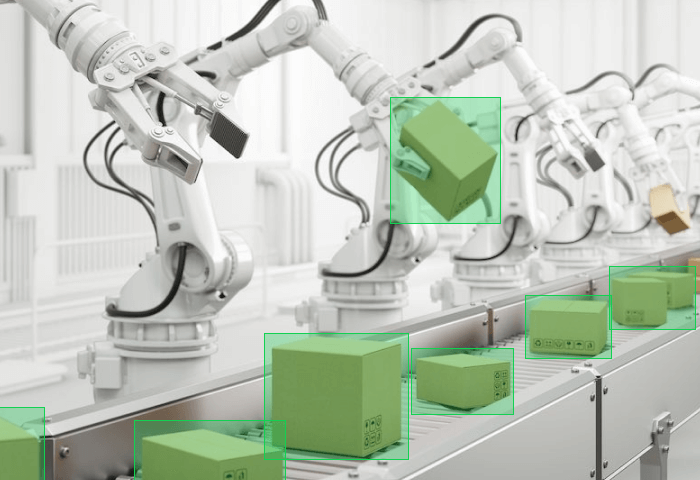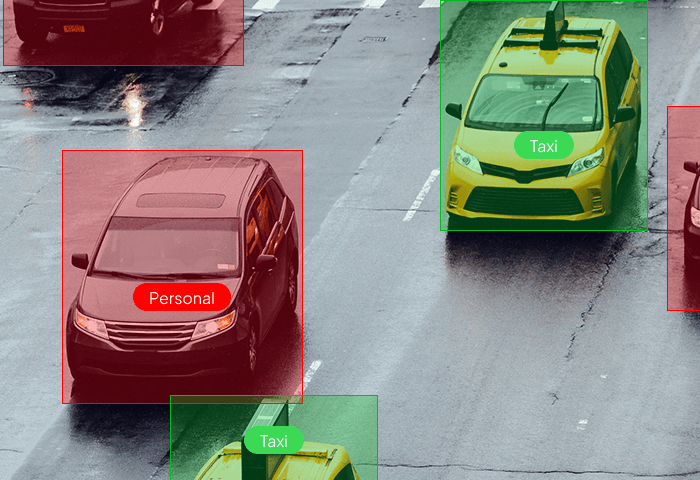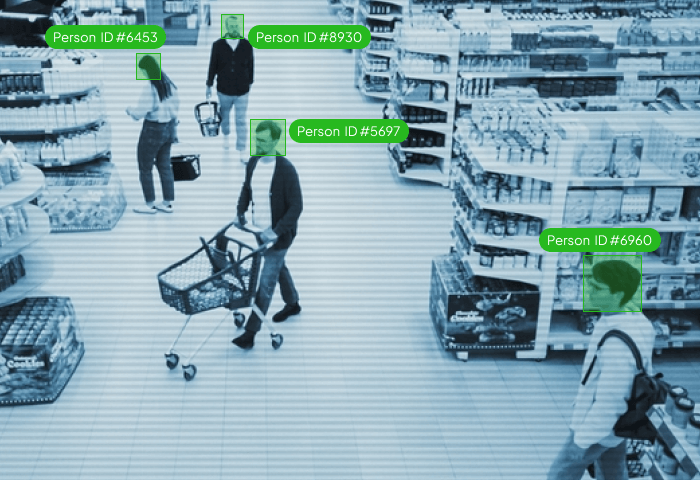










Discover why Unitlab stands out as the ultimate solution for your data annotation needs.
Fastest Data Annotation

Free Up AI Engineer’s Time

Save AI Development Cost
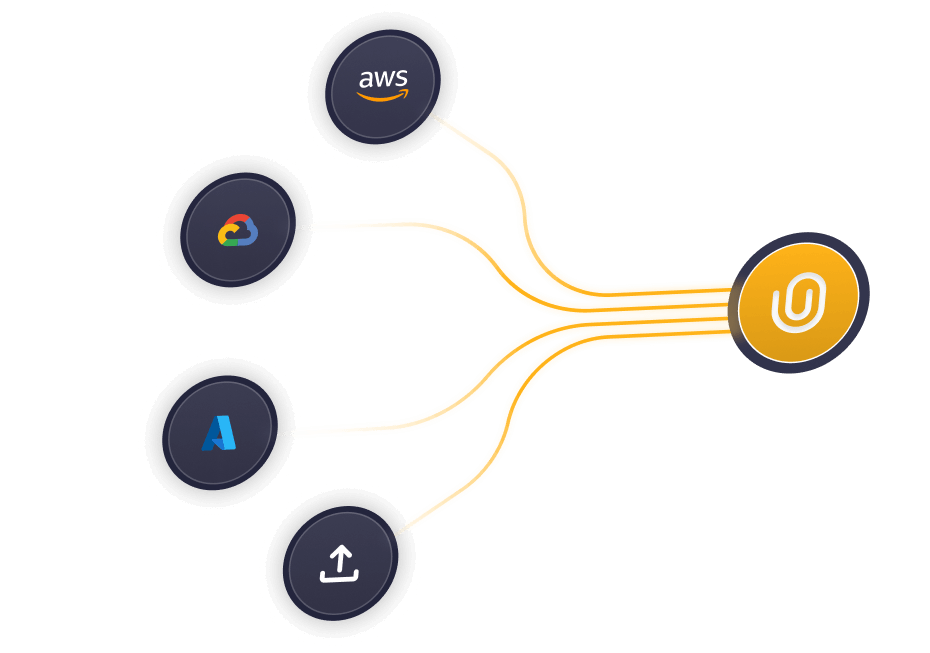
From data labeling to performance tracking — streamline every step with intelligent automation and full visibility.
.png)
Our auto-annotation models detect, classify, and segment data instantly—reducing manual effort while maintaining precision.
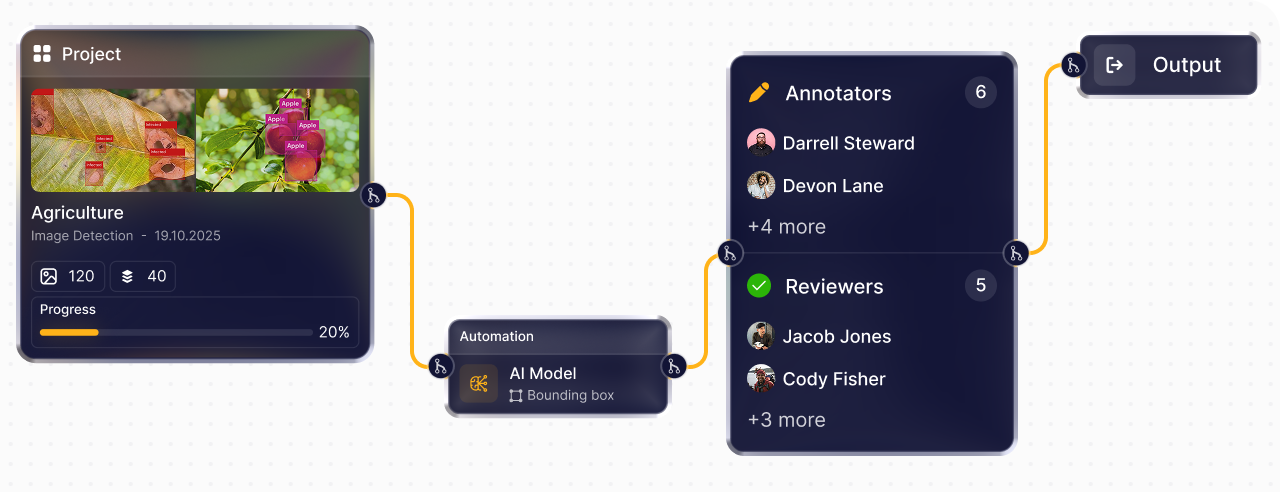
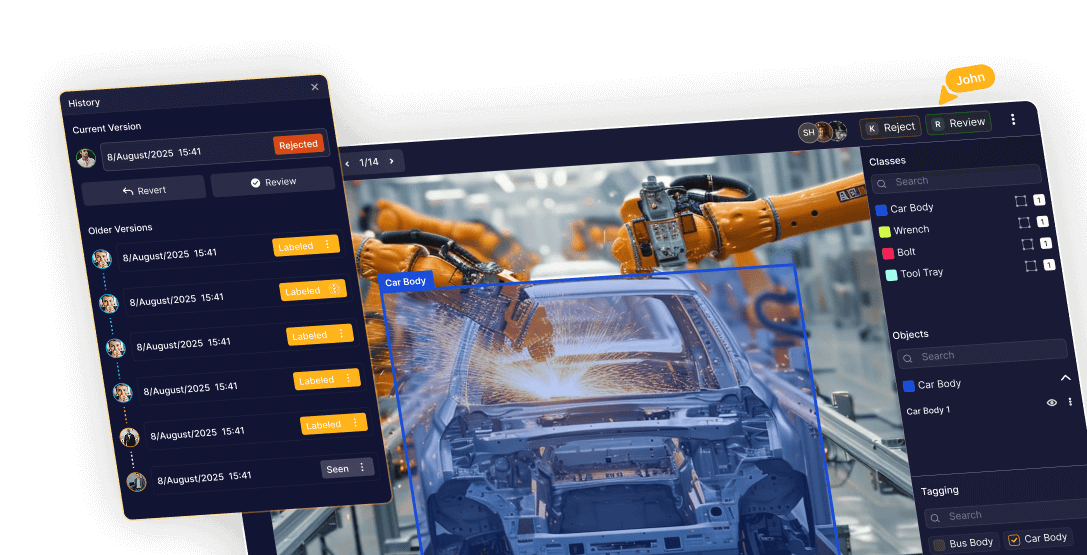
Build custom workflows that connect labeling and QA into one automated loop. Minimize manual handoffs and deliver data pipelines that scale effortlessly.
.png)
Power your workflows with custom or pre-trained AI models. Run predictions, enhance labeling accuracy, and optimize your data pipeline — all in one place.
.png)
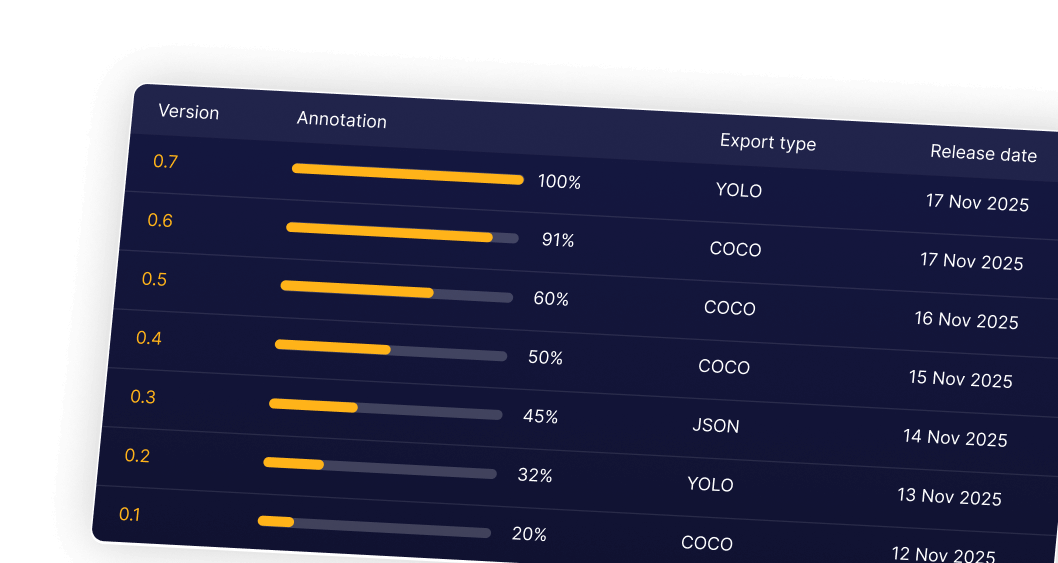
Gain full visibility into project performance with real-time analytics, team productivity metrics, and accuracy dashboards.
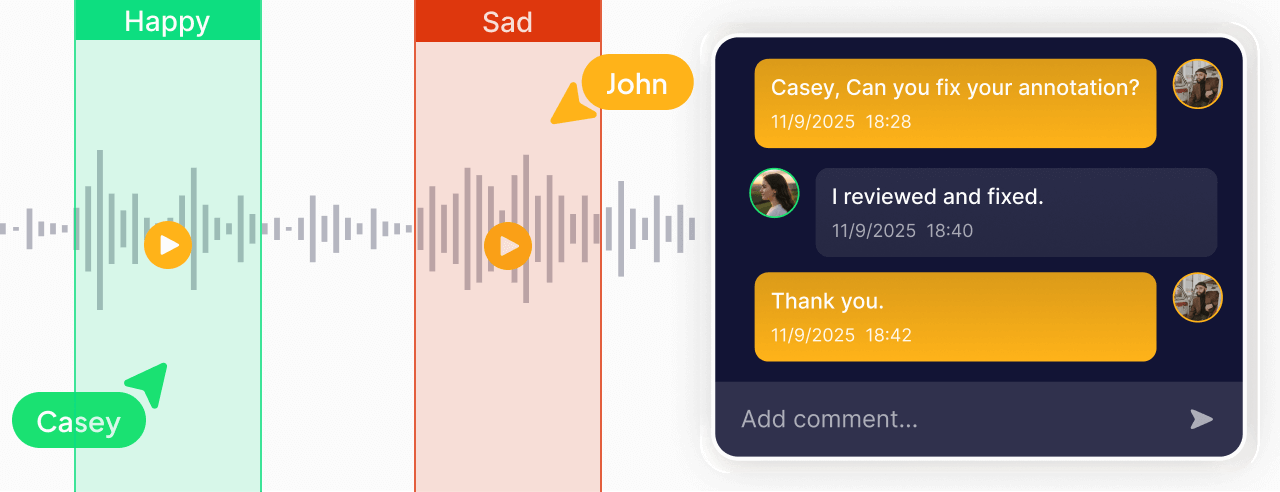
Manage large datasets, assign tasks, and collaborate with distributed teams — all within a secure, scalable environment.

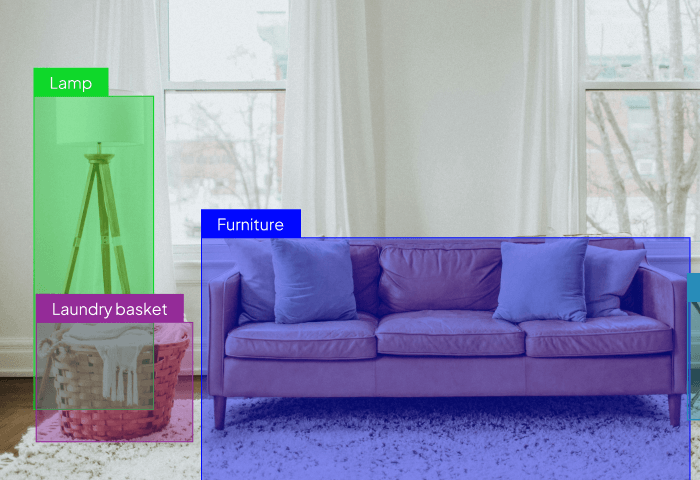
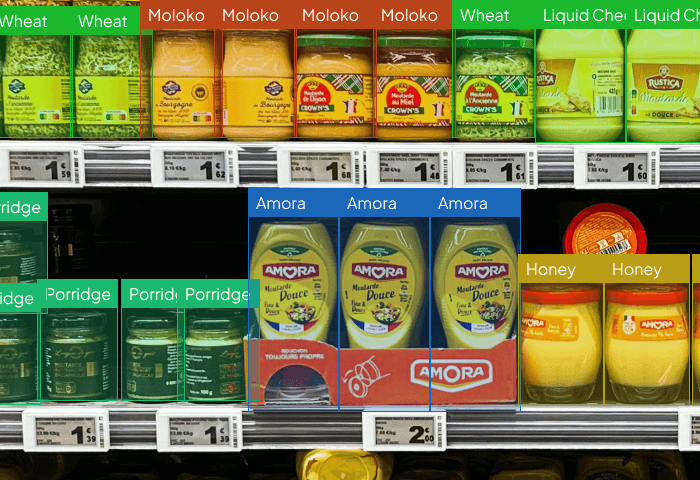
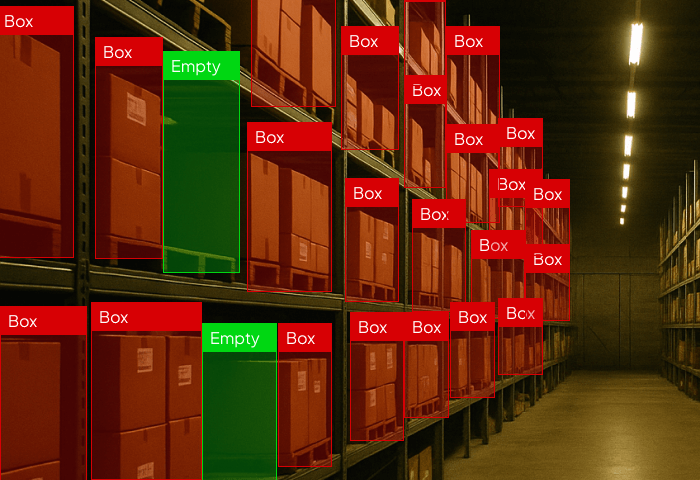
Identify and label every object in your dataset faster with AI-powered tools. From bounding boxes to multi-class detection — Unitlab makes annotation seamless, scalable, and intuitive.
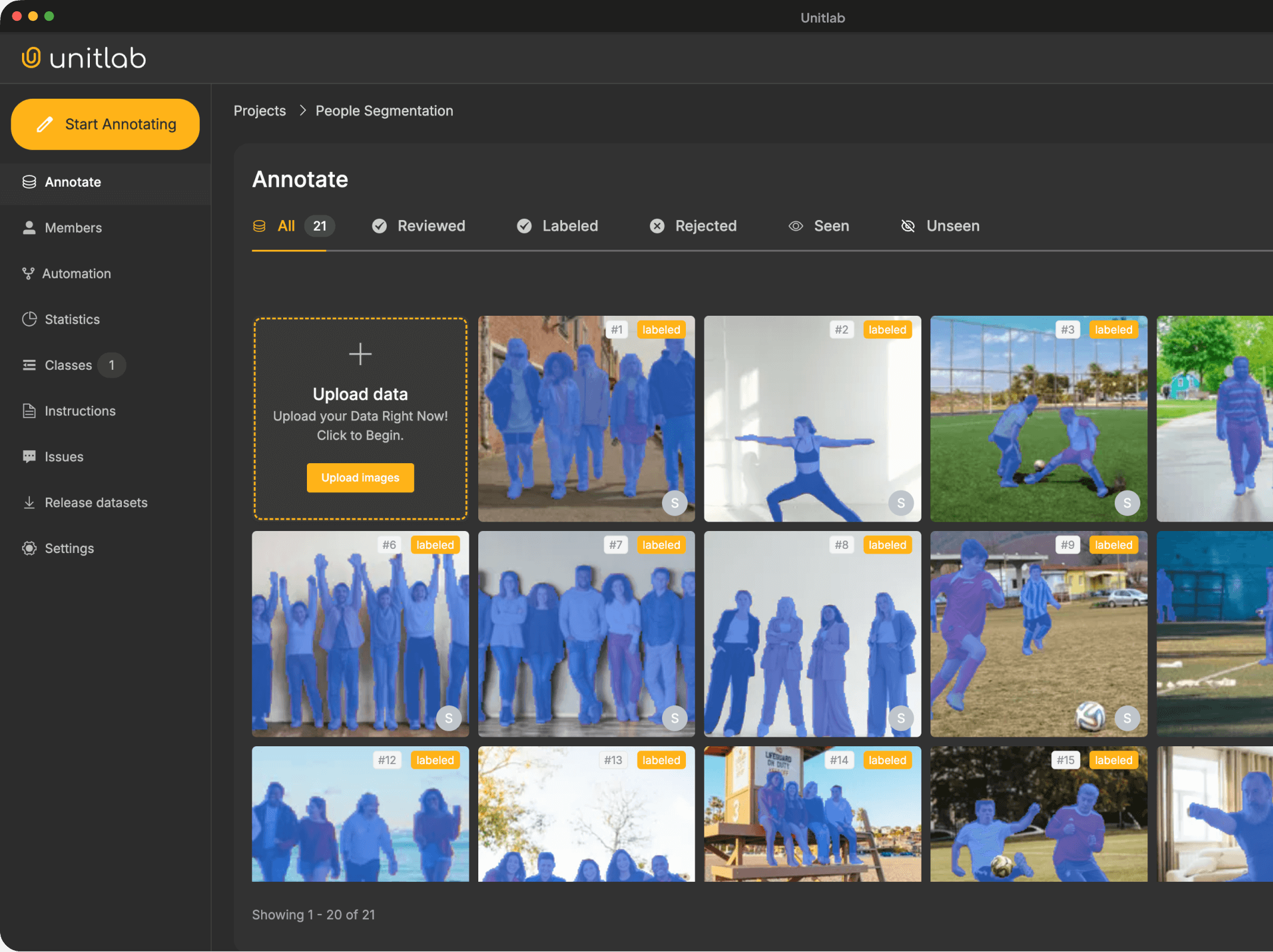

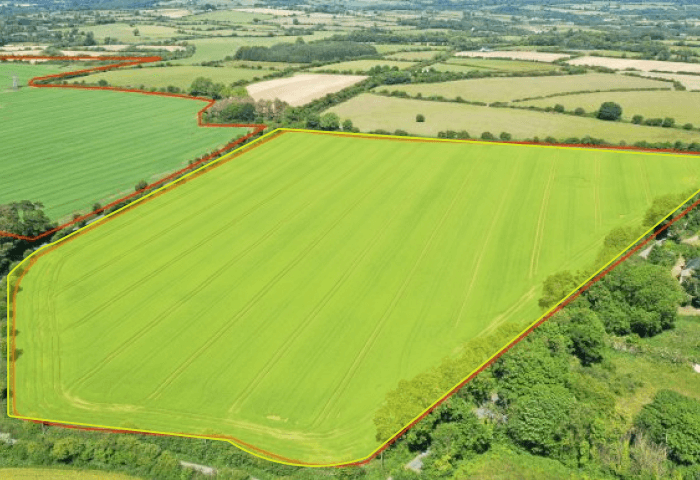
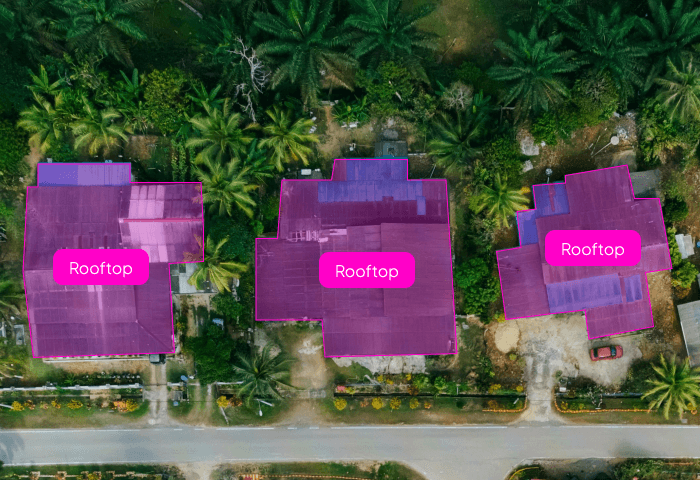
Automatically isolate any object in an image with pixel-level accuracy. Our AI handles simple to highly complex shapes, cutting annotation time and boosting dataset consistency.

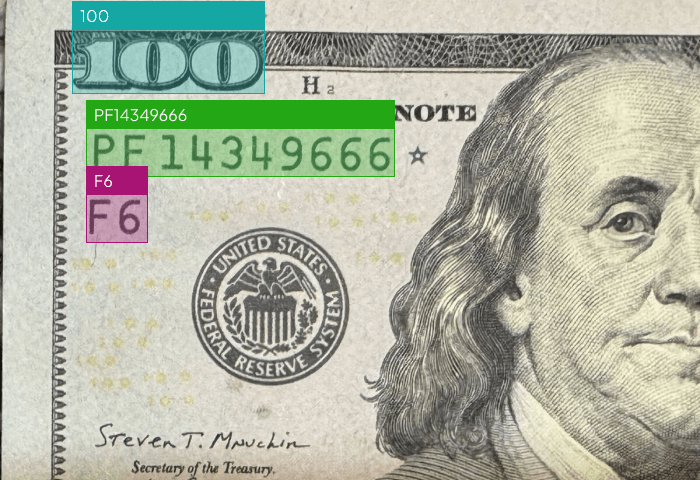
Capture text from documents, images, and screens with exceptional clarity. Supports multi-language, handwritten, and structured layouts for enterprise-grade document workflows.

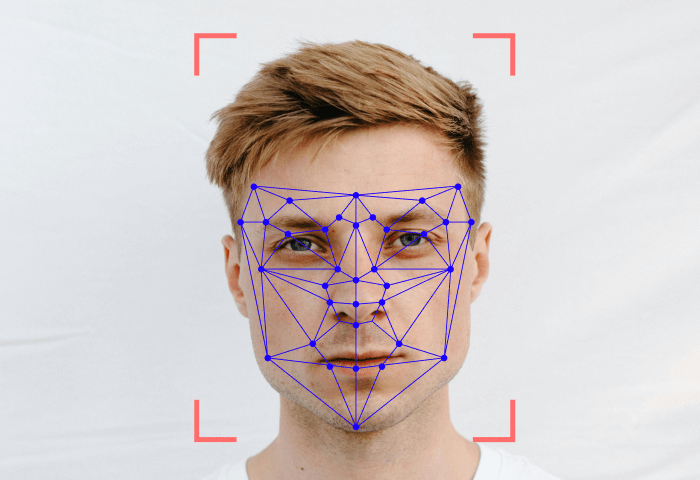
Identify and label keypoints across humans, objects, and mechanical structures. Ideal for pose estimation, movement analysis, product inspection, and advanced vision models.

Create accurate polygon labels for irregular, detailed, or non-standard shapes. AI-assisted contour detection ensures fast and reliable annotations across any dataset.

Identify and label every object in your dataset faster with AI-powered tools. From bounding boxes to multi-class detection — Unitlab makes annotation seamless, scalable, and intuitive.
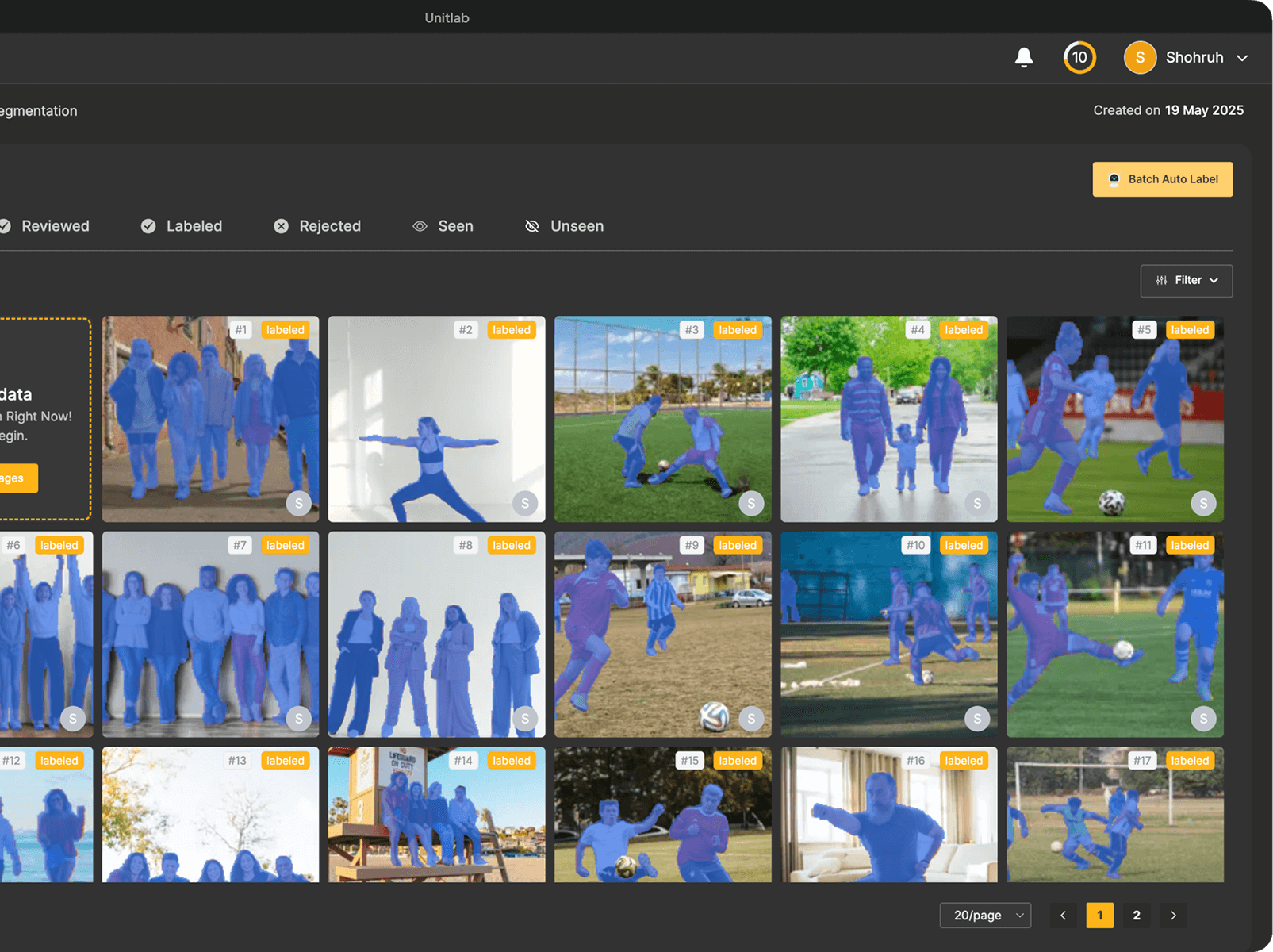

Quickly and accurately label images with bounding boxes, polygons, or segmentation masks. Perfect for building precise computer vision datasets.

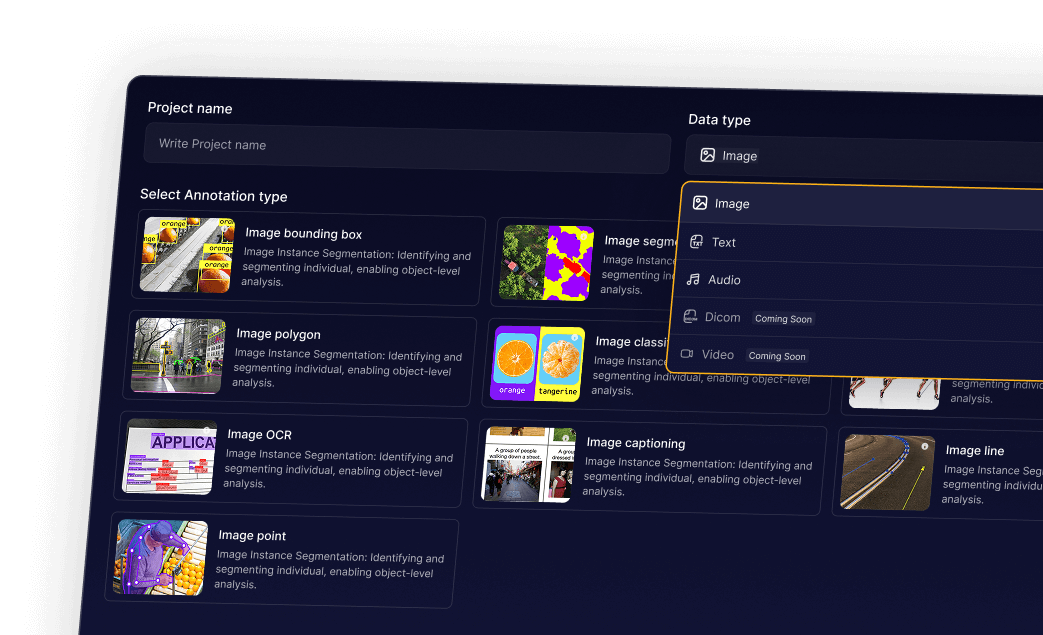
Turn raw text into structured insights with entity recognition, sentiment analysis, and custom labels for NLP and AI applications.

Transcribe, segment, and label audio files efficiently. Capture speech, sound events, and emotions for AI-driven audio models.

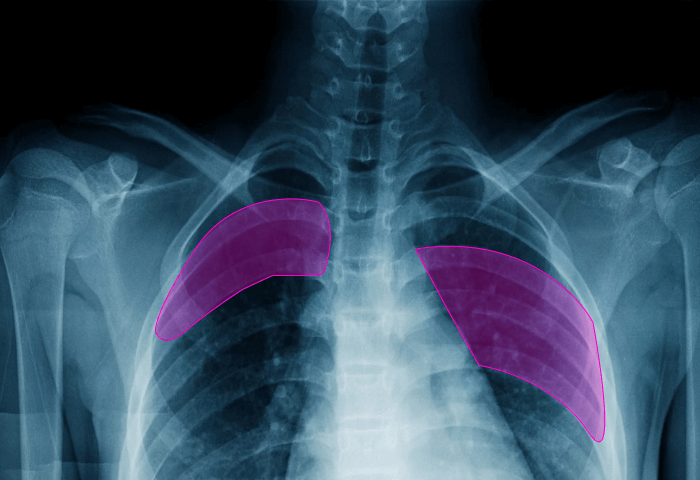
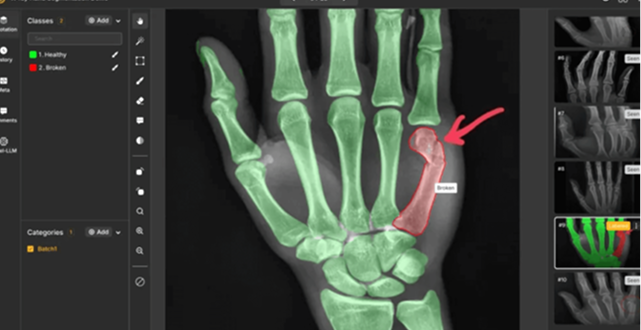
Annotate medical images and records with high accuracy. Supports CT, MRI, X-ray, and clinical text for reliable healthcare AI datasets.



.png)


Yes, it is! No credit card is required to use Unitlab. You can use the Unitlab tool for free forever as long as you stay within the set limits. However, for more extensive use, Unitlab offers a subscription model. This model's pricing is customized to your organization's specific usage, data requirements, and any extra services you might need, like our advanced labeling solutions. To get a tailored quote and further information, please connect with our sales team.
Yes, you can start working with a Free Plan and then change plans in the future as you evaluate which is best for you.
Data Labeling Services start at just $0.02 per image. The base price depends on the types of data annotation, the number of classes, and the average number of objects to annotate per image.
Unitlab offers a range of scalable On-Premises solutions! Contact Us to discuss your requirements. You can purchase Unitlab's On-Premises solution after consulting with us. We help you install our entire annotation system in your workspace.
Discover expert insights, product updates, and best practices in AI data annotation, automation, and model training — all from the Unitlab team
![Graphic with audio waveform icons, a laptop illustration, the text 'Audio AI Annotation [2025]', and the unitlab logo.](https://cdn.prod.website-files.com/651fc1beafe23dfe4999151d/6925821af2c871fe48143c78_Blog%201.png)


We care about your data and use cookies solely to enhance your experience. By using this website, you agree to our cookie policy. Learn more about our Privacy Policy and Cookies Policy.