
.png)
Check source quality and annotation results in the relevant views. Resolve issues through review and rework before release.
Explore annotation quality assurance
Use the available data and project filters to narrow your working set. Inspect relevant subsets before review or delivery.
Explore data curation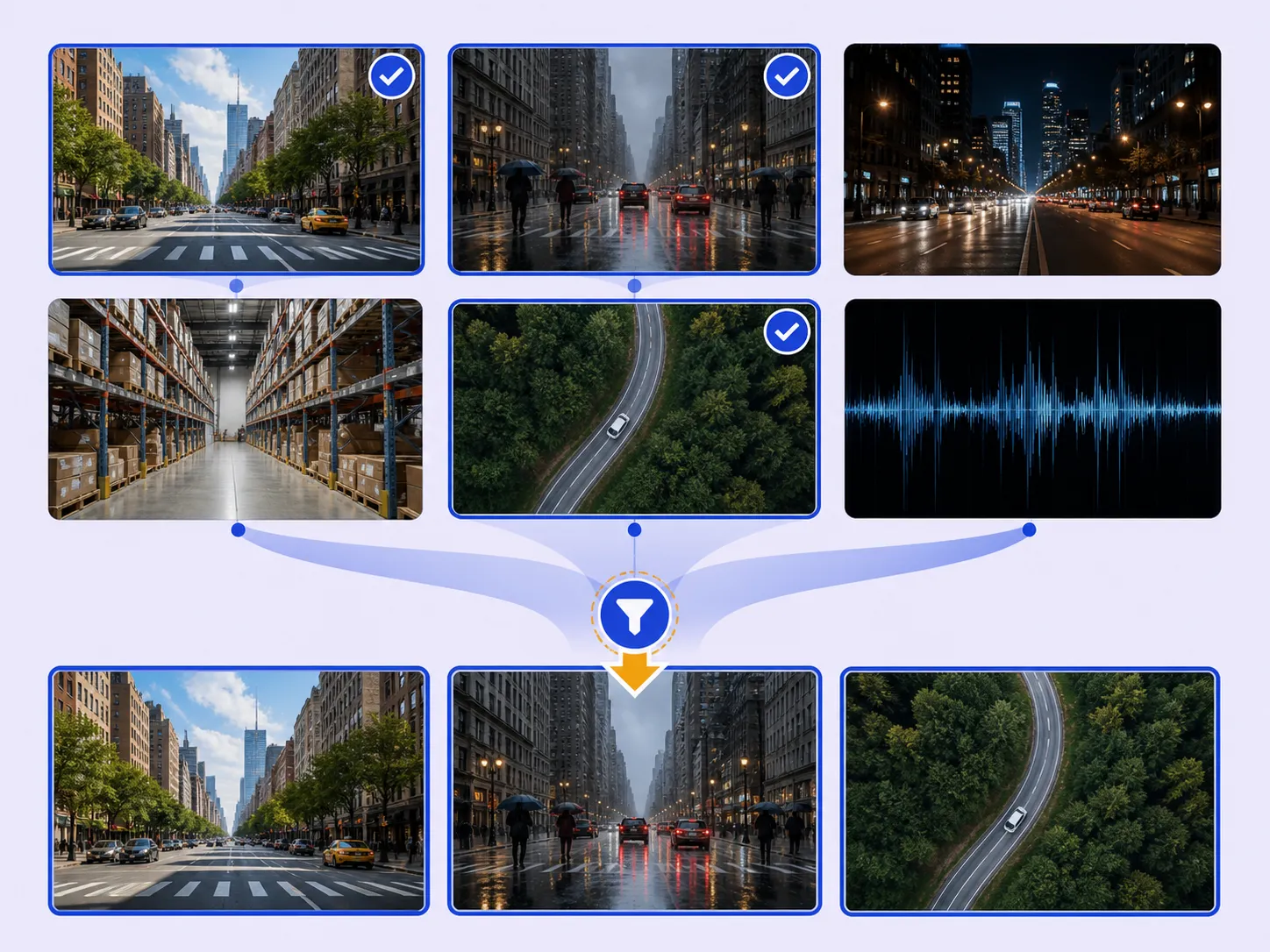
Inspect the source and labels together, then resolve issues before delivery.
Keep the selected source membership and its version history traceable.
Freeze project annotations in a release, inspect the output, and export for training.
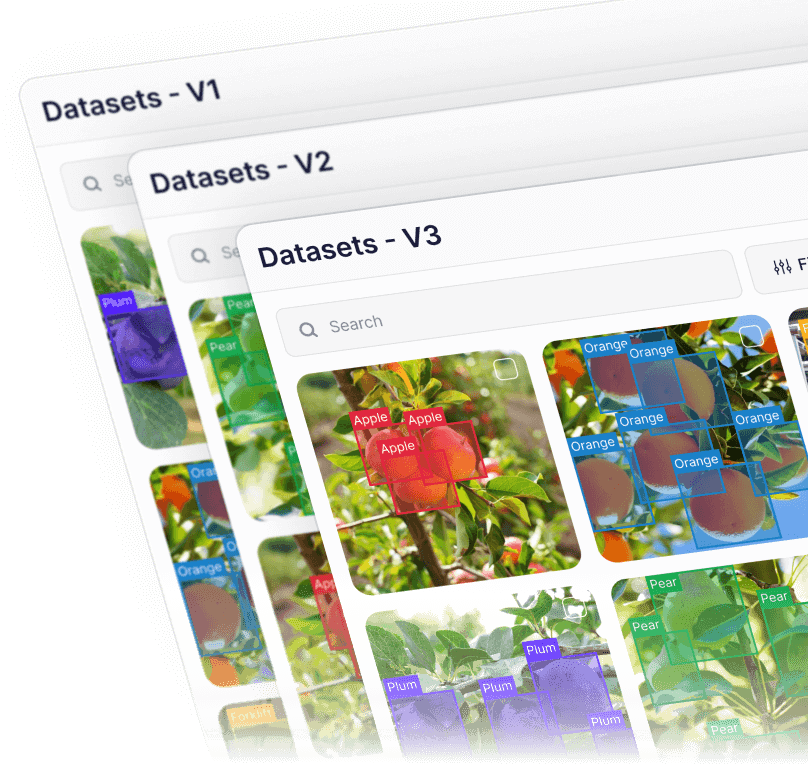
Publish a dataset version to preserve its folders and assets. Select the exact version when creating a project.
Review additions, removals, timestamps, and publishers to understand how the dataset changed.
Create a project release for delivery. Dataset versions preserve source membership; releases preserve annotation output.



Connected data. One shared context.
Explore Multimodal AnnotationObject detection, segmentation, and keypoints.
Explore Image AnnotationObject tracking and frame-accurate labels.
Explore Video Annotation3D cuboids, point segmentation, and synchronized cameras.
Explore LiDAR AnnotationDICOM and volumetric medical imaging.
Explore Medical AnnotationWhole-slide images, tissue, and nuclei.
Explore Pathology AnnotationSatellite and aerial imagery.
Explore Geospatial AnnotationEntities, relationships, and text classification.
Explore Text AnnotationPDFs, OCR fields, and document layouts.
Explore Document AnnotationText spans in their original webpage context.
Explore HTML AnnotationSpeech, speakers, and sound events.
Explore Audio AnnotationTime-series intervals and sampled events.
Explore Sensor AnnotationRecord, cell, and field-level annotation.
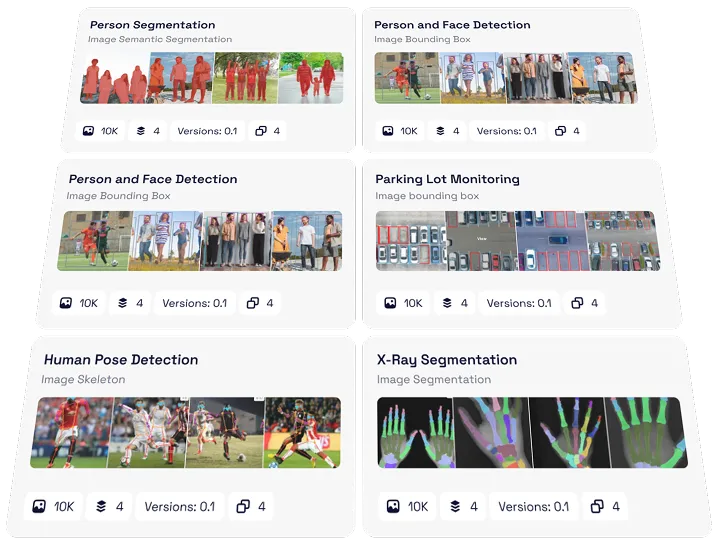
Explore Tabular AnnotationDataset management helps AI teams turn already annotated data into organized, traceable training inputs. In Unitlab, teams can visually inspect examples, filter relevant data, manage versions, and prepare reviewed outputs for training. It connects the results of data annotation with a repeatable delivery workflow.
Data curation focuses on finding and selecting relevant source data. Dataset management focuses on organizing, visually checking, filtering, and versioning annotated data for downstream use. Together, they connect deliberate data selection with traceable training-data delivery.
Yes. Inspect the underlying data and annotations, then use available filters and properties to narrow the examples you need to check. Resolve labeling issues through quality assurance, review, and rework before preparing a training release.
A dataset version preserves the source-data membership of a dataset at a specific point. An annotation release freezes a project's annotation output for delivery. Use dataset versions to identify your input data and project releases to identify the labeled output used for training.
Yes. A published dataset version can provide source data for another project. The project works with its own copy, so later annotation changes do not modify the source dataset. See dataset versions and history for the workflow.
Unitlab supports workflows for images, video, audio, text, documents and PDFs, HTML webpages, medical imaging, whole-slide pathology, geospatial imagery, sensor and time-series data, and tabular data. Explore multimodal annotation when related data needs shared context, and choose the appropriate output format for each training workflow.
Inspect the examples and resolve outstanding issues through your annotation quality workflow. Record the source dataset version, create a project release of the reviewed annotations, and export in a supported format suited to your training pipeline. This makes the input data and delivered labels easier to trace.
Use the API documentation, Python SDK guide, and CLI documentation to identify supported integration steps. Keep dataset-version and release identifiers alongside training runs so your team can track which data and annotations were used.
Want to evaluate your dataset workflow? Book a platform demo.



We use cookies to improve your experience. See our Privacy Policy and Cookie Policy.