
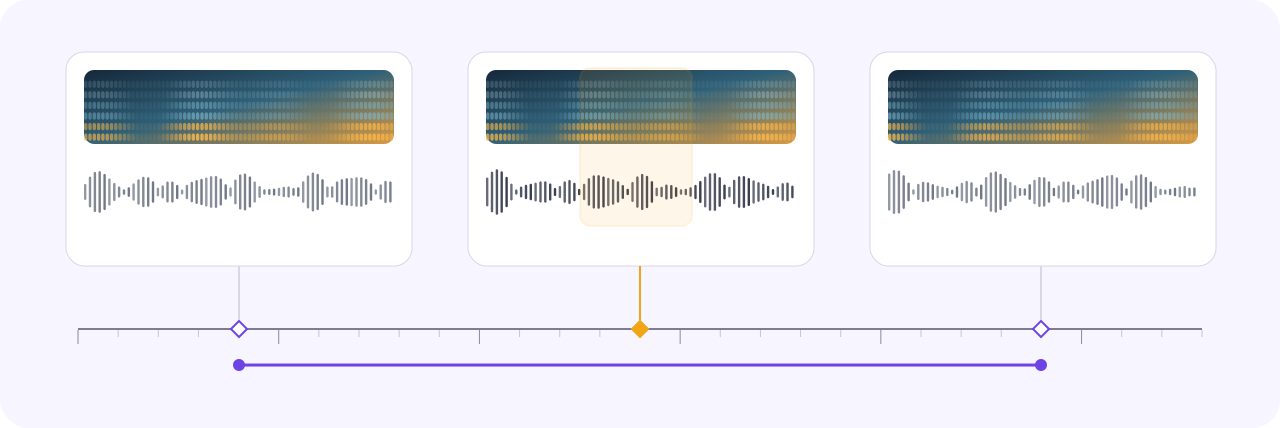
Precise Temporal Event Labeling
Select exact time ranges on the waveform, apply ontology-guided event classes, and review boundaries in synchronized audio context.
Time rangesEvent classesBoundary review

Annotate speech, transcripts, speaker diarization, speaker labels, sound events, and acoustic properties with precise temporal ranges, synchronized playback, and scalable review workflows.
Label exact time ranges, review synchronized waveform and spectrogram context, align transcripts, and navigate long recordings without losing context.
Select exact time ranges on the waveform, apply ontology-guided event classes, and review boundaries in synchronized audio context.
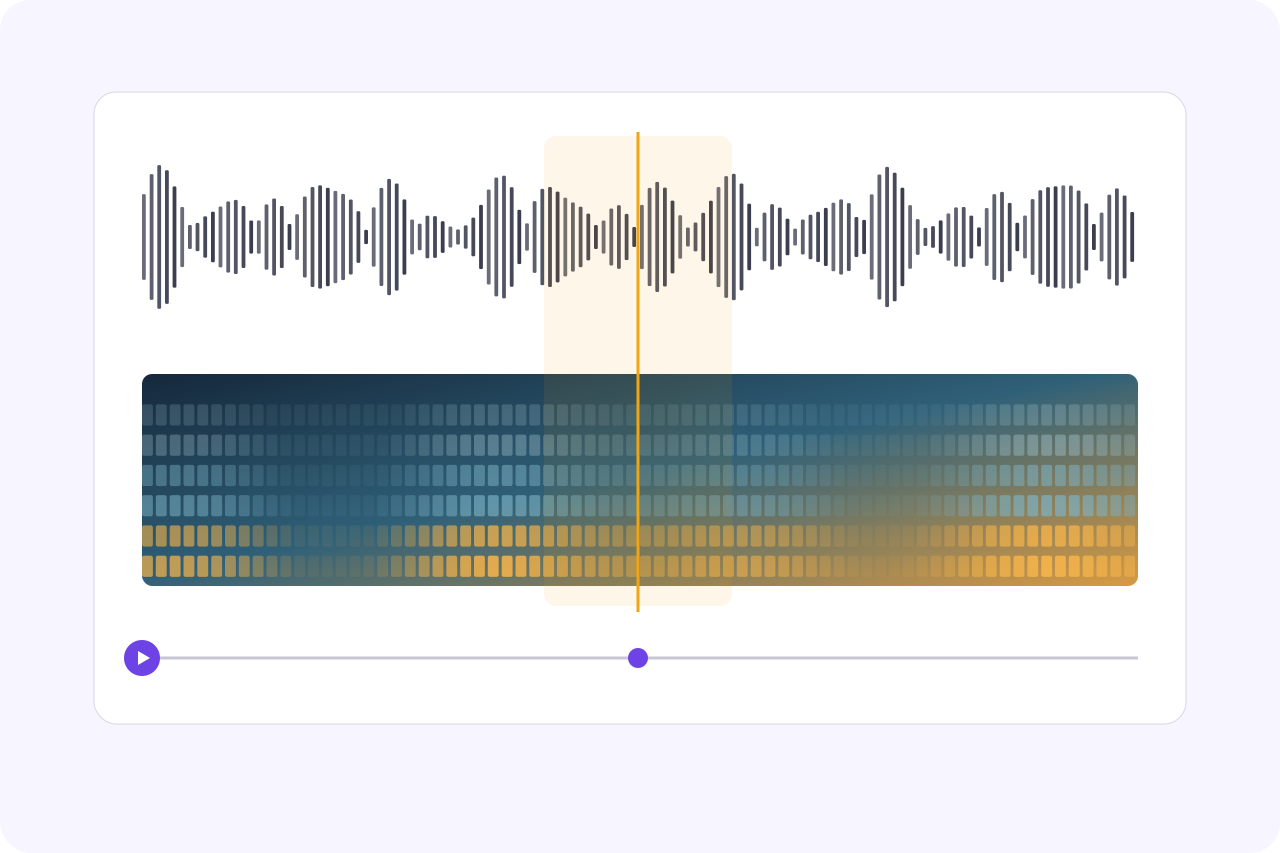
Play, pause, scrub, and zoom while the waveform, spectrogram, selected ranges, and playhead remain synchronized.
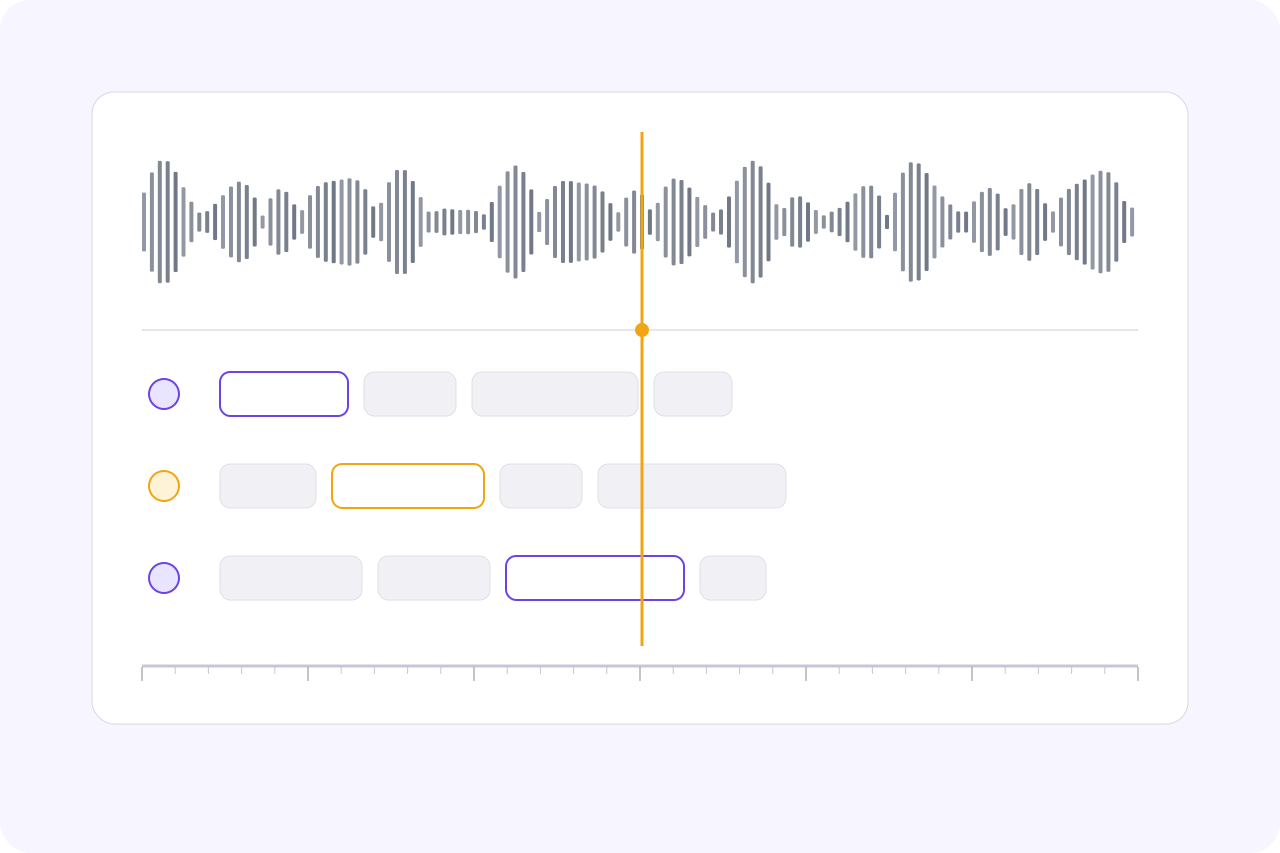
Review transcript spans, speaker labels, confidence, and exact timestamps directly against the source audio.
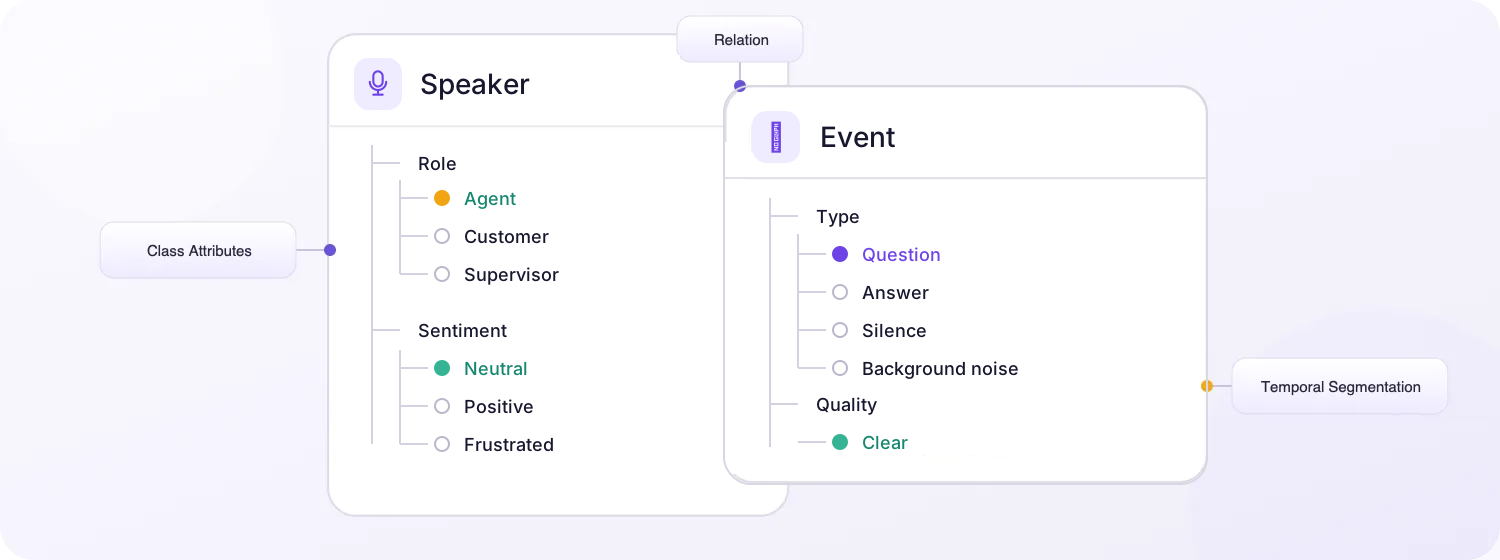
Define nested speaker and event classes, properties, Item Properties, and Relations, then review temporal values on the timeline.
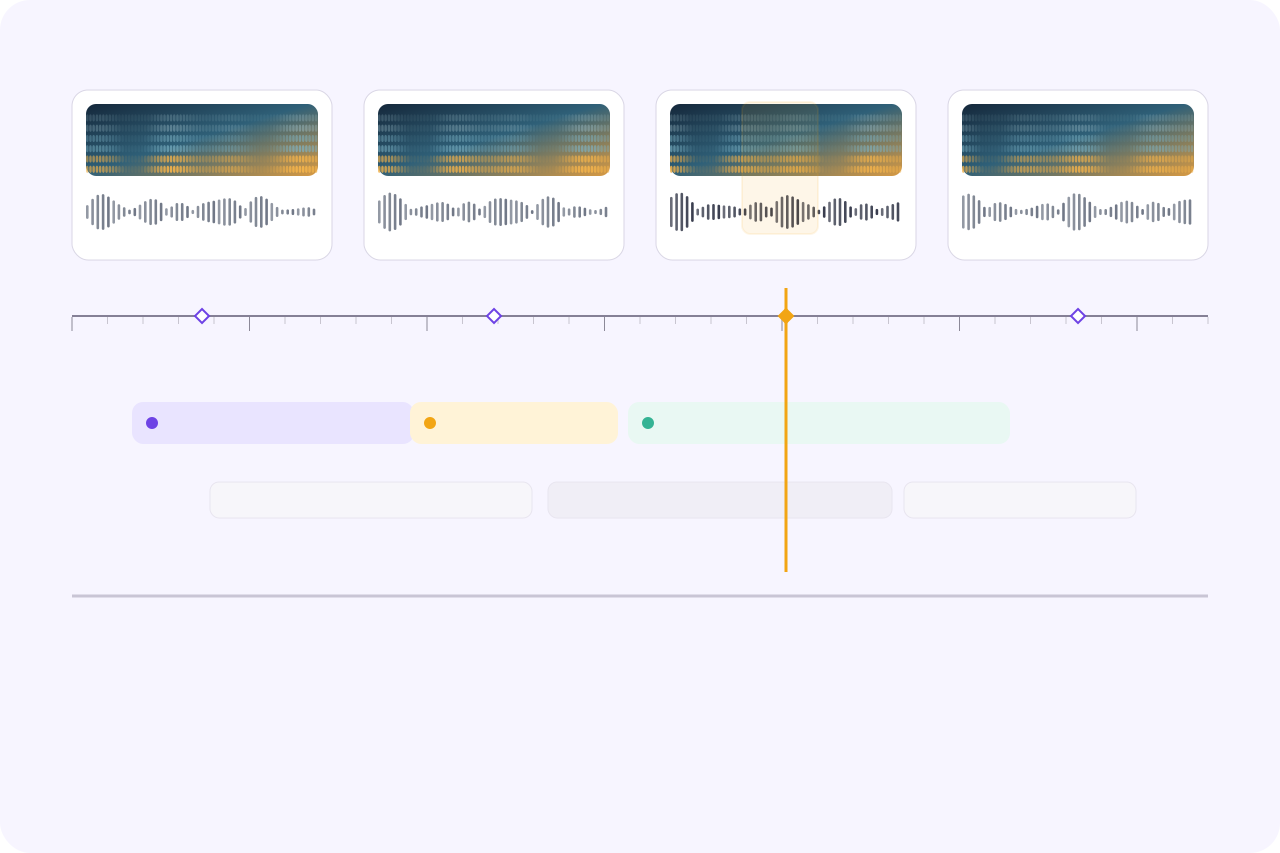
Review temporal events, speaker segments, transcript spans, class attributes, and item-level states together without losing context.
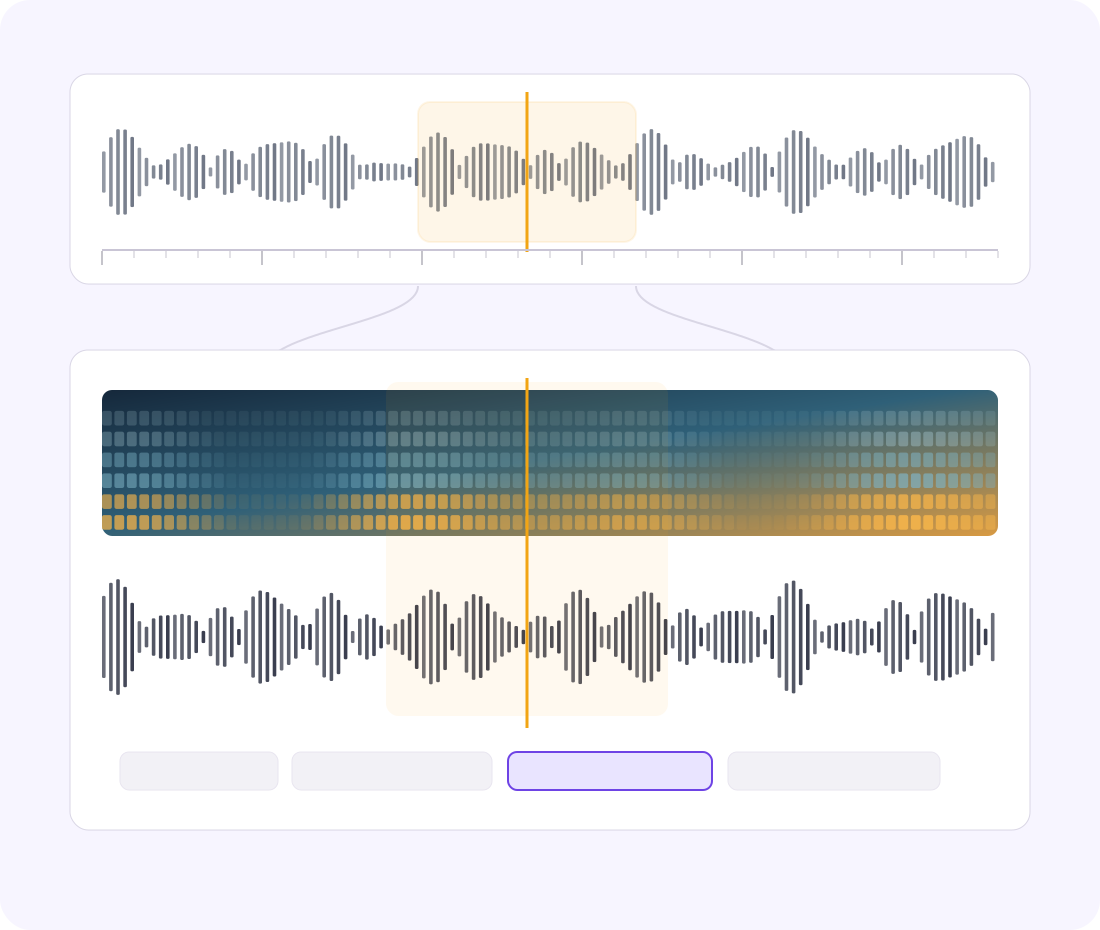
Navigate a 10 h 35 min recording with overview navigation, waveform zoom, stable playback, and exact time selection.
Annotate complex audio datasets faster with AI-assisted automation, scalable workflows, and lower operational costs.
AI-assisted labeling and shared timelines streamline audio data annotation.
On average, 95% of audio labels are pre-labeled automatically, then reviewed and refined by humans.
The cost per accepted label can be up to 15× lower as curation, annotation, and QA are automated.
Label time ranges, segment recordings, align transcripts, classify speakers and events, apply properties, and connect related annotations.
Select precise start and end times for speech, sound events, and other temporal labels.
Partition recordings into meaningful speech, silence, music, noise, or event regions.
Align transcript spans and words to exact audio time ranges for review.
Assign speaker roles and identities to conversational or diarized segments.
Classify speech acts, sound events, acoustic conditions, and review outcomes.
Capture sentiment, quality, confidence, or other attributes on selected events.
Define reusable, ontology-guided attributes for speakers, events, and segments.
Label properties of the complete recording, including source, environment, language, and quality.
Connect speakers, temporal events, transcript spans, and other related audio annotations.
Compare labels on the same recording, check approved references, and resolve issues with the waveform and transcript in view. Keep each quality decision connected to its source interval.
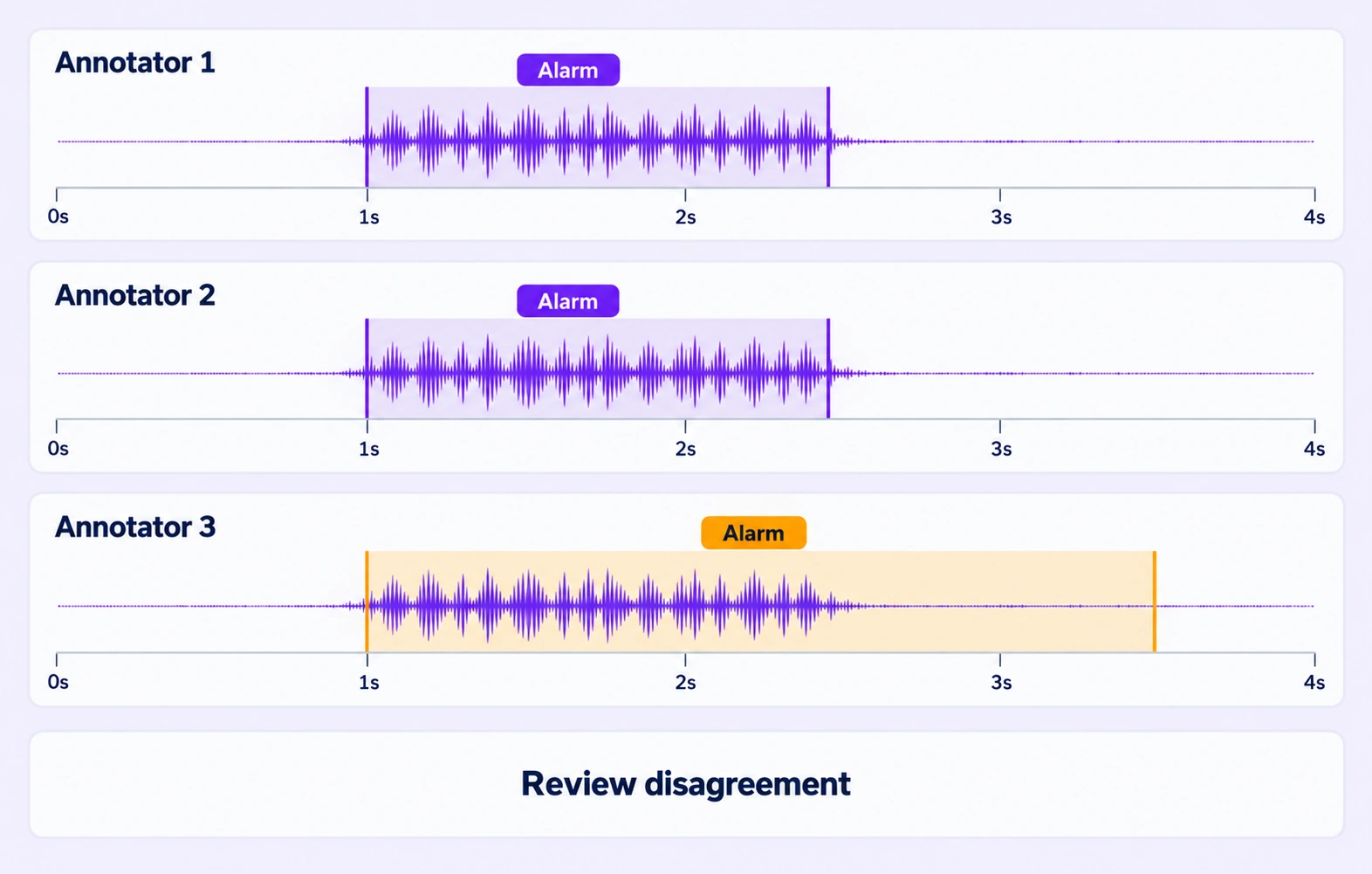
Compare independent annotations on the same recording and time axis. Review disagreements in event intervals, speaker labels, and supported annotation properties.
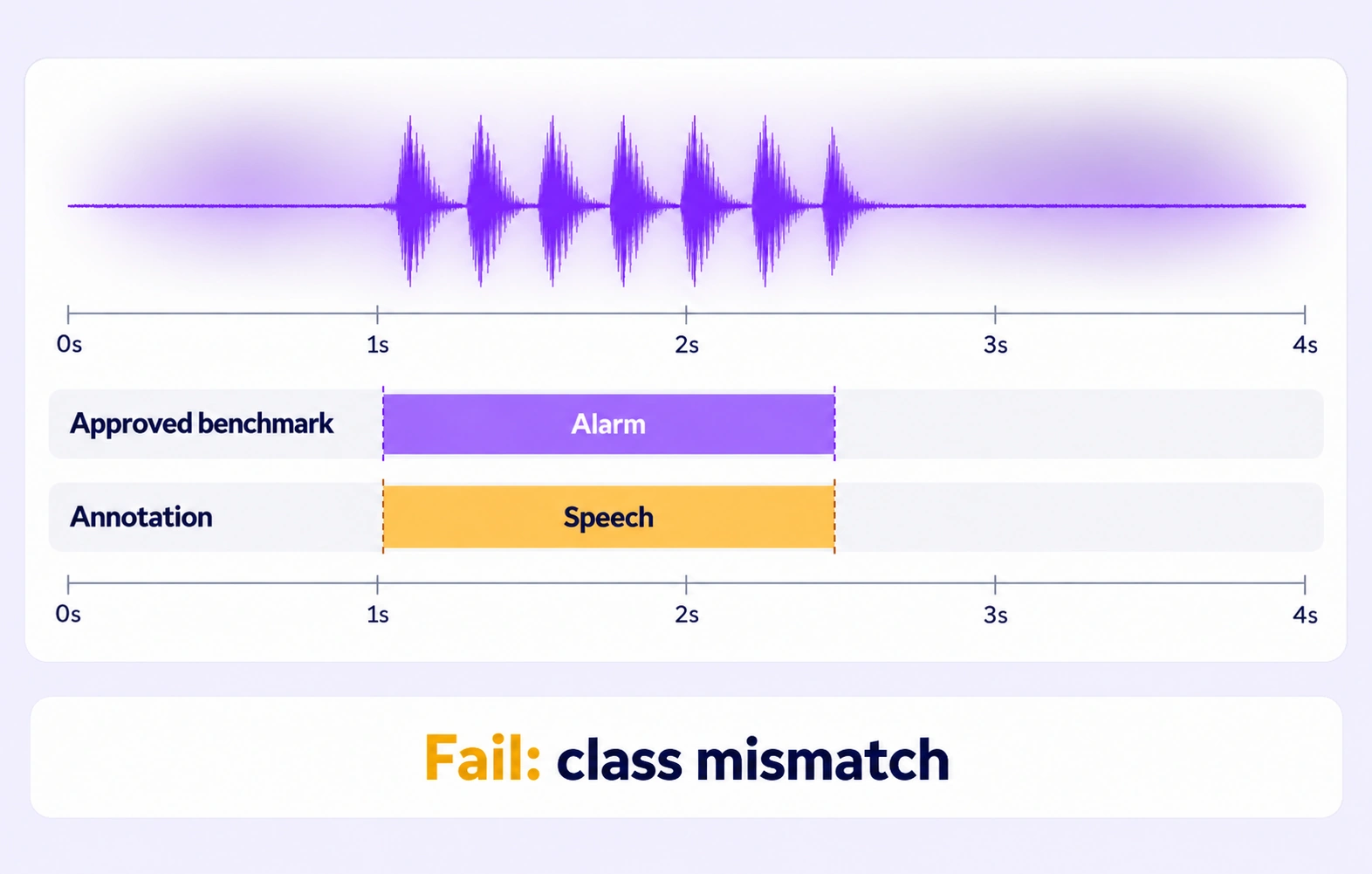
Check audio labels against approved references hidden from annotators. Evaluate supported event classes and time boundaries using the configured quality criteria.
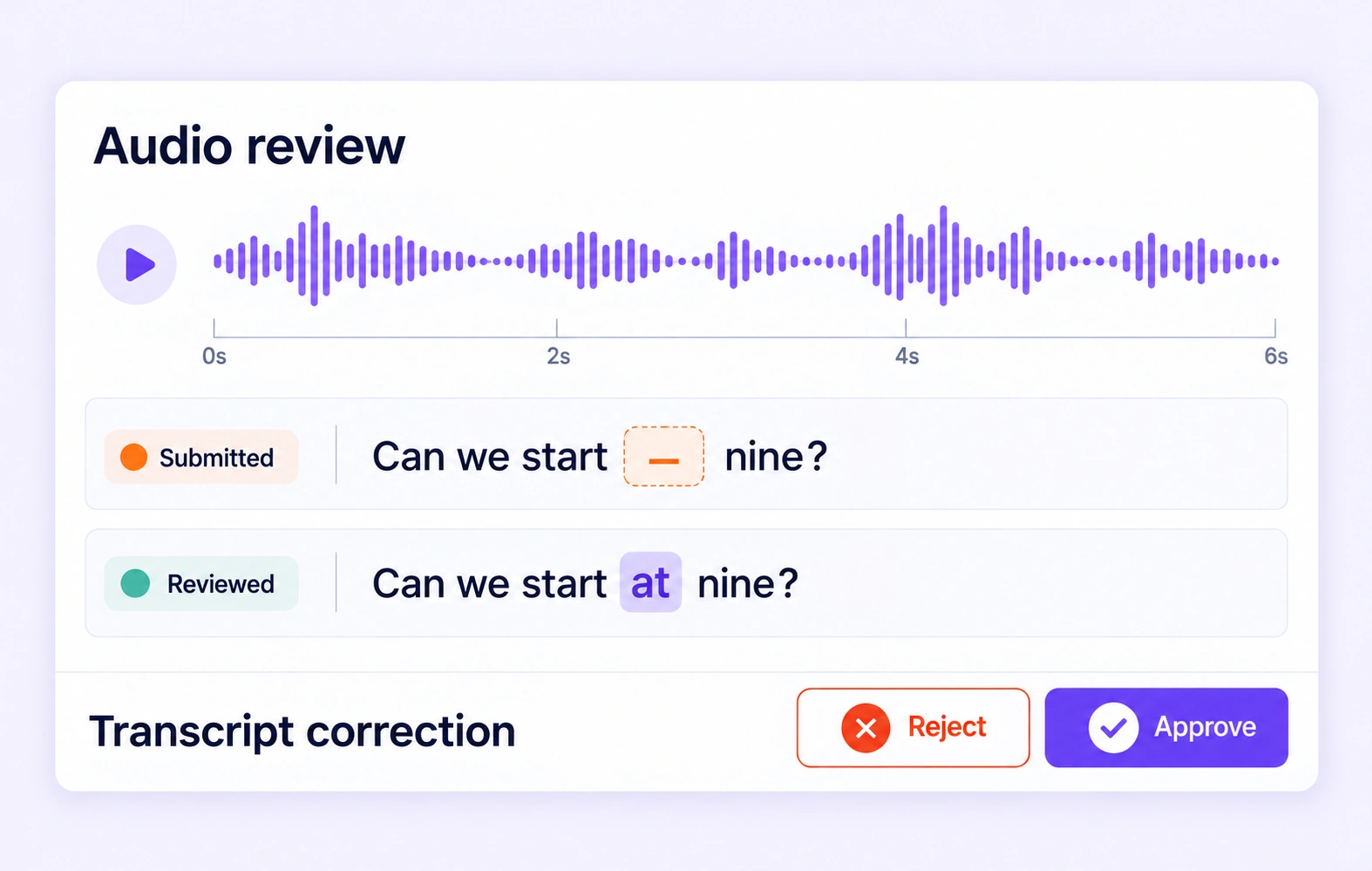
Inspect missing properties, transcript errors, and disputed audio intervals in context. Correct the affected labels and resolve reviewer feedback before approval.
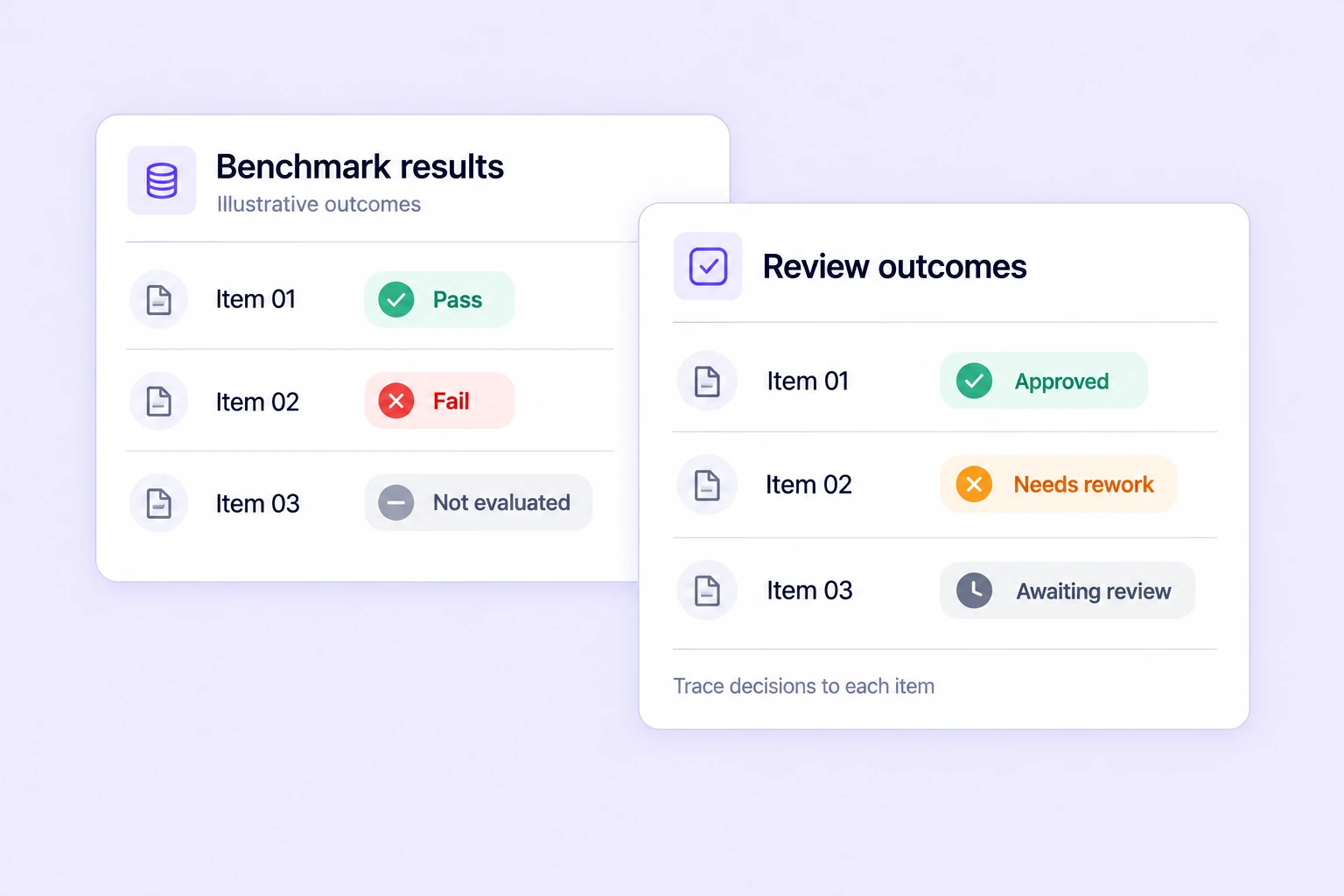
Track benchmark results, consensus outcomes, and review decisions across audio tasks. Prioritize recordings and intervals that need additional listening and review.
Search, version, and inspect audio datasets, connect AI models, and move annotations through review and approval.
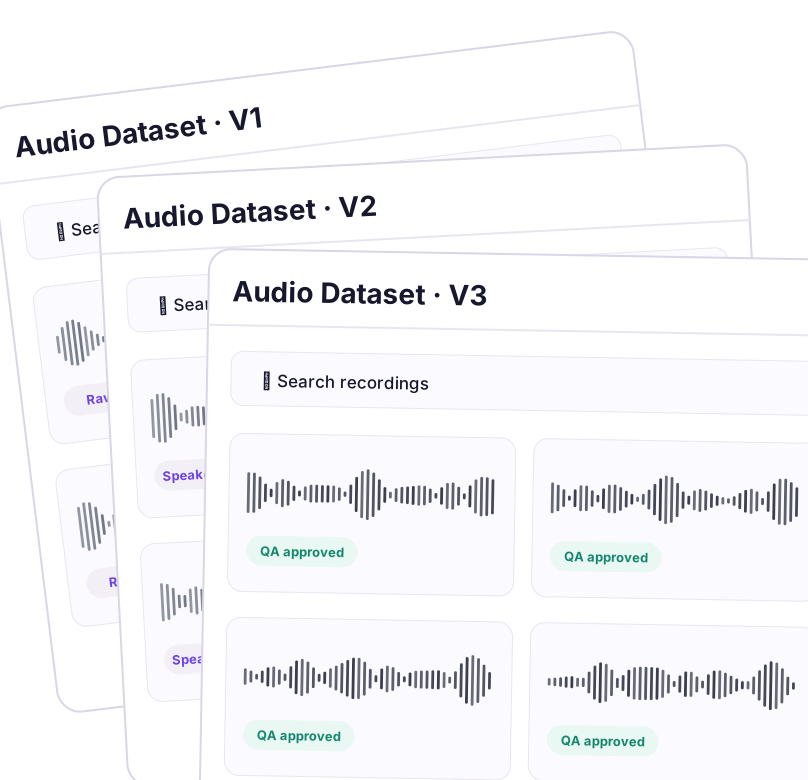
Create and manage dataset versions as audio data evolves. Track changes, assign work, and keep every version auditable and production-ready.
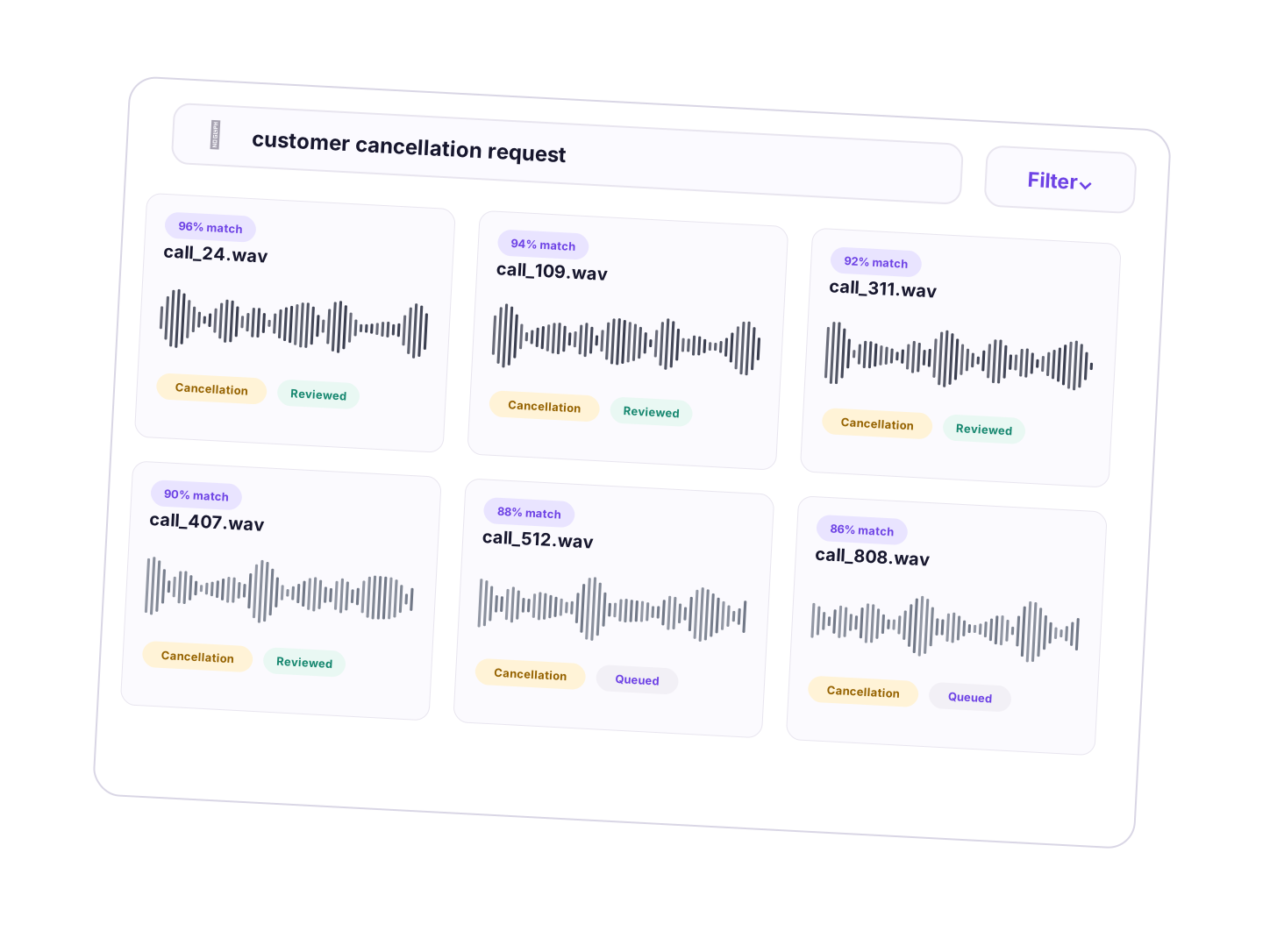
Explore large audio datasets through semantic understanding instead of manual filters. Find relevant clips, events, speakers, and transcript cases across diverse conditions.
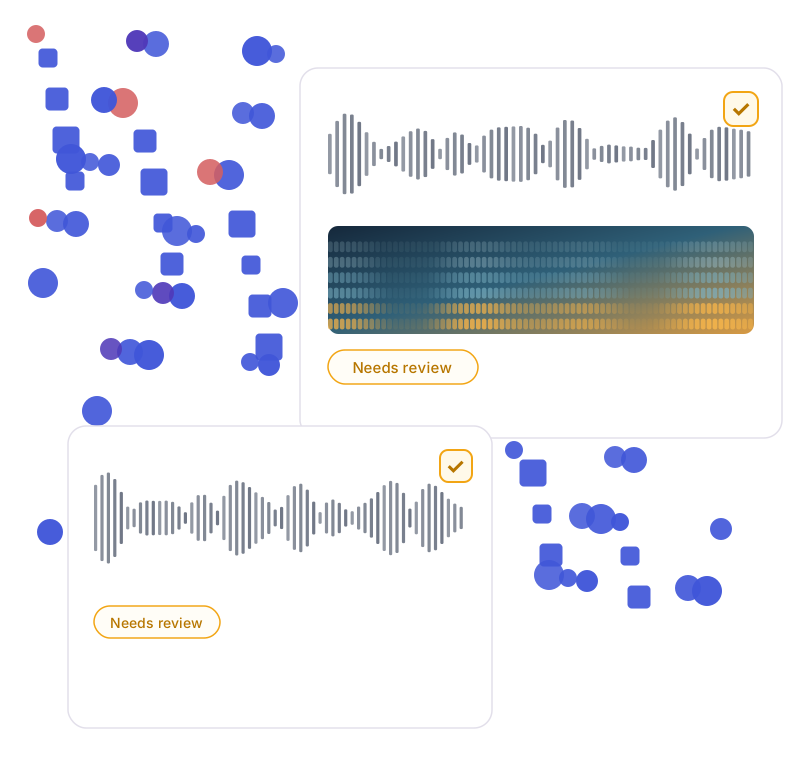
Visualize dataset structure, identify outliers and labeling issues, and improve audio-data quality before training.
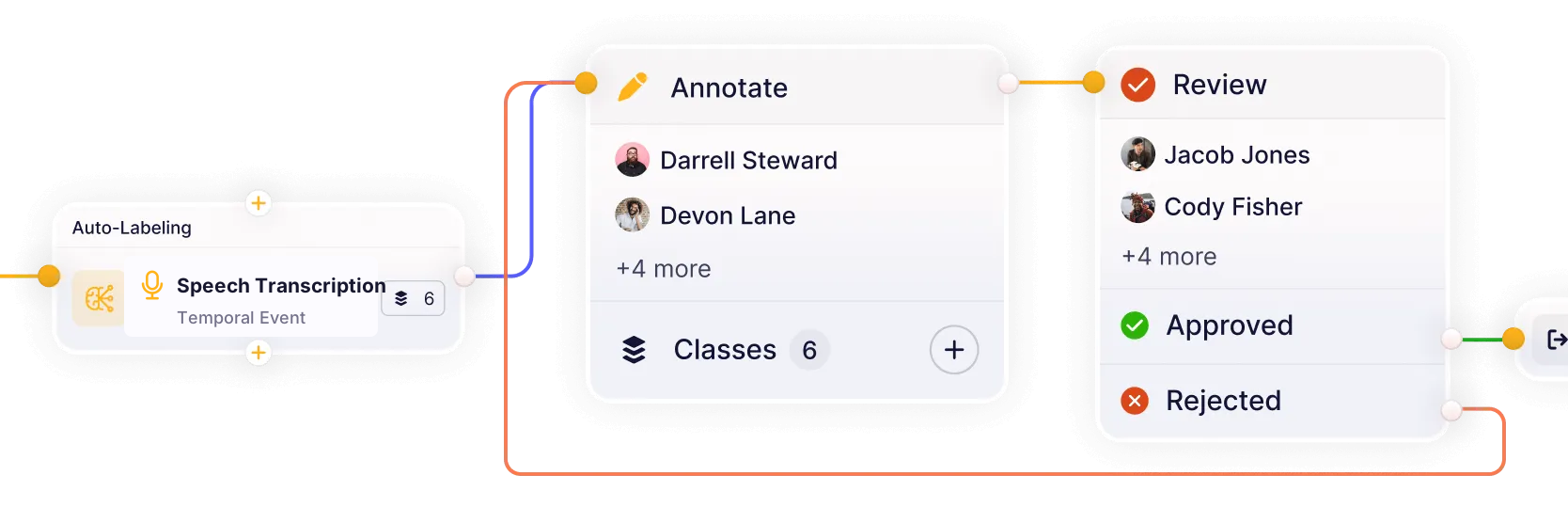
Build workflows that connect models, annotation, review, and quality assurance in one continuous loop. Reduce handoffs and keep datasets moving from labeling to approval.
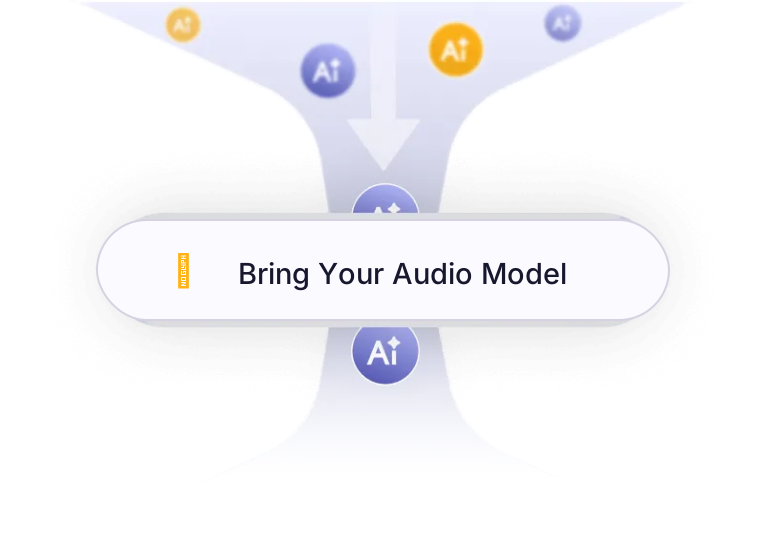
Connect your own AI models for pre-labeling and model-assisted annotation. Improve accuracy and iterate faster on real-world audio datasets.
Prepare time-aligned, ontology-driven audio datasets for transcription, speaker analysis, acoustic events, and contact-center intelligence.
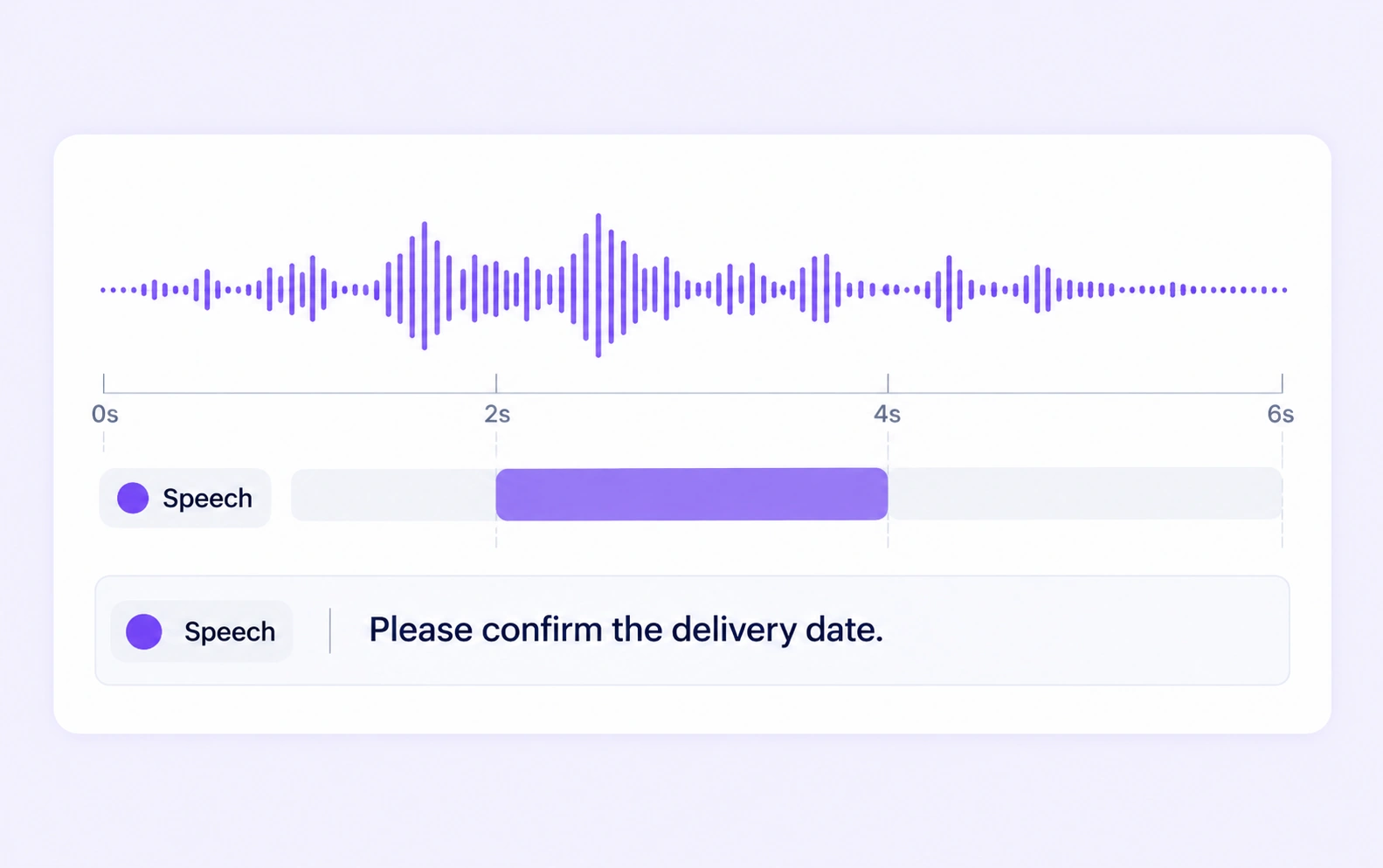
Build time-aligned speech datasets with accurate transcripts, clear segment boundaries, and recording context. Review words against the original audio before exporting labeled examples for ASR models.
Explore speech recognition and transcription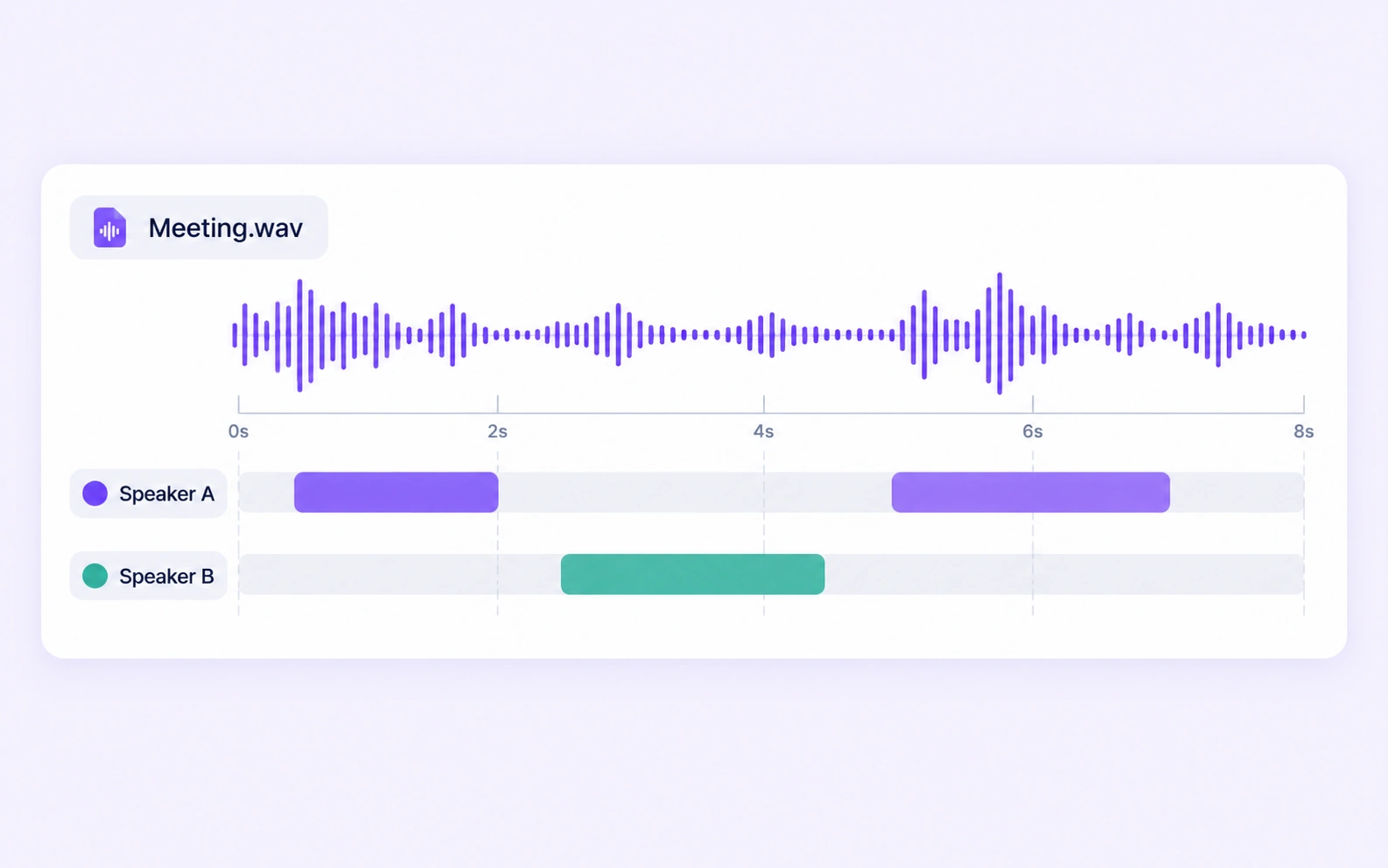
Label who spoke when with consistent speaker IDs and reviewed turn boundaries. Prepare meetings, interviews, and conversations for diarization training and evaluation.
Explore speaker diarization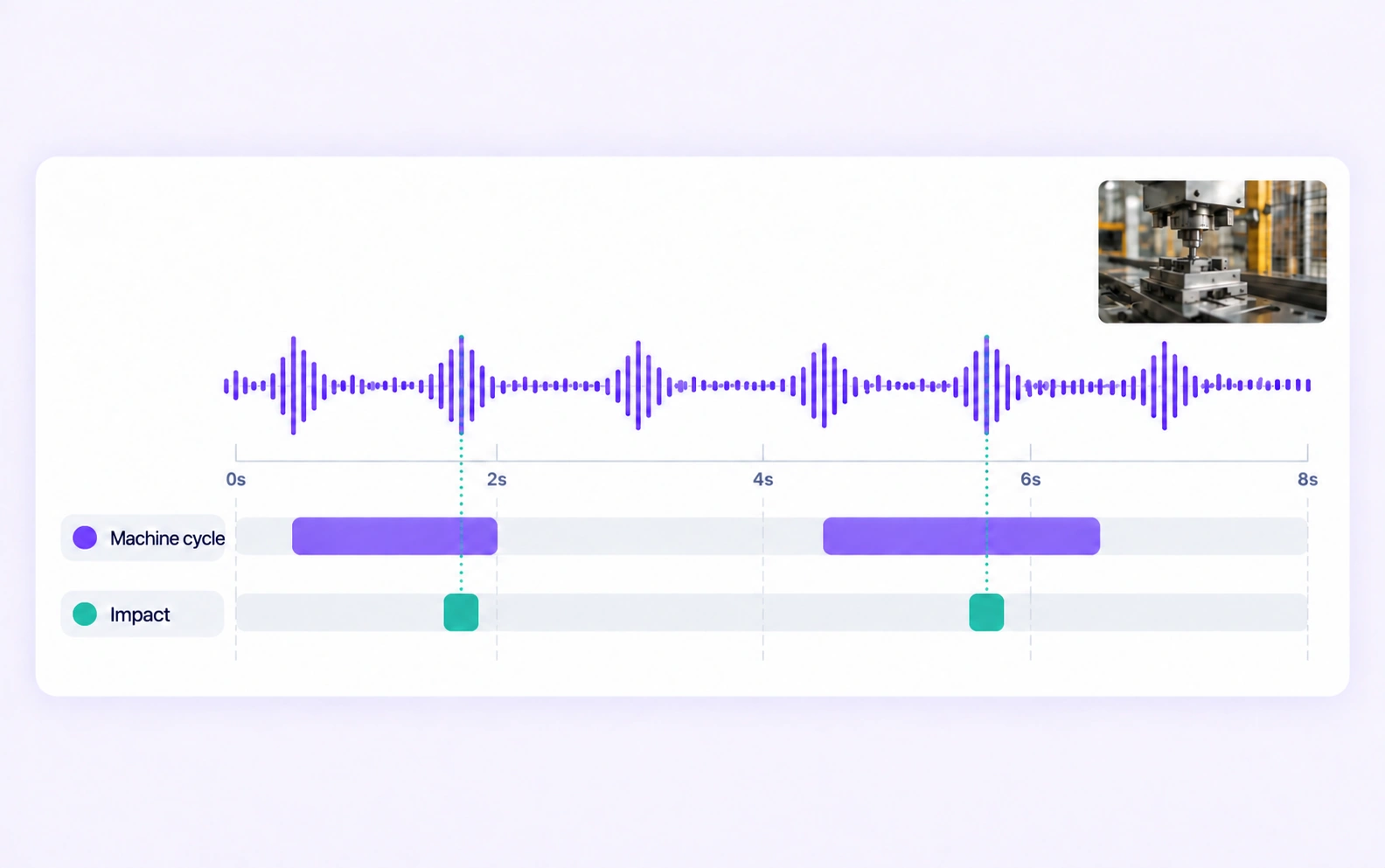
Mark when relevant sounds begin and end, with consistent event classes and acoustic context. Prepare reviewed recordings for environmental, industrial, and media sound-recognition models.
Explore sound event detection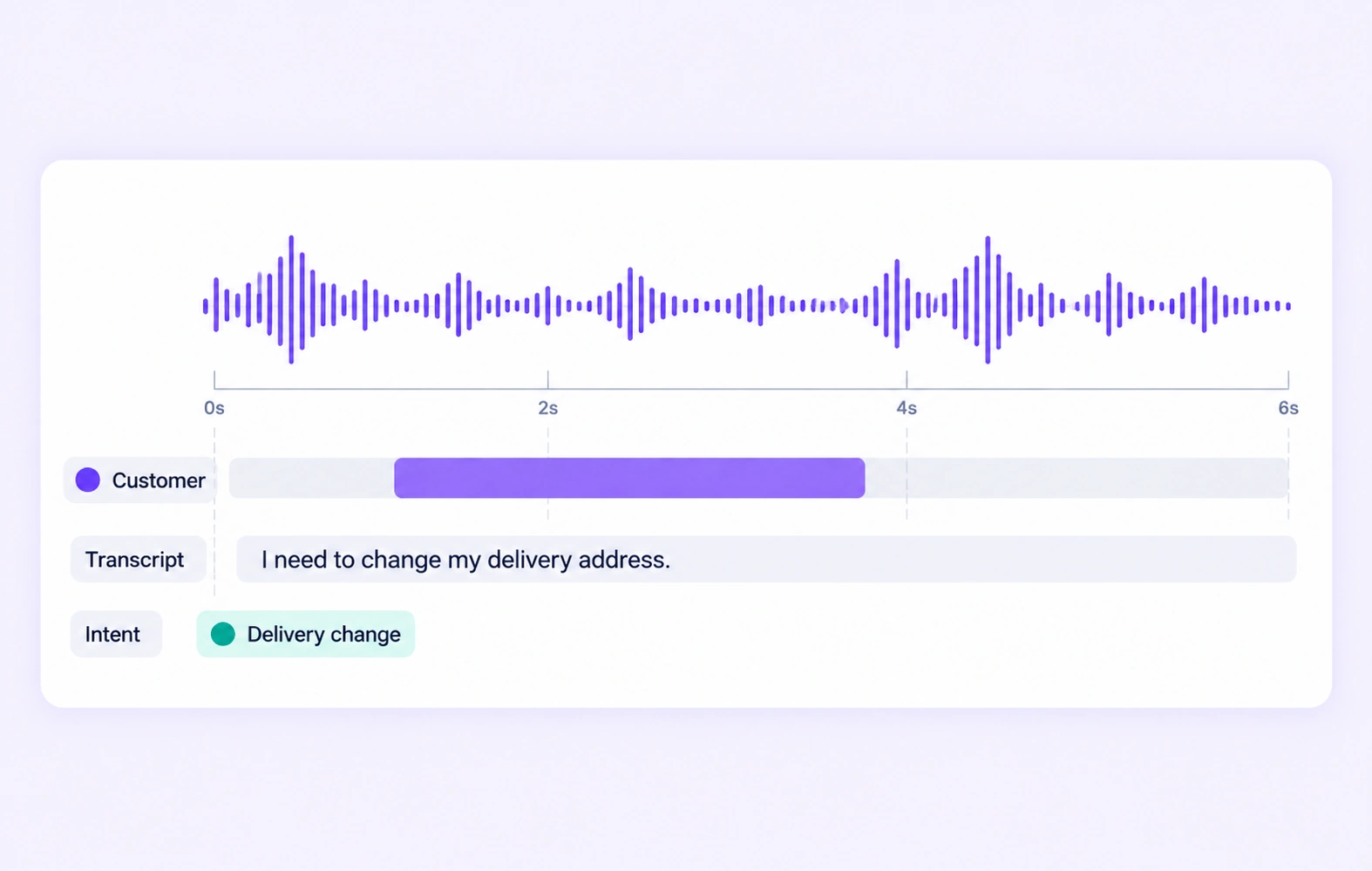
Prepare call recordings with transcripts, speaker roles, and defined conversation labels. Build training data for intent understanding, issue resolution, and speech analytics with the original audio in context.
Explore contact center intelligenceAnswers about audio and speech annotation, transcription, speaker diarization, speaker labeling, sound-event annotation, temporal ranges, long recordings, ontologies, and quality workflows in Unitlab.
Talk with the Unitlab teamUnitlab supports temporal events and time ranges, audio segmentation, transcription, speaker labeling, event classification, class attributes, Item Properties, and Relations. Teams define the required labels and rules in reusable ontologies for consistent speech and sound datasets.
Audio annotation documentationAnnotators select precise start and end times on the waveform, apply ontology-guided event classes, and review boundaries with synchronized playback and spectrogram context. Segments remain editable throughout review and QA.
Annotation workflow documentationYes. Unitlab combines stable playback, scrubbing, waveform zoom, spectrogram context, and exact time selection for long-form audio annotation. Annotators can move between the full recording and focused segments without losing context.
Annotation workflow documentationNested ontologies define speakers, event classes, properties, Item Properties, and Relations. Temporal properties capture changing conditions as reviewable time ranges on the audio timeline.
Properties and relations documentationConfigurable workflows route audio tasks through annotation, review, rework, and approval. Instructions, assignments, comments, issues, annotation history, dataset versions, and releases keep quality decisions traceable for individual experts and enterprise teams.
Annotation and review documentationYes. Unitlab can bring custom models into the annotation workflow to generate pre-labels and predictions. Annotators review and correct model output instead of starting from zero, while human approval remains part of the governed quality process.
Model integration documentationYes. Teams can curate audio data with metadata filters, semantic search, embeddings, similarity, and outlier discovery, then annotate selected samples, review results, and publish controlled dataset versions for reproducible AI development.
Dataset management documentationAnnotate, transcribe, review, and manage complex audio data in one AI-assisted workspace. Move faster from raw recordings to production-ready datasets with temporal labeling and built-in quality control.


We use cookies to improve your experience. See our Privacy Policy and Cookie Policy.