Image Annotation Platform

Image Annotation Platform Built for Accuracy and Scale

Curate, label, and review computer vision training data faster with AI-assisted object detection, image segmentation, precise labeling tools, and governed quality assurance.

Image annotation features

Everything You Need for Complex Image Annotation

Label images with boxes, polygons, masks, keypoints, classifications, and structured properties while keeping every quality decision traceable.

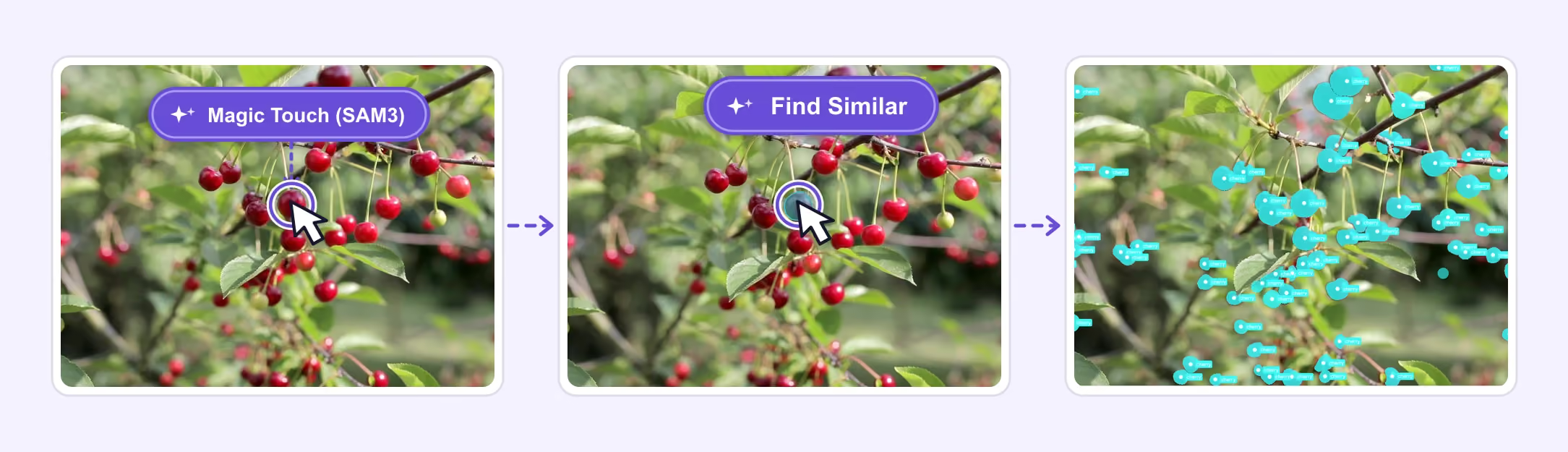
Magic Touch (SAM3) selects one cherry, then Find Similar identifies matching cherry segmentation masks
01 · Automation

AI-Powered Image Annotation

Accelerate image annotation with Magic Touch (SAM3), Find Similar Models, and AI-assisted tools for editable masks, bounding boxes, polygons, keypoints, and classifications.

Batch Auto-LabelingMagic Touch (SAM1, SAM3)Find Similar Model
Crop Auto-Labeling
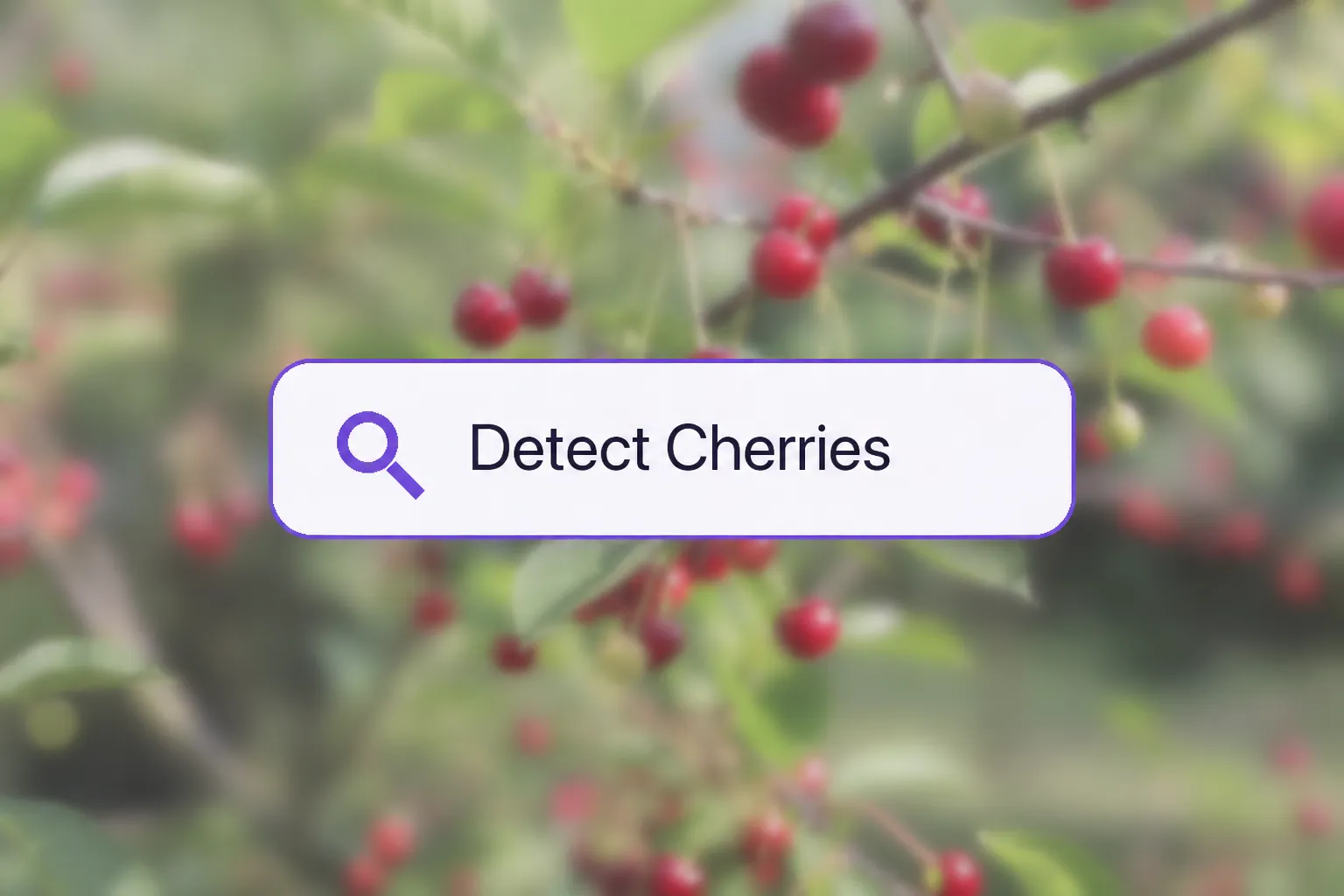
Prompt Auto-Labeling input reading Detect Cherries over a cherry orchard image
02 · Automation

Prompt Auto-Labeling

Describe what to detect in natural language and automatically generate editable image annotations for matching objects across the image.

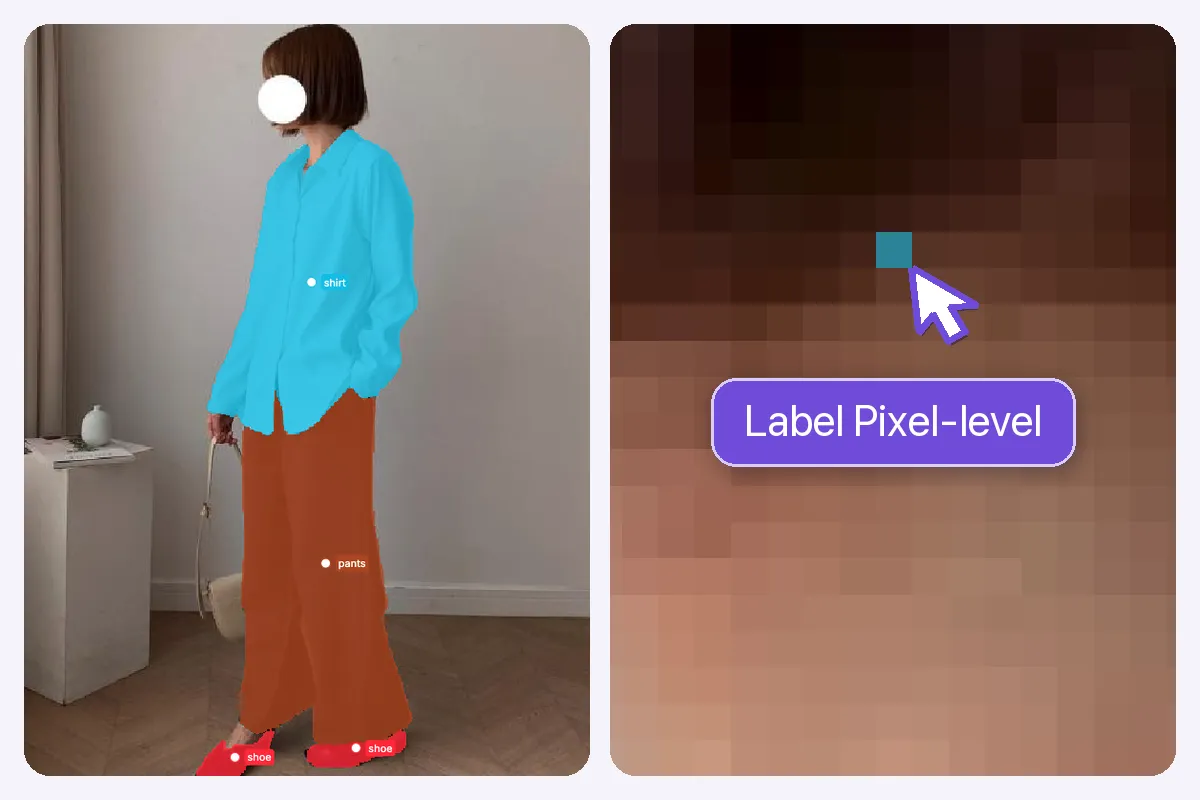
Annotated fashion image beside a pixel-level brush close-up with the cursor highlighting the exact cyan annotation pixel
03 · Precision

Pixel-accurate image labeling

Create pixel-accurate masks, polygons, boxes, points, and keypoints with precise drawing, editing, and zoom controls.

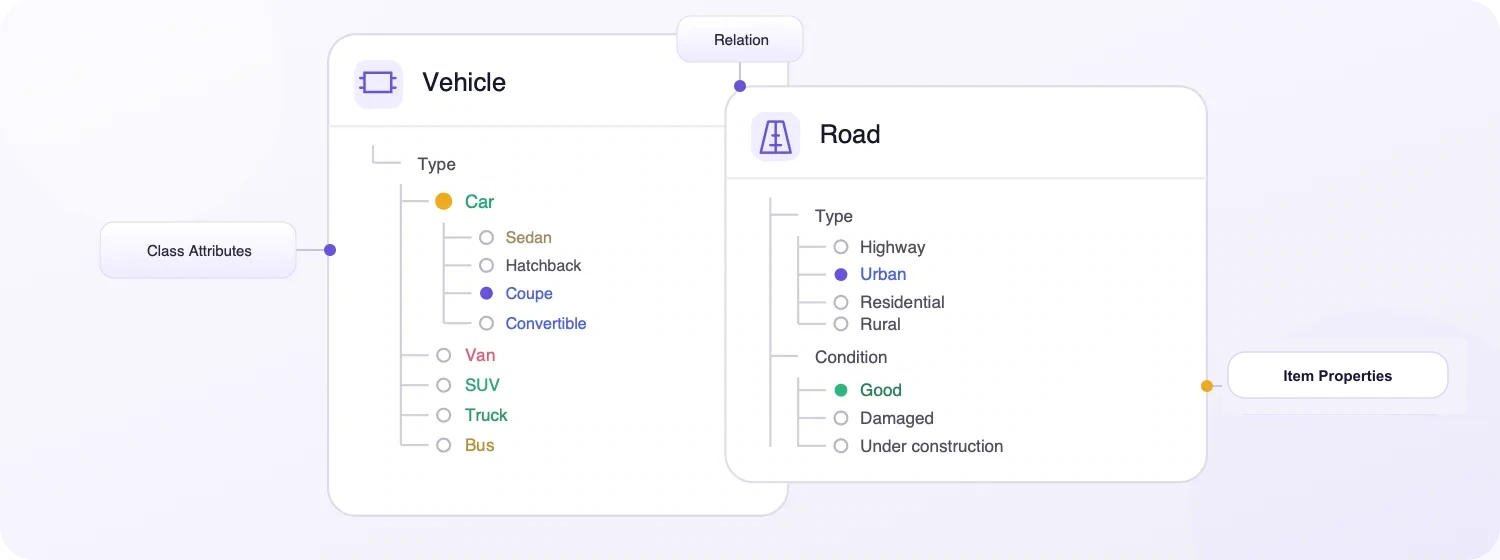
Unitlab ontology illustration showing visual classes, attributes, relations, and item properties
04 · Structure

Nested ontologies and image properties

Define nested classes and reusable properties for objects and complete images, then validate every label against one governed ontology.

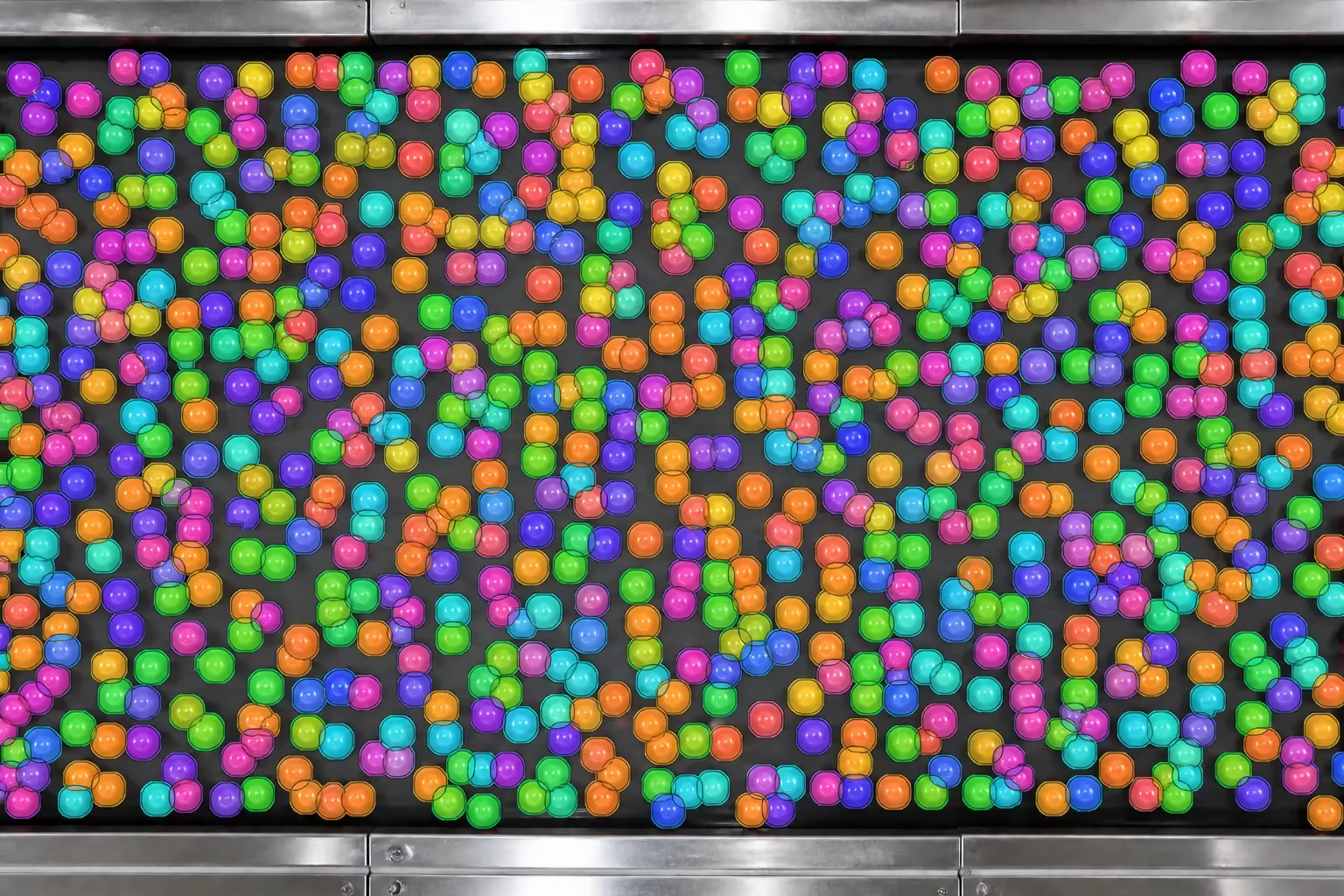
Hundreds of tiny tomato objects with valid colored instance segmentation masks on an industrial conveyor
05 · Scale

Image Annotation at Scale

Label and review 10,000+ tiny objects in a single image with responsive zoom, precise instance masks, and reliable performance at scale.

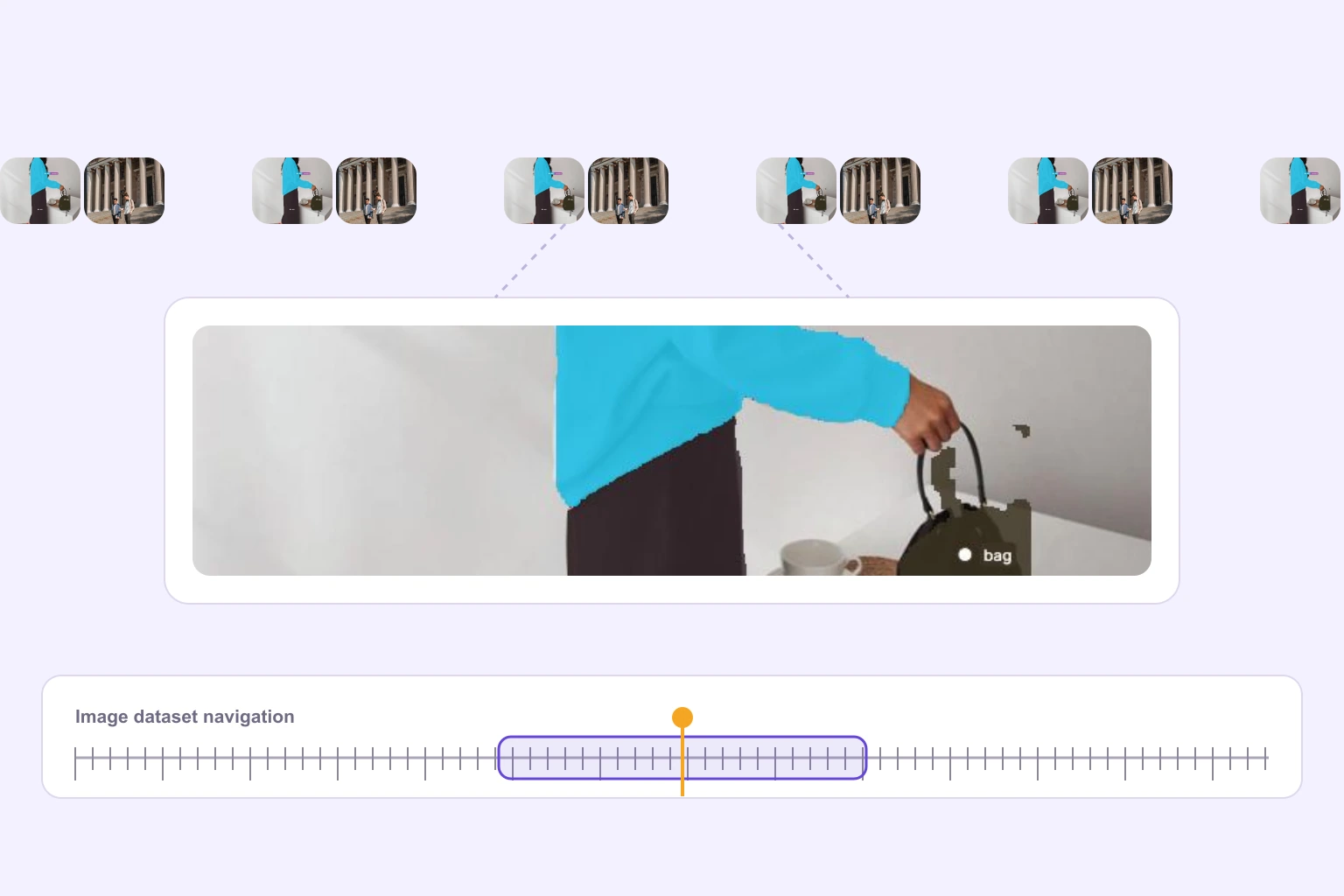
Large image dataset navigation using valid image samples and segmentation media
Example image set100K+ images
06 · Scale

Large image datasets at pixel precision

Navigate large image datasets with fast previews, stable zoom, structured queues, and precise access to every annotation.

Large dataset navigationPixel-level access

Why AI Teams Choose Unitlab for Image Annotation

Annotate complex image datasets faster with AI-assisted automation, scalable review workflows, and lower operational costs.

15X
Faster Image Annotation
90%
Automated Image Annotation
10X
Lower Annotation Costs
Supported image annotation types

All image annotation types in one platform.

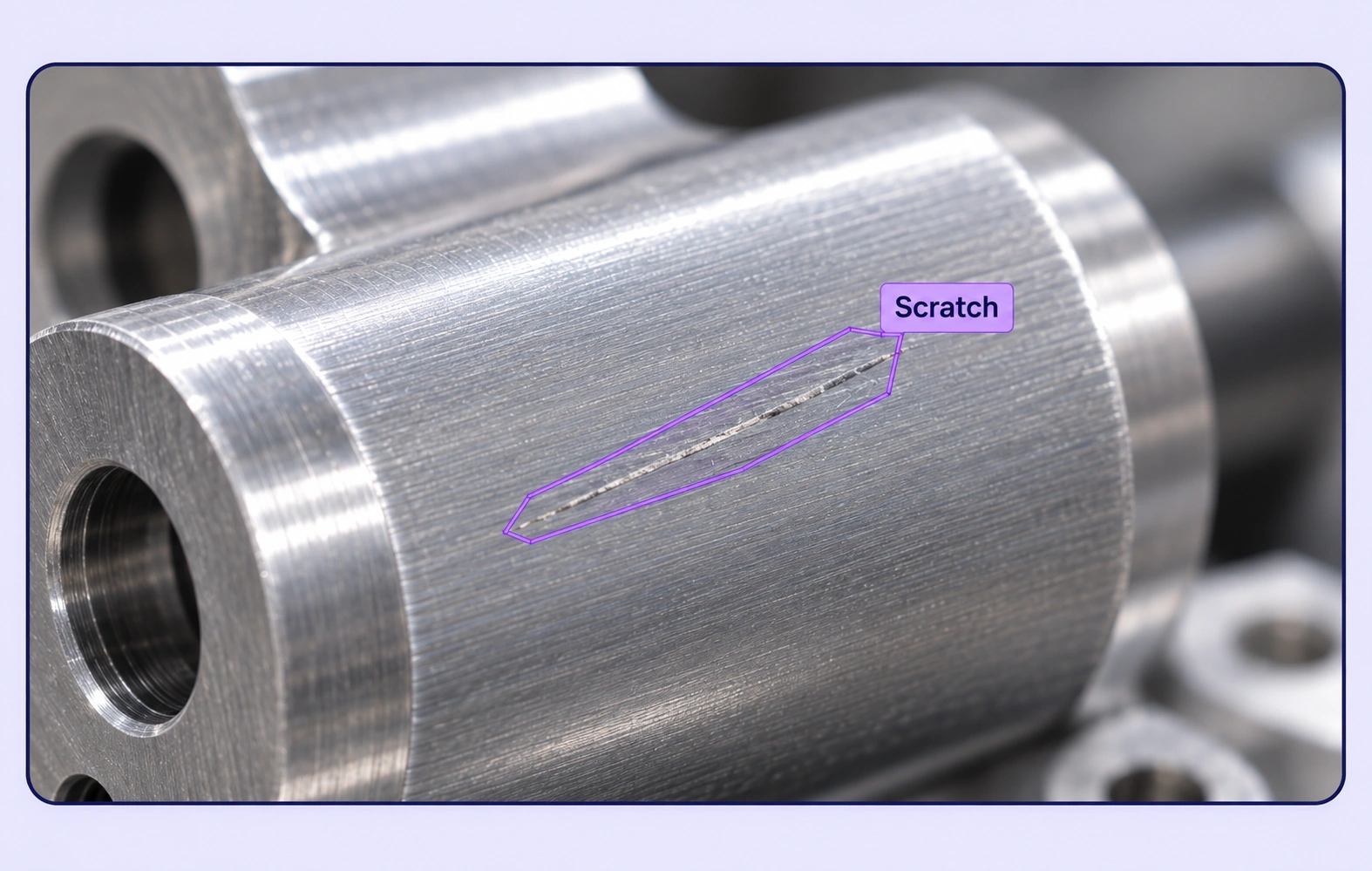
Create object-detection boxes, image segmentation masks, polygons, skeletons, polylines, keypoints, classifications, and relations across image datasets.

01
Object detection

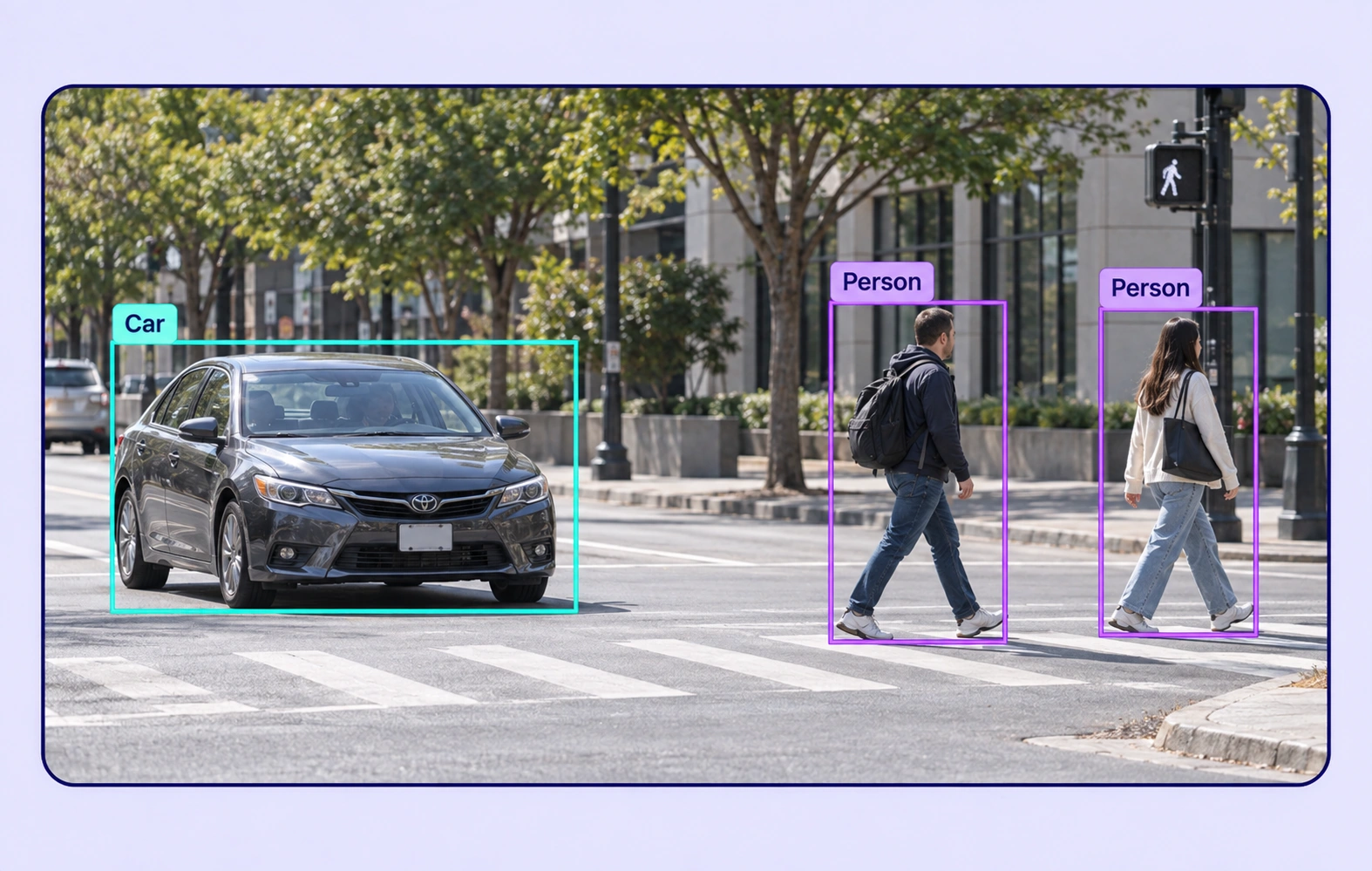
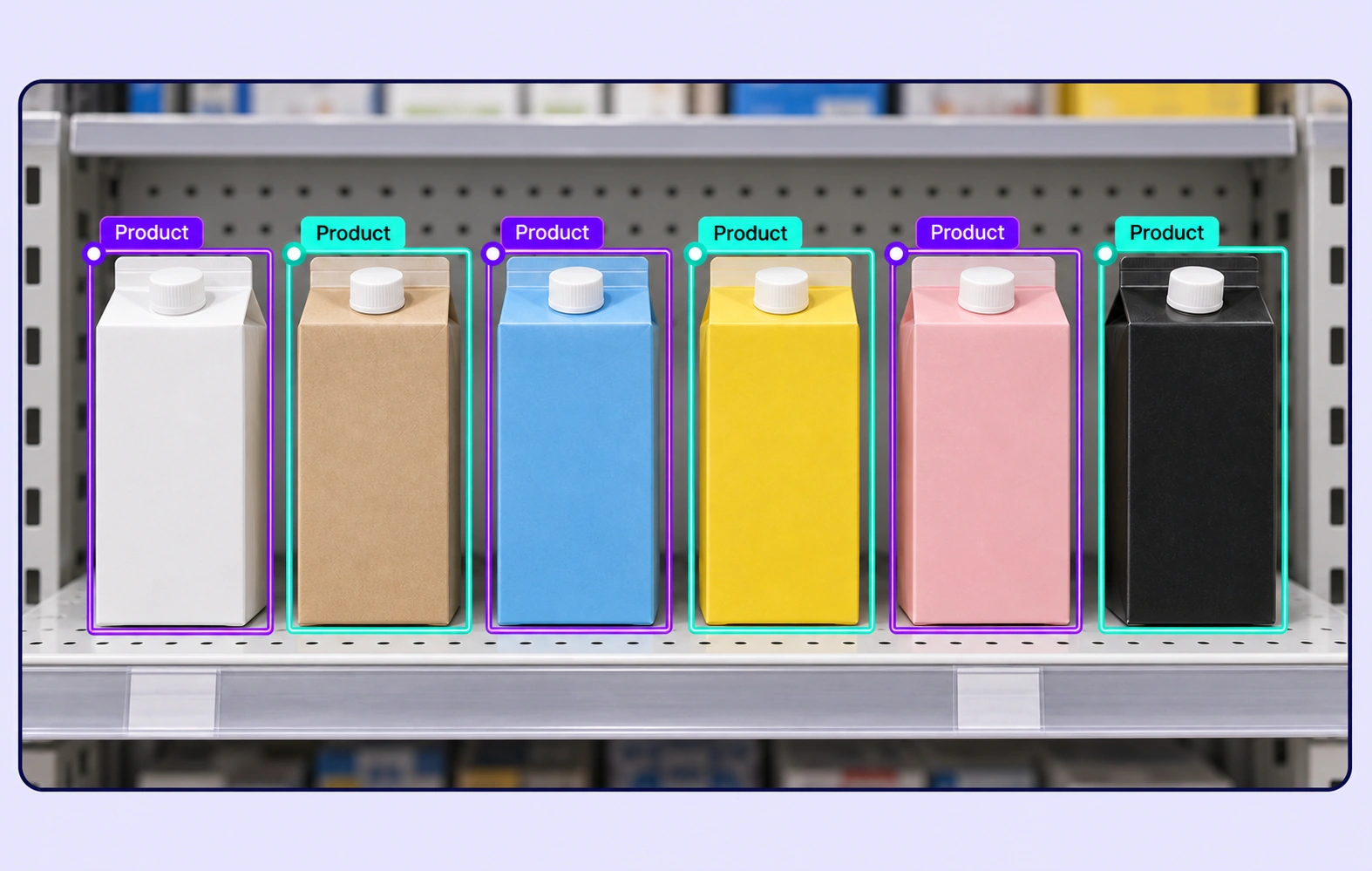
Bounding box

Label rectangular objects with precise bounding boxes and AI-assisted detection.

02
Pixel-level masks

Segmentation

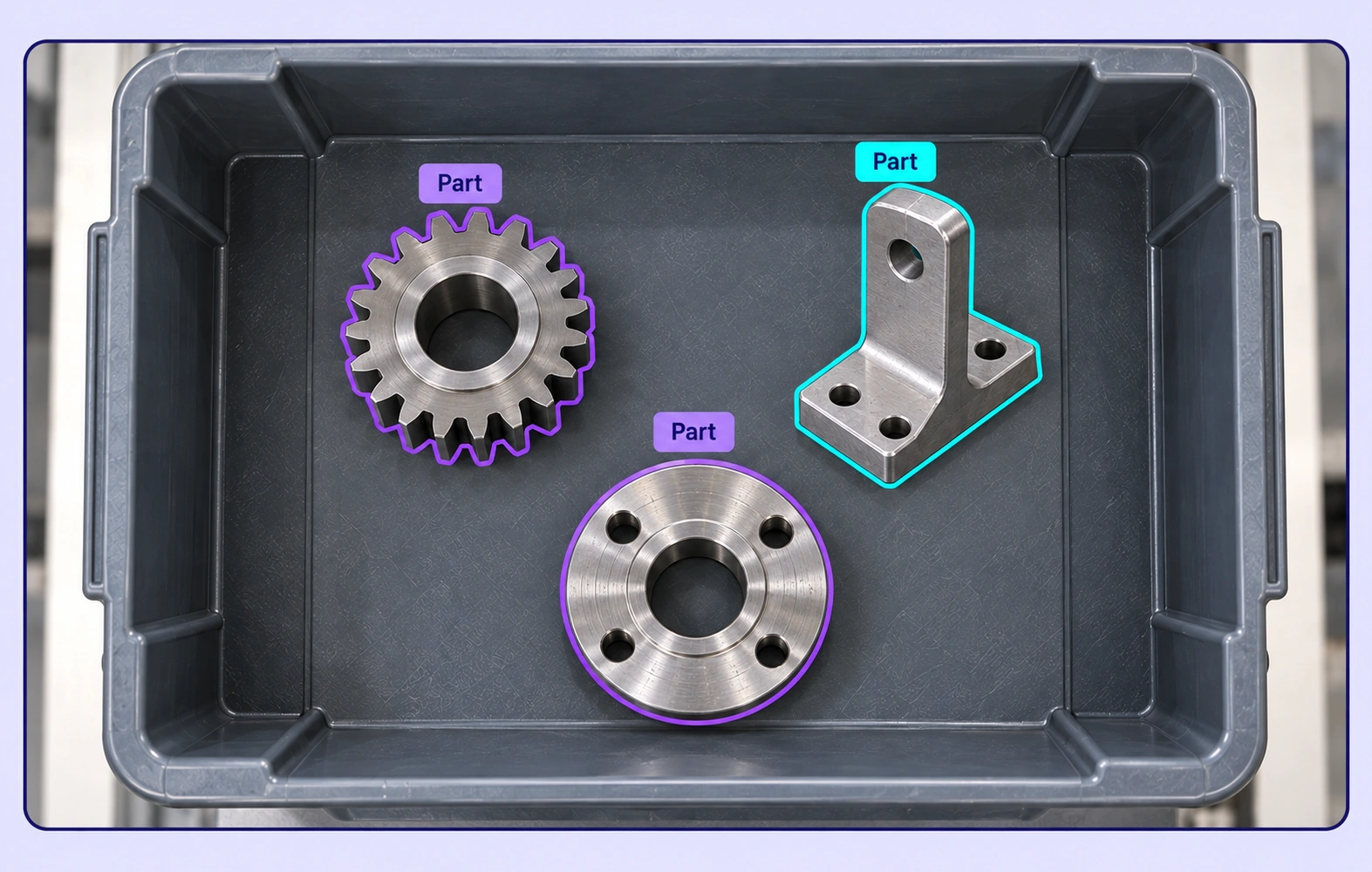
Capture pixel-accurate object masks with brush, polygon, and AI-assisted segmentation tools.

03
Precise boundaries

Polygon

Outline irregular objects and regions precisely with editable polygon annotations.

04
Pose structures

Skeleton

Model poses, landmarks, and articulated structures with connected keypoints.

05
Paths and edges

Line / polyline

Trace lanes, boundaries, paths, edges, and contours within complex images.

06
Landmark precision

Point / keypoint

Mark exact landmarks, features, and reference points with pixel-level precision.

07
Oriented volume

Cuboid / 3D box

Represent oriented objects and spatial extent with depth-aware 3D cuboids.

08
Image-level context

Item Properties

Label properties that describe the complete image, including source, environment, quality, and scene-level attributes.

09
Object connections

Relations

Connect objects and events to capture interactions, ownership, direction, and other contextual relationships.

Image dataset curation & annotation workflows

Curate image data and automate annotation workflows.

Search, version, and inspect image datasets, connect AI models, and move annotations through review and approval.

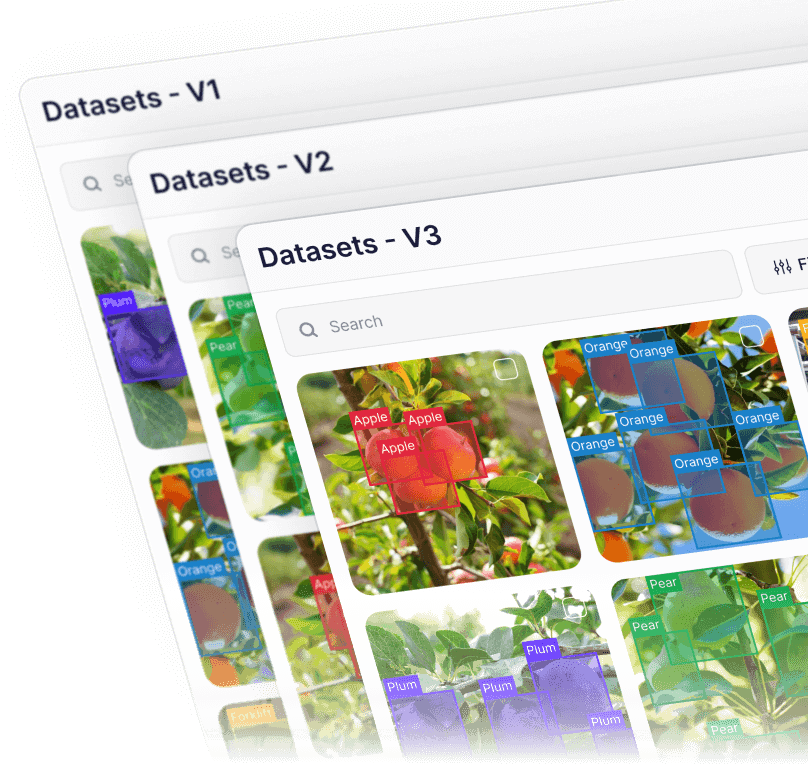
Unitlab dataset versions reference illustration
Version

Dataset Versions

Create and manage dataset versions as image data evolves. Track changes, assign work, and keep every release auditable and production-ready.

Unitlab semantic search reference illustration
Discover

Semantic Search

Explore large image datasets through semantic understanding instead of manual filters. Find relevant samples across diverse conditions.

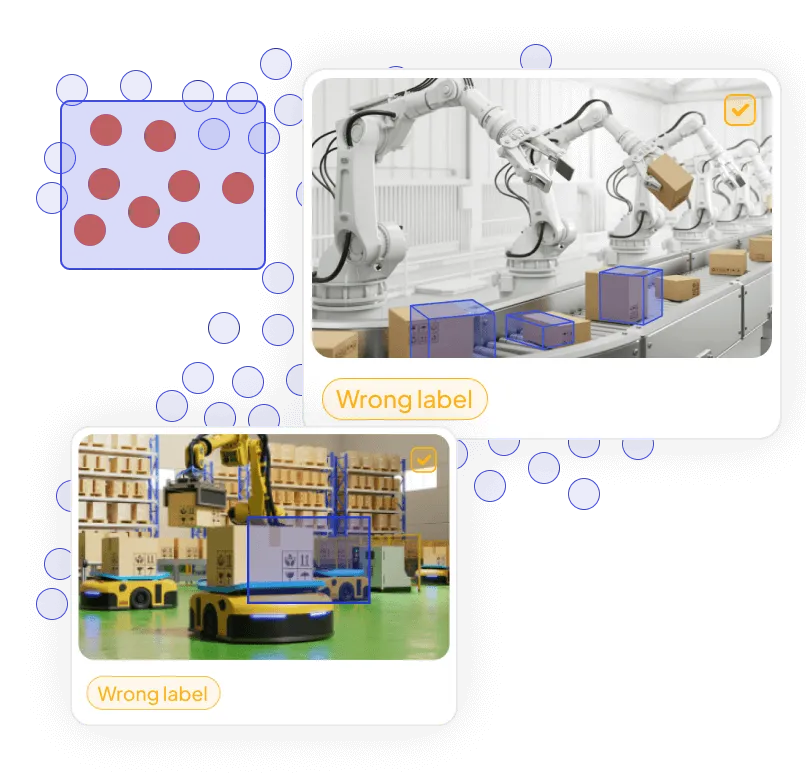
Unitlab embedding view reference illustration
Inspect

Embedding View

Visualize dataset structure, identify outliers and labeling issues, and improve image-data quality before training.

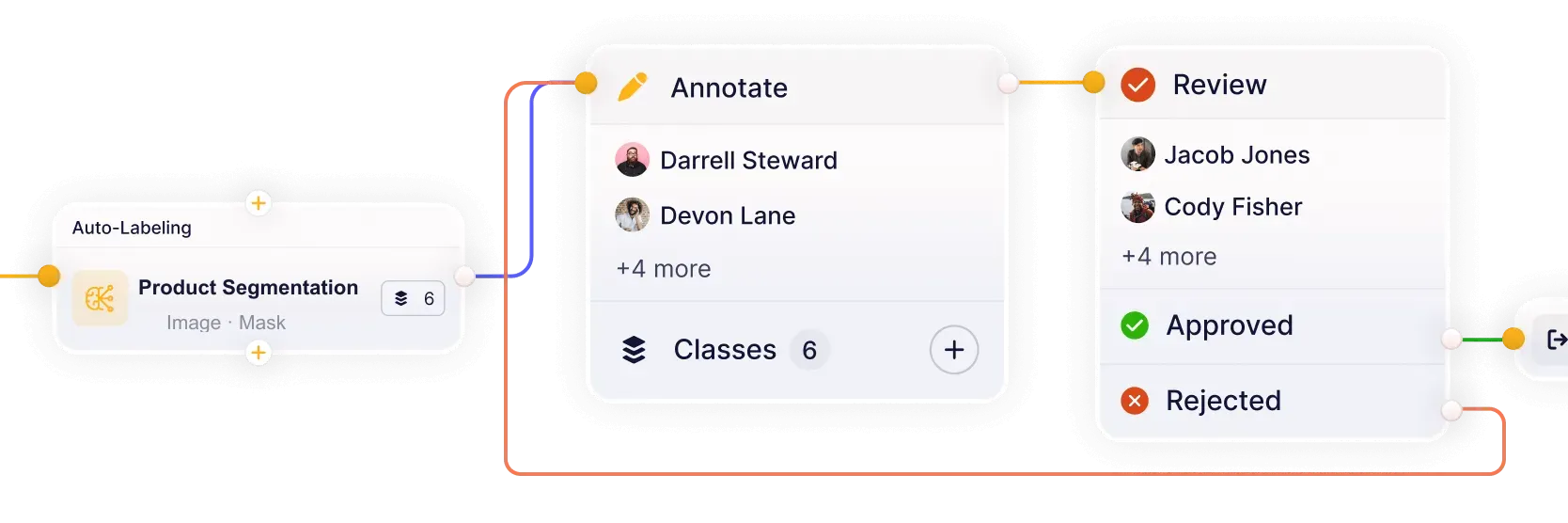
Integrated image annotation workflow from Product Segmentation auto-labeling through annotation and review
Orchestrate

Integrated Workflows

Build workflows that connect models, annotation, review, and quality assurance in one continuous loop. Reduce handoffs and keep datasets moving from labeling to approval.

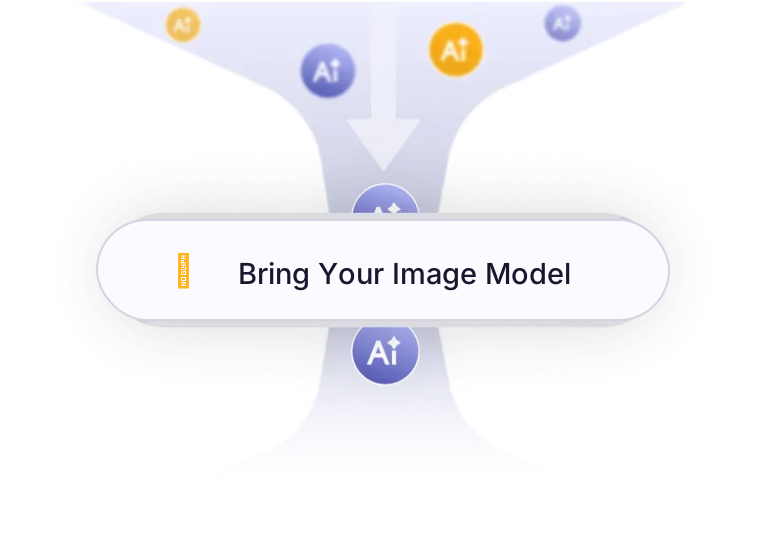
Bring your Image model into Unitlab’s annotation workflow
Integrate

Bring Your Image Model

Connect your own AI models for pre-labeling and model-assisted annotation. Improve accuracy and iterate faster on real-world image datasets.

Questions, answered

Image Annotation Platform FAQs

Answers about image annotation and labeling, object detection, image segmentation, keypoints, ontologies, quality workflows, custom models, and computer vision datasets in Unitlab.

Talk with the Unitlab team
What image annotation types does Unitlab support?+

Unitlab supports bounding boxes, segmentation masks and brushes, polygons, skeletons, lines and polylines, points and keypoints, cuboids and 3D boxes, relations, class properties, and item properties. Teams define labels and rules in reusable ontologies for consistent image training data.

Image annotation documentation
How does AI-assisted image annotation work in Unitlab?+

Unitlab connects detection and segmentation models to generate editable predictions for images. Annotators validate, correct, and approve model output while human review remains part of the governed quality workflow.

AI-assisted annotation documentation
Can Unitlab annotate large and high-resolution image datasets?+

Yes. Unitlab supports large image collections and high-resolution sources with fast previews, precise zoom, structured queues, reusable ontologies, and scalable review workflows.

Image dataset documentation
How do ontologies and properties work in image annotation?+

Nested ontologies define objects, classifications, properties, and relations. Class properties describe labeled objects, while item properties capture image-level source, quality, and scene context.

Properties and relations documentation
How does Unitlab manage image annotation quality and review?+

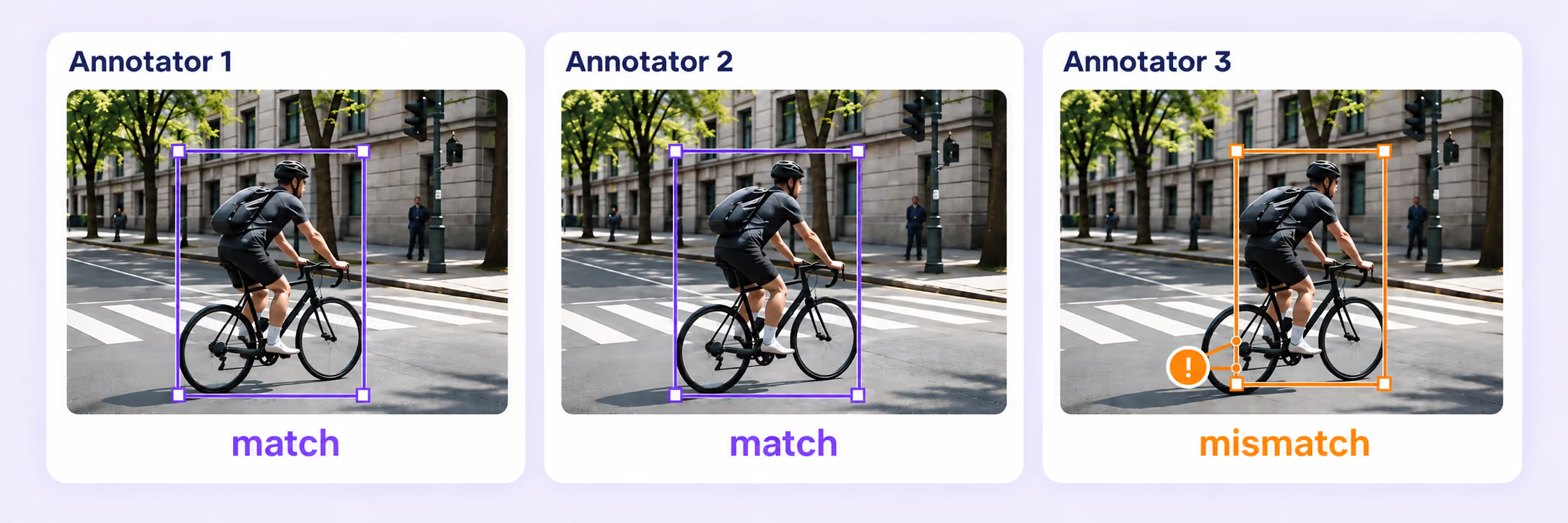
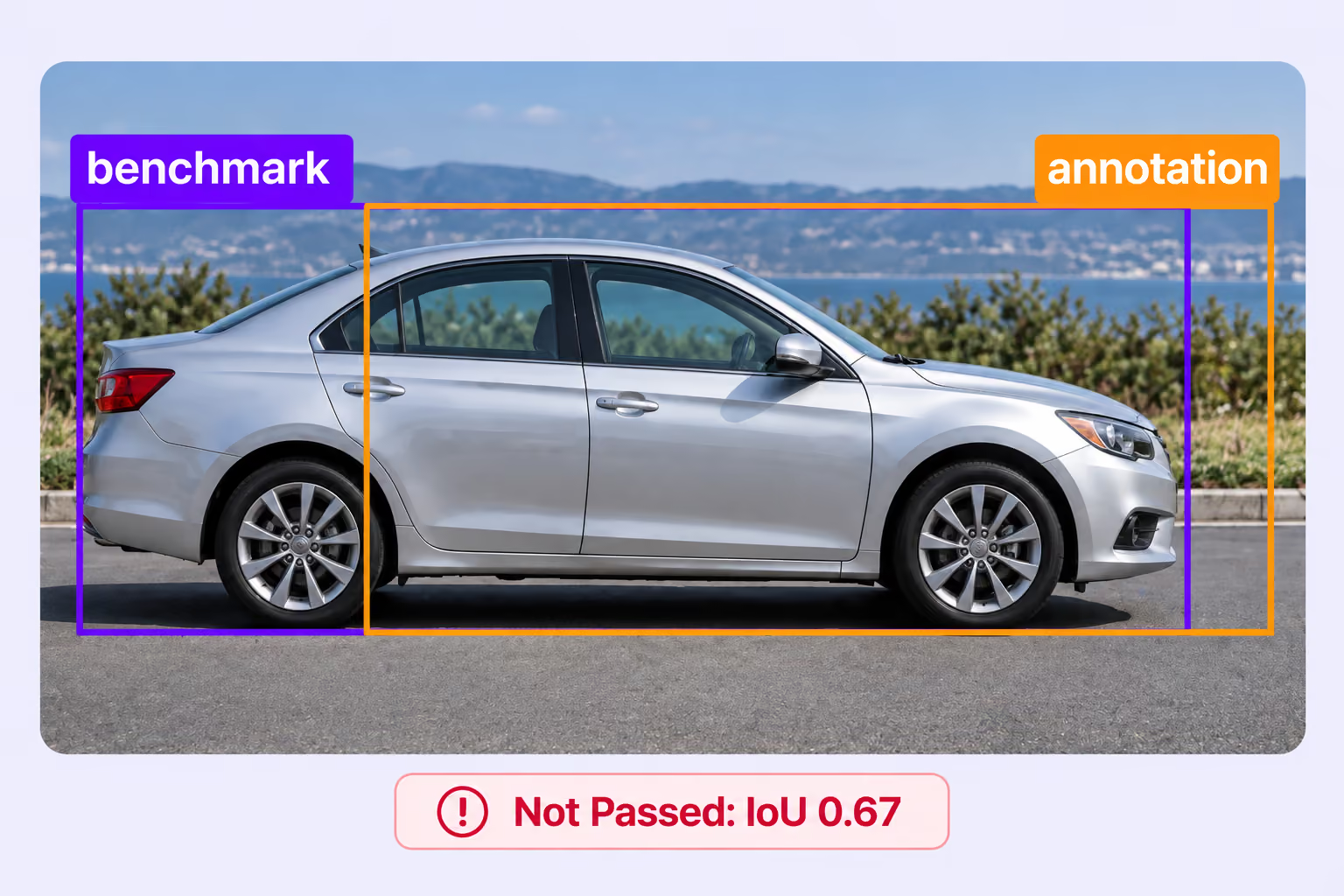
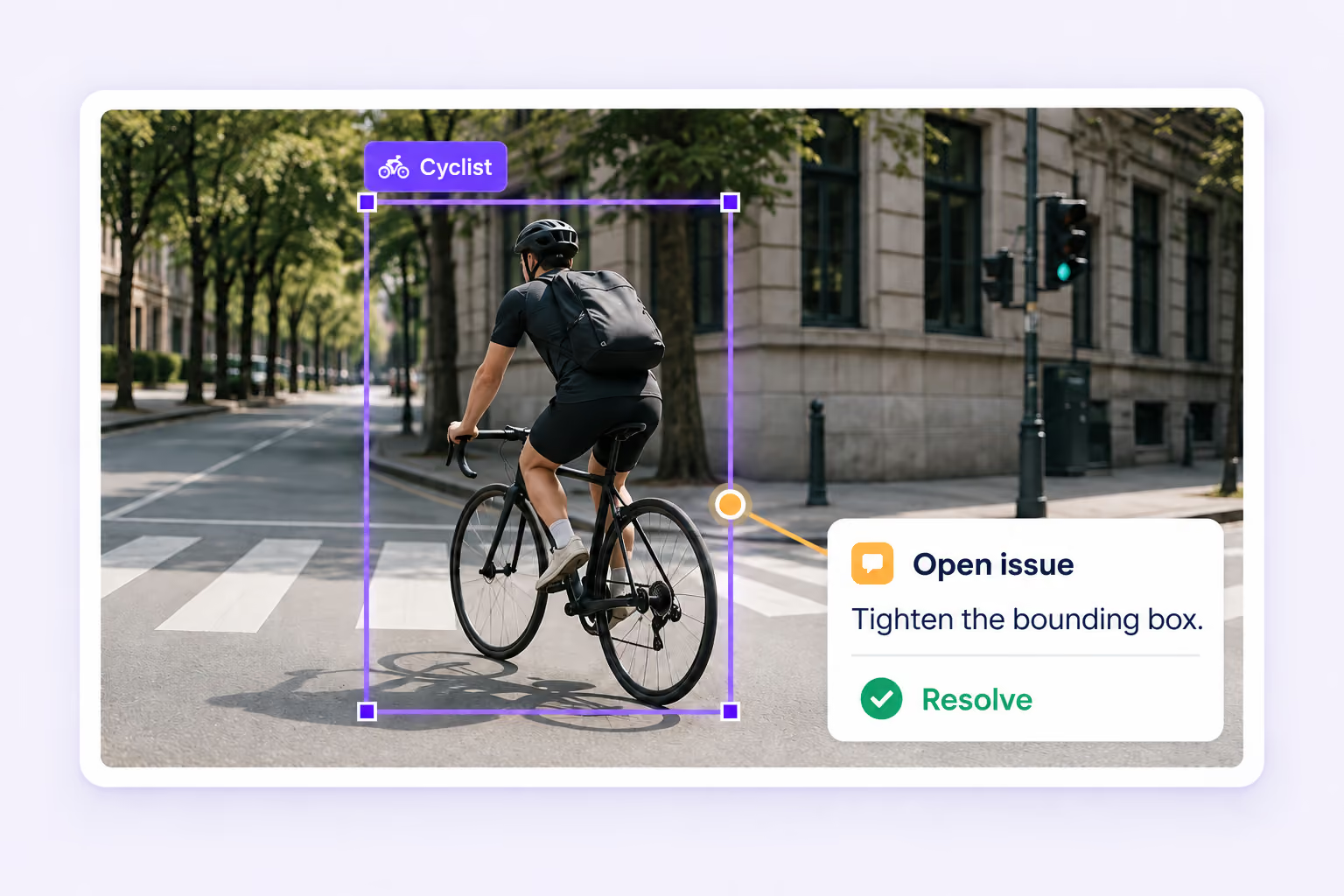
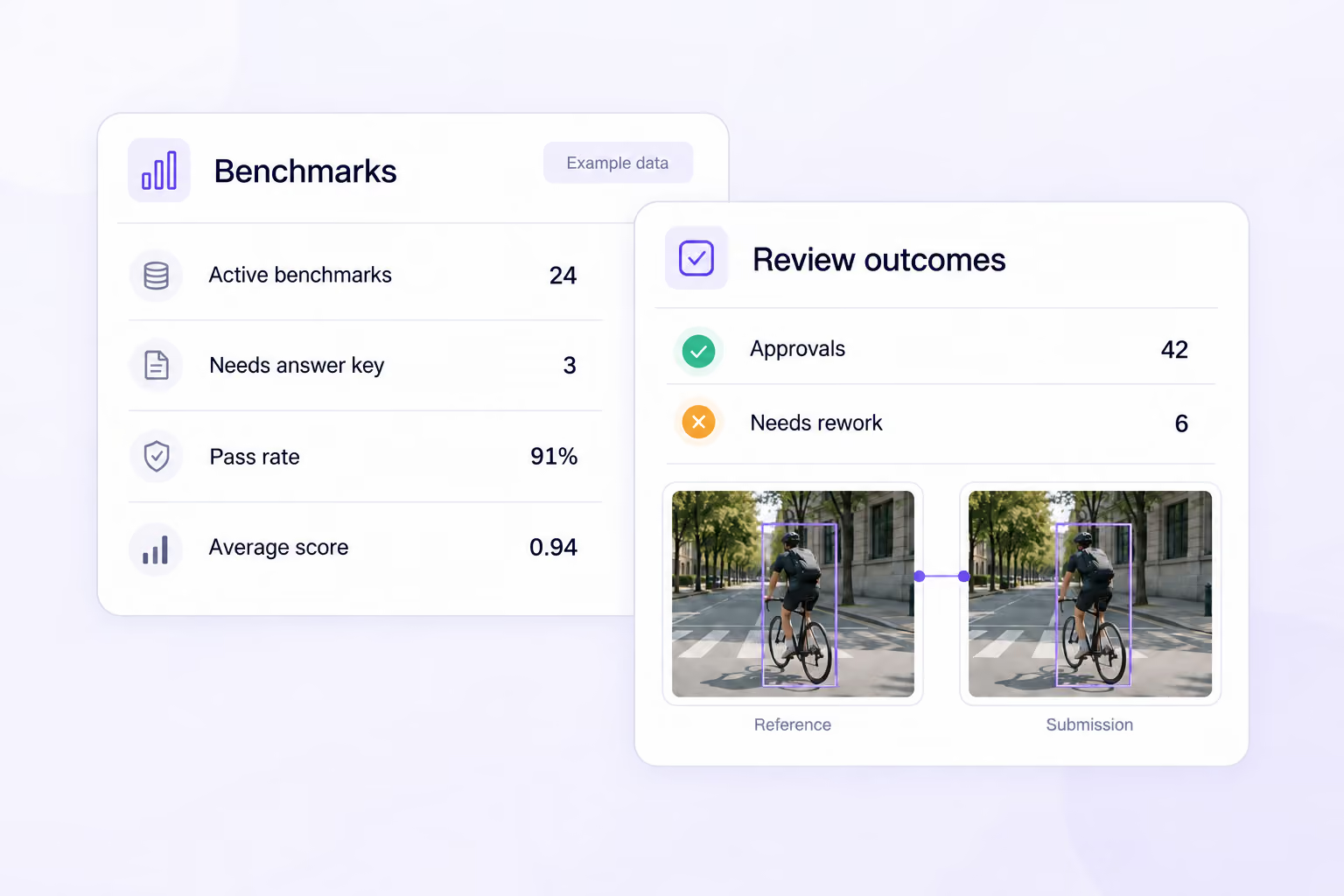
Configurable workflows route image tasks through annotation, review, rework, and approval. Instructions, assignments, comments, issues, annotation history, dataset versions, and releases keep every quality decision traceable.

Annotation and review documentation
Can teams use their own AI models for image pre-labeling?

Yes. Unitlab can bring custom models into the annotation workflow to generate pre-labels and predictions. Annotators review and correct model output instead of starting from zero, while human approval remains part of the governed quality process.

Model integration documentation
Can Unitlab curate, annotate, and version image datasets in one platform?

Yes. Teams can curate image data with metadata filters, semantic search, embeddings, similarity, and outlier discovery, then annotate selected samples, review results, and publish controlled dataset versions.

Dataset management documentation
IMAGE ANNOTATION PLATFORM

Build Production-Ready Image Datasets with Unitlab

Annotate, segment, review, and manage complex image data in one AI-assisted workspace. Move faster from raw images to production-ready datasets with automation and built-in quality control.