
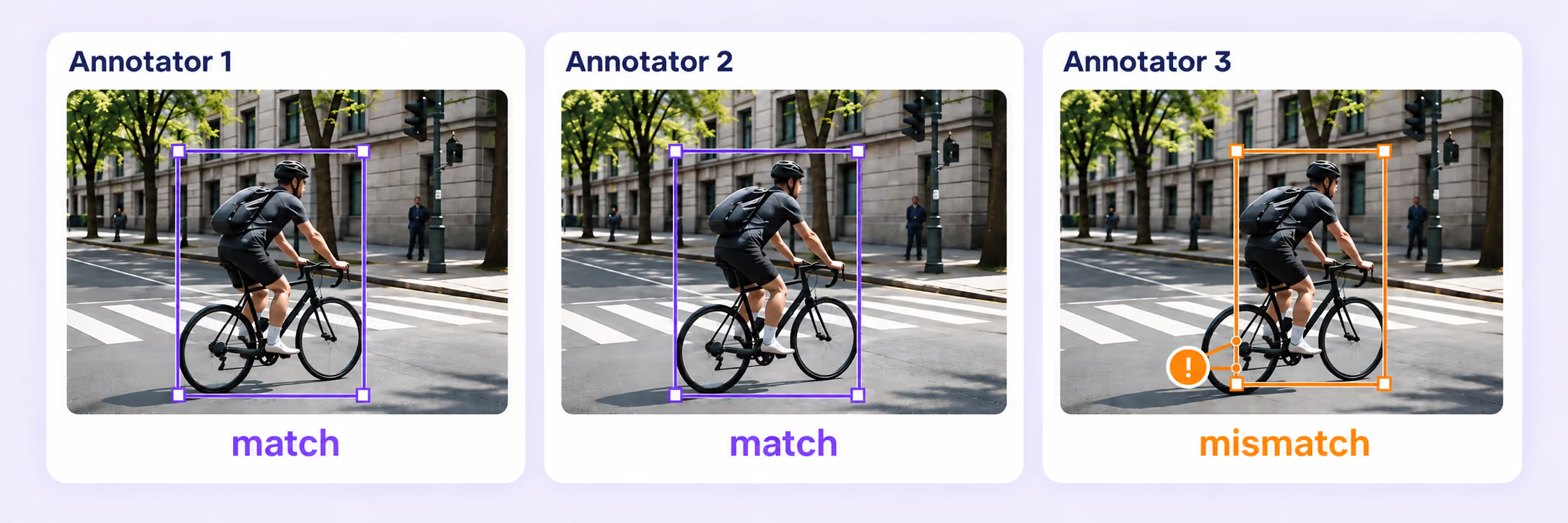
Consensus
Collect independent annotations, measure agreement, and send disagreements to review. Compare submissions in context before approving a result.
Independent annotationsAgreement scoresReview disagreements

Build accurate, consistent training data with hidden gold benchmarks, independent consensus, expert review, and traceable rework in one multimodal platform.
Check labels against approved references, resolve disagreements, and guide every correction through a clear path to approval.
Collect independent annotations, measure agreement, and send disagreements to review. Compare submissions in context before approving a result.
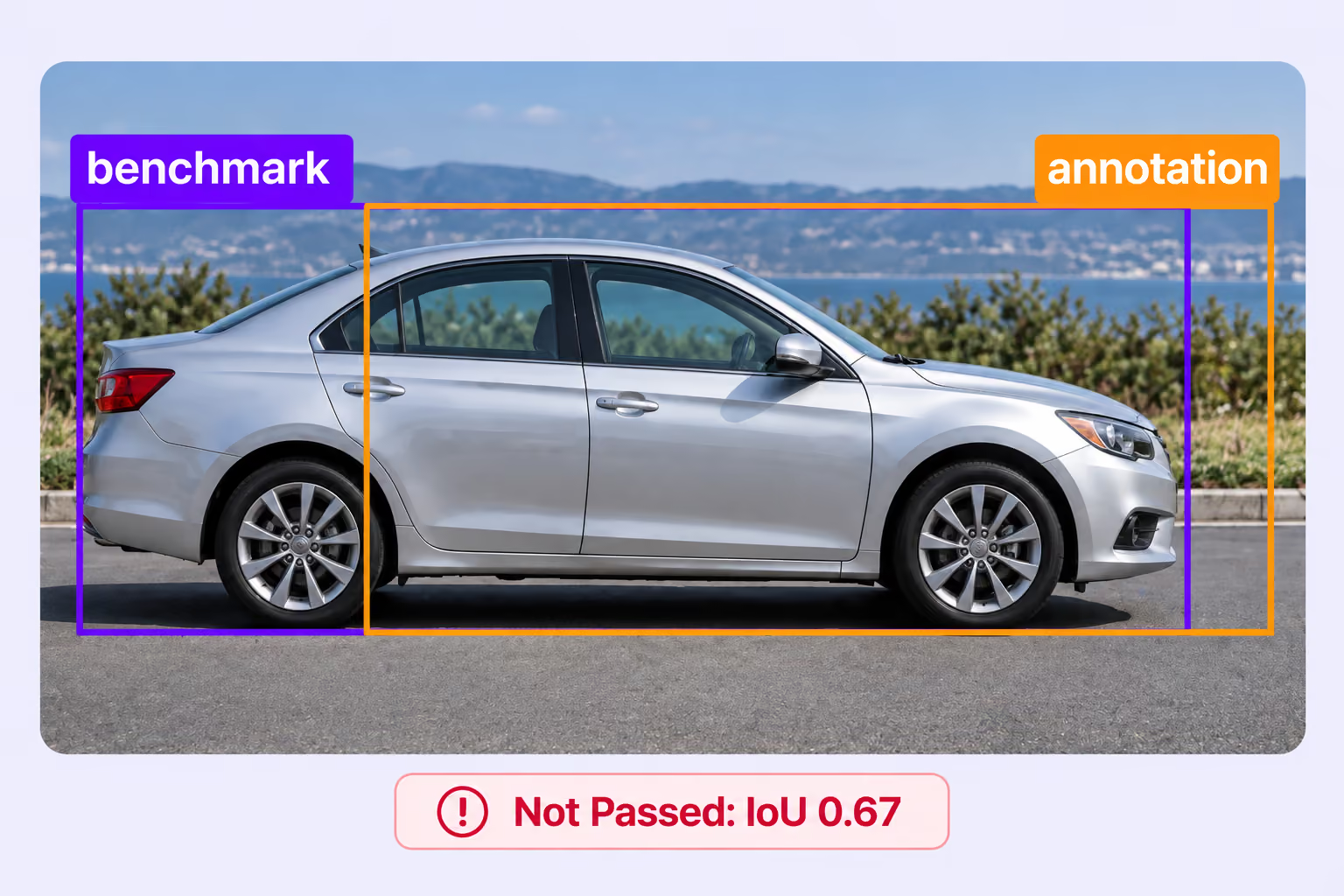
Compare submissions with approved answer keys that stay hidden from annotators. Set a quality threshold and route results through pass, fail, or not-evaluated paths.

Give reviewers a dedicated stage to inspect labels, correct details, and approve or reject work with the original data in view.
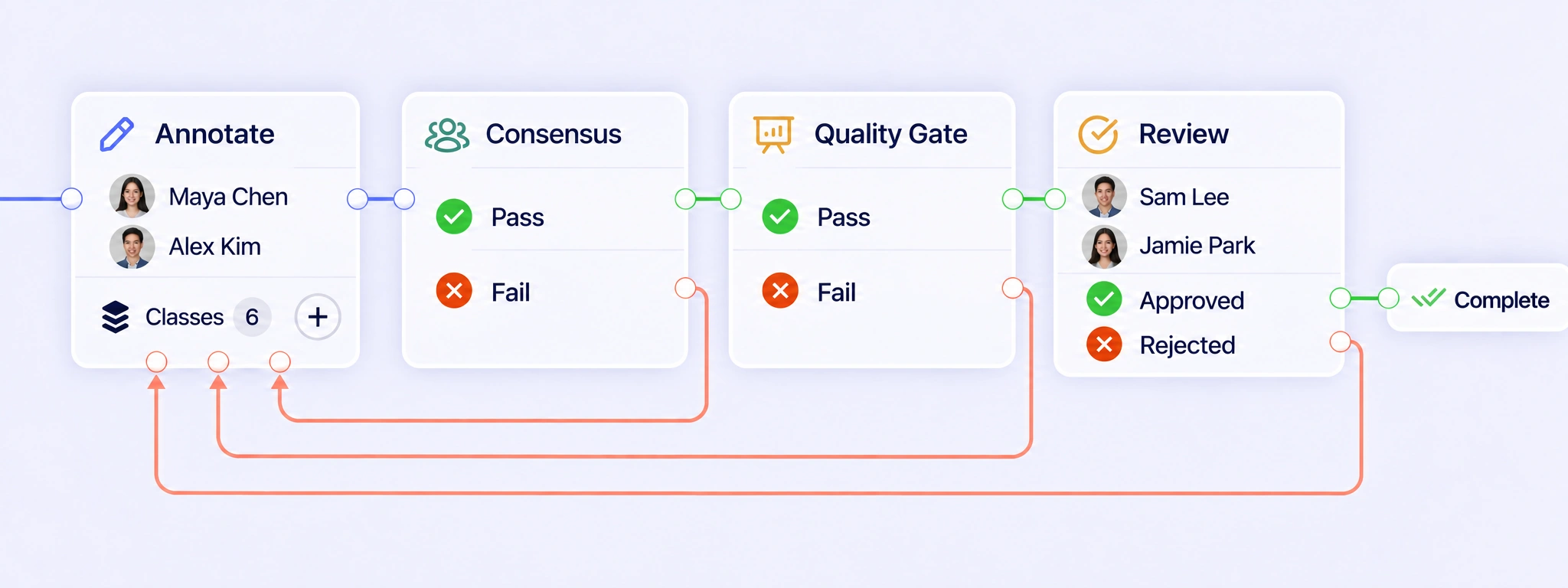
Connect annotation, consensus, quality gates, and expert review. Move passing work forward, return failed or rejected items to annotation, and complete approved results.
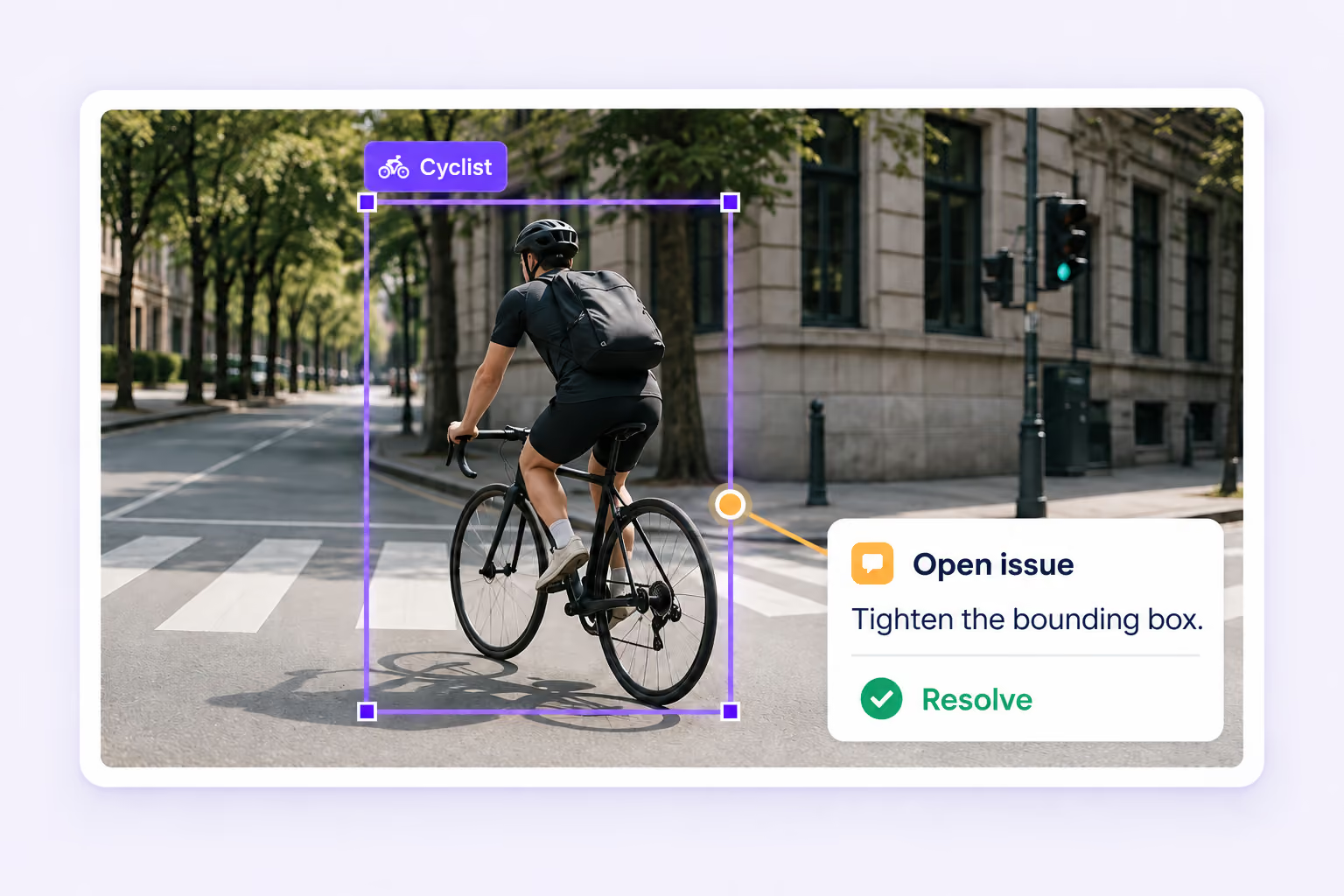
Find missing required values, annotation validation problems, and open issues. Resolve them with the affected labels and source data in context.
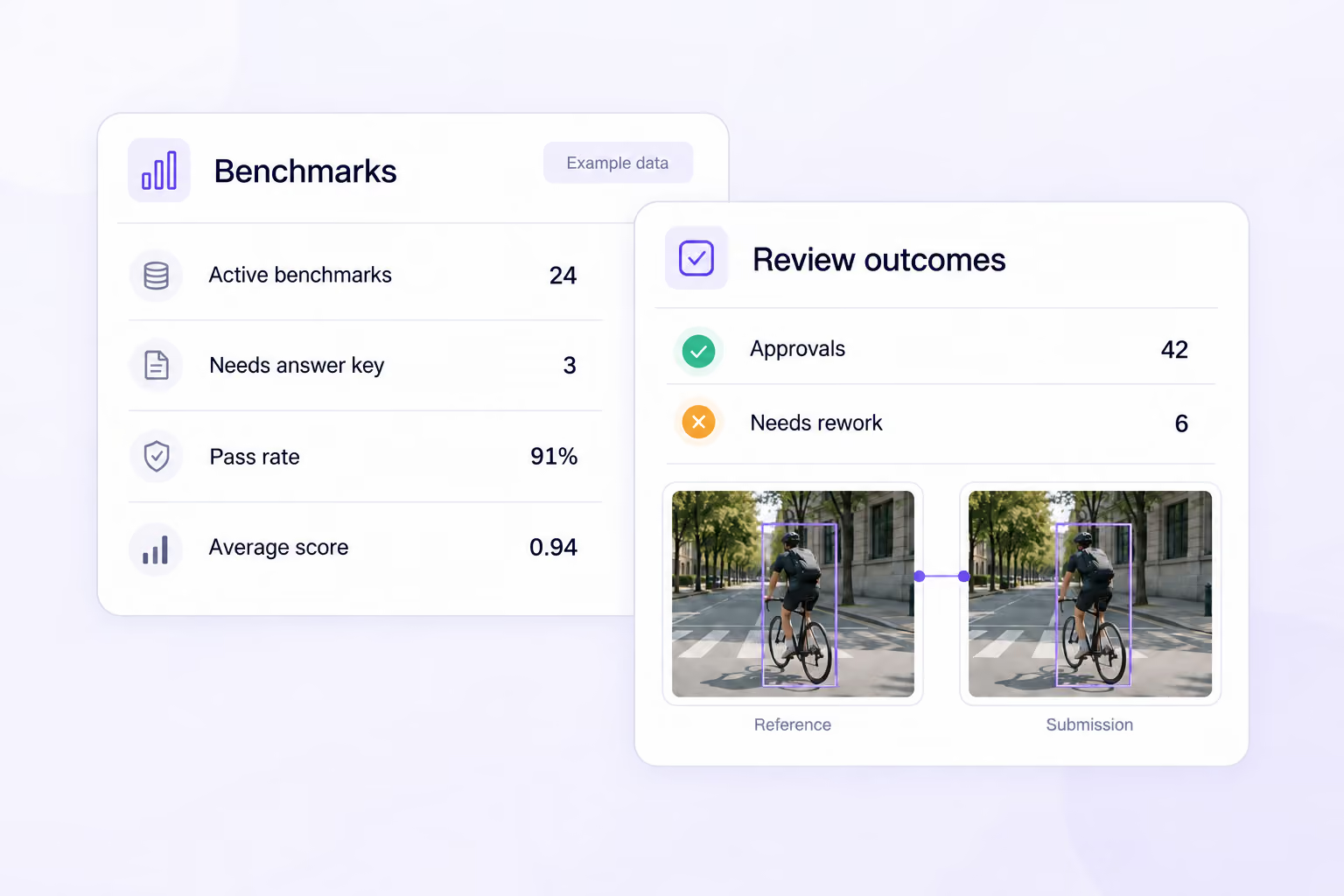
Track benchmark scores, pass rates, consensus outcomes, and review results. Use the evidence to focus attention and improve your annotation process.
Bring reference checks, independent judgments, and expert decisions into the same workflow that produces your training data.
Built-in auto-labeling tools and automated workflows reduce manual annotation work.
Automate curation, dataset management, and versioning so engineers can focus on models.
Curated data, reusable ontologies, and quality control reduce annotation rework.
Review the labels your models learn from with quality checks for visual, audio, language, medical, document, sensor, tabular, and multimodal datasets.
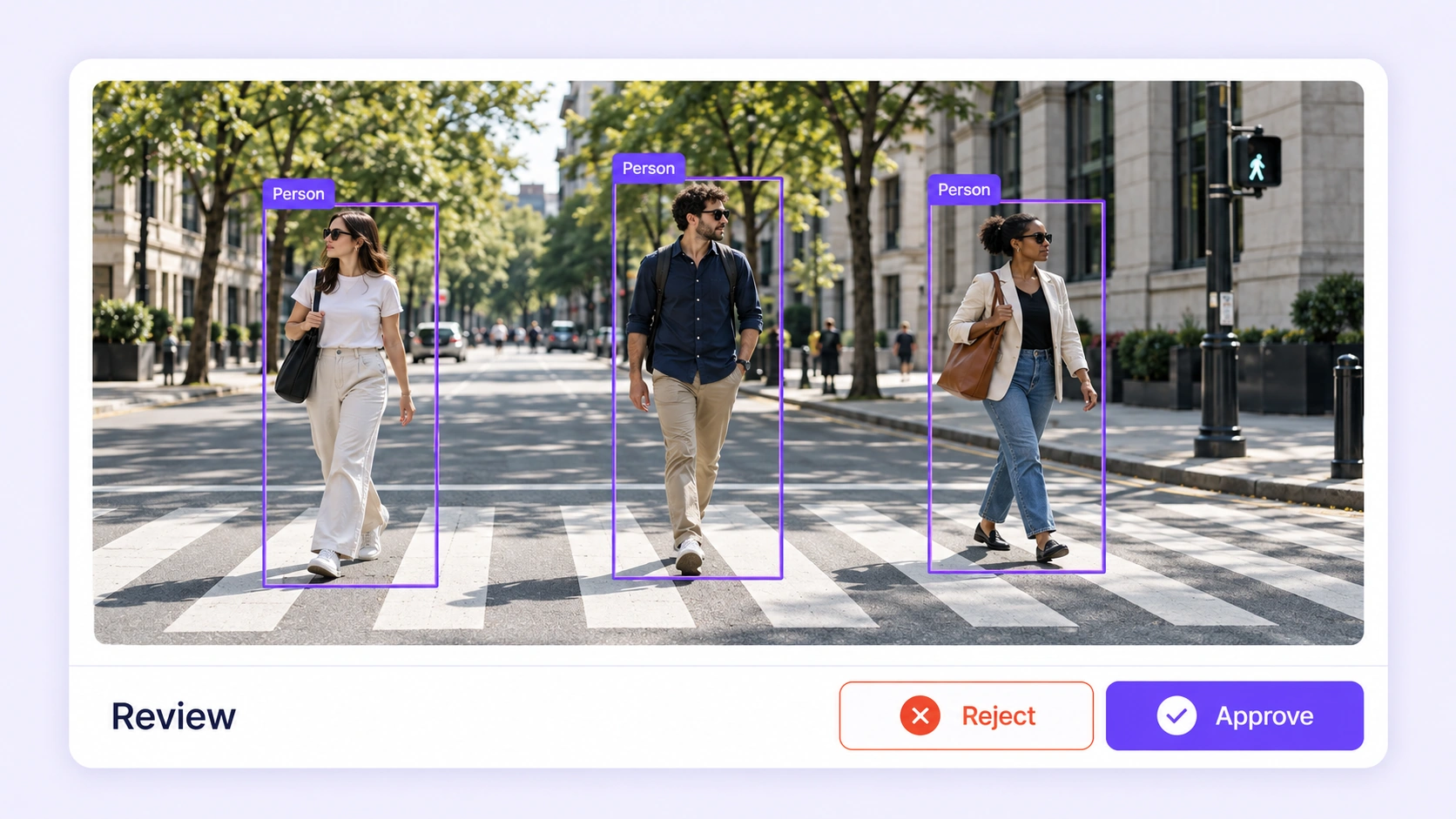
Catch missing objects, inaccurate boundaries, broken tracks, and inconsistent keypoints. Review image and video labels in their original visual context.
Explore computer vision annotation QA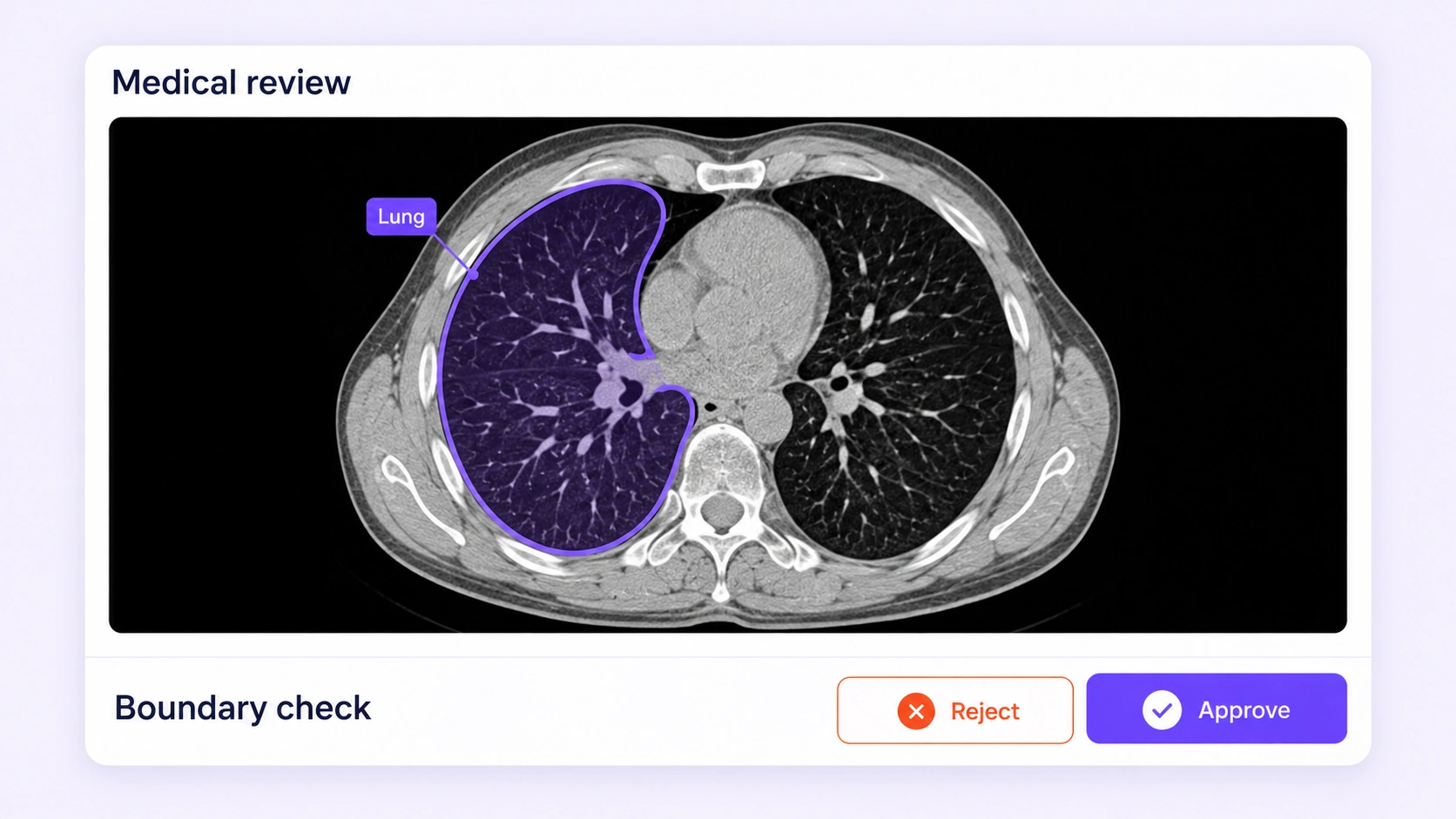
Review anatomical boundaries, region labels, and slice consistency with your medical experts. Keep disagreements and corrections connected to the original scan.
Explore medical annotation QA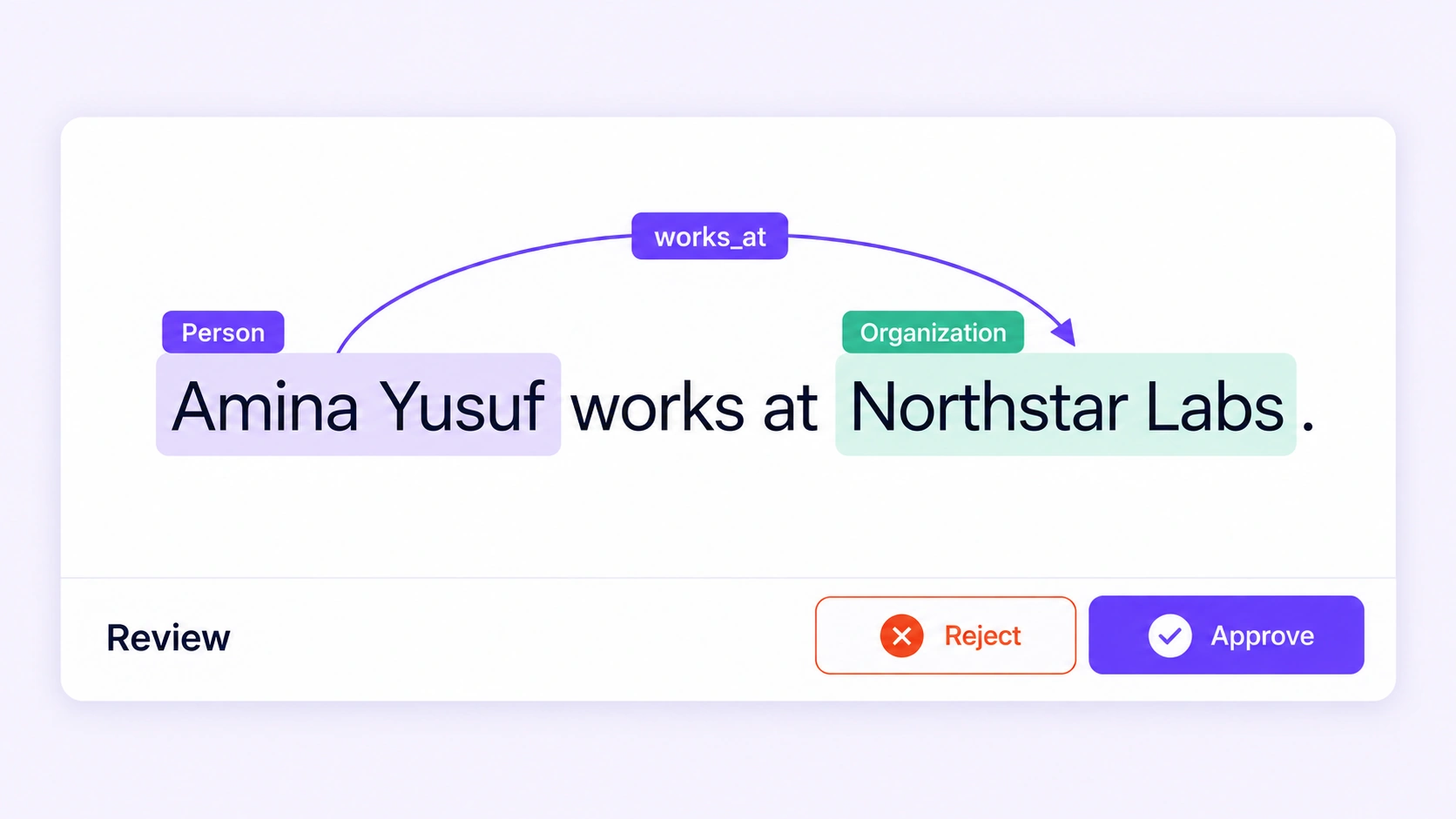
Check entity spans, relation direction, intent labels, and required properties. Resolve language ambiguity while preserving the exact source text.
Explore NLP annotation QA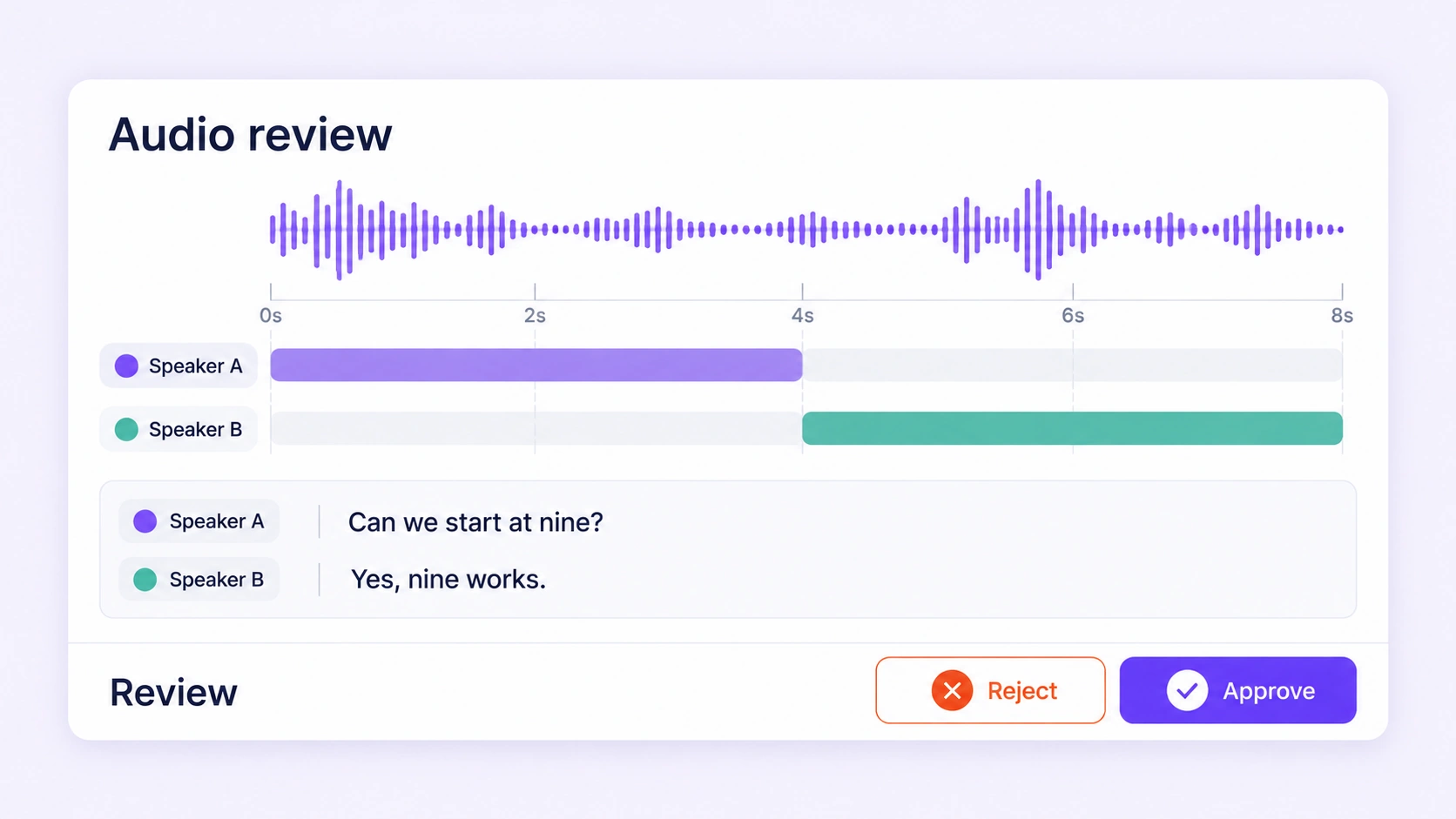
Review transcript wording, speaker turns, sound-event timing, and recording properties. Keep corrections aligned with the original audio.
Explore audio annotation QA
Review image labels for missing objects, class consistency, and precise boundaries. Combine consensus, hidden benchmarks, and expert review before releasing training data.
Explore image annotation QA →
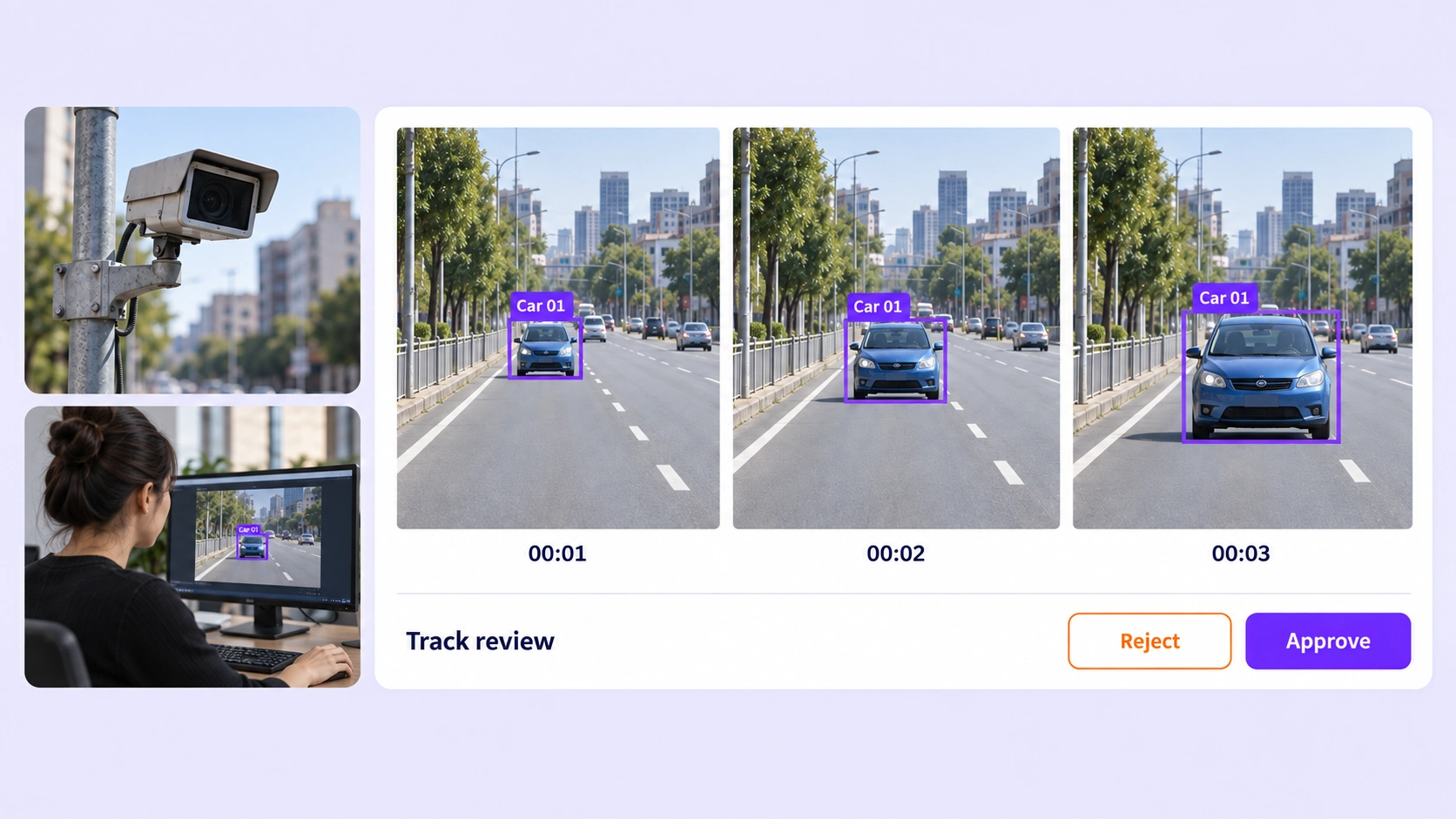
Check track identity, object boundaries, and temporal labels across frames with consensus, benchmarks, and video review workflows.
Explore video annotation QA →
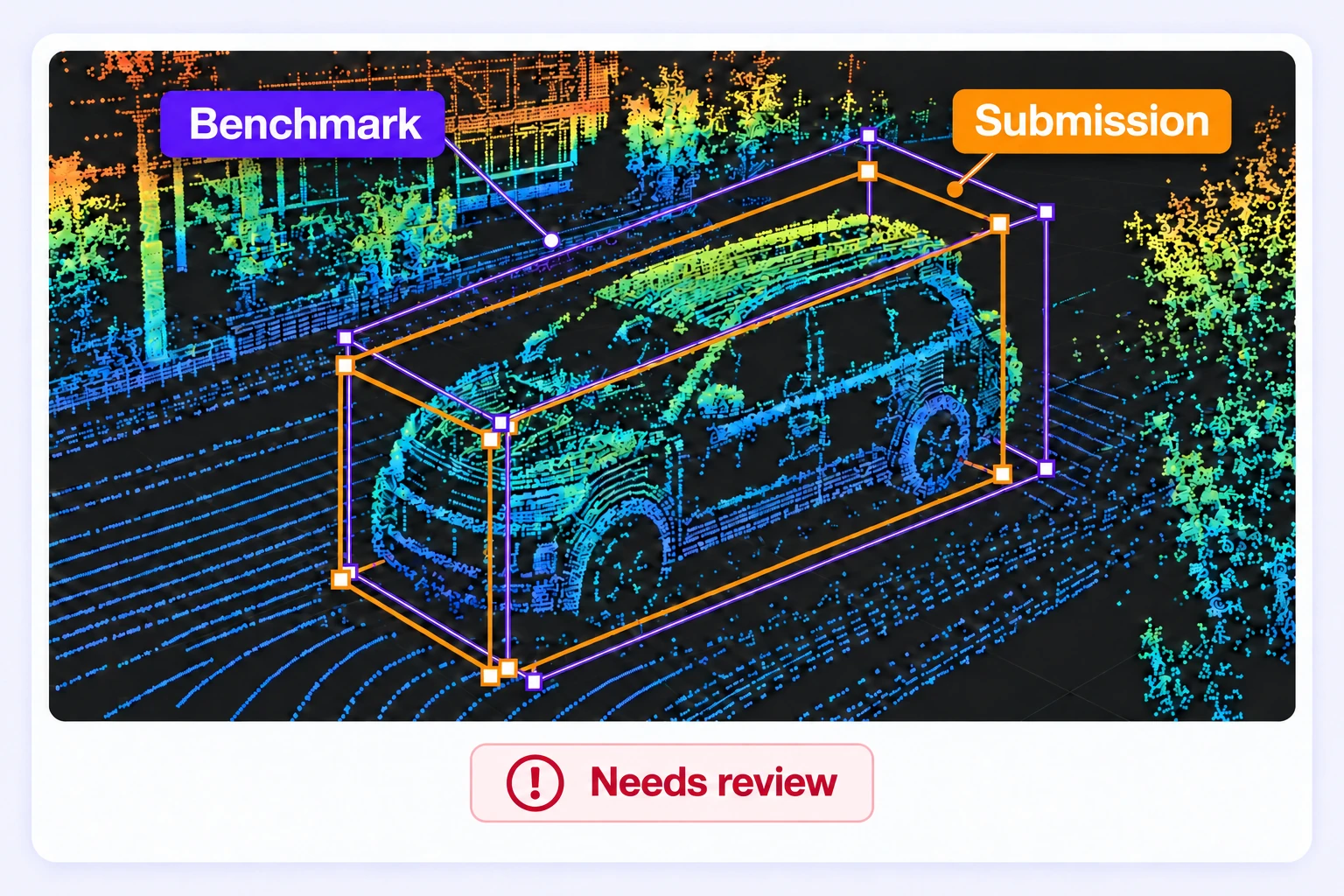
Review 3D cuboids, point labels, and tracks with consensus, hidden benchmarks, and expert LiDAR review workflows.
Explore LiDAR annotation QA →
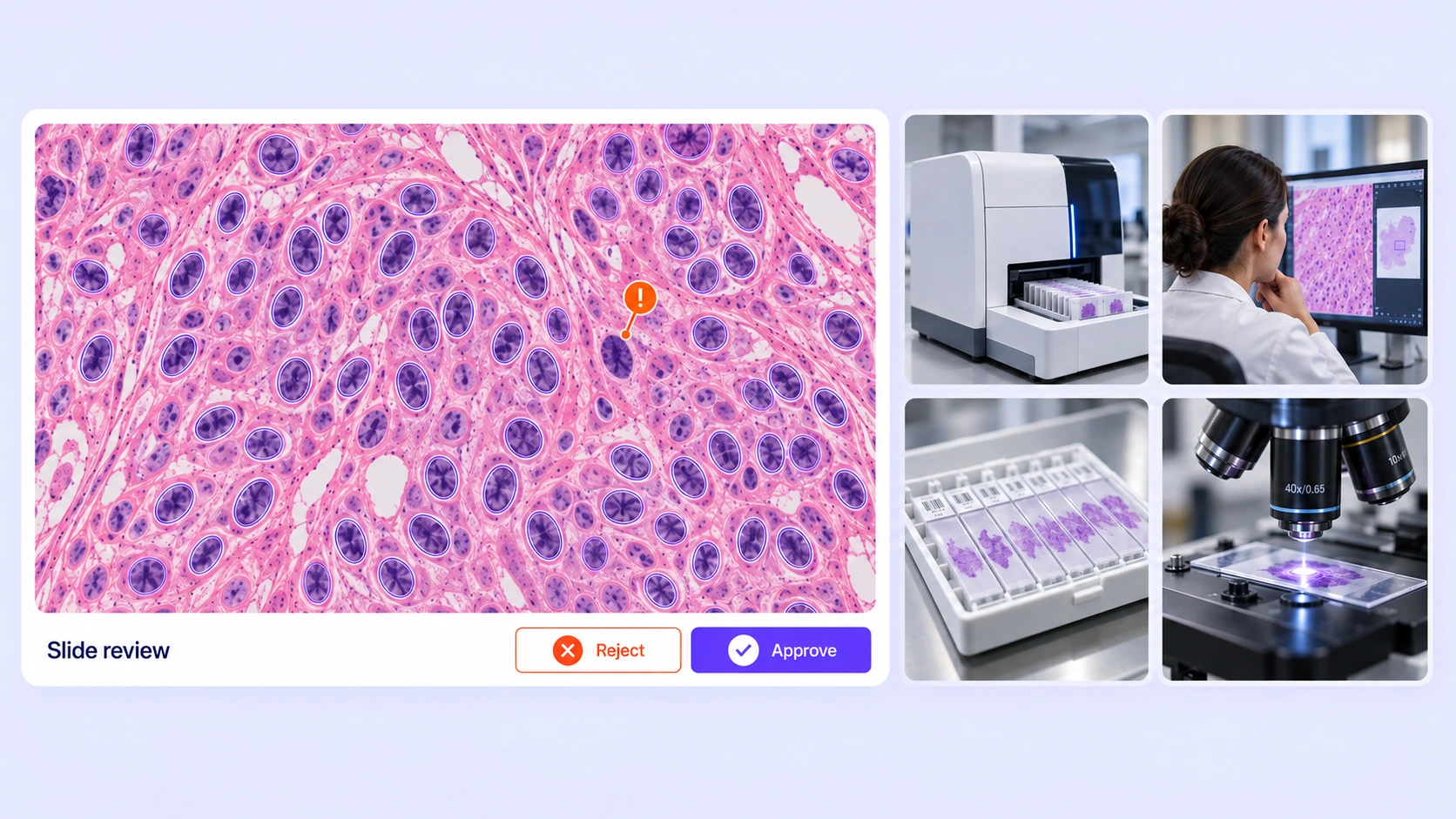
Review nuclei, tissue regions, and slide labels in their histology context. Combine independent annotation, hidden reference checks, and qualified expert review for pathology datasets.
Explore pathology annotation QA →
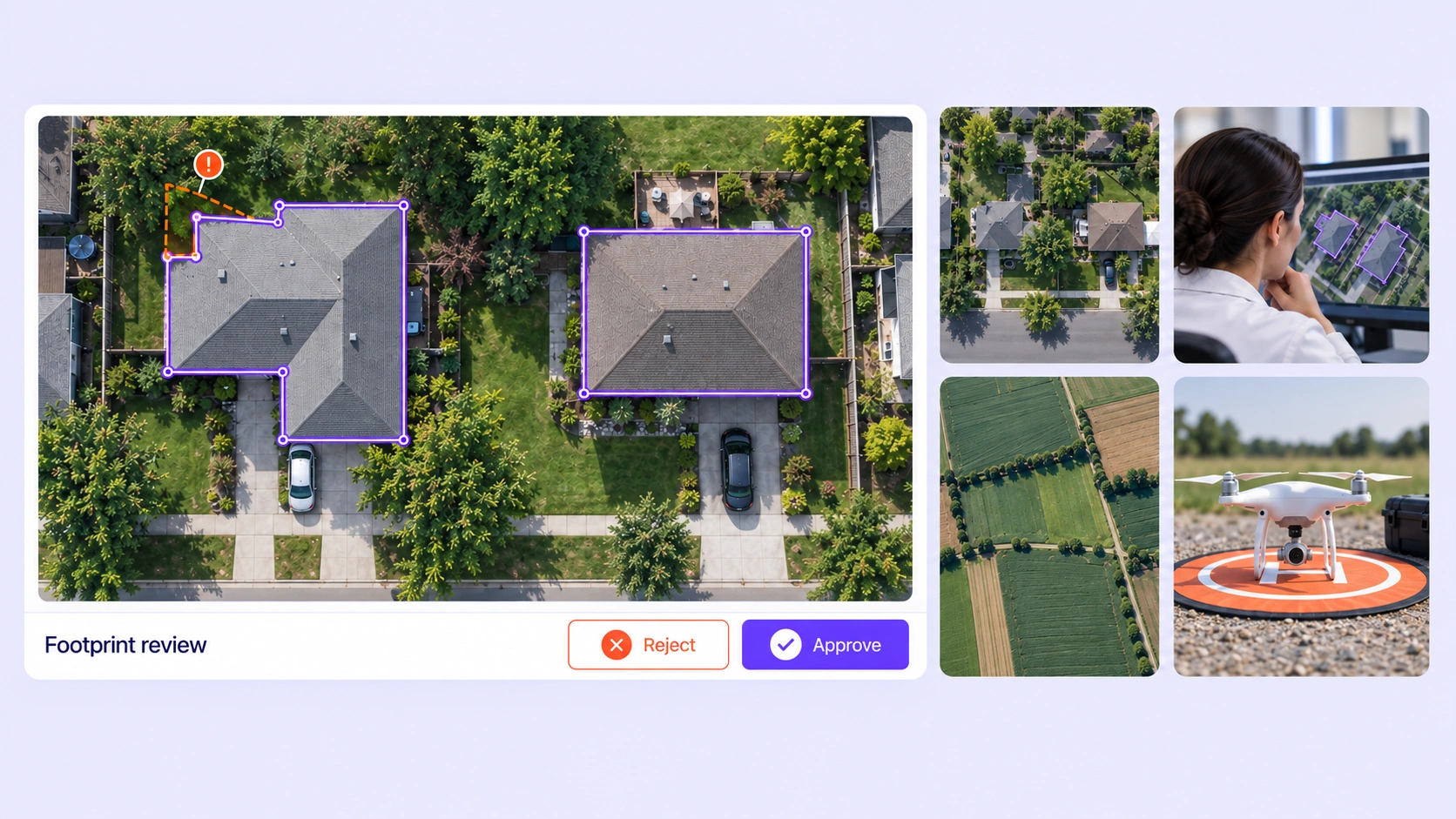
Check building footprints, land-cover regions, and mapping labels against the original aerial or satellite image. Combine consensus, hidden benchmarks, and expert review.
Explore geospatial annotation QA →
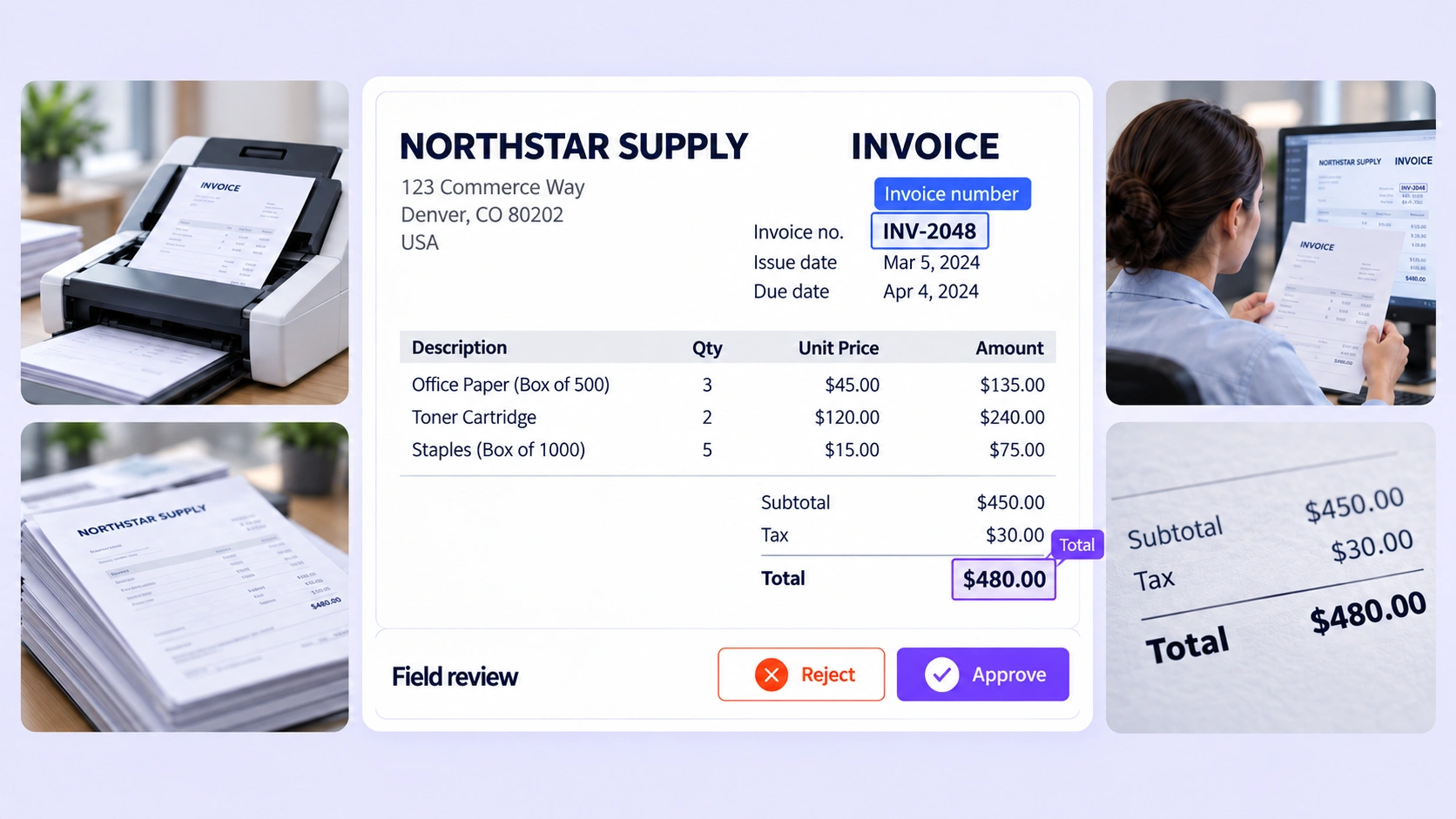
Review PDF field completeness, page-aware boundaries, and layout labels. Resolve inconsistent document annotations before creating training datasets.
Explore document annotation QA →

Review webpage text spans, field roles, and same-page relationships in saved HTML. Resolve ambiguous product and job-page labels in context.
Explore HTML annotation QA →
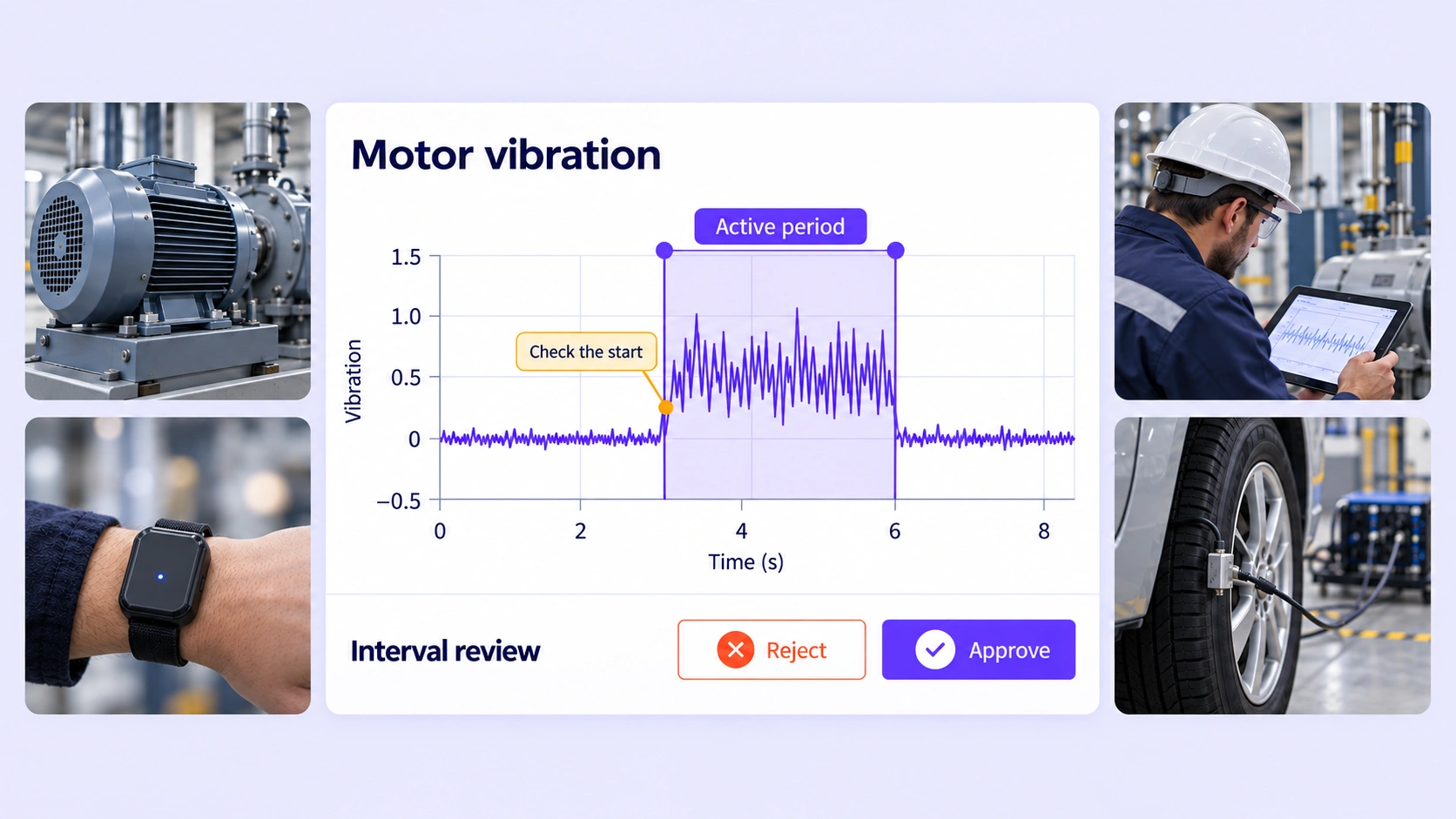
Review time-series intervals, sampled events, and channel-specific labels. Resolve sensor boundary disagreements before preparing training datasets.
Explore sensor annotation QA →
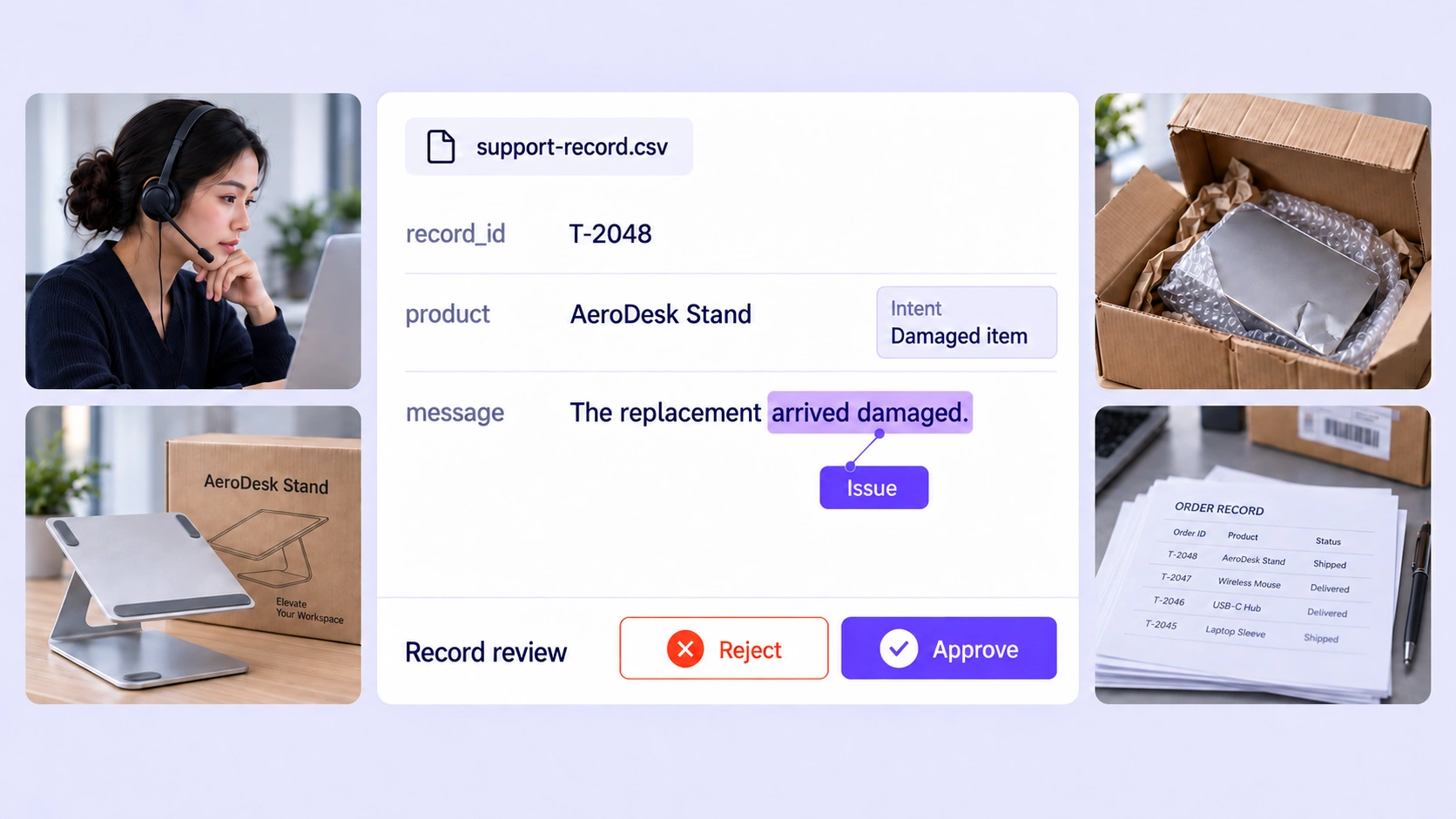
Review CSV record labels, cell spans, and within-row relationships. Resolve inconsistent field annotations while preserving the original column context.
Explore tabular annotation QA →
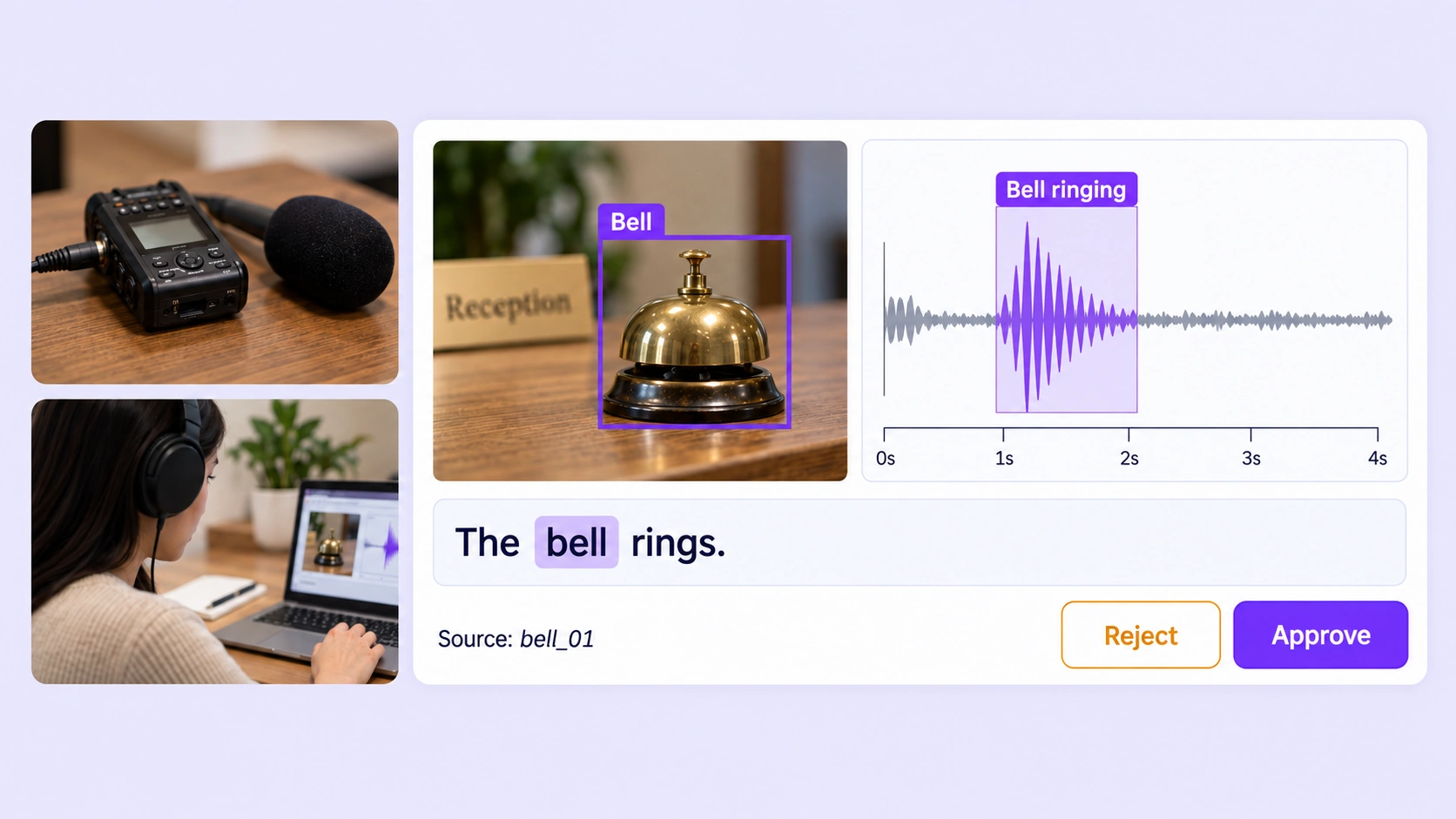
Review connected visual, audio, and text labels within one grouped item using consensus, approved benchmarks, and expert review.
Explore multimodal annotation QA →
Learn how QA Workflows, Consensus, Quality Gate (Honeypot), and expert review help teams prepare consistent training data across modalities.
Talk with the Unitlab teamAnnotation quality assurance checks that labels are accurate, consistent, and complete before they become training data. Unitlab brings expert review, approved benchmarks, consensus, validation checks, and workflow routing into the annotation process.
QA overviewConfigure a path from Annotate through Consensus, Quality Gate, Review, and Complete. Passing checks move work forward; failed checks and rejected reviews can return items to annotation for correction. Keep separate routes for unavailable comparisons, and use workflow history to follow each attempt and decision.
QA workflowsConsensus compares independent annotations of the same item against a configured agreement requirement. Reviewers inspect differences in supported labels, boundaries, and properties, then refine the result using the source data and guidelines. Agreement measures consistency between annotators; a Quality Gate compares their work with an approved reference.
Consensus guideManagers prepare approved answer keys that remain hidden from annotators. A Quality Gate compares eligible submissions with those references and uses the configured threshold to route Pass or Fail. Missing or incompatible comparison data follows Not evaluated separately, so an unavailable check is never counted as a successful benchmark result.
Quality Gate guideYes. Unitlab supports shared workflow controls for image, video, audio, text, document, HTML, medical, pathology, geospatial, sensor, tabular, and grouped multimodal tasks. Adapt the acceptance rules to each source: visual boundaries, audio timing, text spans, or sensor events. Reviewers use the relevant viewer to resolve the differences that matter to that task.
QA workflowsTrack available benchmark scores and pass rates, consensus outcomes, validation findings, open issues, and review or rework results. Interpret each measure against the task, reference examples, and configured criteria. A strong agreement score indicates consistent labeling; source inspection and expert review help establish whether those labels follow the intended rules.
QA overviewCurate the relevant source data, send selected items through annotation and quality review, and resolve findings before preparing a dataset release. Versioning keeps a defined set of data and annotations available for downstream work. Align the release with its ontology, acceptance criteria, and intended training or evaluation task.
Data curation guideConnect annotation, benchmarks, consensus, and expert review in one workspace. Resolve issues, trace corrections, and release datasets with a clear quality record.


We use cookies to improve your experience. See our Privacy Policy and Cookie Policy.