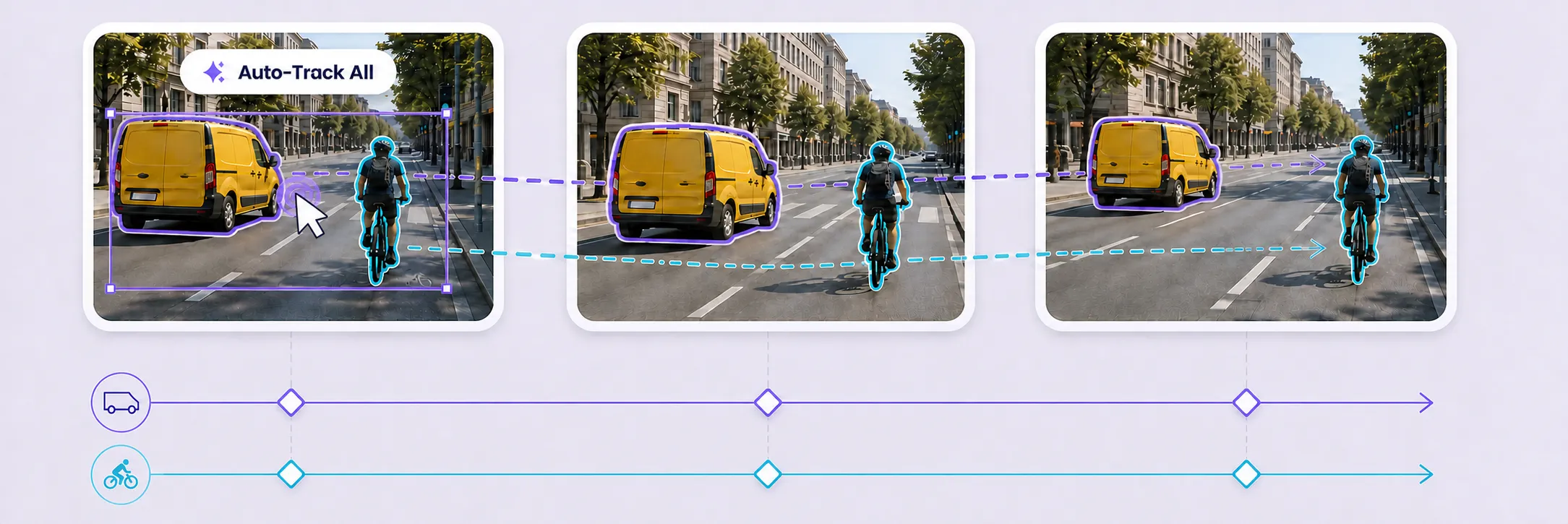
Full Auto-Tracking
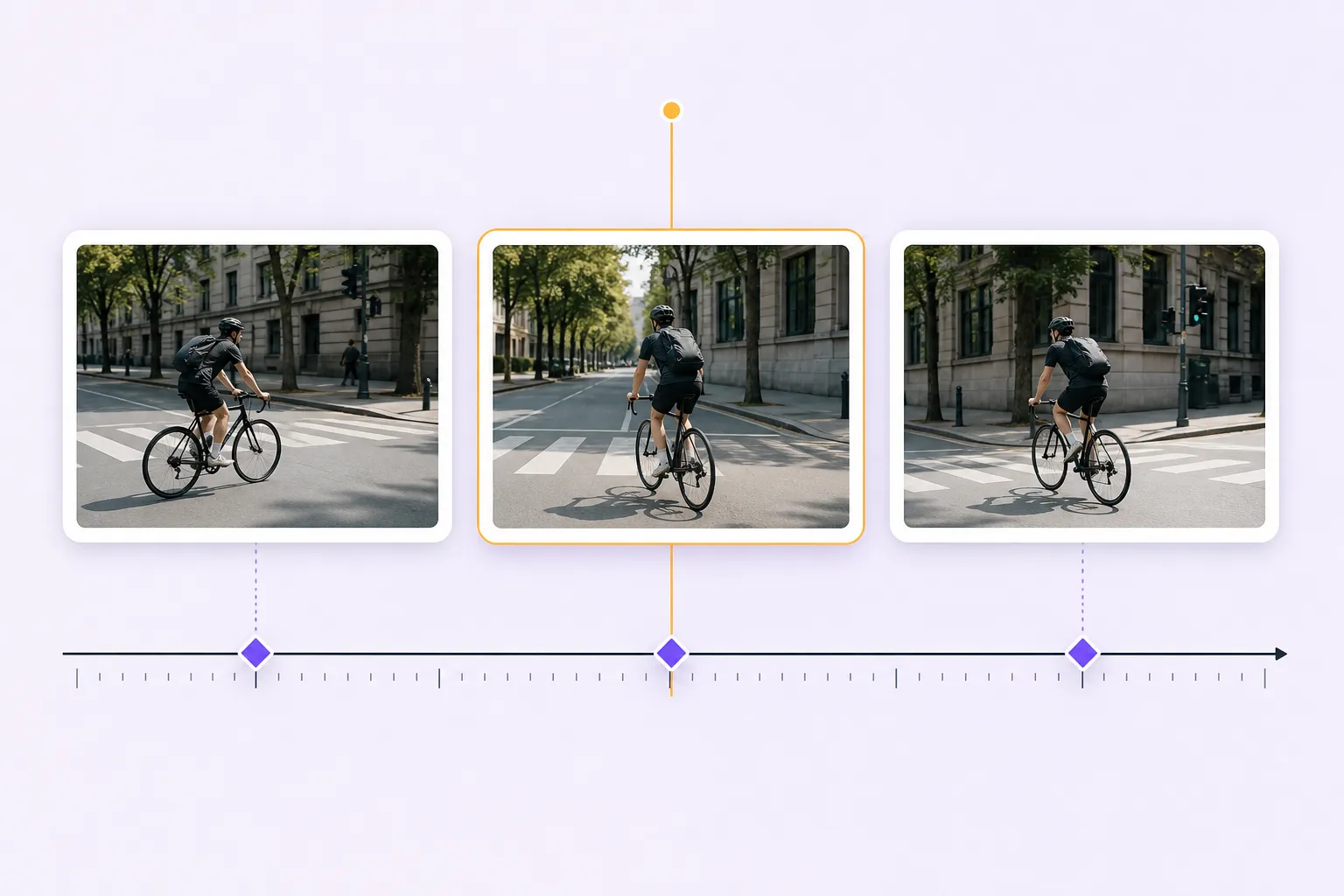
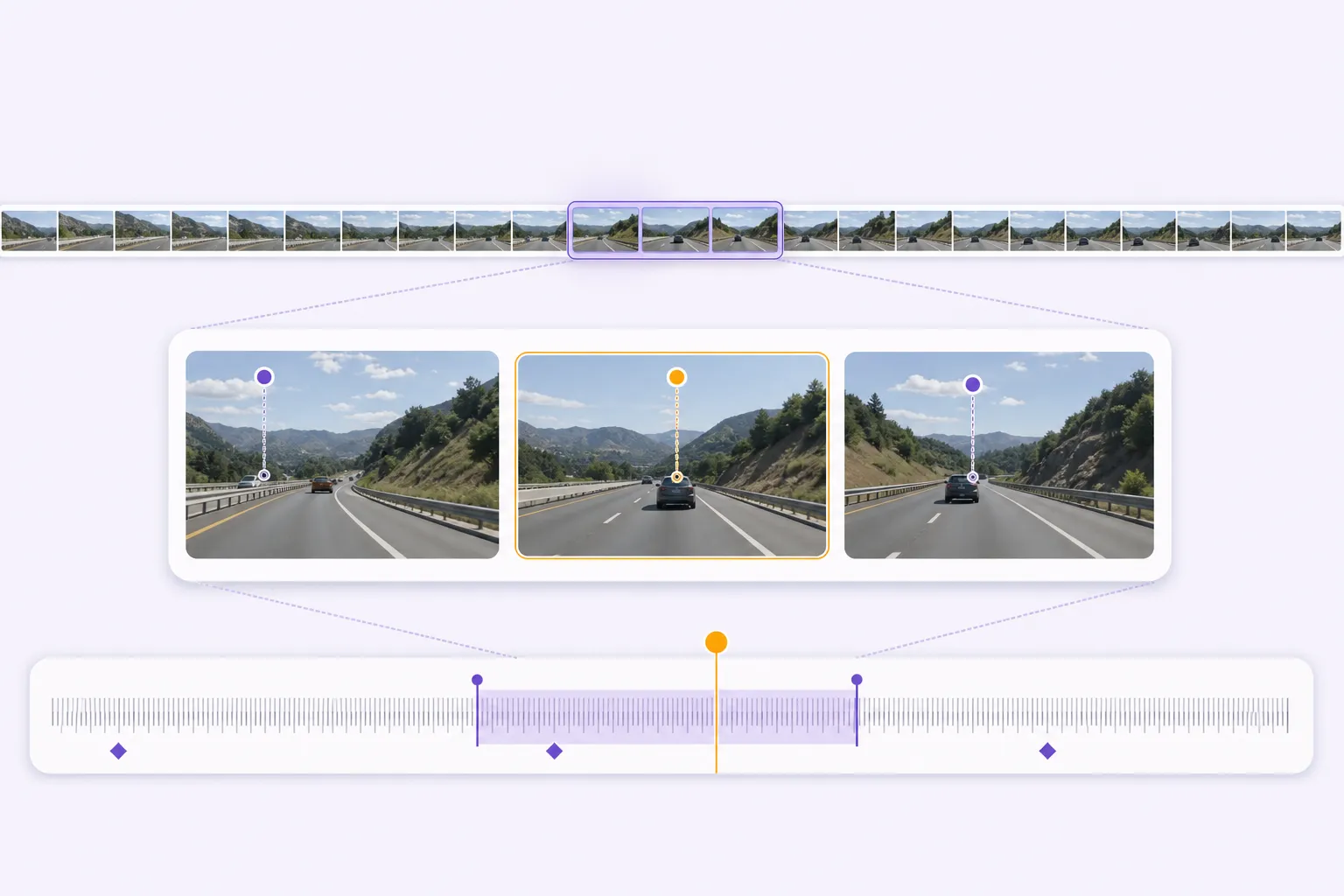
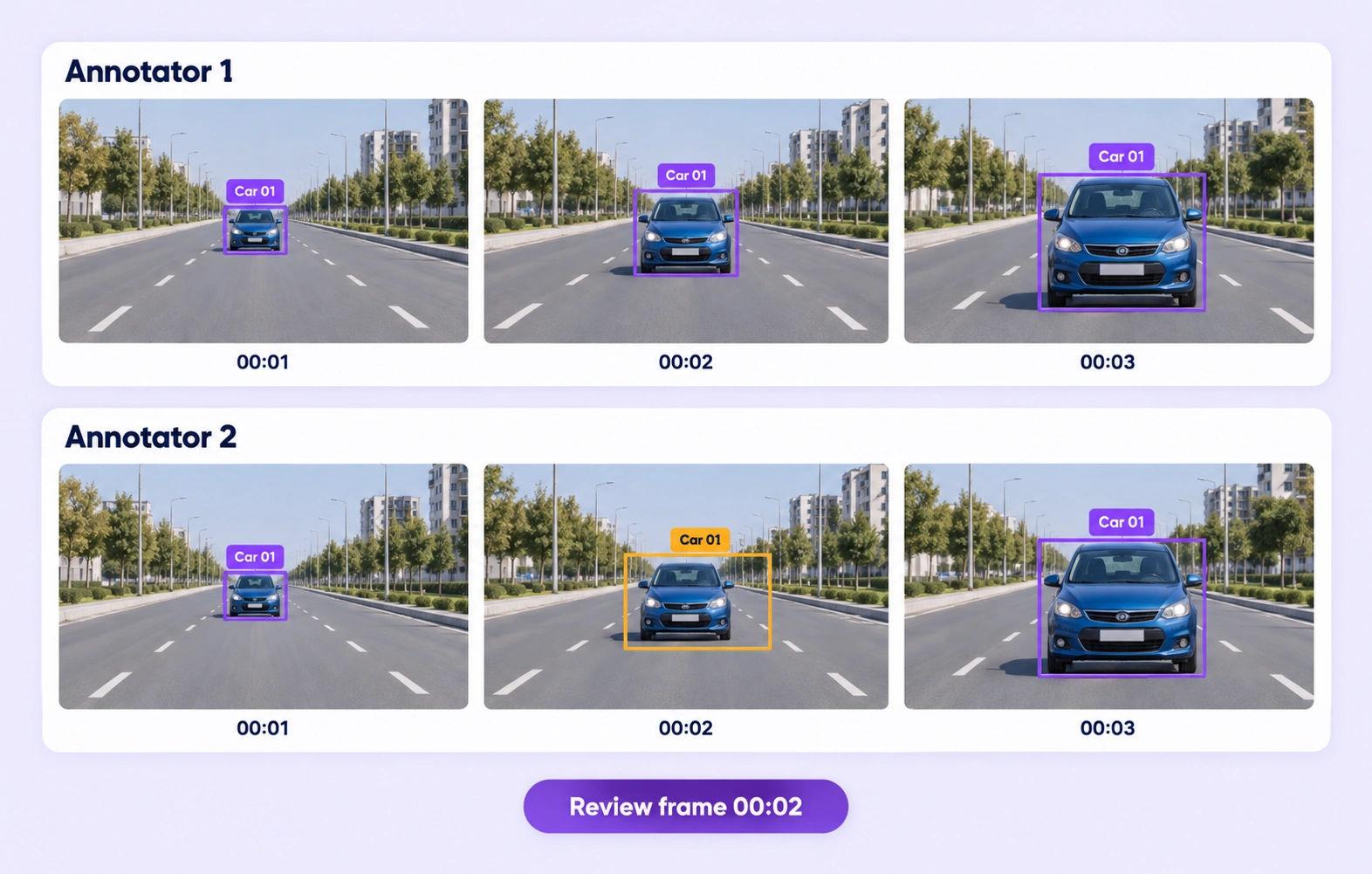
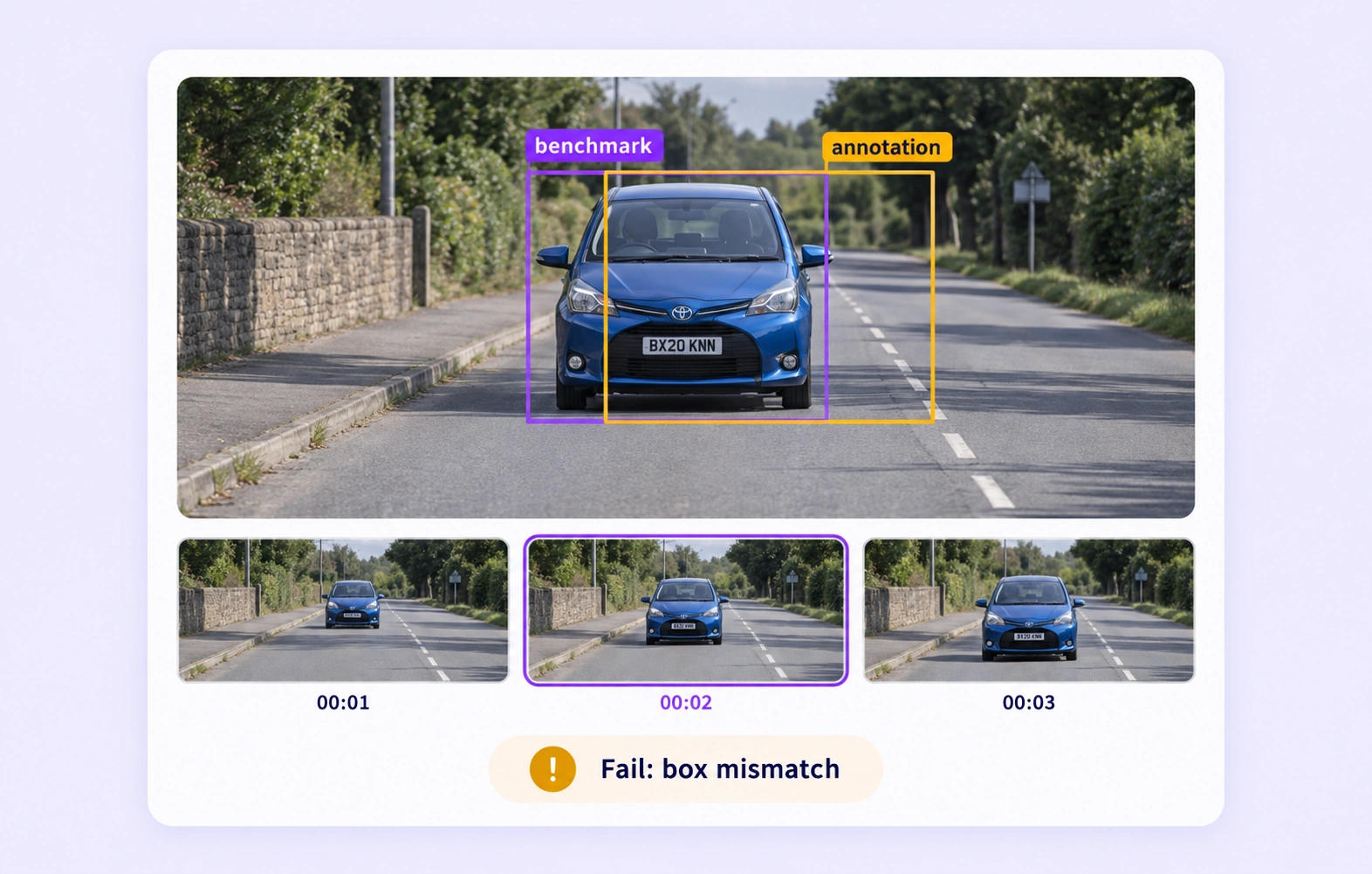
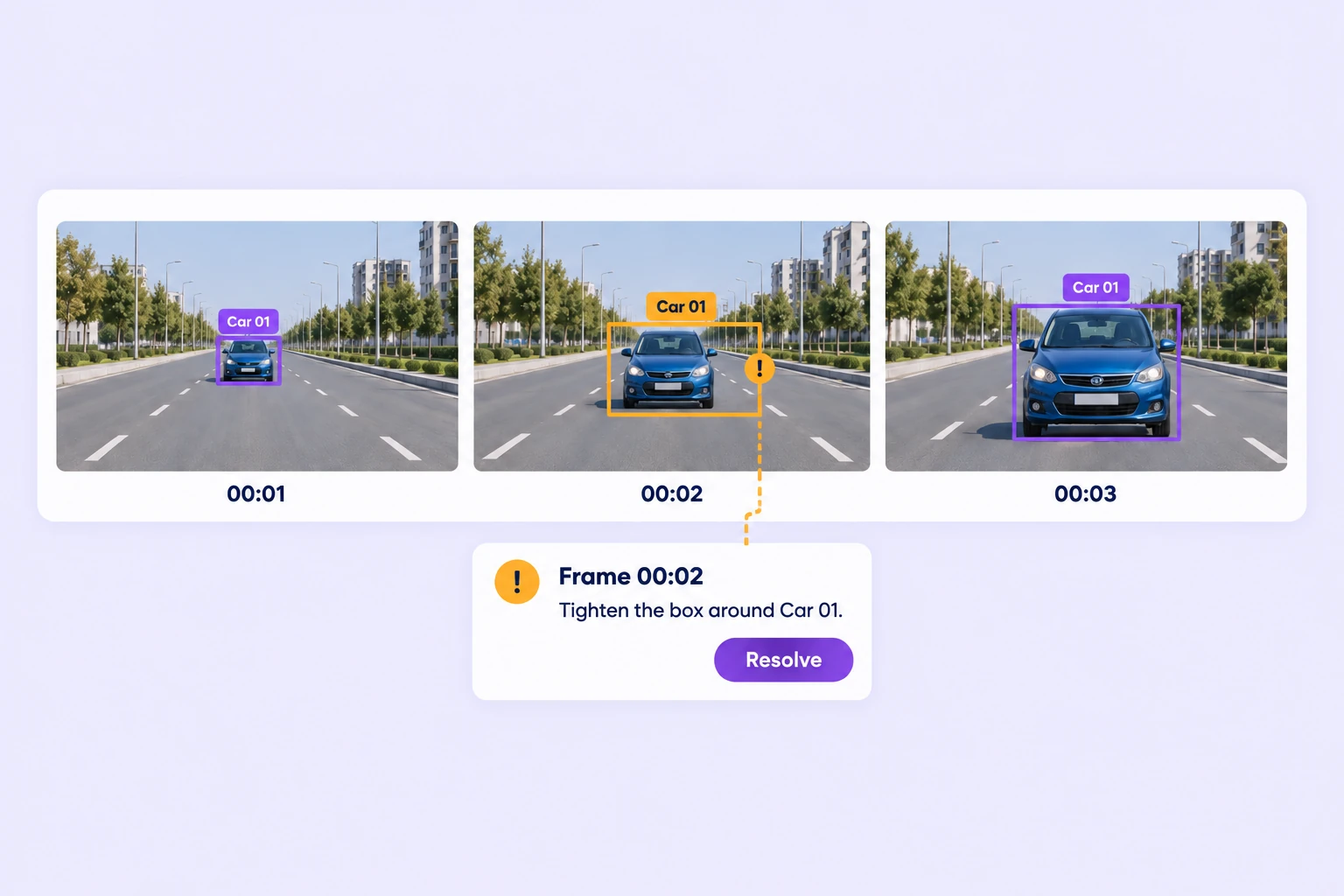
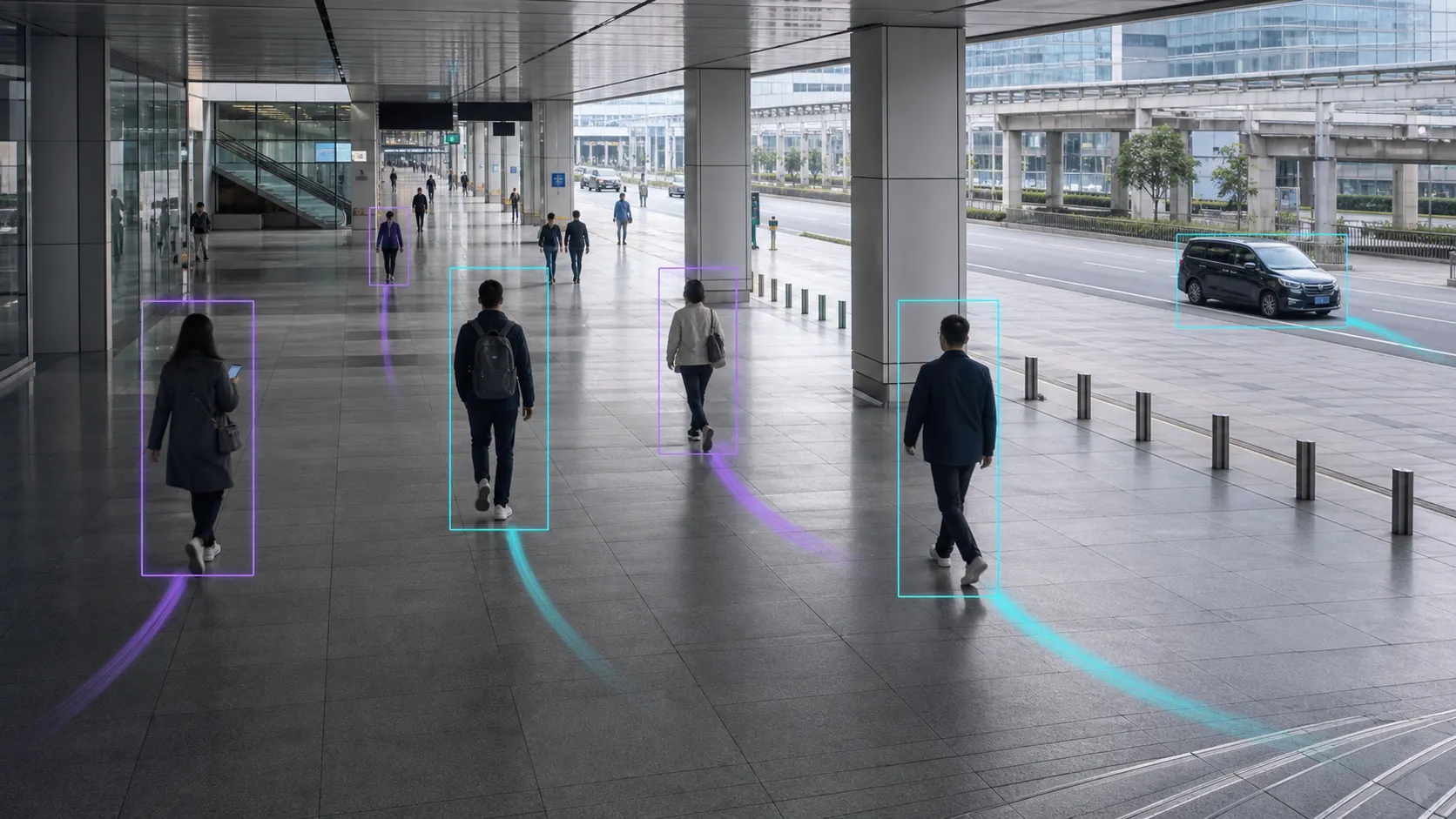
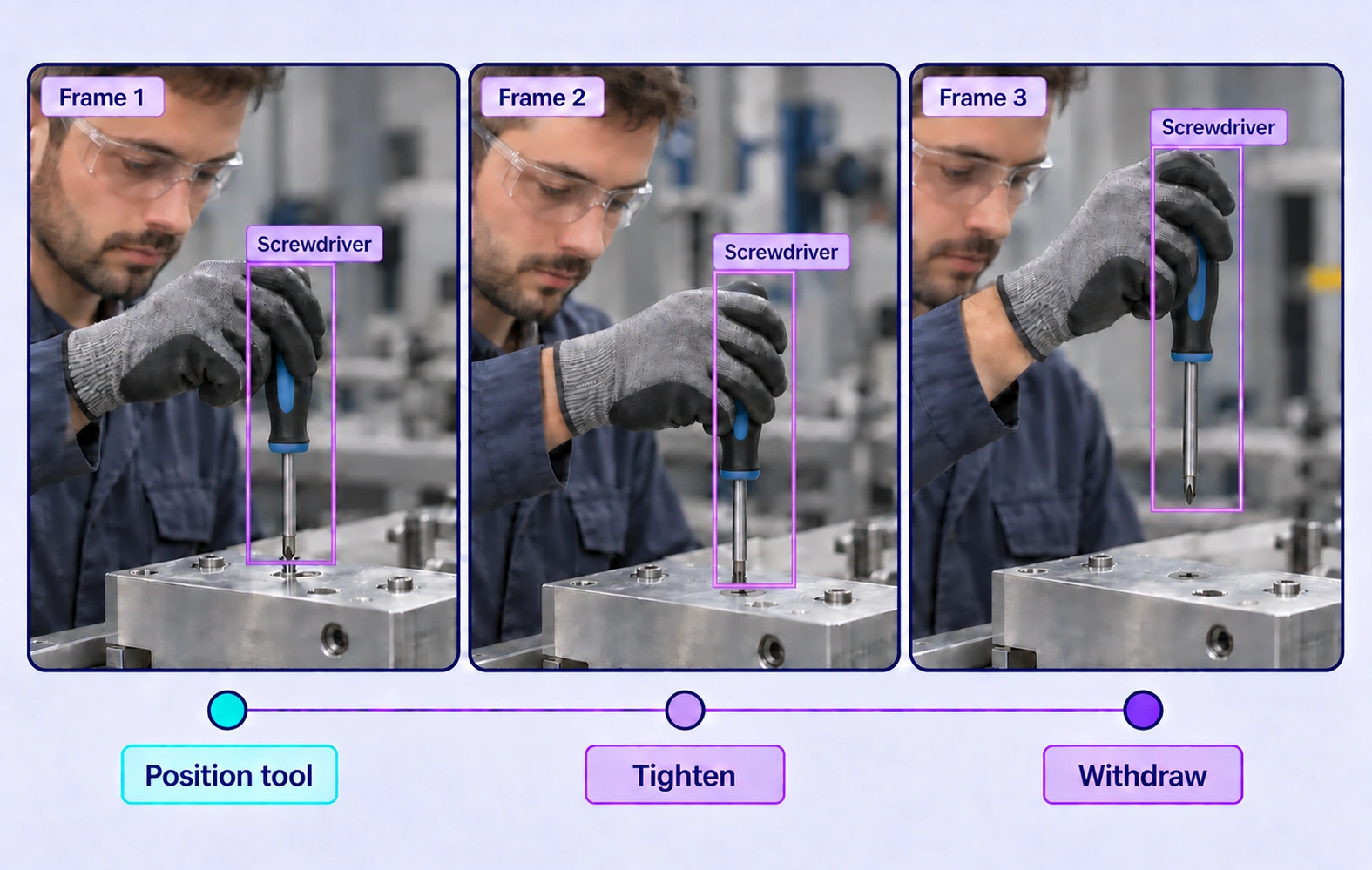
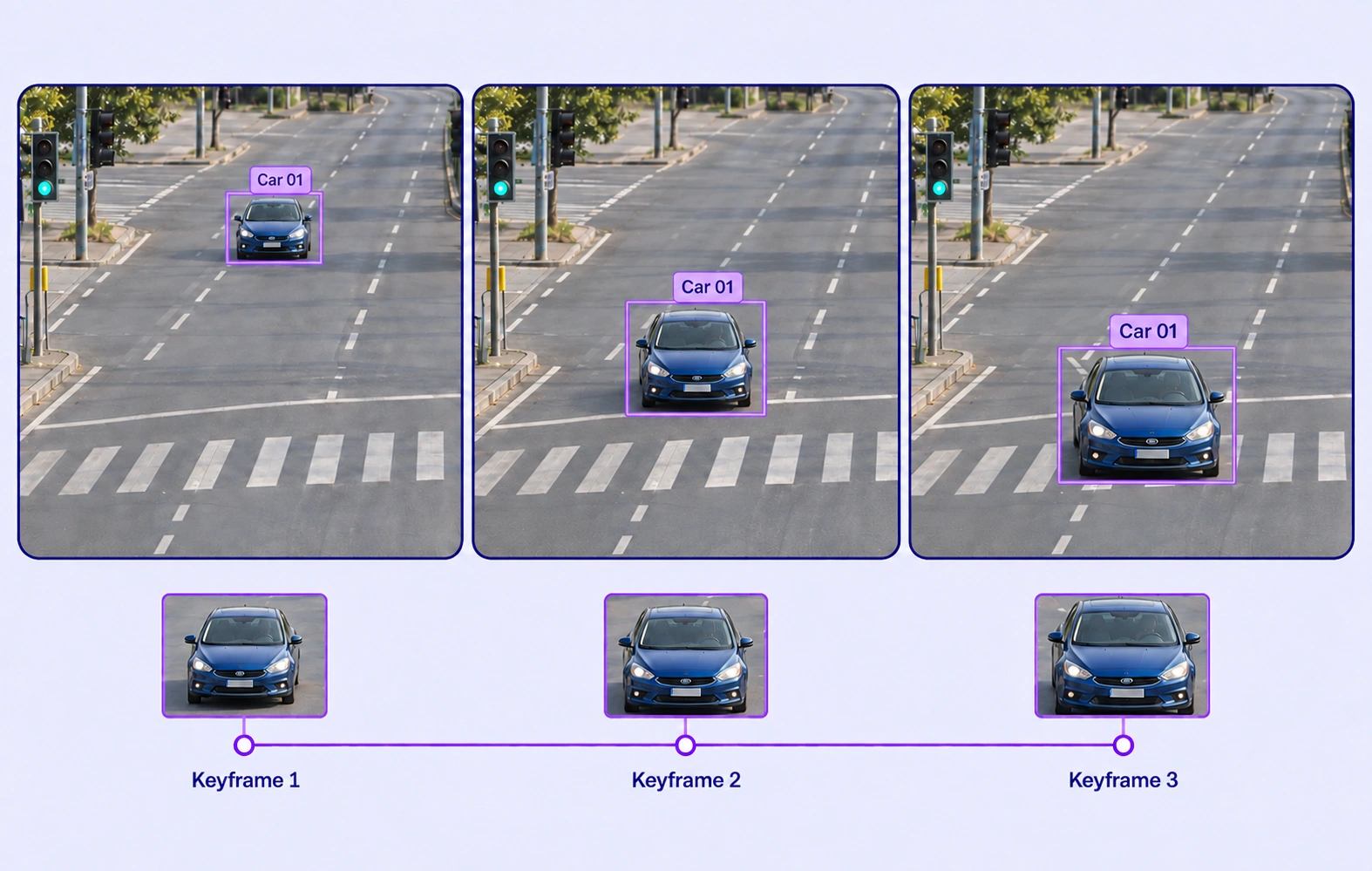
Select one or many objects, then track bidirectionally, forward, or backward from a trusted frame. Review propagated tracks and correct only the keyframes that need attention.
Curate and annotate complex video data 15x faster for production AI projects.
Auto-track multiple objects, label frame by frame, manage temporal properties, and review long videos without losing context.

Select one or many objects, then track bidirectionally, forward, or backward from a trusted frame. Review propagated tracks and correct only the keyframes that need attention.

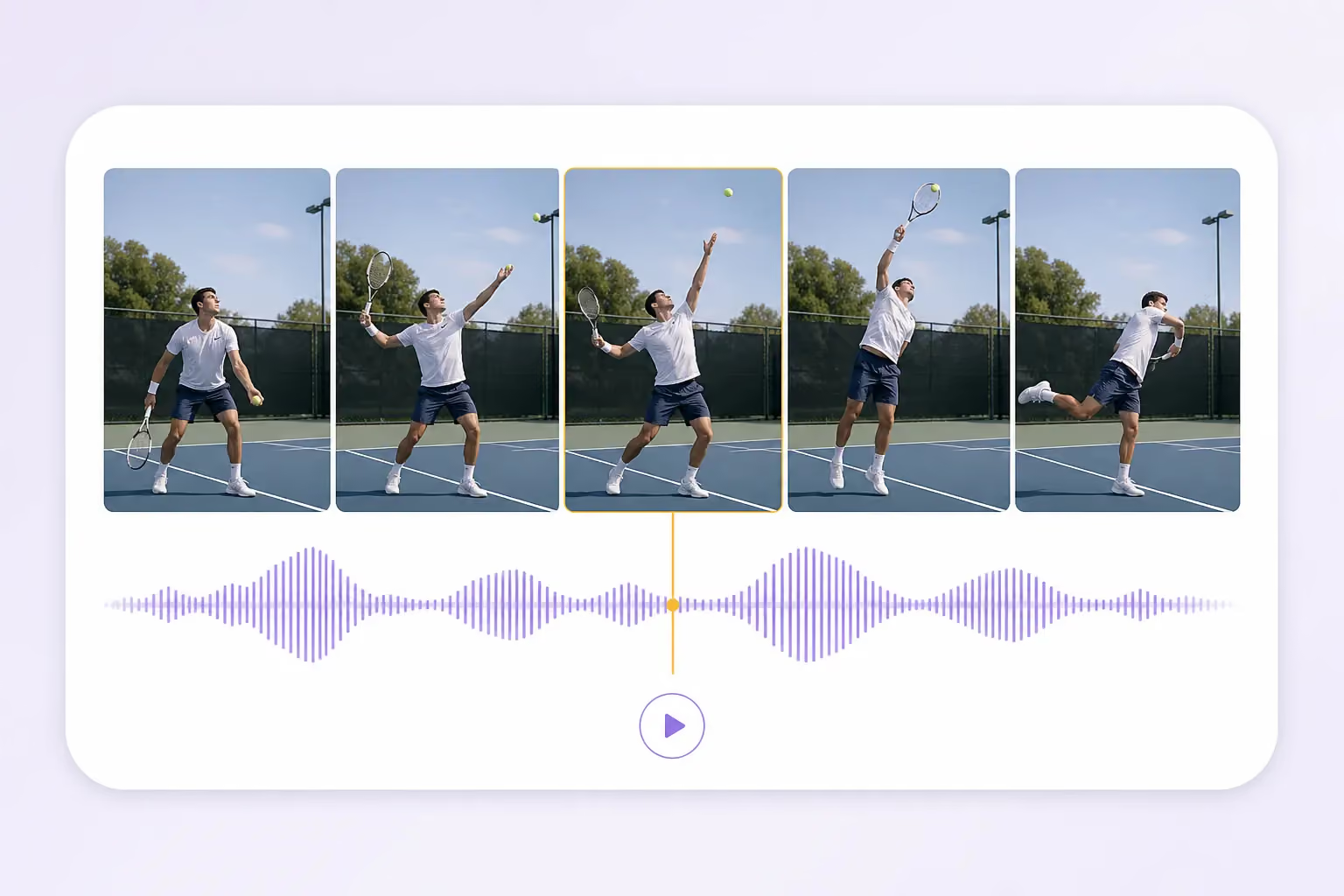
Play, pause, scrub, and step through video while the canvas, overlays, object tracks, and timeline remain synchronized.

Move one frame at a time, jump to an exact frame, zoom the timeline up to 10×, and place keyframes precisely.

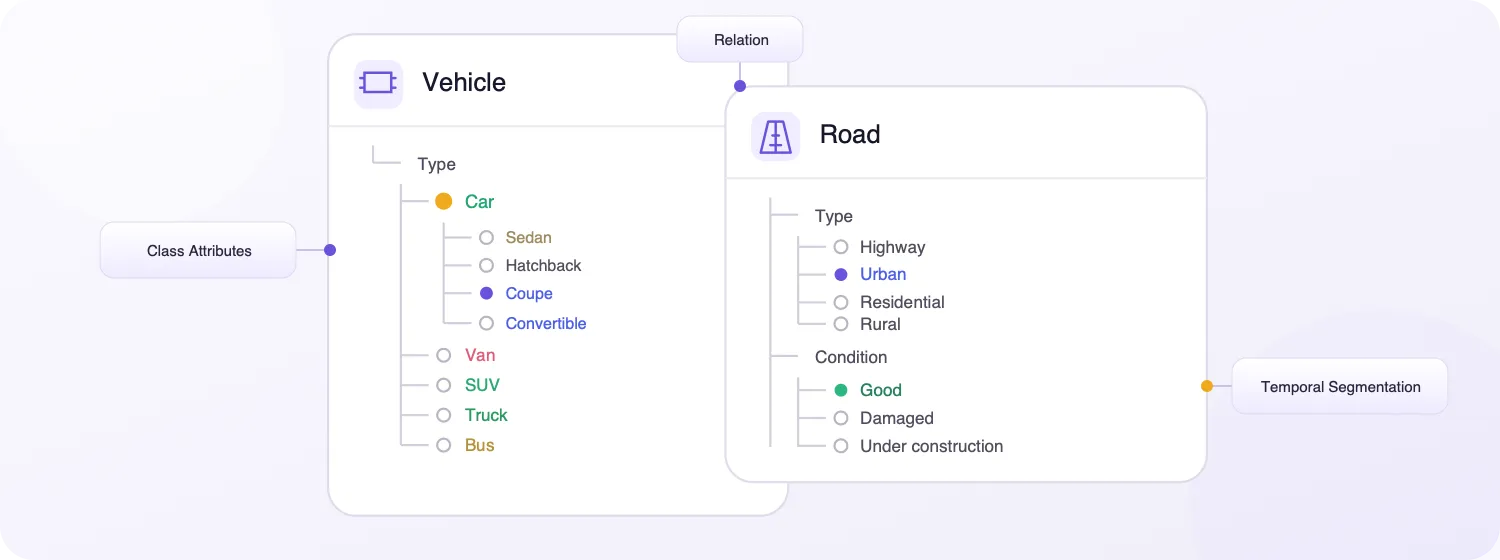
Define nested classes and frame-aware properties for objects and scenes, then review each temporal value range on the timeline.

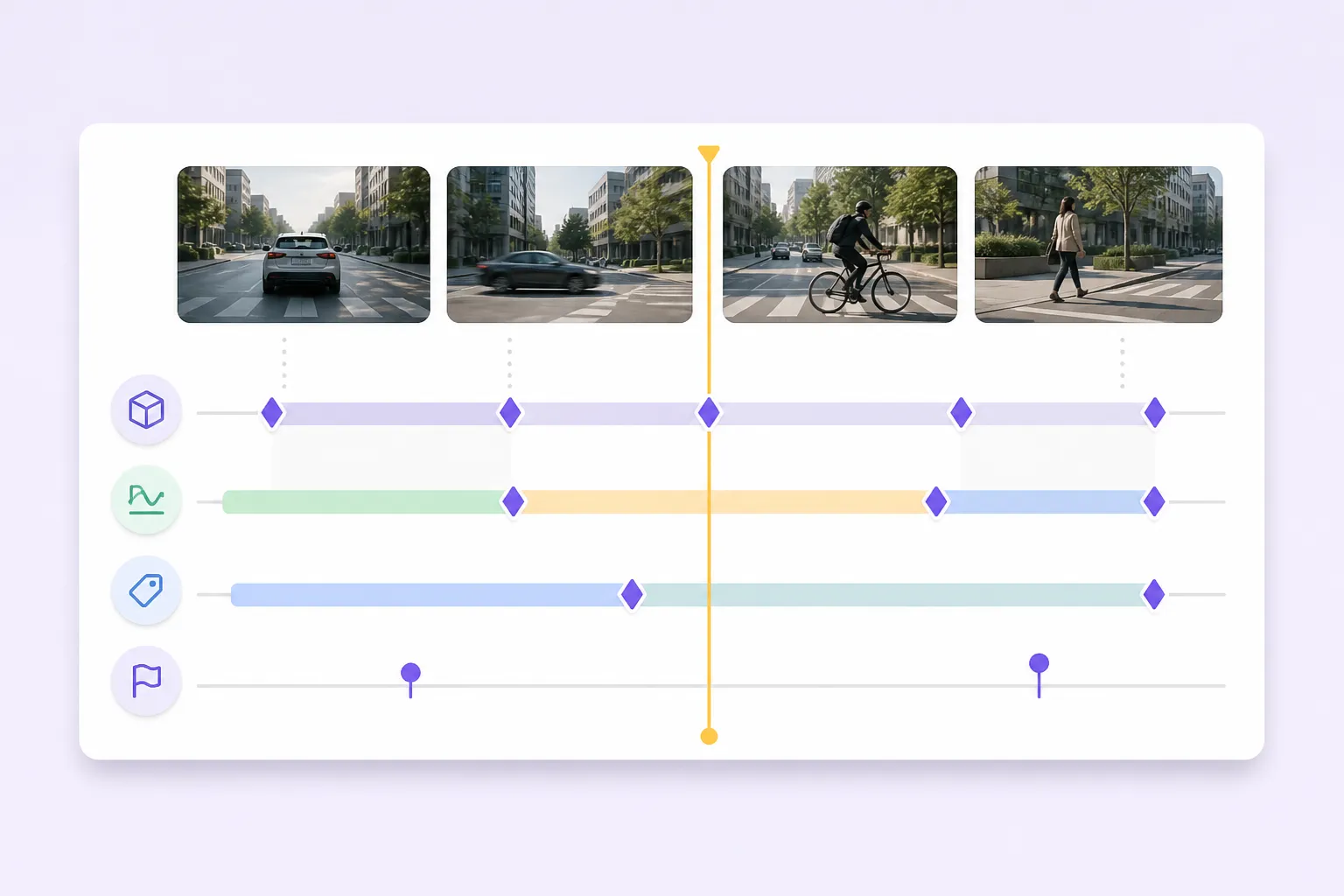
Review object tracks, keyframes, classifications, dynamic properties, and item-level states together without losing context.

Navigate a 10 h 35 min sequence with overview navigation, timeline zoom, stable playback, and exact frame access.
Annotate complex video datasets faster with AI-assisted automation, scalable workflows, and lower operational costs.
Create bounding boxes, segmentation masks, polygons, skeletons, polylines, keypoints, and 3D cuboids across video frames.
Track rectangular regions across frames with interpolation or Auto-Tracking.
Capture pixel-accurate object masks as appearance and motion change.
Outline irregular shapes precisely across keyframes and temporal sequences.
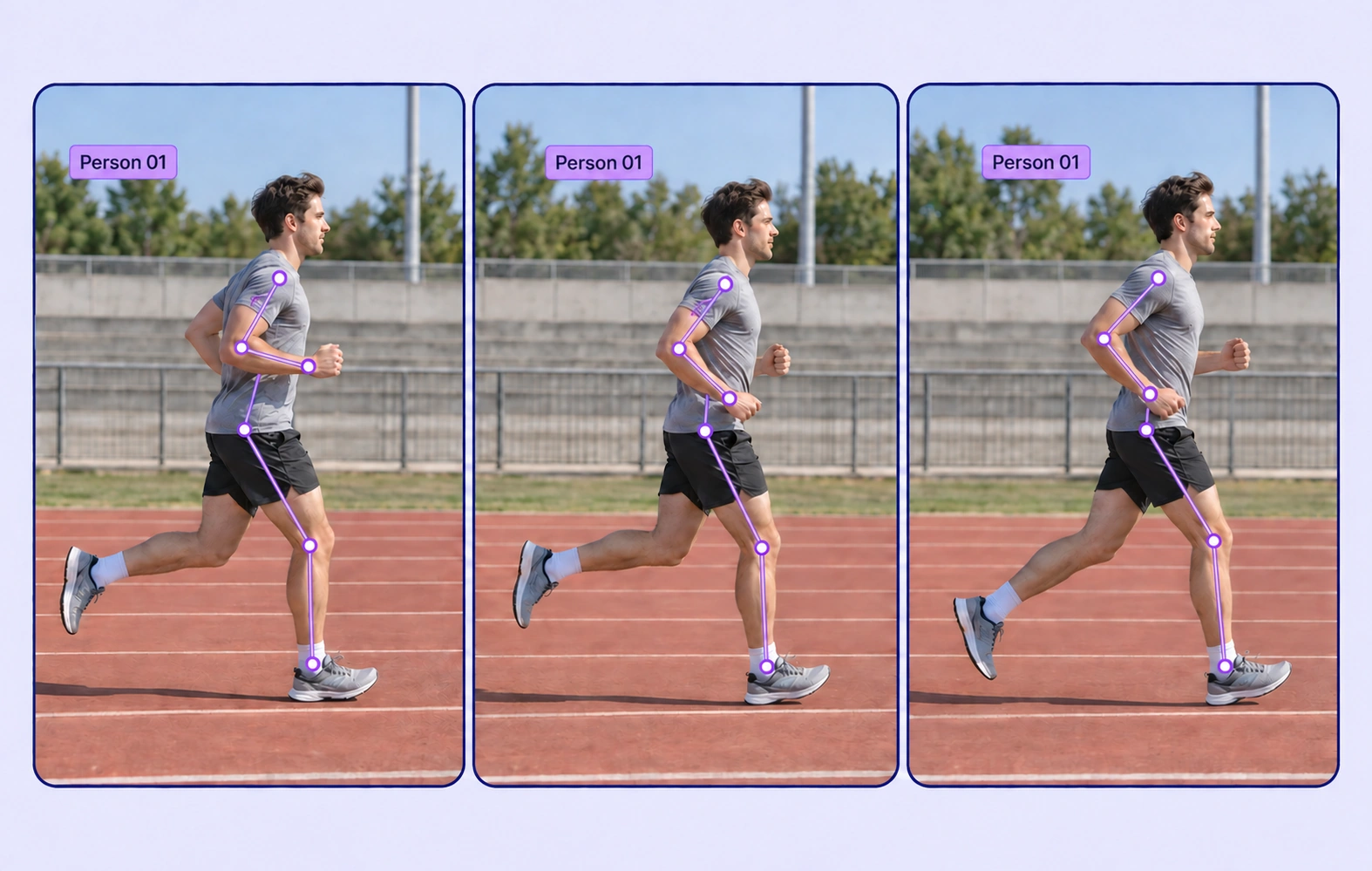
Model pose and articulated movement with connected keypoints.
Trace lanes, paths, edges, and contours through changing scenes.
Mark exact landmarks and follow them through motion.
Represent oriented objects with depth-aware 3D boxes in video.
Label properties that describe the complete video, including environment, source, quality, and scene-level attributes.
Connect objects and events to capture interactions, ownership, direction, and other contextual relationships.
Search, version, and inspect video datasets, connect AI models, and move annotations through review and approval.

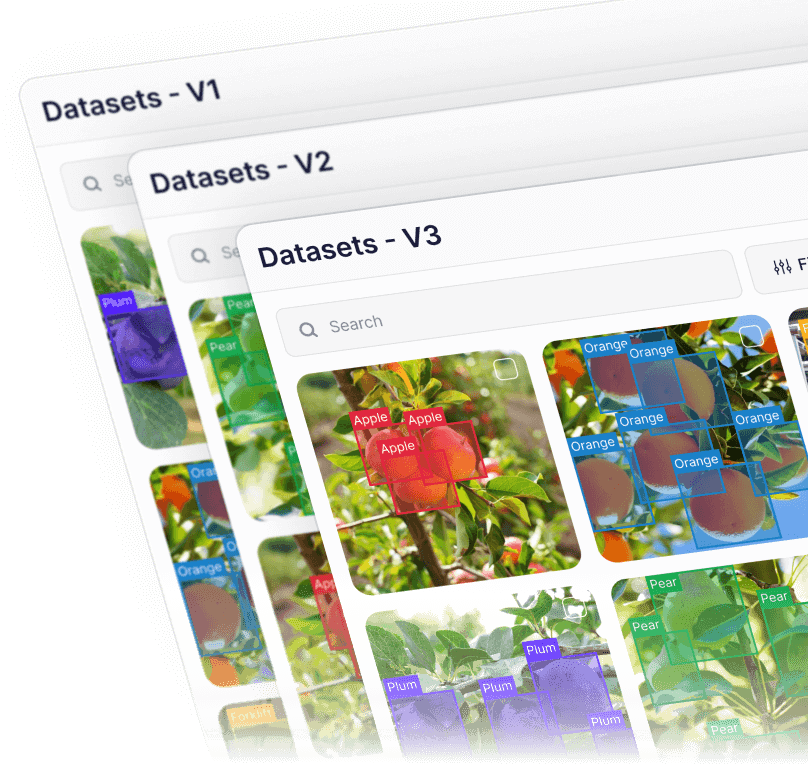
Create and manage dataset versions as video data evolves. Track changes, assign work, and keep every version auditable and production-ready.
.png)
Explore large video datasets through semantic understanding instead of manual filters. Find relevant clips and frames across diverse conditions.

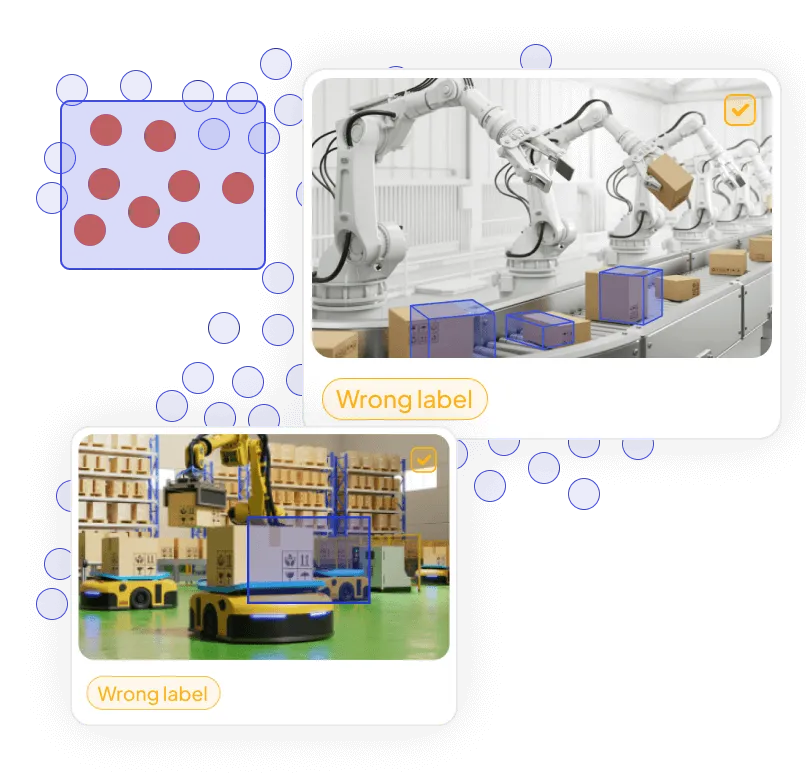
Visualize dataset structure, identify outliers and labeling issues, and improve video-data quality before training.

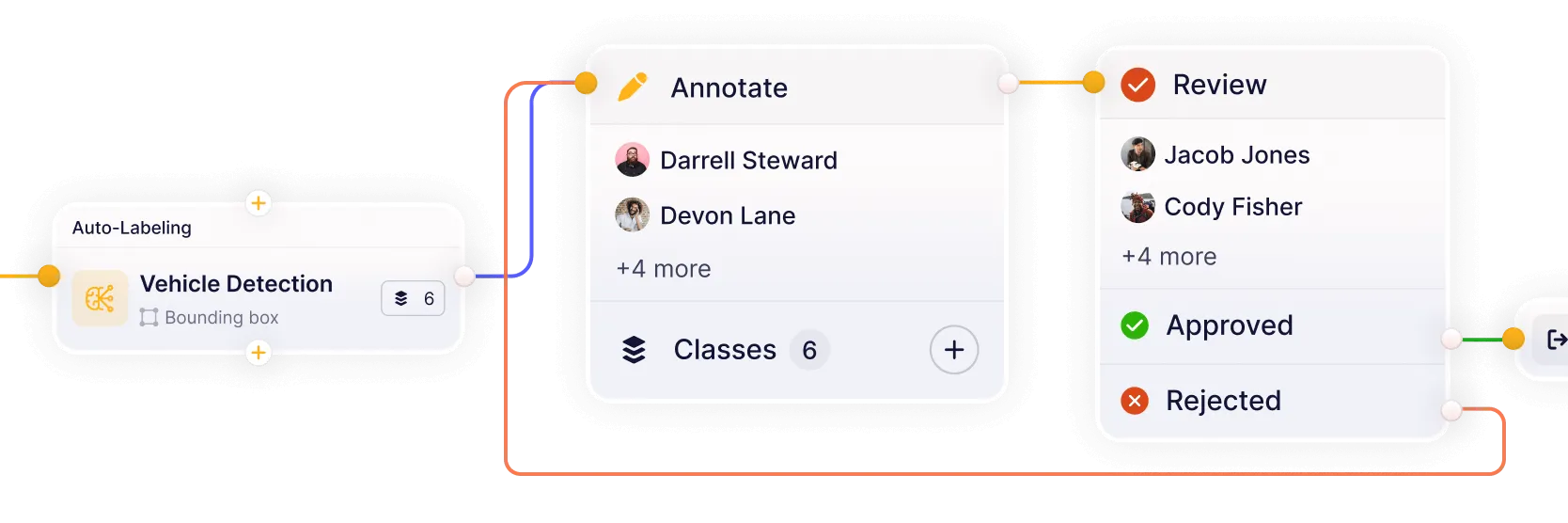
Build workflows that connect models, annotation, review, and quality assurance in one continuous loop. Reduce handoffs and keep datasets moving from labeling to approval.

Connect your own AI models for pre-labeling and model-assisted annotation. Improve accuracy and iterate faster on real-world video datasets.
Answers about video annotation types, automatic object tracking, long and multi-camera videos, temporal ontologies, quality workflows, custom models, and dataset operations in Unitlab.
Talk with the Unitlab teamUnitlab supports bounding boxes, segmentation masks and brushes, polygons, skeletons, lines and polylines, points and keypoints, cuboids and 3D boxes, relations, class properties, and item properties. Teams define the required labels and rules in a reusable ontology for consistent video training data.
Video annotation documentationSelect one or multiple annotated objects, then run bidirectional, forward, or backward Auto-Tracking. Unitlab creates editable tracks and keyframes across the chosen range, while deterministic interpolation supports controlled motion between human-verified frames.
Auto-Tracking documentationYes. Unitlab combines smooth playback, frame stepping, zoomable timelines, and frame-accurate controls for long-form video annotation. Related camera feeds can also be grouped into a synchronized multiview workspace so annotators preserve context across perspectives.
Multi-camera video documentationNested ontologies define objects, classifications, properties, events, and relations. Dynamic class properties capture changing object states, while dynamic item properties capture scene-level conditions as reviewable temporal ranges and keyframes on the video timeline.
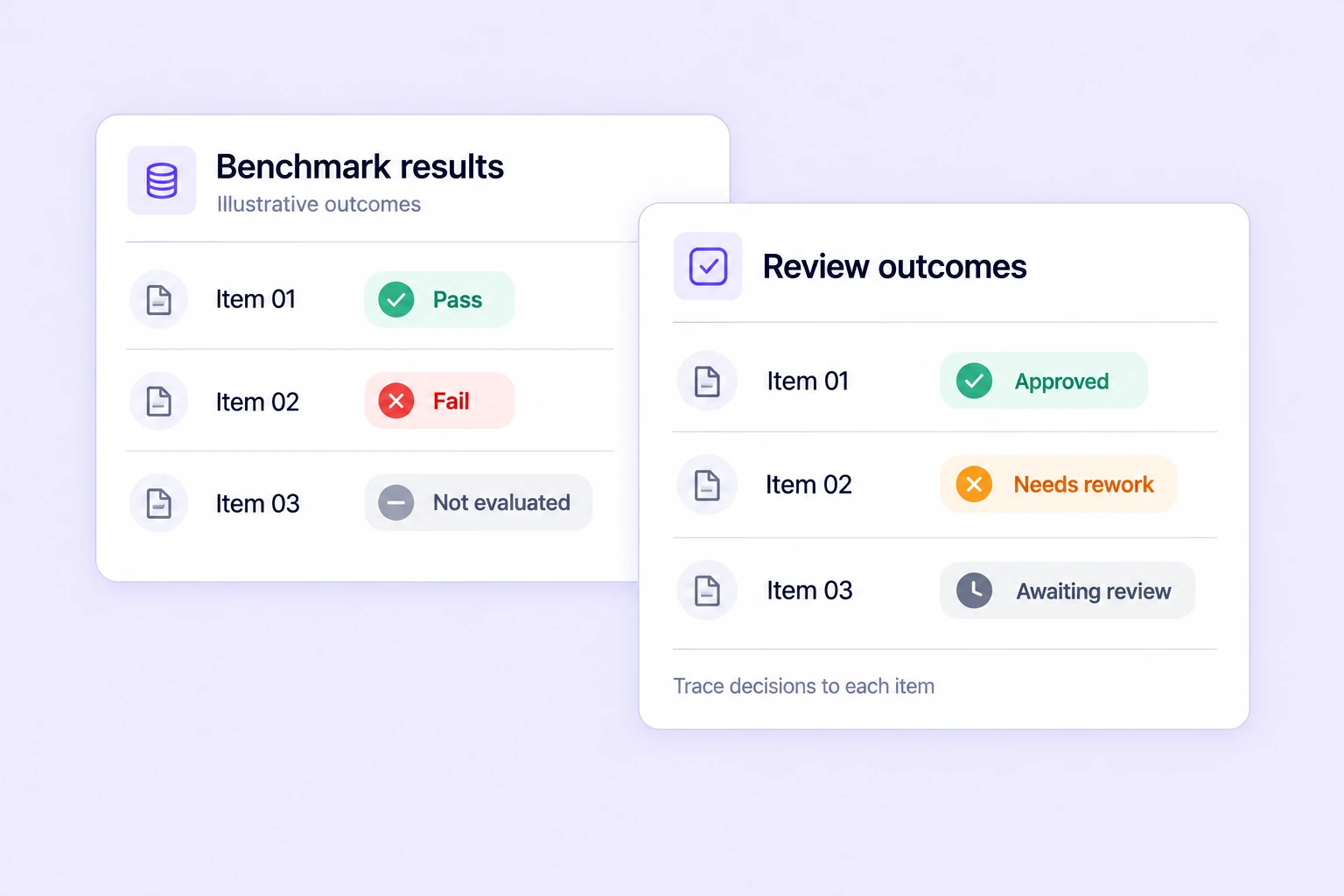
Properties and relations documentationConfigurable workflows route video tasks through annotation, review, rework, and approval. Instructions, assignments, comments, issues, annotation history, dataset versions, and releases keep quality decisions traceable for individual experts and enterprise teams.
Annotation and review documentationYes. Unitlab can bring custom models into the annotation workflow to generate pre-labels and predictions. Annotators review and correct model output instead of starting from zero, while human approval remains part of the governed quality process.
Model integration documentationYes. Teams can curate video data with metadata filters, semantic search, embeddings, similarity, and outlier discovery, then annotate selected samples, review results, and publish controlled dataset versions for reproducible AI development.
Dataset management documentationAnnotate, track, review, and manage complex video data in one AI-assisted workspace. Move faster from raw footage to production-ready datasets with automated tracking and built-in quality control.