
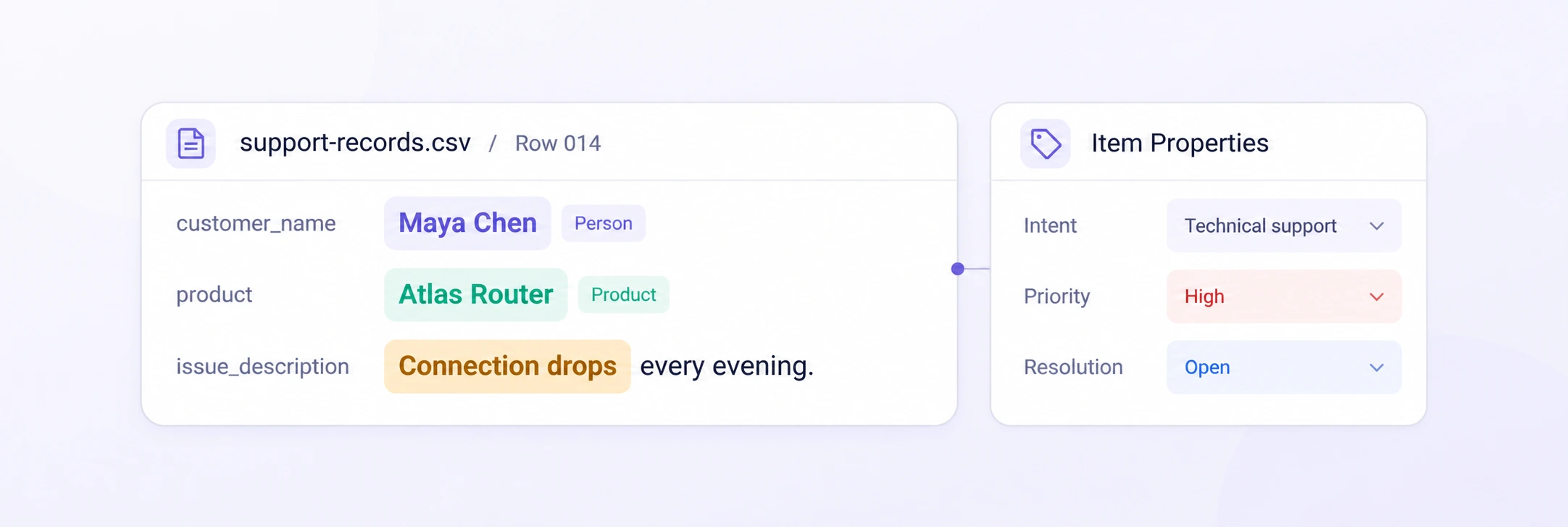
Record-Level Annotation
Turn CSV rows into focused annotation tasks with their original fields intact. Add record-level classifications and properties while reviewing every field in context.
Record propertiesField contextCSV row tasks

Turn CSV records into reliable training data. Label text across fields, define relationships, and govern every record with shared ontologies and review.
Classify records, annotate cell text and headers, connect fields, and review structured data without losing its original context.
Turn CSV rows into focused annotation tasks with their original fields intact. Add record-level classifications and properties while reviewing every field in context.
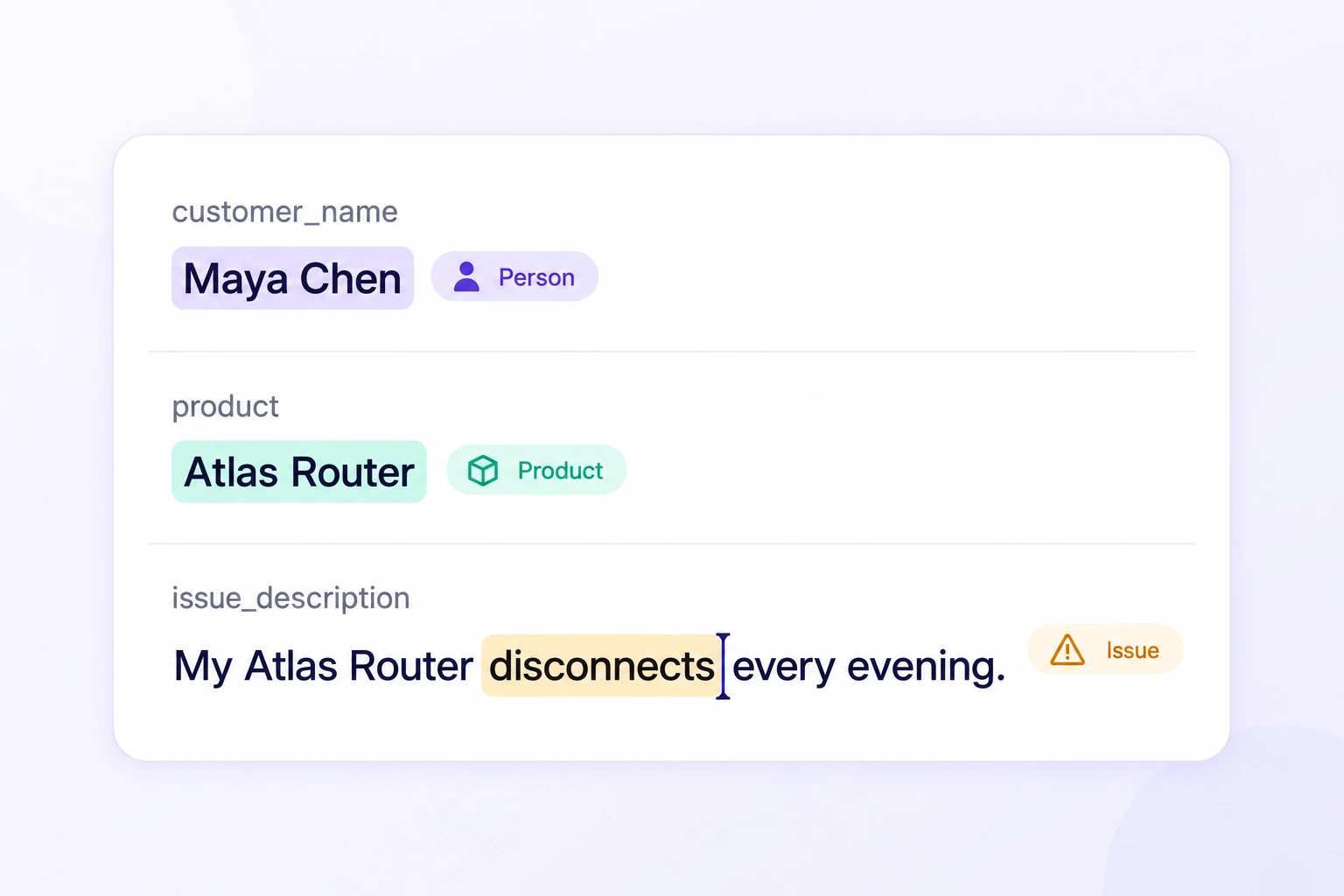
Highlight entities inside any text field, from customer names to product details and issue descriptions. Each label retains its column and exact character span.
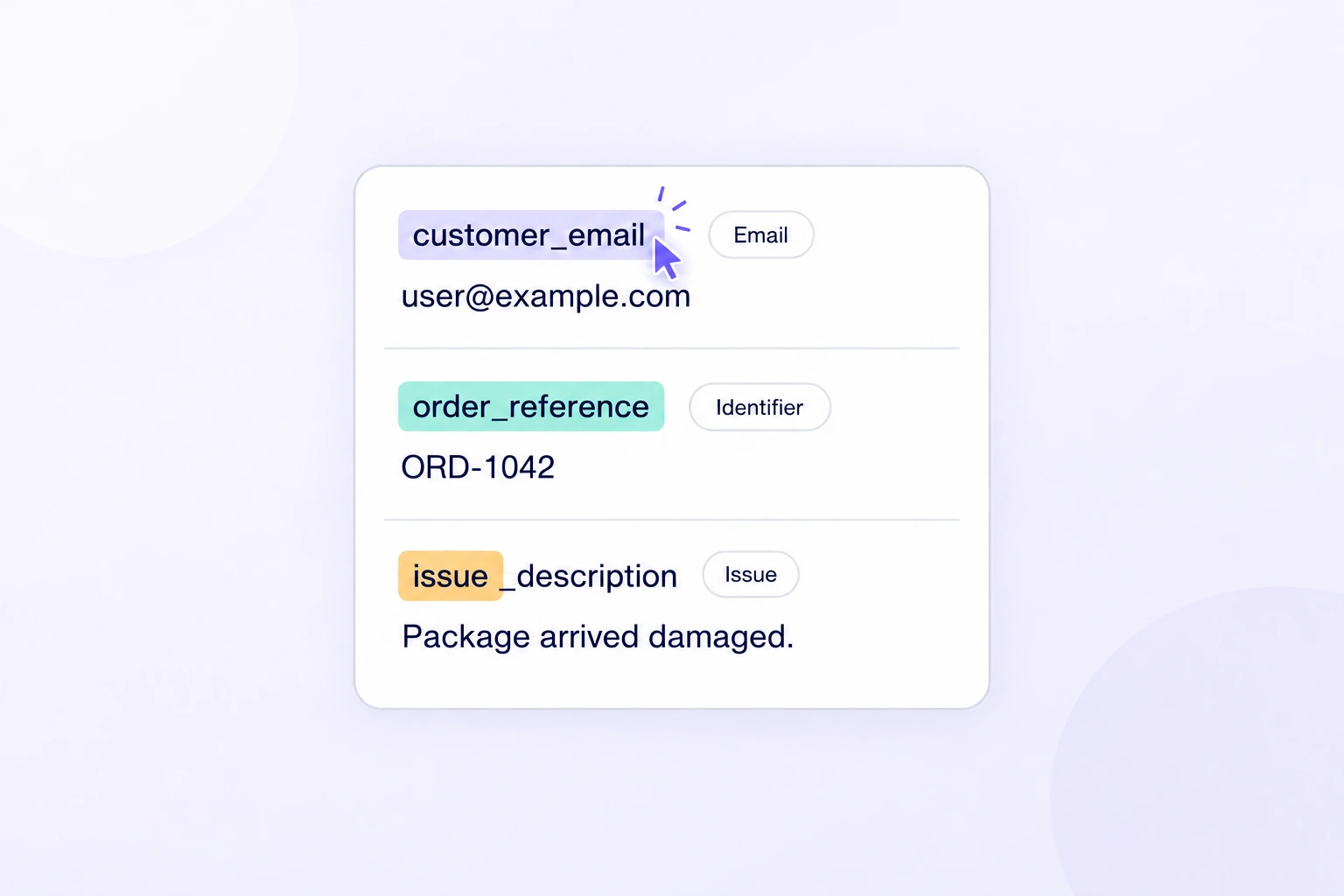
Add semantic labels to column names and selected header text within a record. Capture a field's role alongside the values and entities it contains.
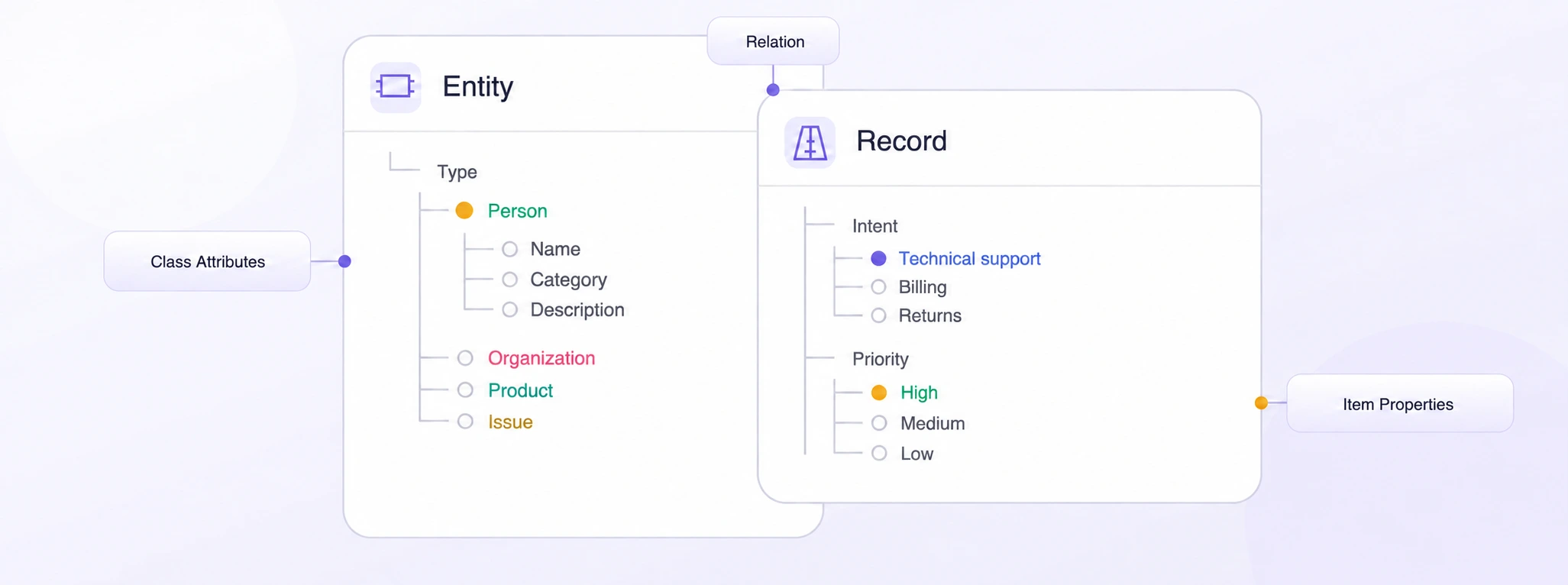
Standardize entity classes, record properties, and relationships with a shared ontology. Define required fields and structured choices for consistent tabular labels.
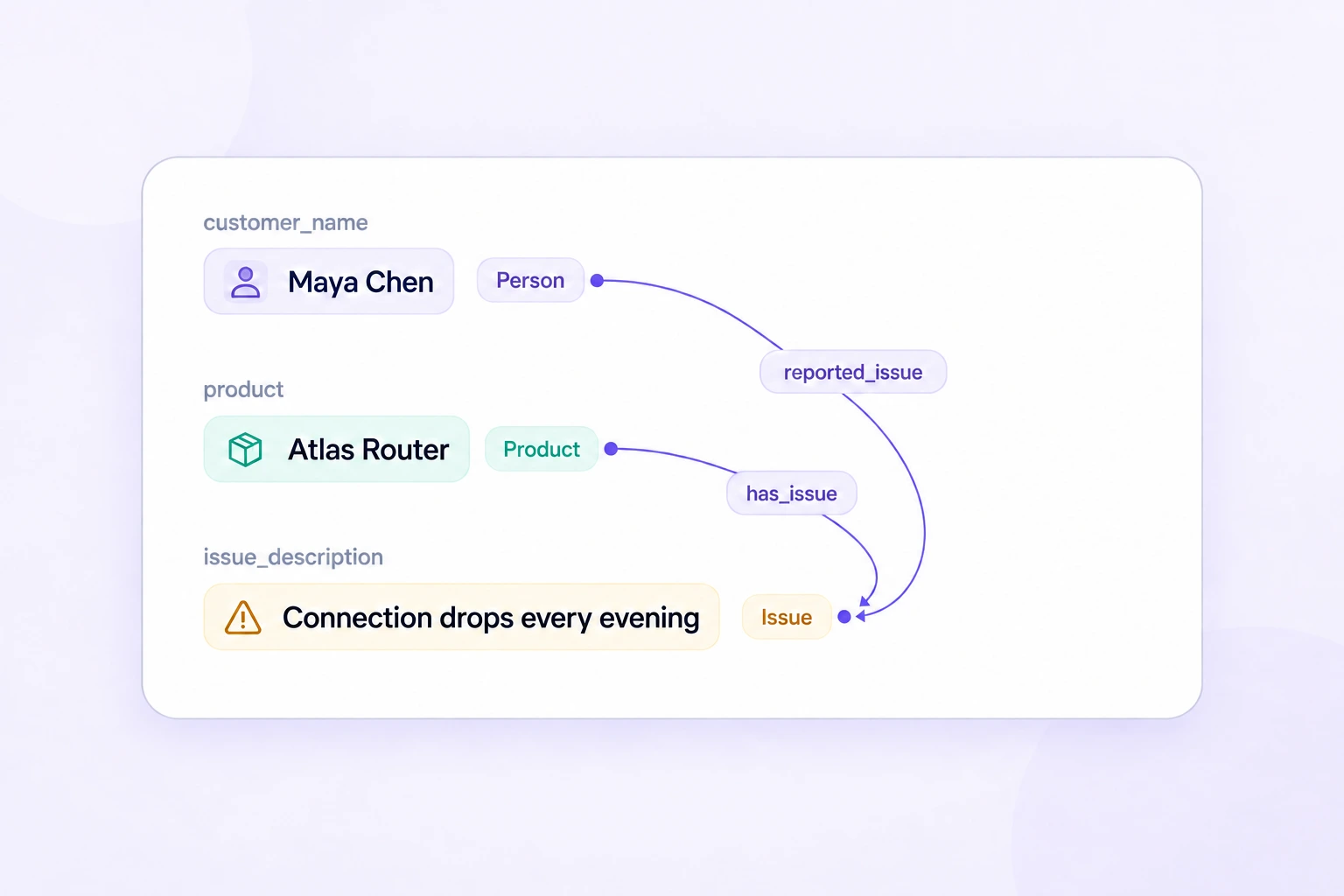
Connect labeled entities across the fields of a record. Make relationships between people, products, organizations, and issues explicit in your training data.
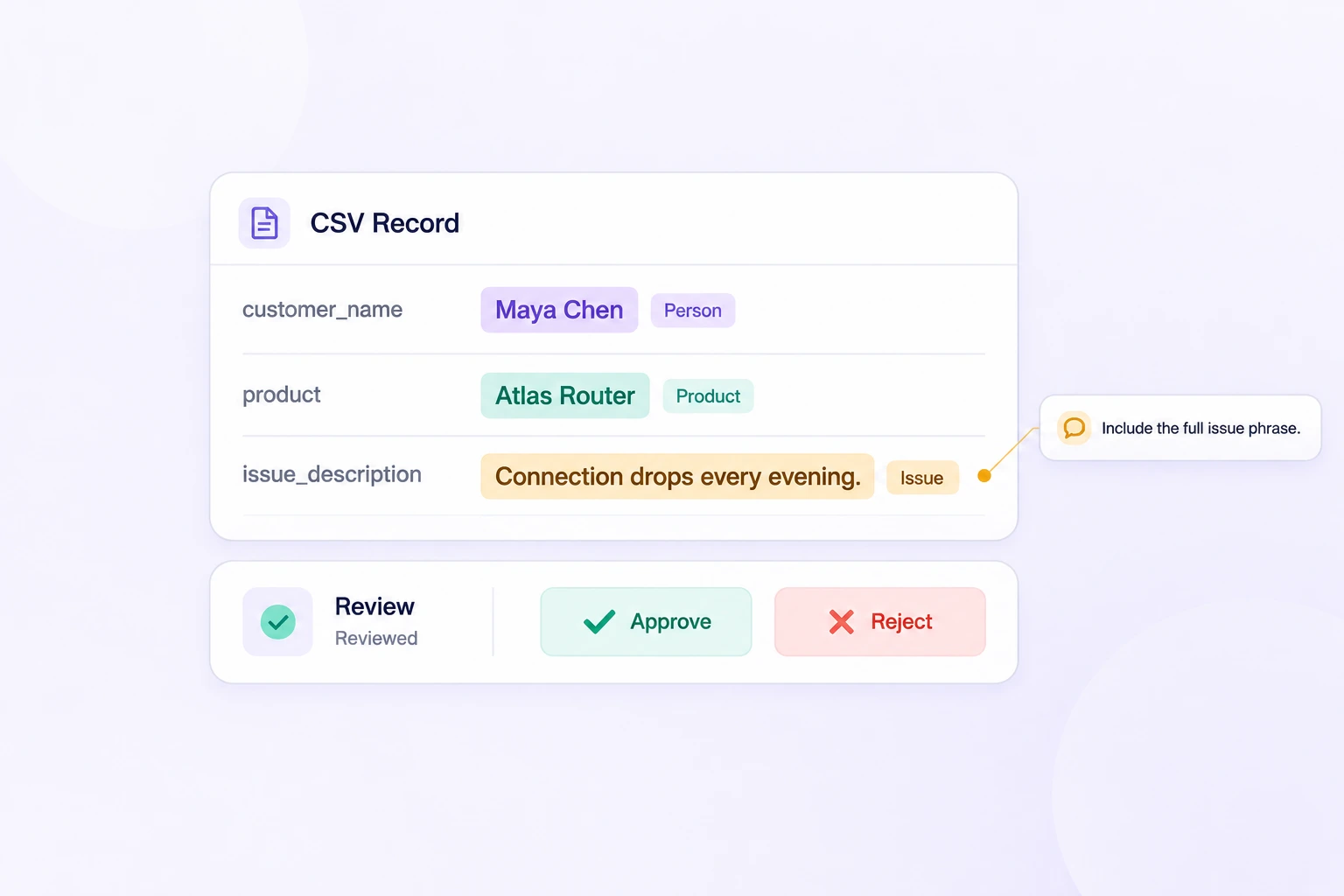
Review records with their labels and properties in view. Use comments, consensus, and approved benchmarks to resolve disagreements before release.
Keep structured records, detailed labels, and quality decisions connected from source CSV to a reviewed dataset release.
Reusable schemas and automated review workflows streamline tabular data annotation.
On average, 90% of tabular labels are pre-labeled automatically, then reviewed and refined by humans.
The cost per accepted label can be up to 5× lower as curation, annotation, and QA are automated.
Classify each record, highlight entities in cell text, label column names, and connect information across fields with a reusable ontology.
Assign intent, priority, resolution, and other properties that describe the complete record.
Highlight entities inside any text field while preserving the column and character positions.
Label a column name or a span within its header in the current record.
Connect labeled entities and headers across fields within the same record.
Compare labels on the same CSV records, check approved references, and resolve issues with original columns and values in view. Keep each quality decision connected to its source field.
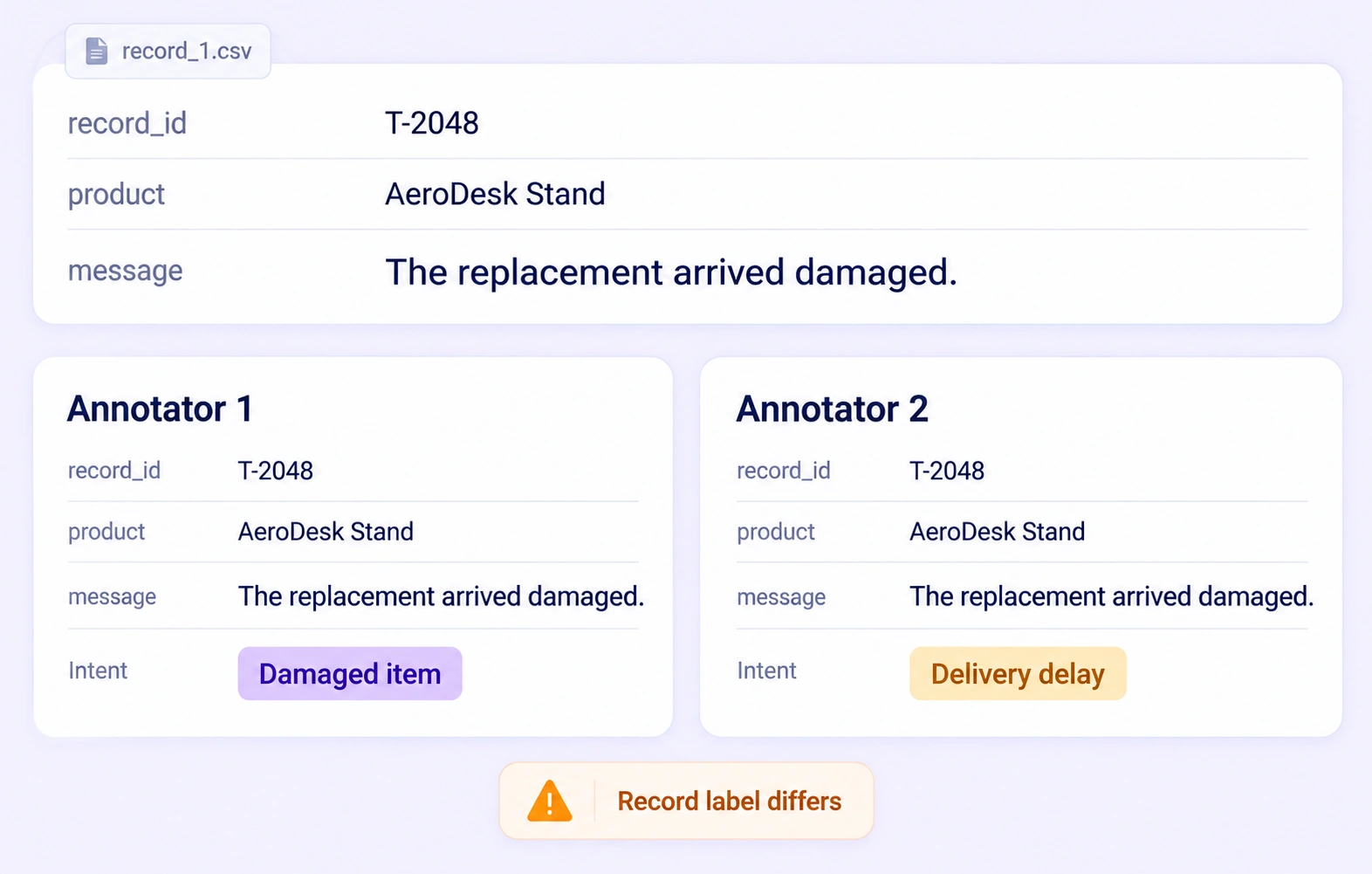
Compare independent entity spans, field labels, and record properties on the same CSV item. Surface disagreements while preserving the original columns and values.
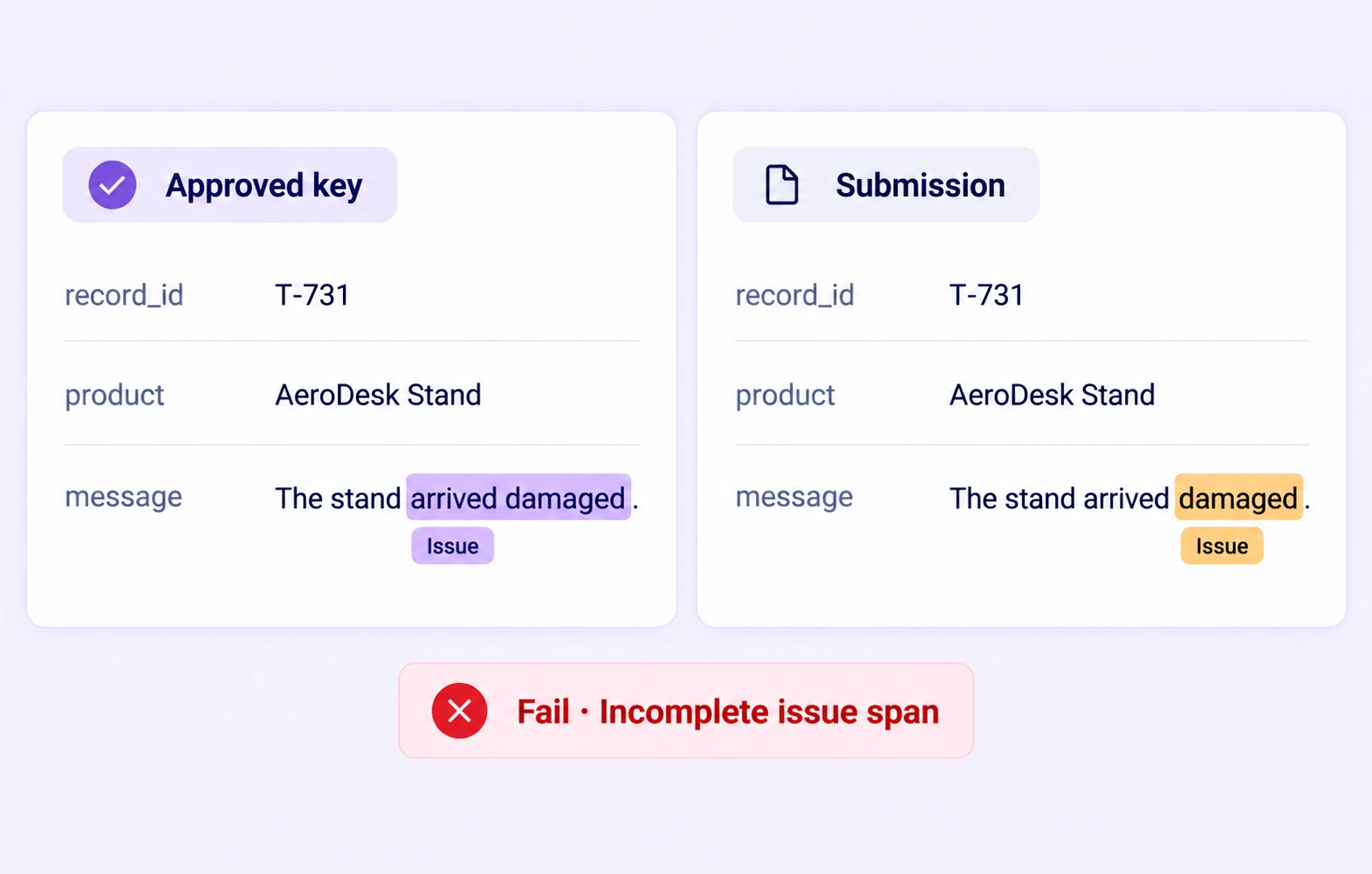
Check tabular annotations against approved references hidden from annotators. Evaluate supported spans and properties within the correct record and column scope.
Inspect missing required properties, incomplete entity spans, and field relationships in the original record. Correct the affected labels and resolve feedback before approval.
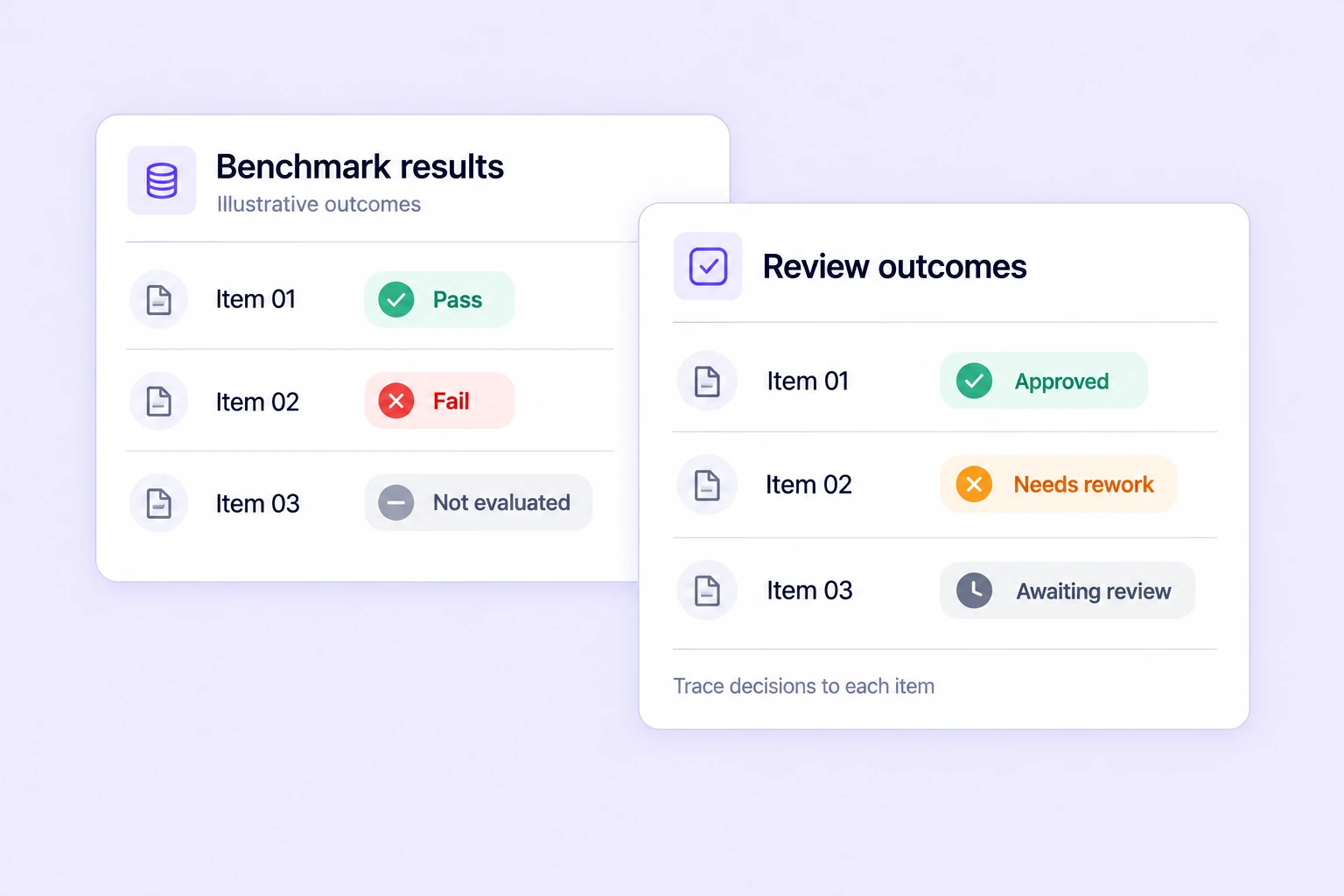
Track benchmark results, consensus outcomes, and review decisions across tabular tasks. Prioritize recurring field-label and record-property disagreements.
Organize CSV assets, version datasets, inspect records, and move annotations through review and approval in one workspace.
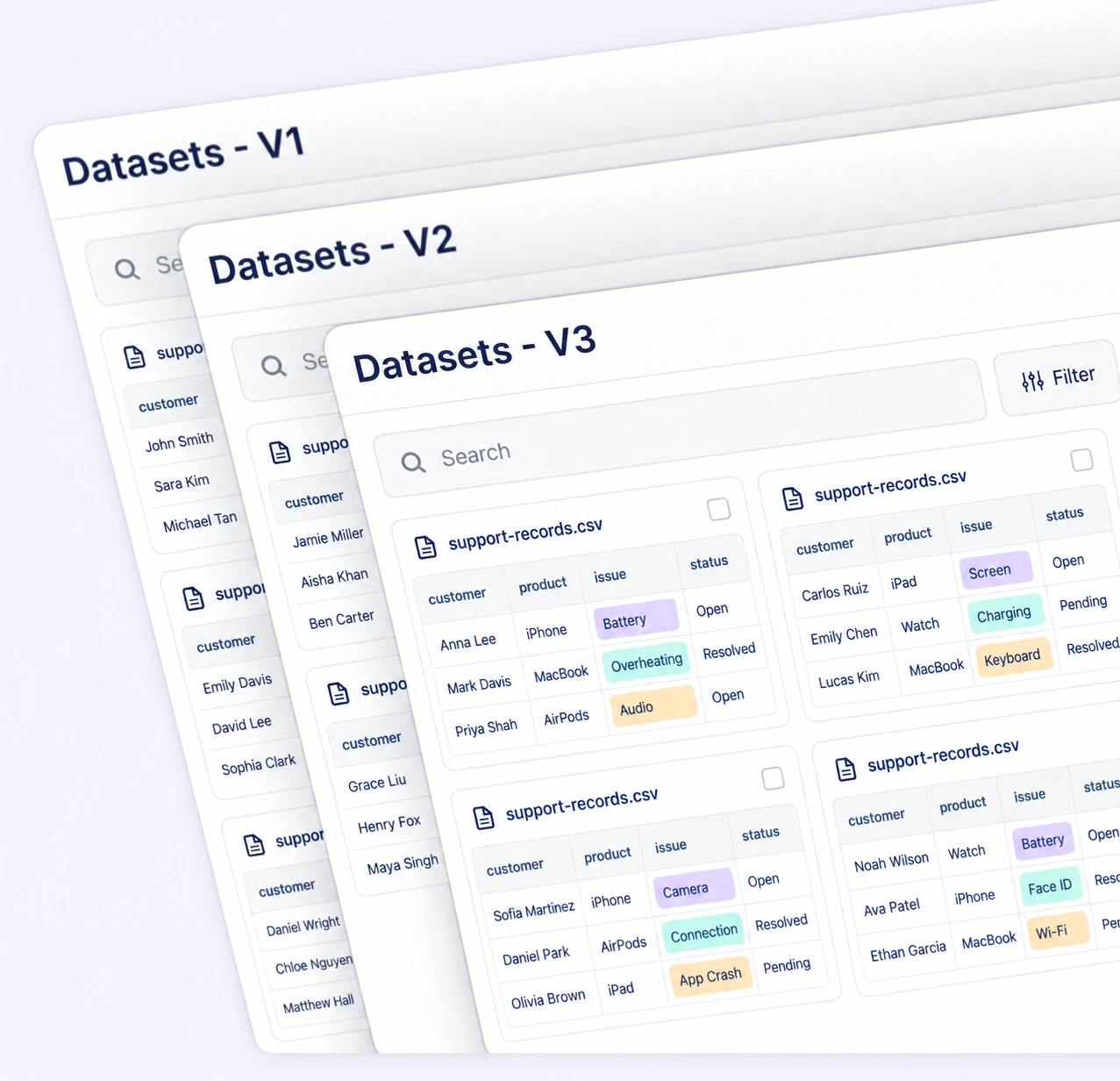
Create and manage dataset versions as tabular data evolves. Keep source records, annotation changes, and reviewed releases traceable for reproducible training.
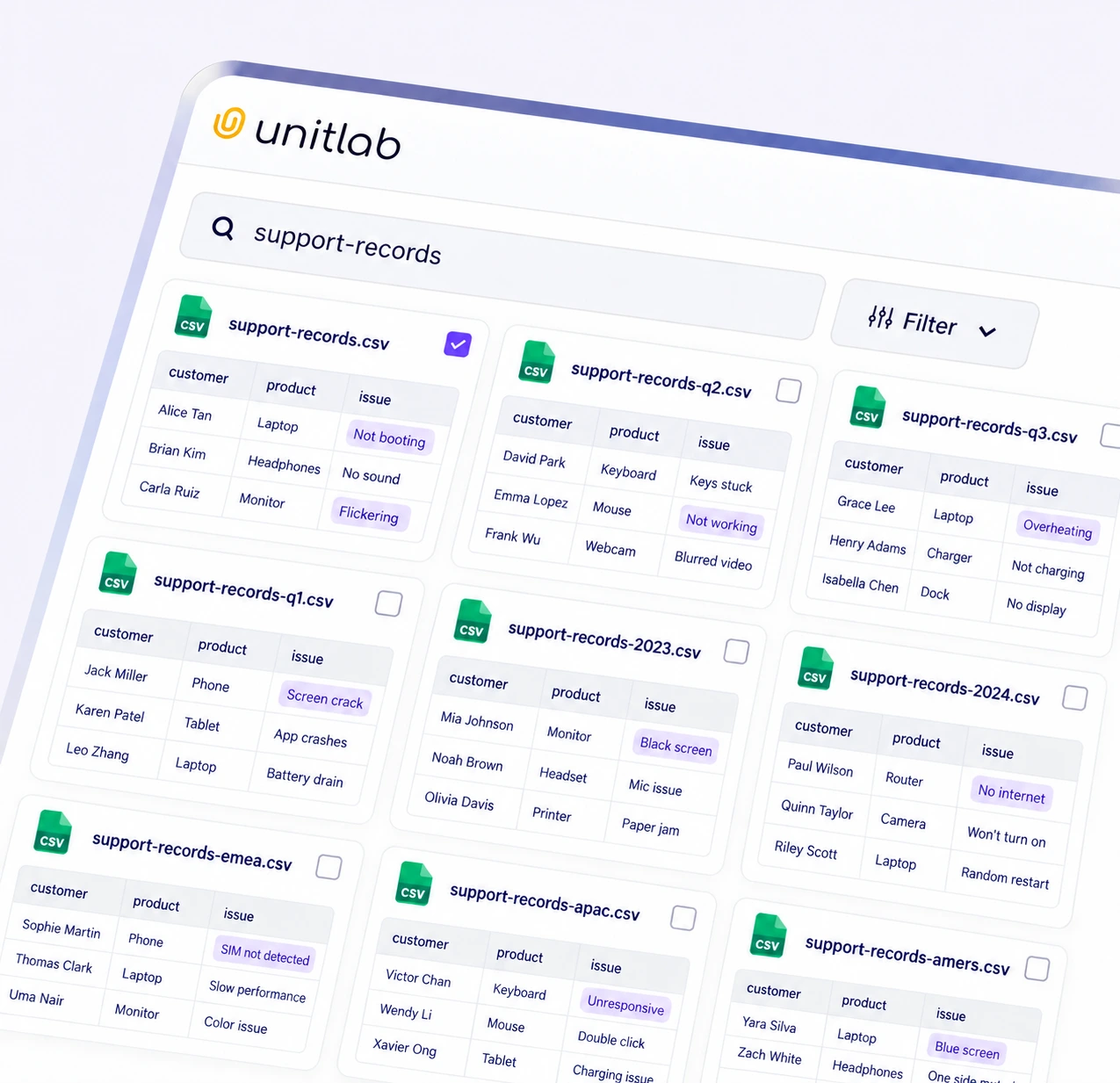
Find relevant CSV assets with search, metadata, tags, and filters. Build focused selections before assigning records for annotation or review.
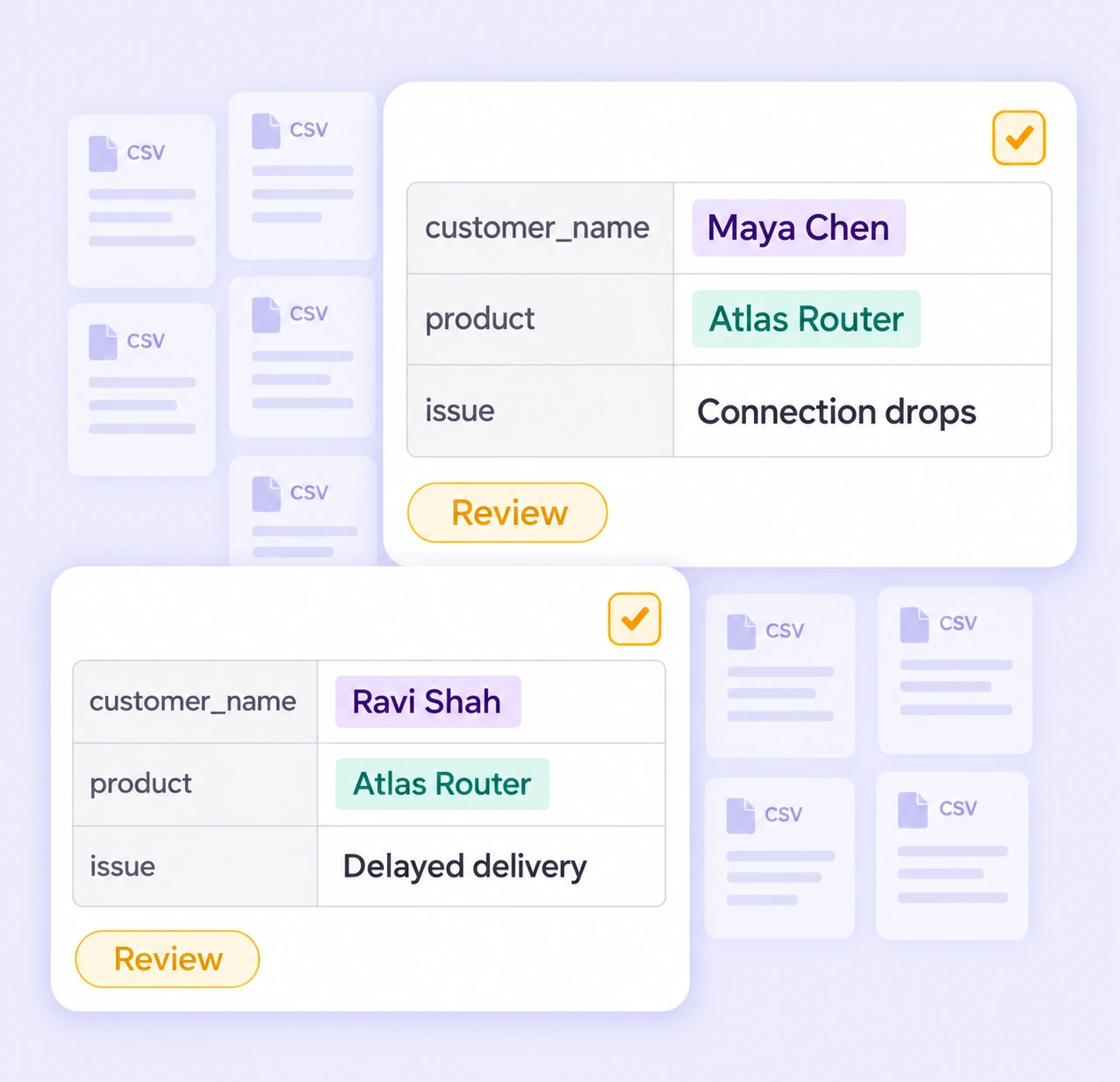
Preview CSV fields and sample rows before annotation. Inspect the records and labels that need attention while preserving their source context.
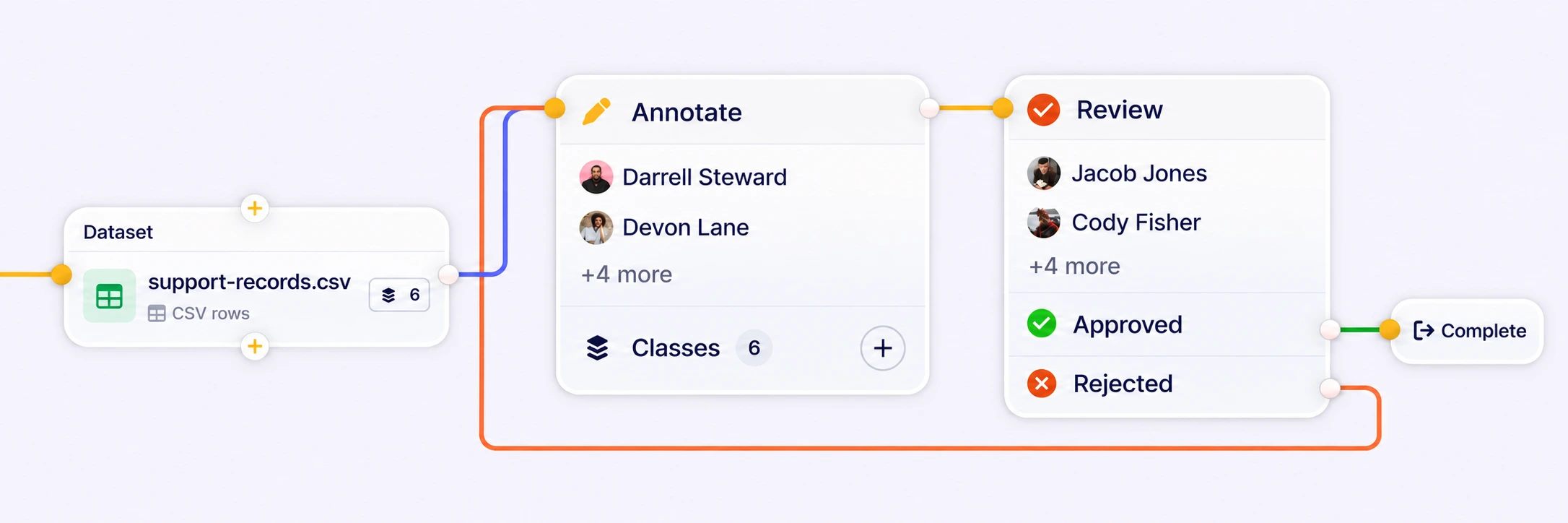
Route records through annotation, review, rework, and completion. Keep assignments and quality decisions connected as each record moves through the process.
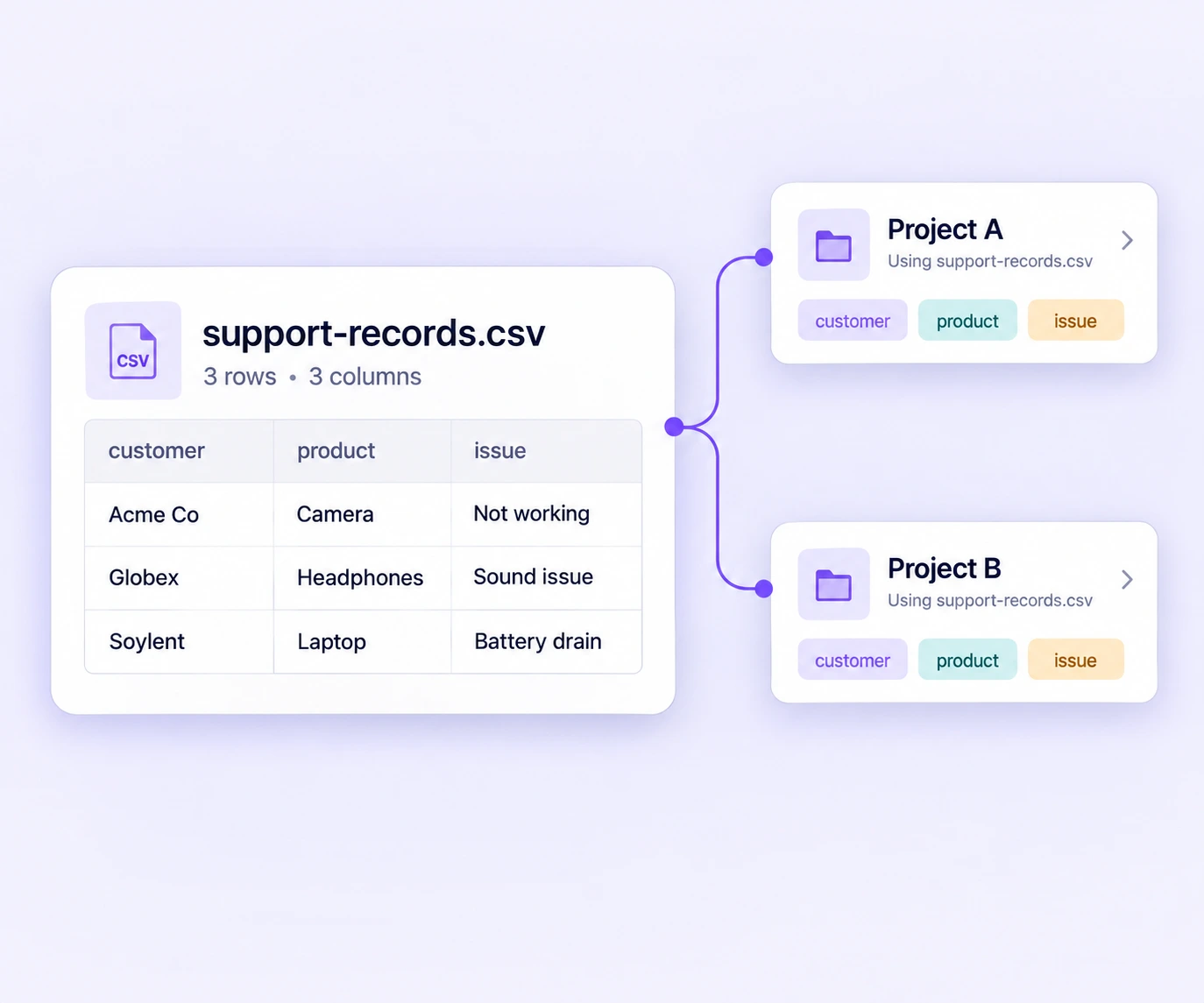
Reuse a source CSV across projects and choose the interpretation each task needs. Preserve the source asset while managing project-specific labels and workflows.
Prepare labeled records for support intelligence, product understanding, field extraction, and quality-controlled AI datasets.
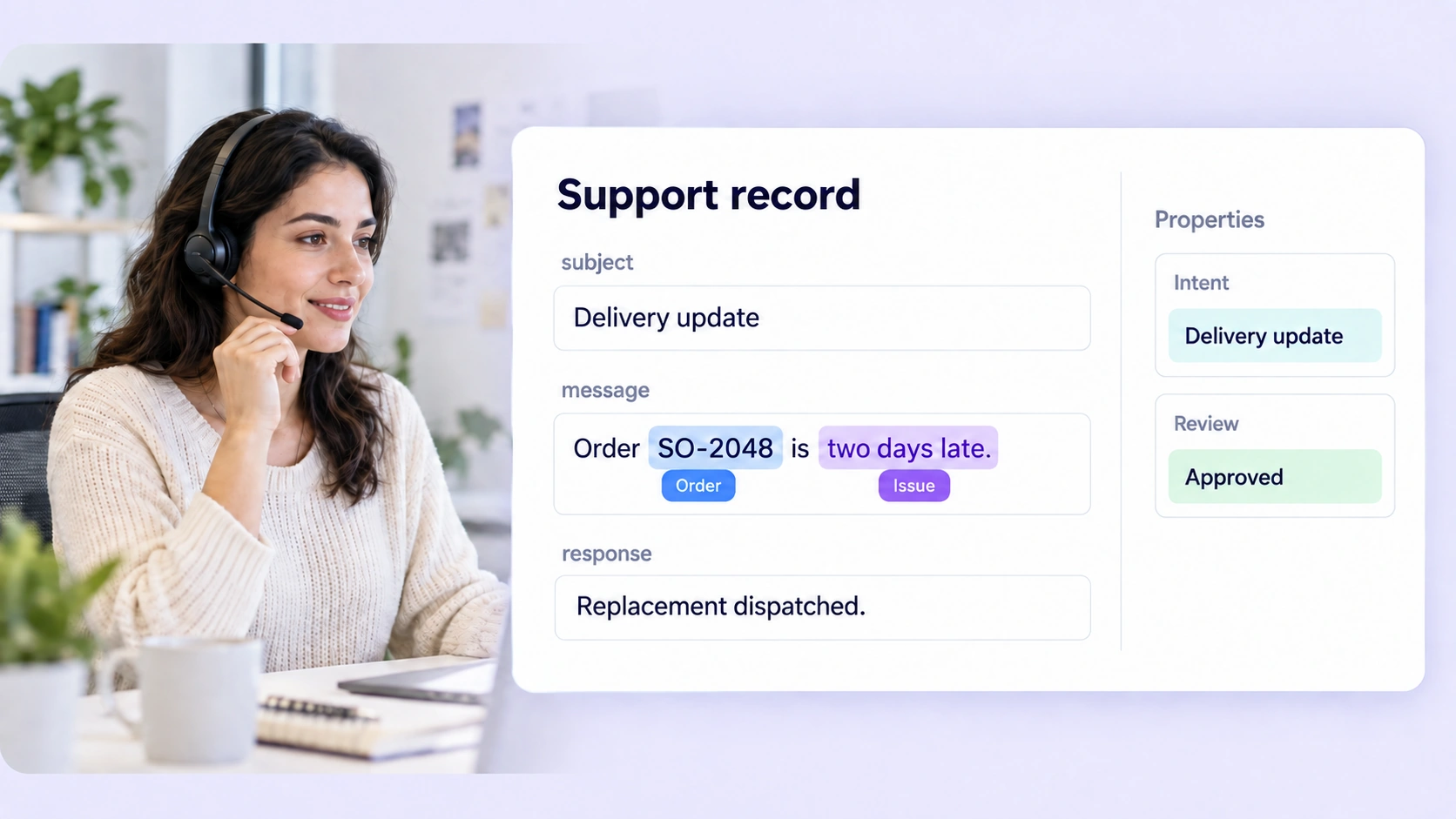
Label customer, product, intent, and issue details across support-record fields for better routing and resolution models.
Explore support intelligence →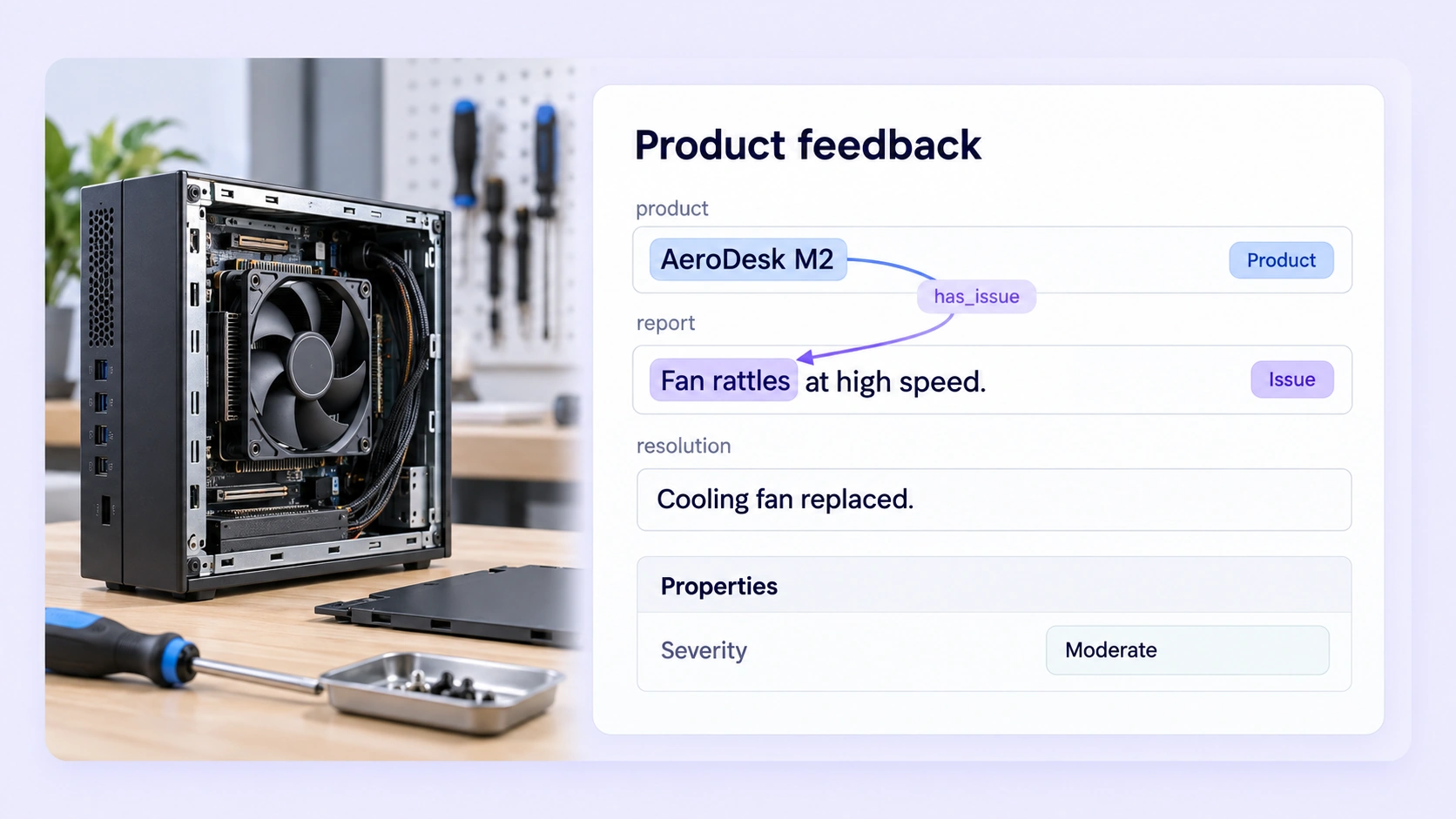
Connect products with reported issues inside each record to create explicit relationship training data.
Explore product understanding →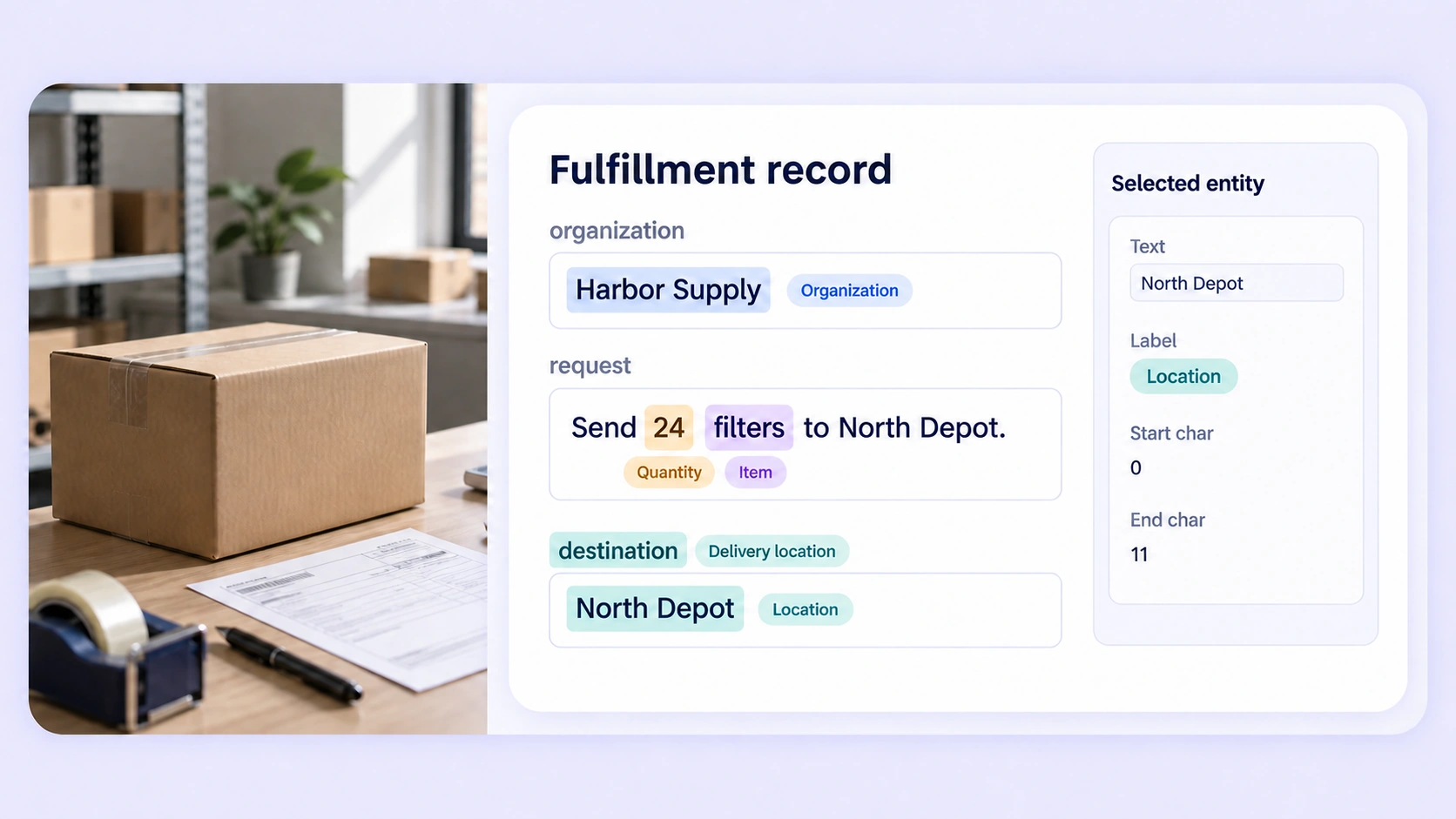
Annotate entities and field semantics in operational CSV records while retaining their original column context.
Explore field extraction →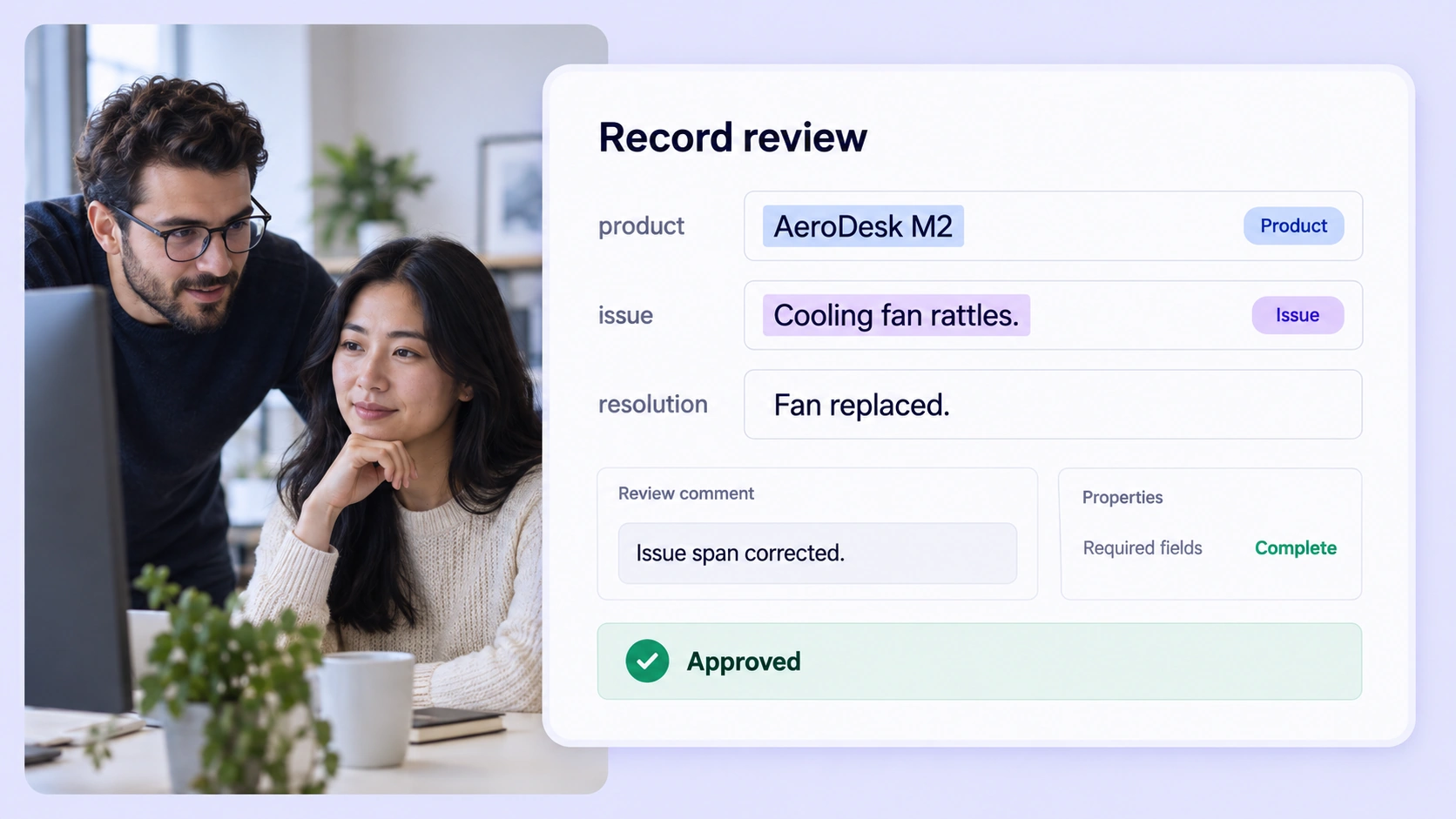
Review record-level labels, resolve disagreements, and release consistent structured datasets for downstream model development.
Explore tabular data quality →Answers about CSV records, cell and header labels, field relationships, shared ontologies, quality review, and structured annotation exports.
Talk with the Unitlab teamTabular data annotation adds labels to structured records and the text inside their fields. Unitlab turns CSV rows into annotation tasks where teams can classify records, label entities, and connect information across fields.
Tabular annotation guideUnitlab supports CSV files in row mode. Each row becomes a separate annotation item, with its column names and values preserved for labeling and review.
Tabular annotation guideYes. Every text column is available for entity labeling. Each annotation retains its column and character offsets so the same text position in two fields stays unambiguous.
Tabular annotation guideYes. You can connect labeled entities, column labels, and header spans across fields within the same record using the relation definitions in your ontology.
Tabular annotation guideRecords can move through annotation, review, rework, and completion stages. Reviewers inspect labels and properties in context, use comments to resolve issues, and apply consensus or approved benchmarks where configured.
Review stagesTabular mode treats each CSV row as a separate record. Time-series mode treats a CSV as a chart with an X-axis and numeric channels. Project configuration lets you choose the interpretation for your task.
Sensor annotation guideJSONL exports contain one line per record, including its row values, column schema, labeled entities, relationships, and supported record properties. Field identity and character spans stay attached to the annotations.
Export documentationBring CSV records, field-level labels, relationships, and review into one governed workspace. Turn structured source data into consistent, traceable datasets for AI development.


We use cookies to improve your experience. See our Privacy Policy and Cookie Policy.