Image Training Data for Retail Product Recognition

Label products, packaging, and shelf conditions for retail computer vision. Prepare consistent examples across dense displays, product variants, and changing store environments.
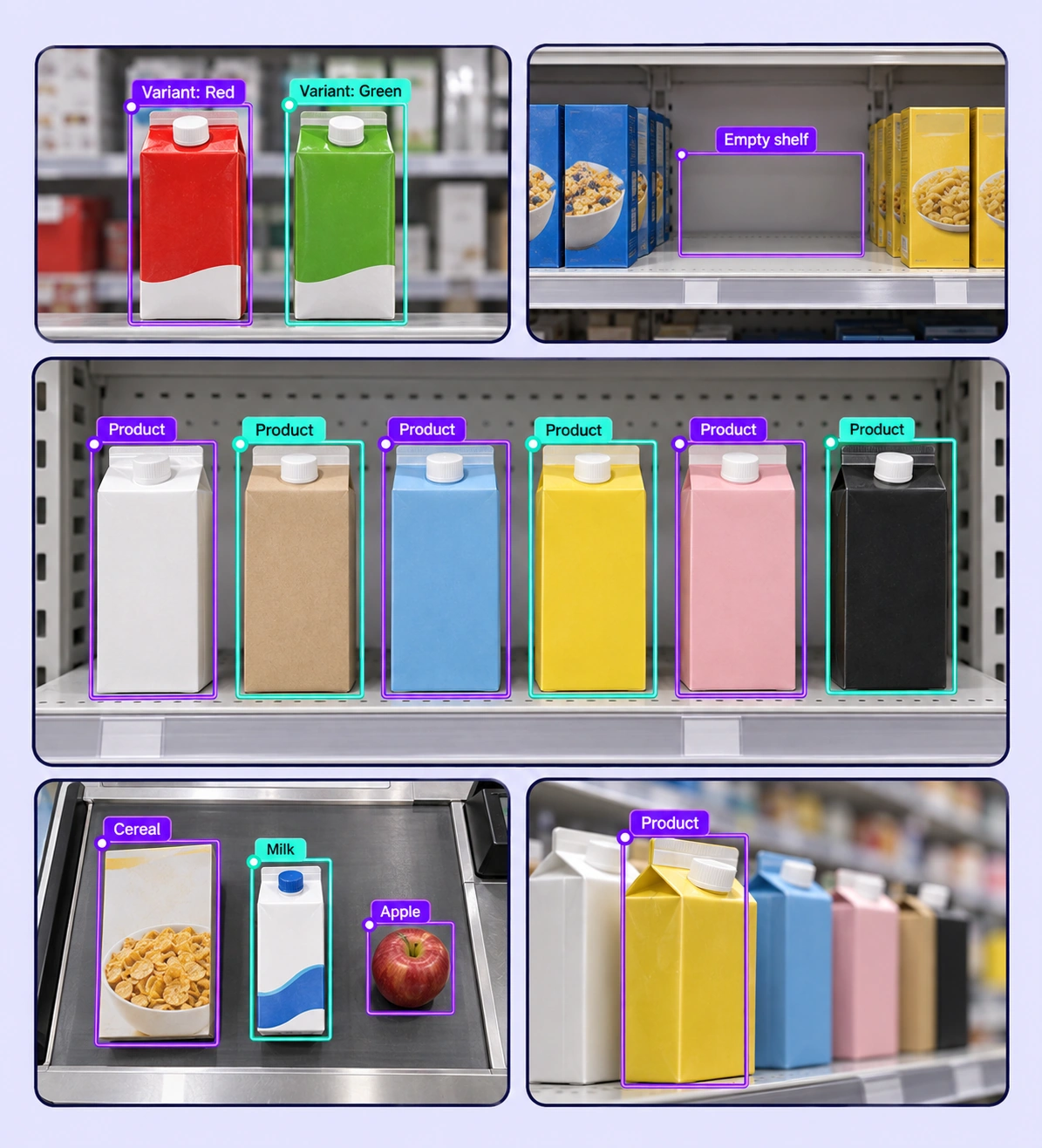
Annotated retail product recognition examples arranged in a five-panel collage.

Data Annotation for Retail Product Recognition

Prepare labeled examples for the retail product recognition tasks your models need to learn. Each use case keeps the source data, annotation rules, and reviewed labels connected.
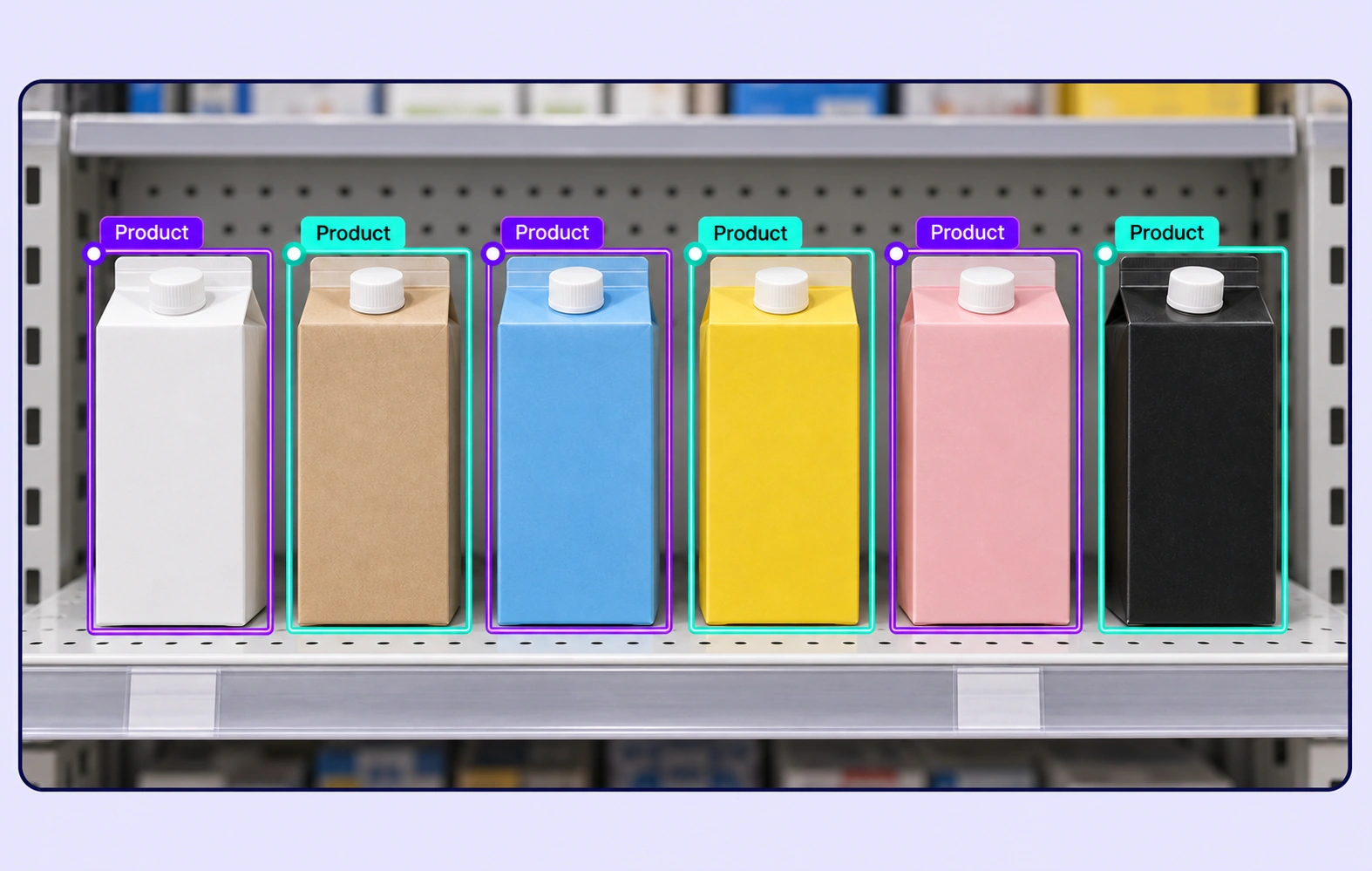
Six product cartons on a retail shelf each have a separate Product bounding box.

Shelf Product Detection

Draw separate boxes around products on densely stocked shelves. Apply consistent instance rules when packages overlap or only part of the product is visible.
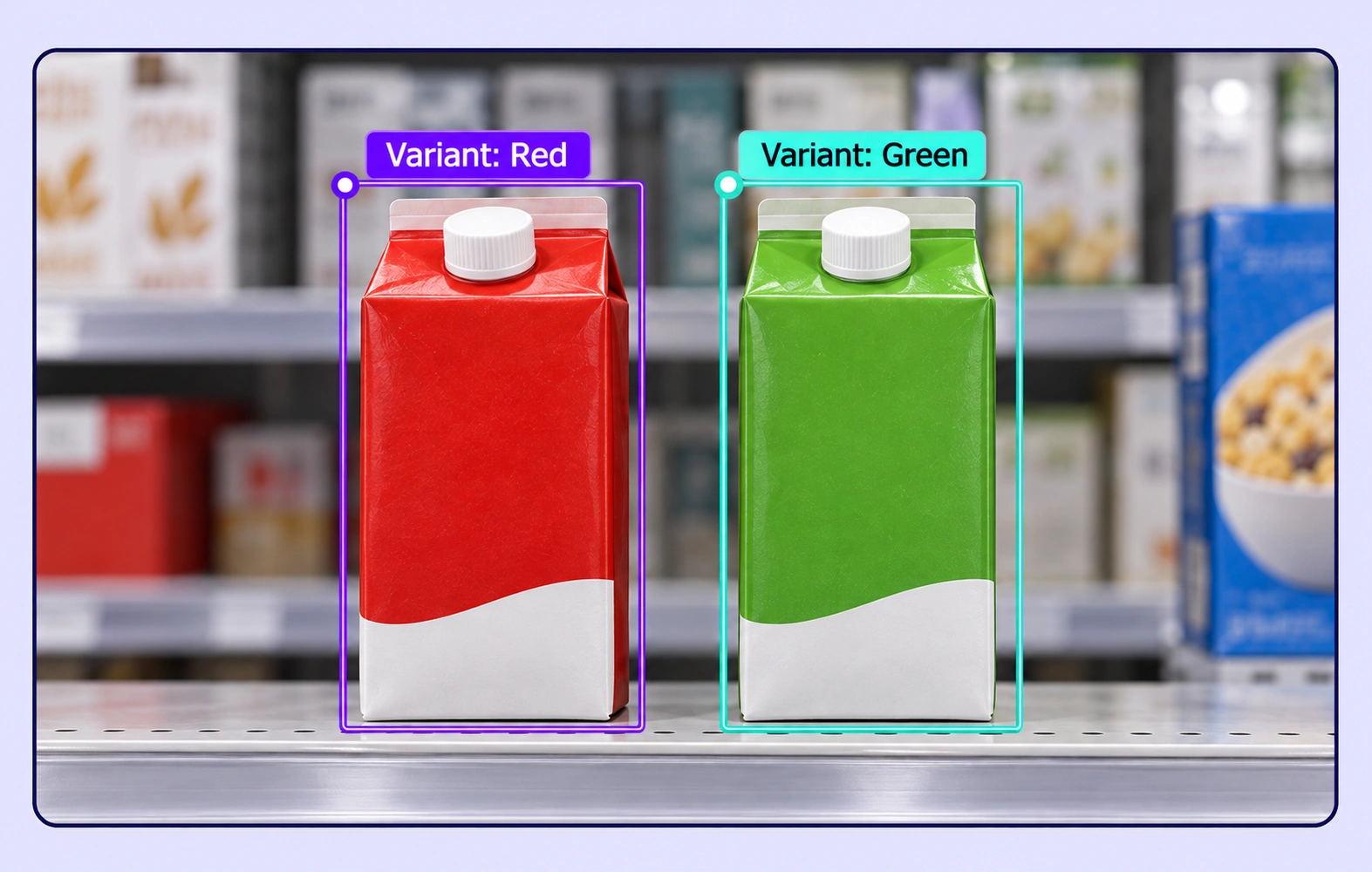
Red and green drink cartons have boxes and matching Variant properties.

Packaging Variant Recognition

Label product categories and visible packaging attributes across variants. Use reviewed examples to distinguish similar shapes, sizes, and package designs.
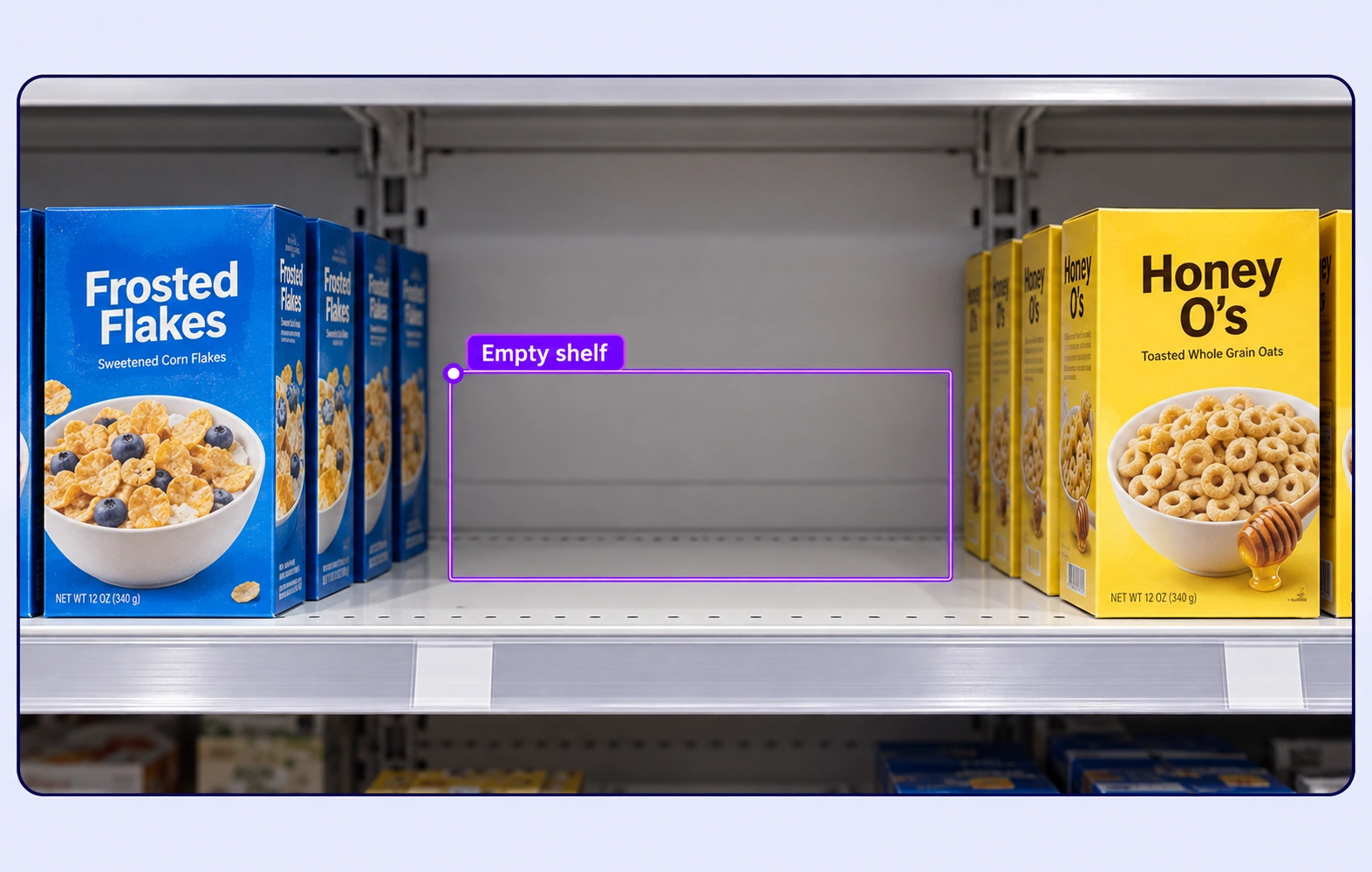
An empty shelf region between two product groups has an Empty shelf annotation.

Shelf Availability Labels

Mark empty shelf regions and assign defined availability properties to relevant images or objects. Build labeled evidence for downstream shelf-monitoring models.
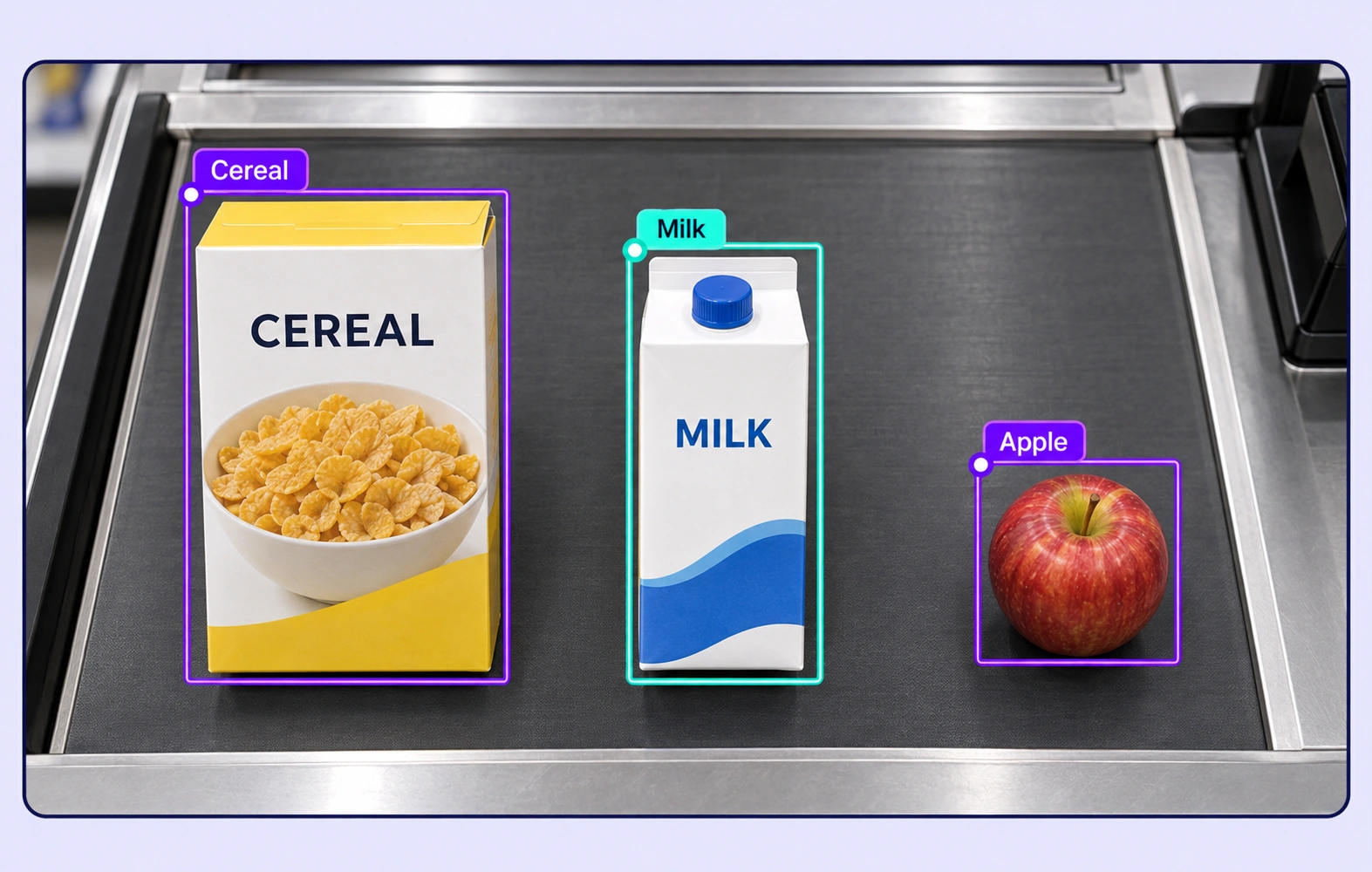
Cereal, milk and an apple on a checkout counter have separate class boxes.

Checkout Item Recognition

Annotate products on checkout surfaces from relevant camera viewpoints. Include varied orientation, partial occlusion, and multiple items in one scene.

Why AI Teams Choose Unitlab

Bring image data preparation, consistent labels, and expert review into one workflow for retail product recognition datasets.
15X
Faster Image Annotation
60%
Free Up AI Engineers’ Time
5X
Lower AI Development Costs

Annotation Methods for Retail Product Recognition

Choose the label structure that matches the intended model output. Keep geometry, timing, or properties grounded in the original image data.
Six product cartons on a retail shelf each have a separate Product bounding box.

Product Bounding Boxes

Localize individual products in dense shelf images with clear instance boundaries. Record relevant class properties without merging adjacent packages.

Product and Packaging Properties

Attach defined categories and visible attributes to product annotations. Shared choices help teams distinguish packaging variants consistently.

Red and green drink cartons have boxes and matching Variant properties.

Retail Product Recognition FAQs

What is retail product recognition annotation?

It is the labeling of products and relevant retail conditions in images so models can learn detection or classification tasks. Common datasets cover shelves, packaging variants, product availability, and checkout scenes.

Can I annotate densely packed shelves?

Yes. Create separate object annotations for the visible products and review touching or overlapping instances. Clear instructions for occlusion and partial packages help keep labels consistent.

Can similar packaging variants have different labels?

Yes. Define distinct classes or structured attributes for the distinctions visible in the image. Reviewers can resolve ambiguous examples against the agreed product taxonomy.

Can I label out-of-stock shelf regions?

Yes. Define an empty-region class or an availability property that matches the dataset objective. The annotation records the visible shelf evidence for your downstream monitoring model.

Does Unitlab operate a retail inventory system?

Unitlab prepares curated and reviewed training data. Retail recognition, inventory monitoring, and checkout applications use the resulting labeled data in their own model pipelines.

How can teams keep retail product recognition labels consistent?

Define shared classes, structured properties, and clear labeling instructions before work starts. Use representative examples and contextual review to resolve disagreements in the retail product recognition dataset.

Can uncertain examples be reviewed and corrected?

Yes. Route image annotation through Review and Rework stages. Reviewers can inspect the source data, correct labels, and send an item back when more work is needed.

Can I curate the image data before annotation?

Yes. Use dataset search, metadata, tags, and available filters to select relevant image assets. Keep representative conditions and difficult examples visible in the preparation workflow.

How do reviewed annotations reach the model pipeline?

Export reviewed image annotations in a supported format appropriate to the label types. Dataset versions help teams identify which prepared examples belong to the training or evaluation release.

Need help preparing retail product recognition training data?Talk to Unitlab