
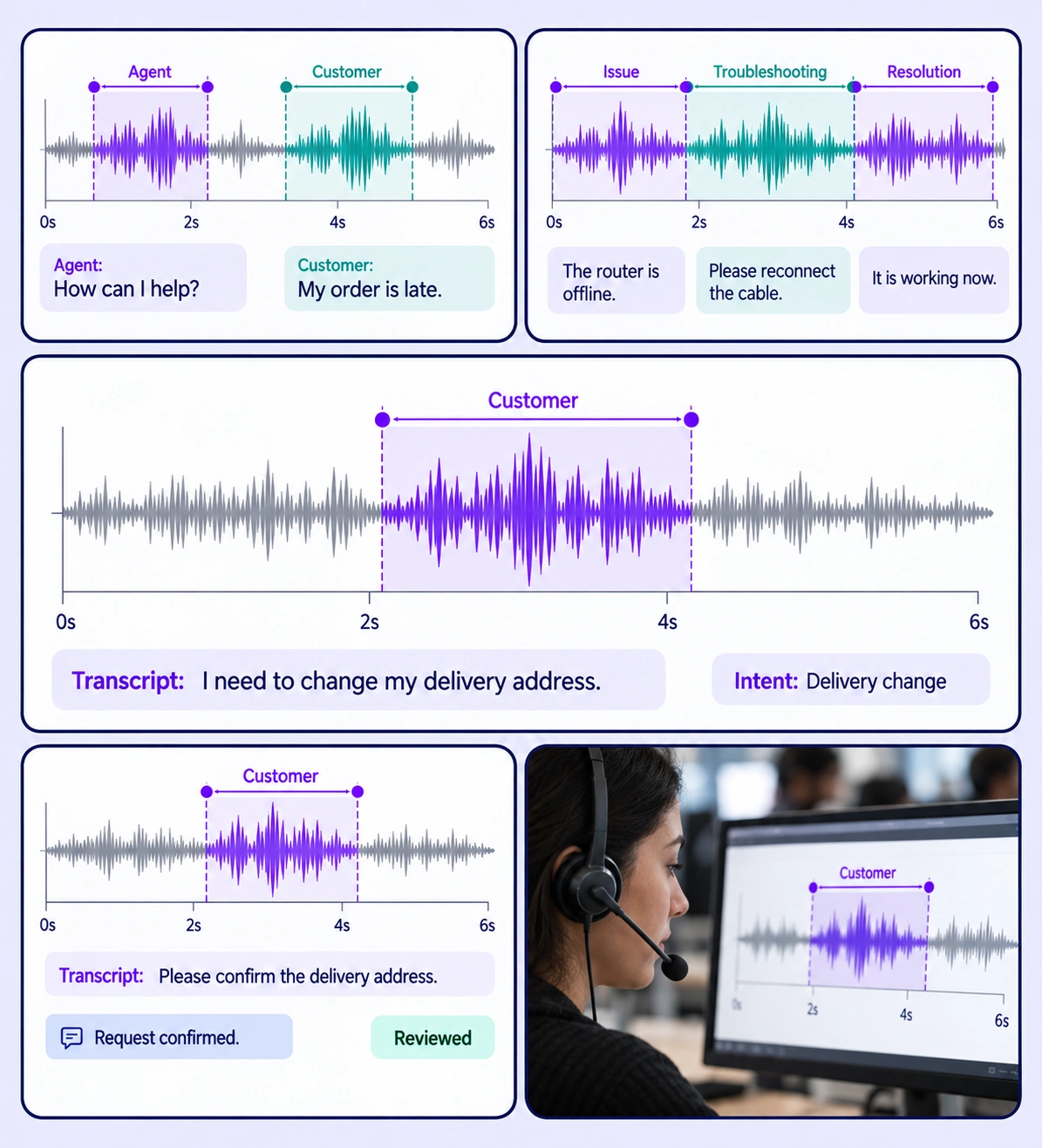
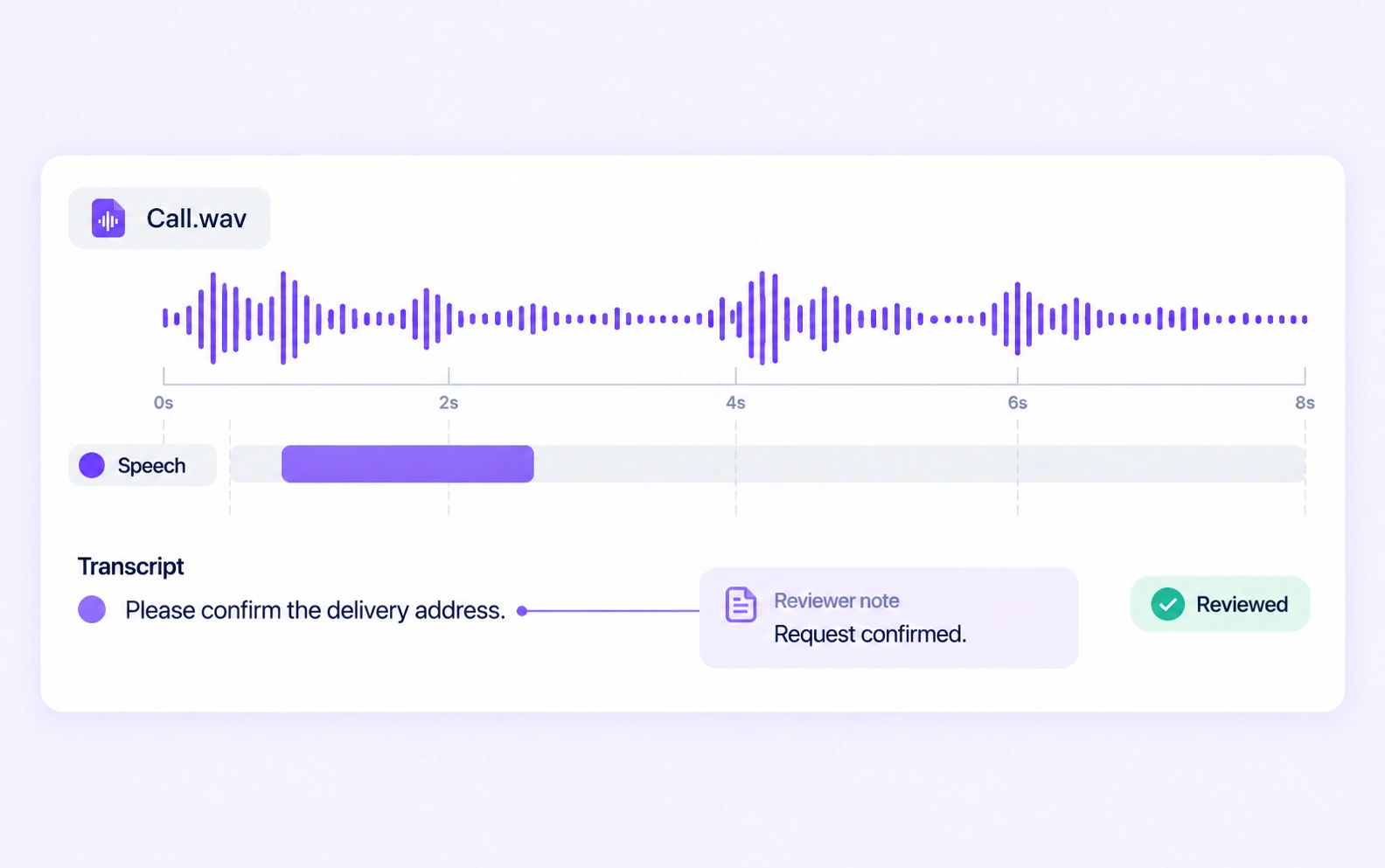
Label speakers, intent, and call events with shared timelines and review.
Automate curation, management, and versioning of call datasets.
Reusable ontologies and governed quality control reduce labeling and review rework.
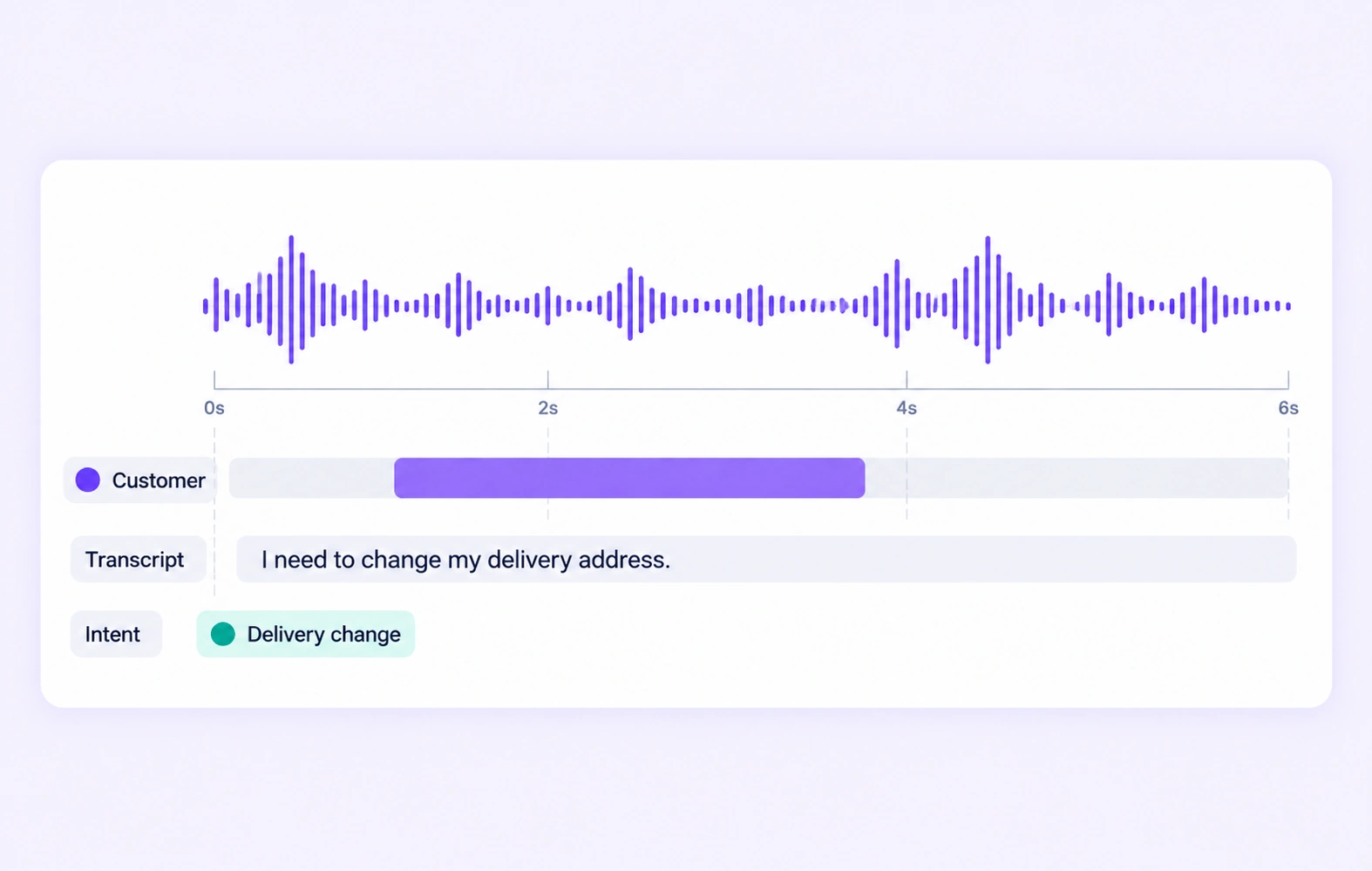
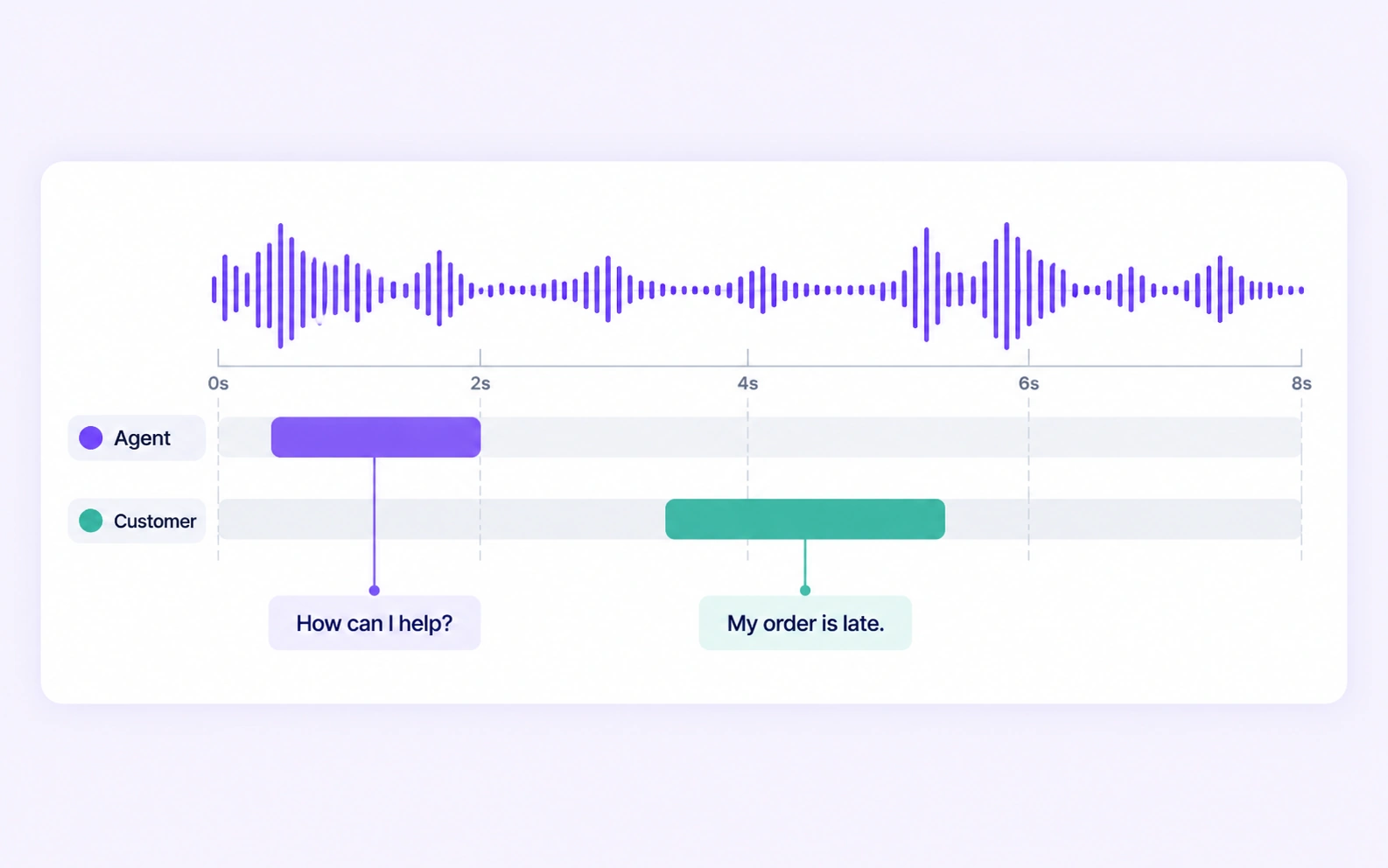
Attach transcripts and speaker-role properties to the correct time intervals. Review words and turn boundaries against the original call.
Use structured labels to describe the expressed customer request and defined conversation state. Keep the supporting language visible in the transcript.
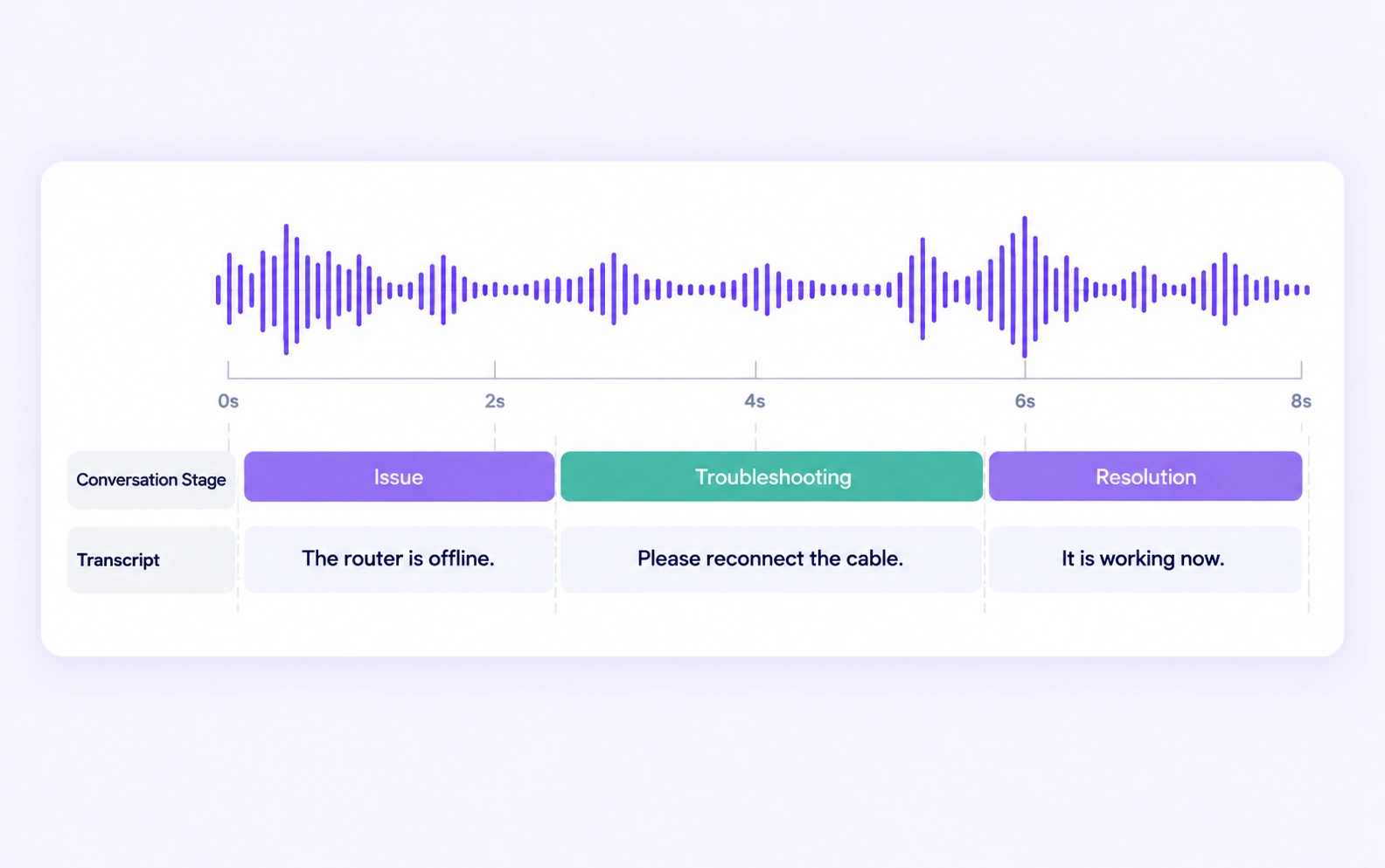
Common training data includes time-aligned transcripts, agent and customer turns, customer intent, and defined issue or resolution stages. Unitlab connects these labels to the source call recordings and review process.
Yes. Define intent categories and annotate the relevant recording or speech interval using the expressed request as evidence. Review ambiguous or multi-intent conversations with a clear policy.
Yes. A timed audio annotation can carry transcript and role properties. Reviewers can inspect the words, speaker label, and interval together.
Yes. Define observable conversation stages and annotate the relevant time intervals or properties. The labeling guidelines should state what evidence supports each stage.
This workflow preserves call audio, speaker timing, and spoken context. Tabular support-record annotation labels the fields and relationships inside structured support records.
Define shared classes, structured properties, and clear labeling instructions before work starts. Use representative examples and contextual review to resolve disagreements in the contact center speech intelligence dataset.
Yes. Route audio annotation through Review and Rework stages. Reviewers can inspect the source data, correct labels, and send an item back when more work is needed.
Yes. Use dataset search, metadata, tags, and available filters to select relevant audio assets. Keep representative conditions and difficult examples visible in the preparation workflow.
Export reviewed audio labels in supported Audio JSON, RTTM, or UUEF formats according to the annotation task. Dataset versions help teams identify which prepared examples belong to a release.


We use cookies to improve your experience. See our Privacy Policy and Cookie Policy.