Labeled Audio Datasets for Sound Event Detection

Mark when relevant sounds begin and end, with consistent event classes and acoustic context. Prepare reviewed recordings for environmental, industrial, and media sound-recognition models.
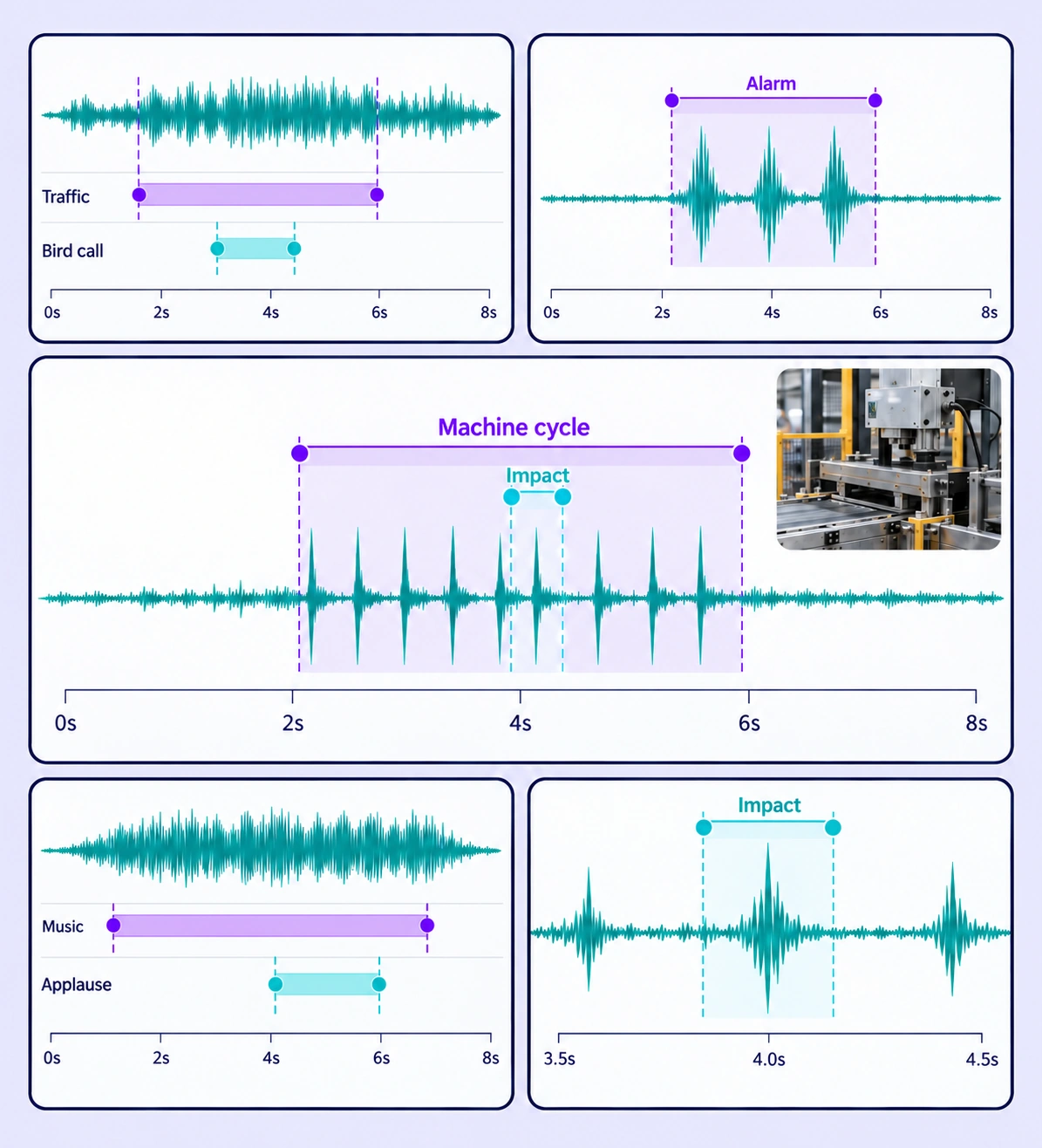
Annotated sound event detection examples arranged in a five-panel collage.

Data Annotation for Sound Event Detection

Prepare labeled examples for the sound event detection tasks your models need to learn. Each use case keeps the source data, annotation rules, and reviewed labels connected.
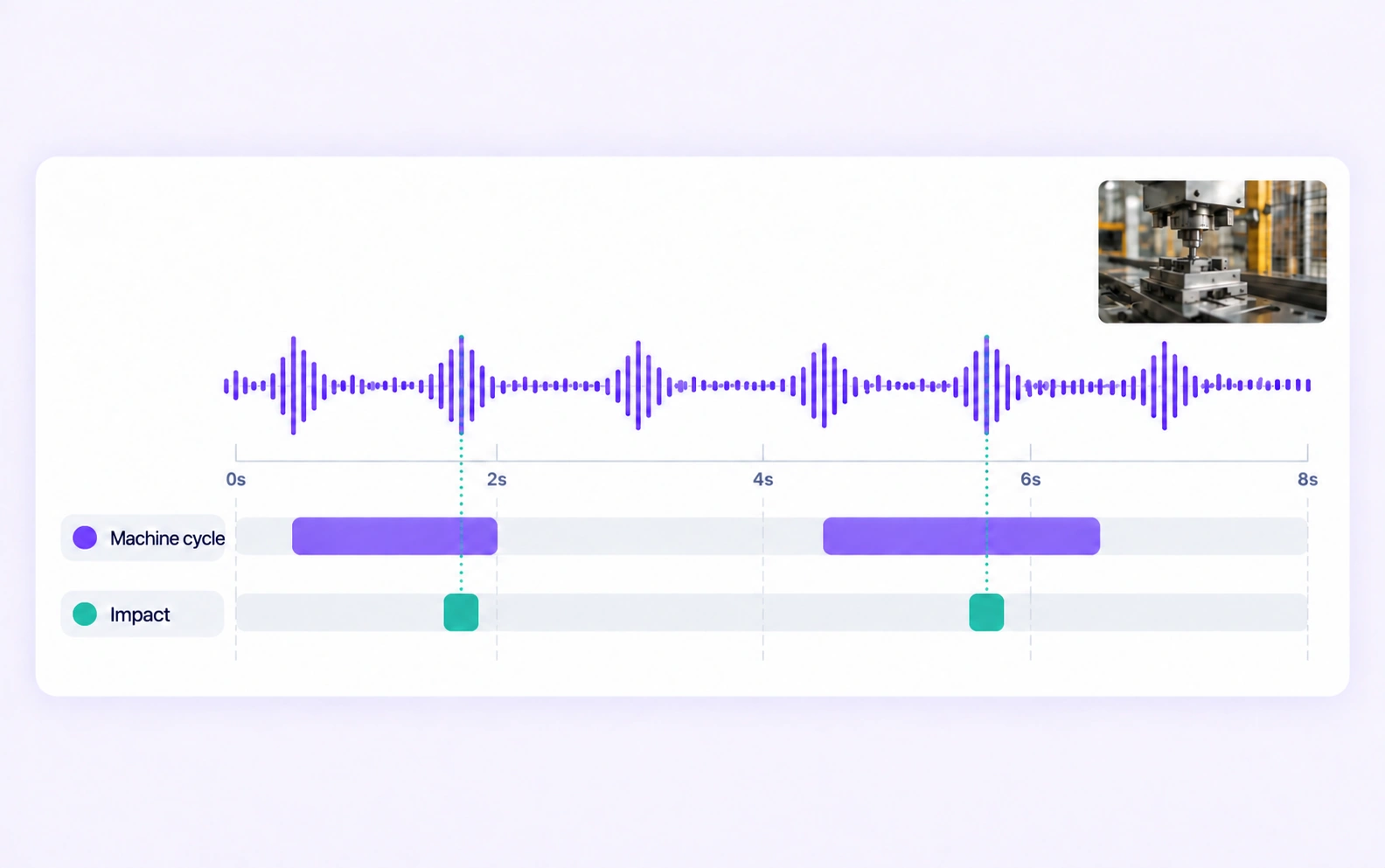
Machine-cycle and impact labels align with a mechanical-sound recording.

Industrial Acoustic Events

Label audible machine cycles, impacts, and defined abnormal sounds in recordings. Preserve the surrounding audio so reviewers can assess each event in context.
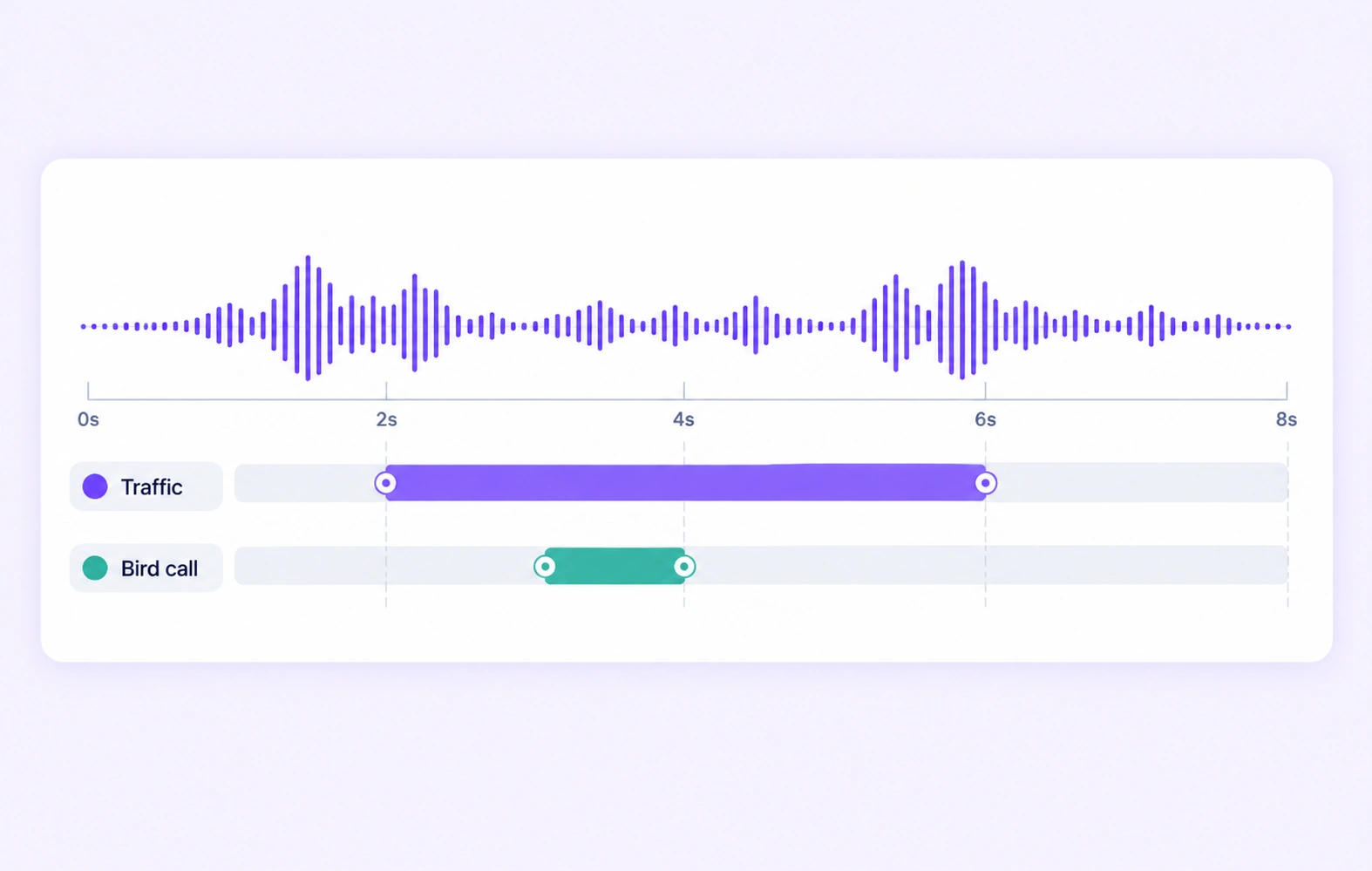
Traffic and bird-call event intervals overlap on one environmental recording.

Environmental Sound Recognition

Annotate traffic, animal, weather, and other defined environmental sounds. Use clear class definitions when several sounds occur together.
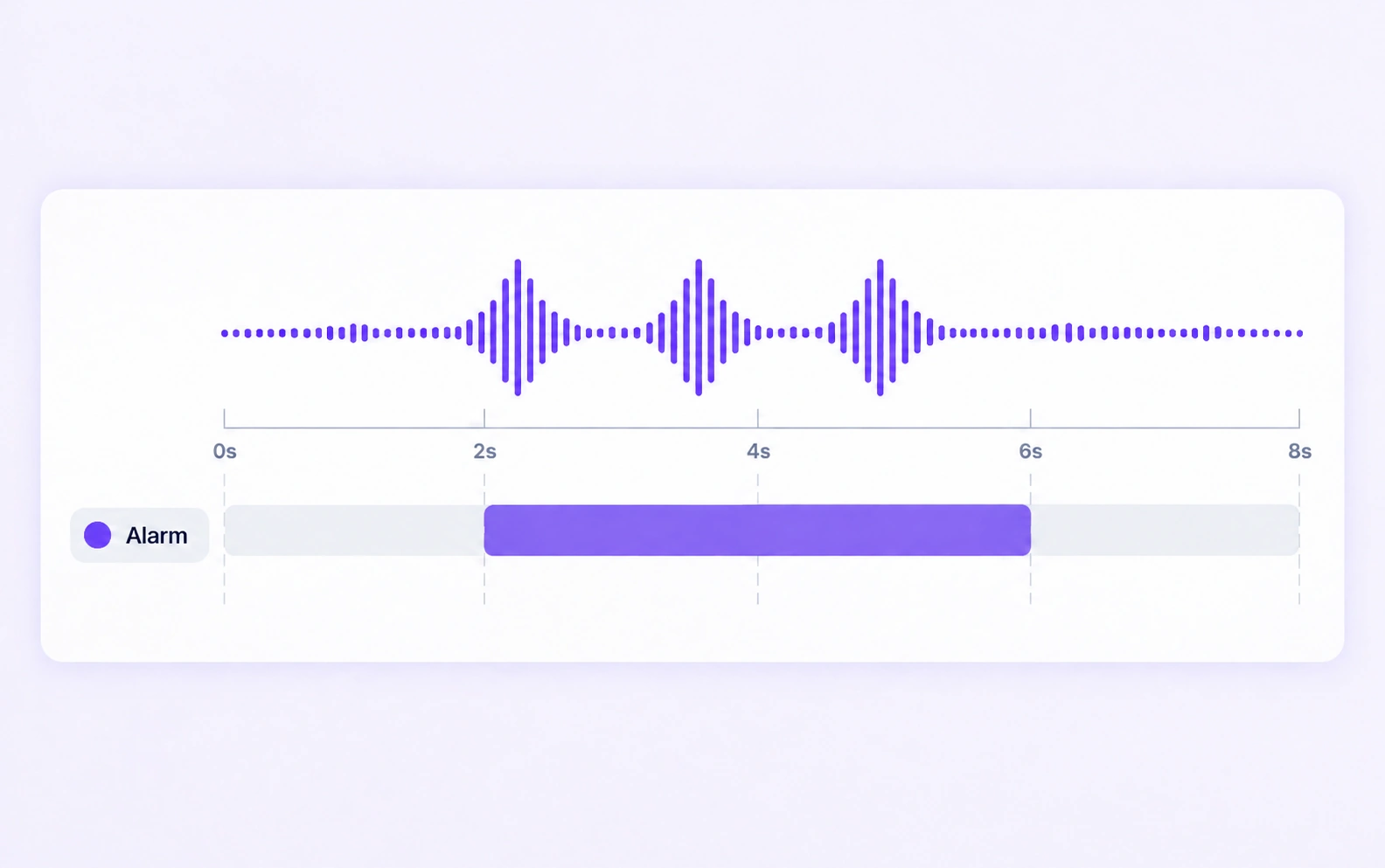
An alarm interval encloses repeated pulses in one audio waveform.

Alarm and Alert Detection

Mark audible alarm and alert intervals with precise timing. Distinguish the relevant sound types and include realistic background conditions.
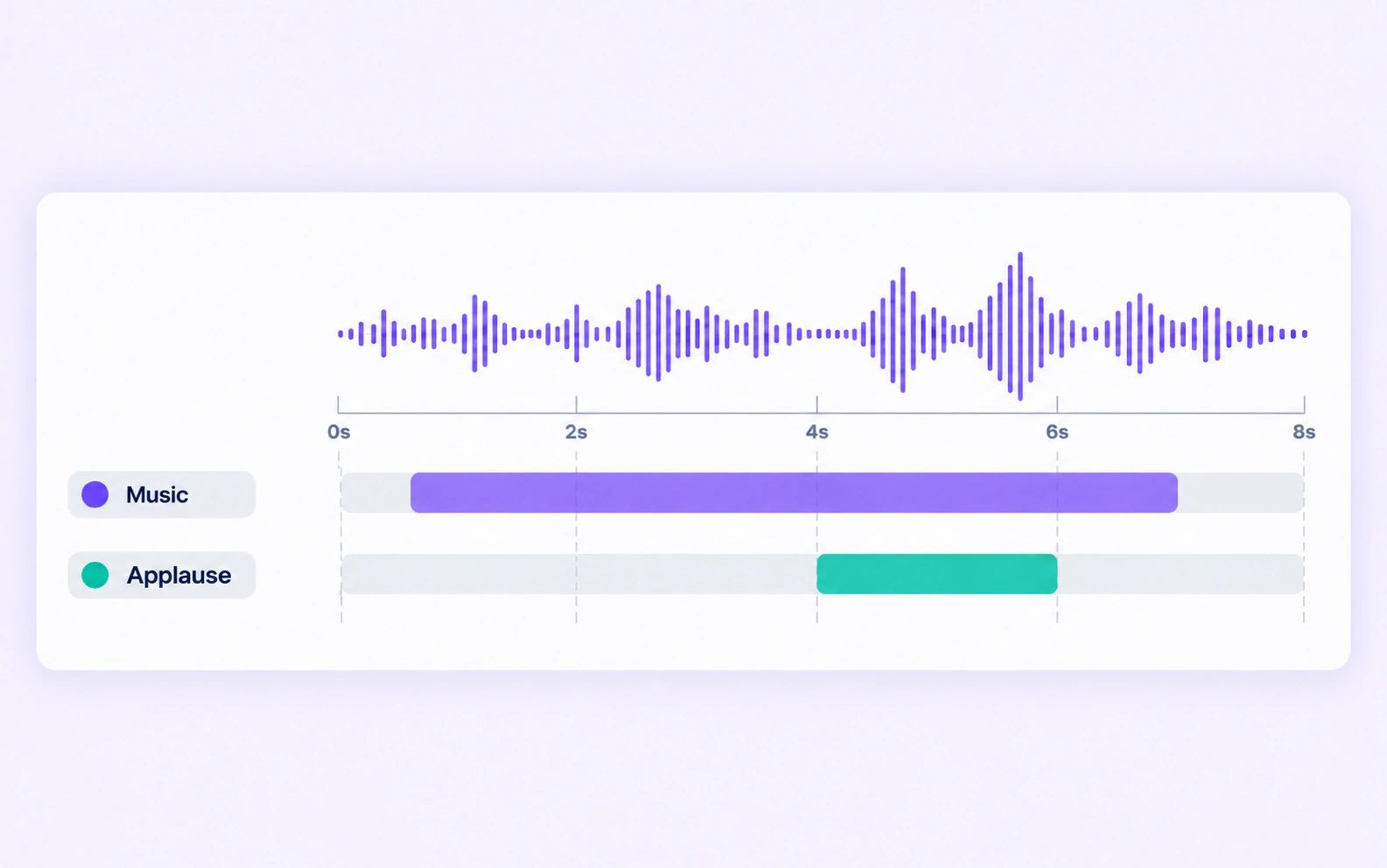
Music and applause intervals are labeled on a shared media recording.

Media Soundscape Annotation

Label music, applause, laughter, and other relevant sounds in recorded media. Keep event labels and overlapping intervals consistent across clips.

Why AI Teams Choose Unitlab

Bring audio data preparation, consistent labels, and expert review into one workflow for sound event detection datasets.
15X
Faster Audio Annotation
60%
Free Up AI Engineers’ Time
5X
Lower AI Development Costs

Annotation Methods for Sound Event Detection

Choose the label structure that matches the intended model output. Keep geometry, timing, or properties grounded in the original audio data.
An alarm interval encloses repeated pulses in one audio waveform.

Timed Sound-Event Ranges

Mark the audible start and end of the target event on the waveform. Use shared classes to distinguish the specific sound categories.

Concurrent Sound Labels

Annotate the relevant events when several sounds overlap. Keep each class and interval tied to audible evidence in the recording.

Traffic and bird-call event intervals overlap on one environmental recording.

Sound Event Detection FAQs

What is sound event annotation?

It is the labeling of recognizable sounds and their timing in audio recordings. These labels provide training or evaluation data for models that detect industrial, environmental, alarm, or media sound events.

Can I annotate overlapping sounds?

Yes. Create the relevant time-based event annotations and use a shared policy for overlap. Reviewers can inspect each interval against the original audio.

How precise should an event boundary be?

Choose a timing convention that matches the downstream task and the audible onset and offset. Annotators can refine ranges on the waveform, then reviewers check difficult transitions.

Can the same dataset include normal and unusual machine sounds?

Yes. Define the sound classes and recording properties needed for the task. The labels describe what can be heard or is established by the provided context; the trained model performs downstream detection.

Is a waveform alone enough to identify a sound?

The waveform helps place timing, while the recording provides the audible evidence. Annotators and reviewers should listen to the relevant interval before assigning the event class.

How can teams keep sound event detection labels consistent?

Define shared classes, structured properties, and clear labeling instructions before work starts. Use representative examples and contextual review to resolve disagreements in the sound event detection dataset.

Can uncertain examples be reviewed and corrected?

Yes. Route audio annotation through Review and Rework stages. Reviewers can inspect the source data, correct labels, and send an item back when more work is needed.

Can I curate the audio data before annotation?

Yes. Use dataset search, metadata, tags, and available filters to select relevant audio assets. Keep representative conditions and difficult examples visible in the preparation workflow.

How do reviewed annotations reach the model pipeline?

Export reviewed audio labels in supported Audio JSON, RTTM, or UUEF formats according to the annotation task. Dataset versions help teams identify which prepared examples belong to a release.

Need help preparing sound event detection training data?Talk to Unitlab