
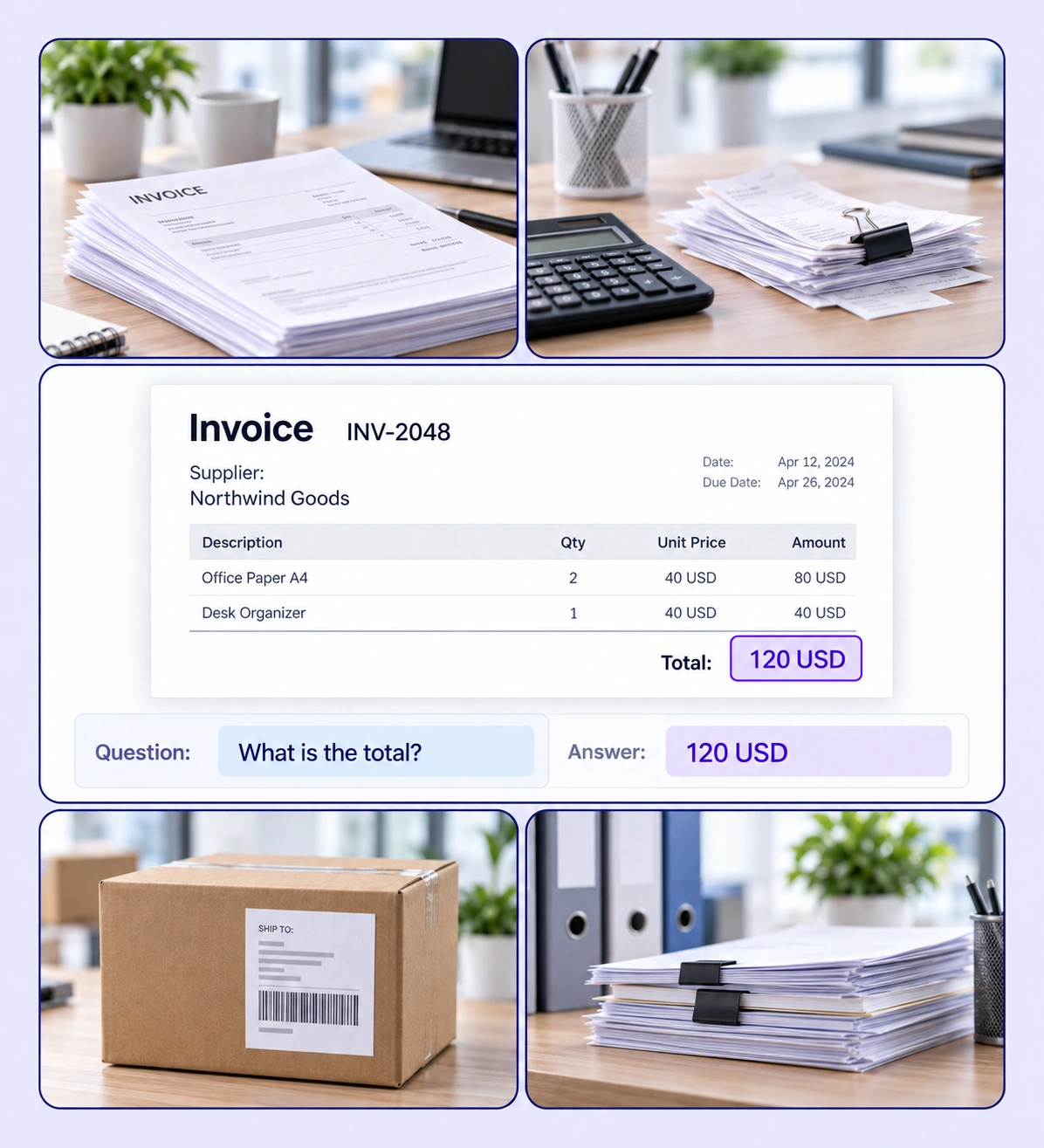
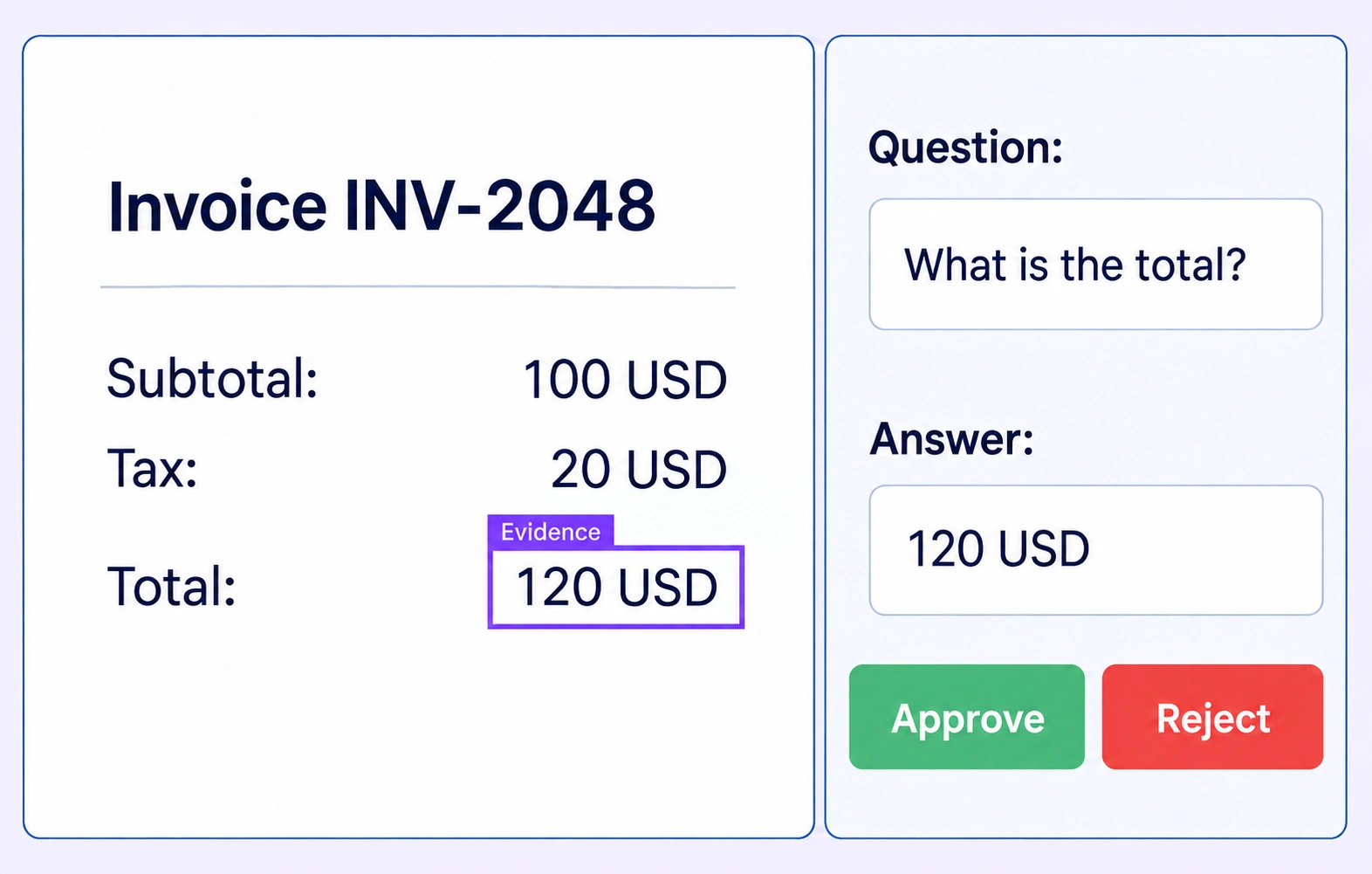
Connect document regions, questions, and answers in one annotation workflow.
Automate curation, management, and versioning of document VQA datasets.
Reusable ontologies and governed quality control reduce labeling and review rework.
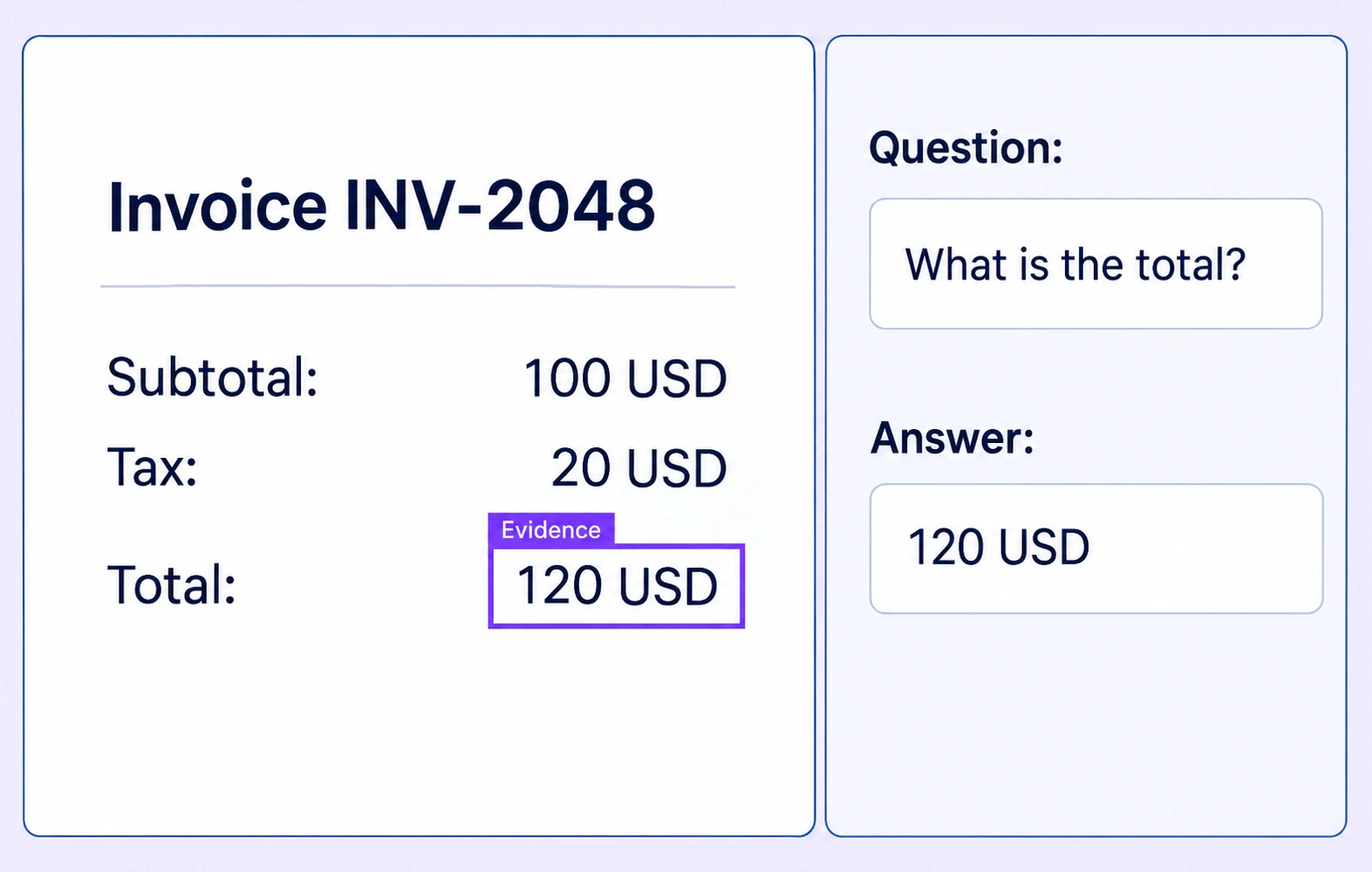
A document region identifies the supporting evidence. Configured Question and Answer text properties record the prompt and its reviewed response on the same annotation.
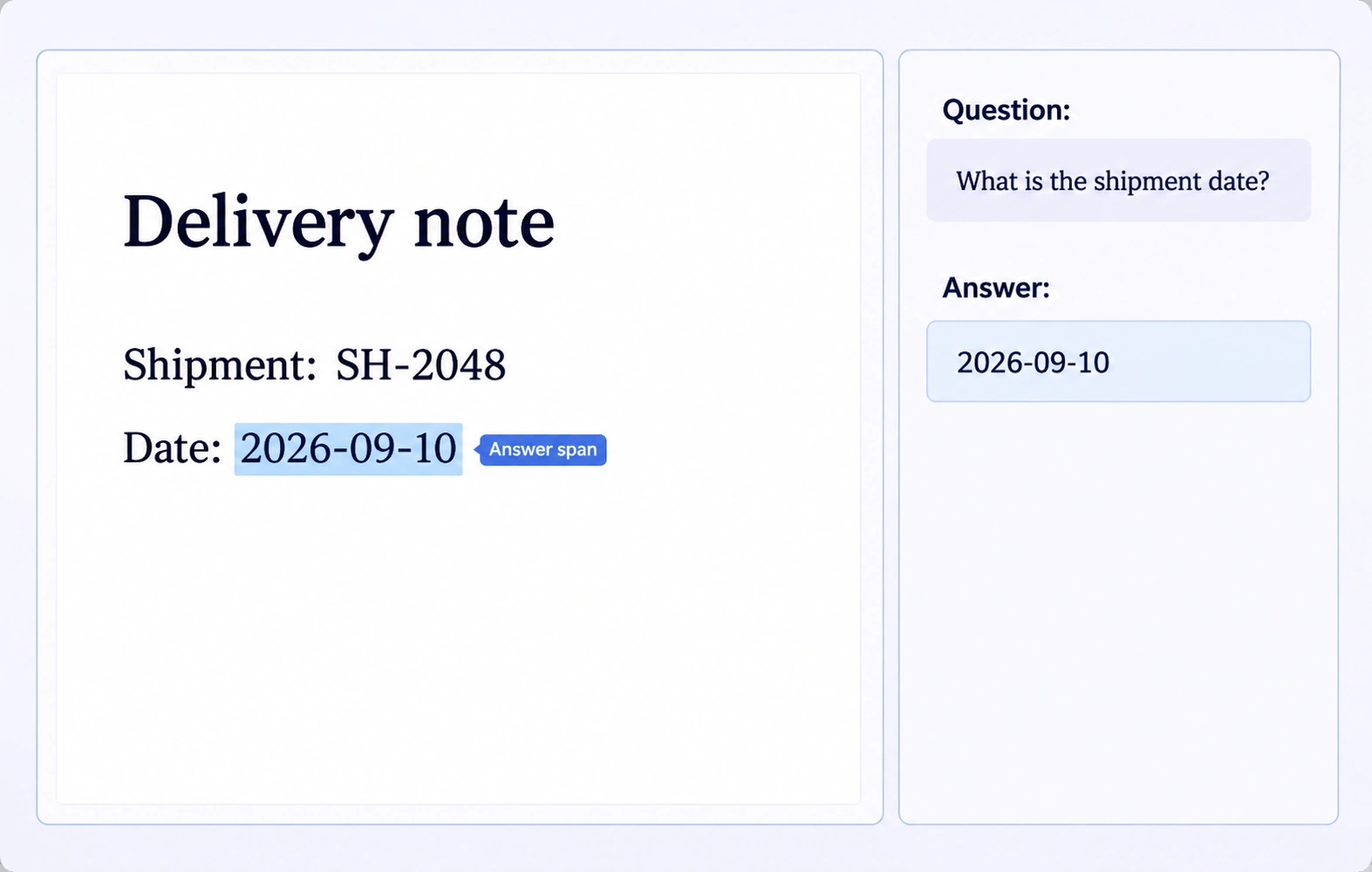
Selectable PDF text can be labeled as an answer span. This keeps the extracted value tied to the exact source text rather than a detached transcription.
DocVQA is a document understanding task in which a model answers a question about a document image. Annotation prepares questions, answer values and supporting source evidence for training or evaluation.
Configure text properties such as Question and Answer on an evidence annotation. Annotators mark the source region or supported text span and enter the values required by the project schema.
Yes, when the PDF contains a usable text layer, supported text selection can anchor an answer to the document. For scanned pages without selectable text, use visual evidence regions and configured answer text.
Examples include invoices, receipts, forms and business records with questions answerable from their content. Define the document scope and question rules before annotation so the evidence requirements stay consistent.
Write questions whose answers are supported by the supplied document. For extractive examples, identify the exact answer value and annotate the evidence that distinguishes it from nearby fields.
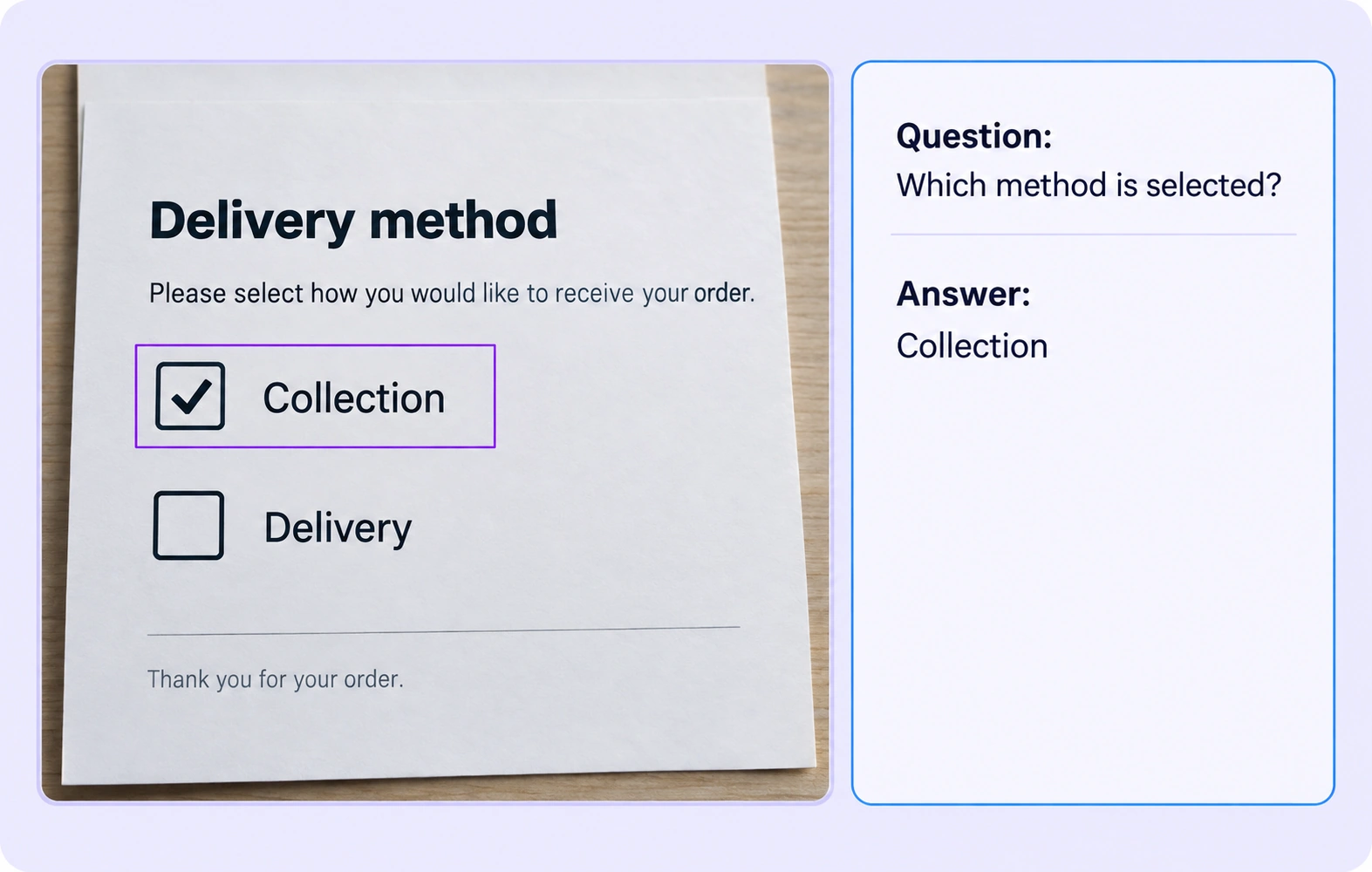
Yes. A visual region can capture a form field or selected option, with question and answer properties describing the example. Reviewers should check both the text and visible selection state.
The workflow described here records supplied or human-authored questions and reviewed answers. It does not assume automatic question generation, document reasoning or answer extraction.
Reviewers compare the answer property with the annotated source region or text span and the question. Incorrect values, ambiguous questions or missing evidence can return for rework.
Use shared annotation classes, required properties and clear question-writing guidelines. Review representative examples and apply the same evidence rules across document layouts.


We use cookies to improve your experience. See our Privacy Policy and Cookie Policy.