
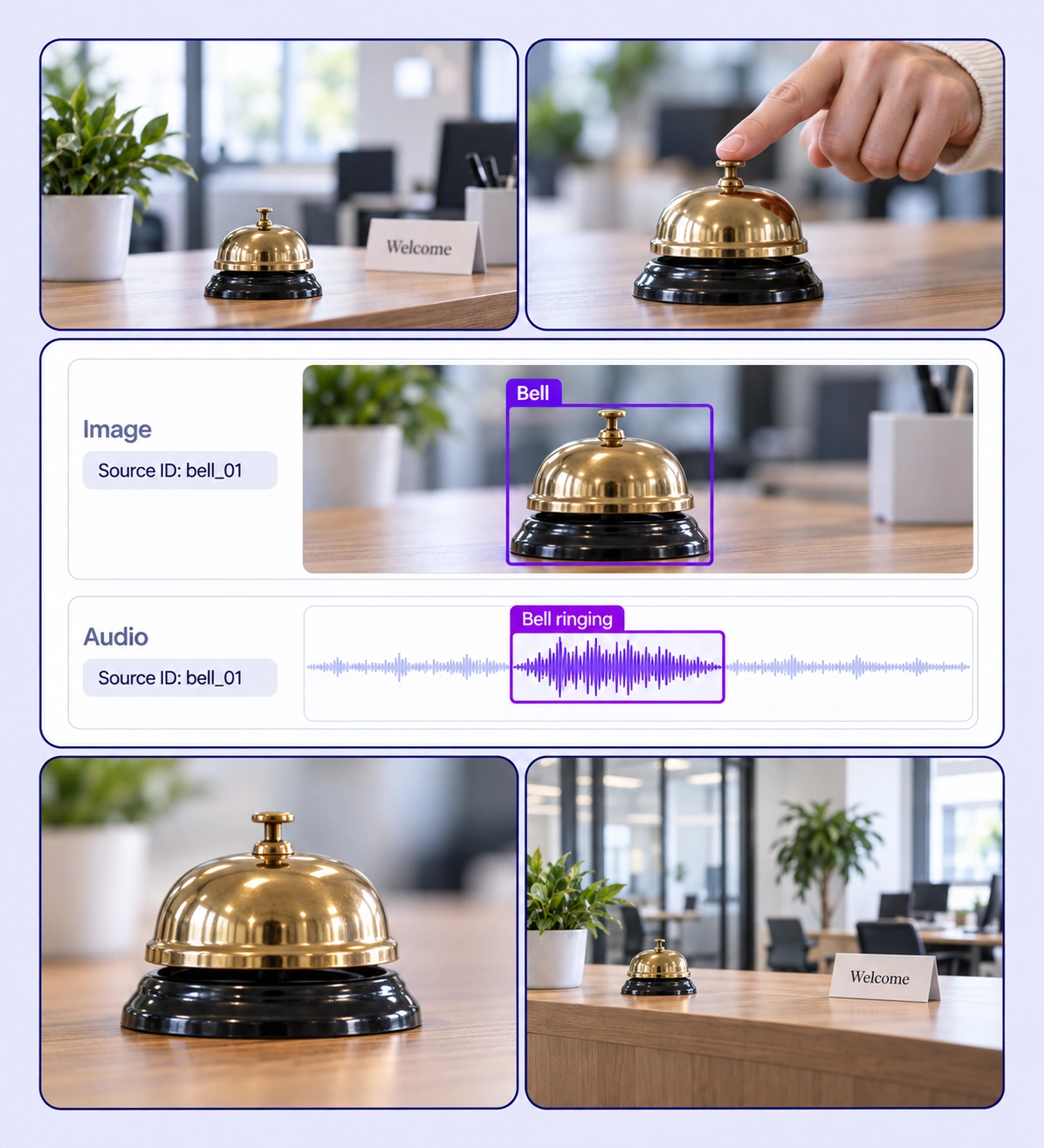
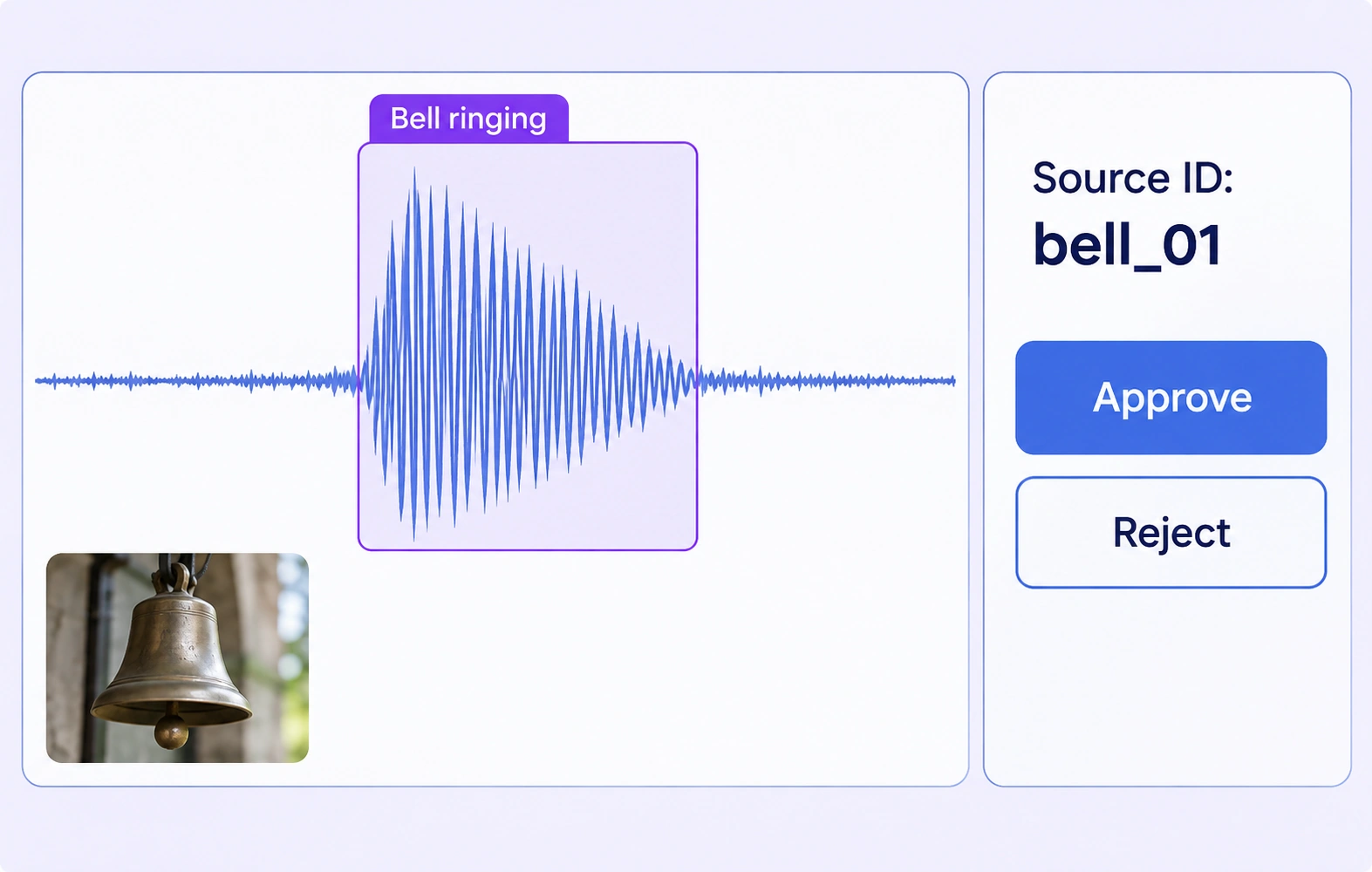
Connect visible sources with sound events on shared annotation timelines.
Automate curation, management, and versioning of audio-visual datasets.
Reusable ontologies and governed quality control reduce labeling and review rework.
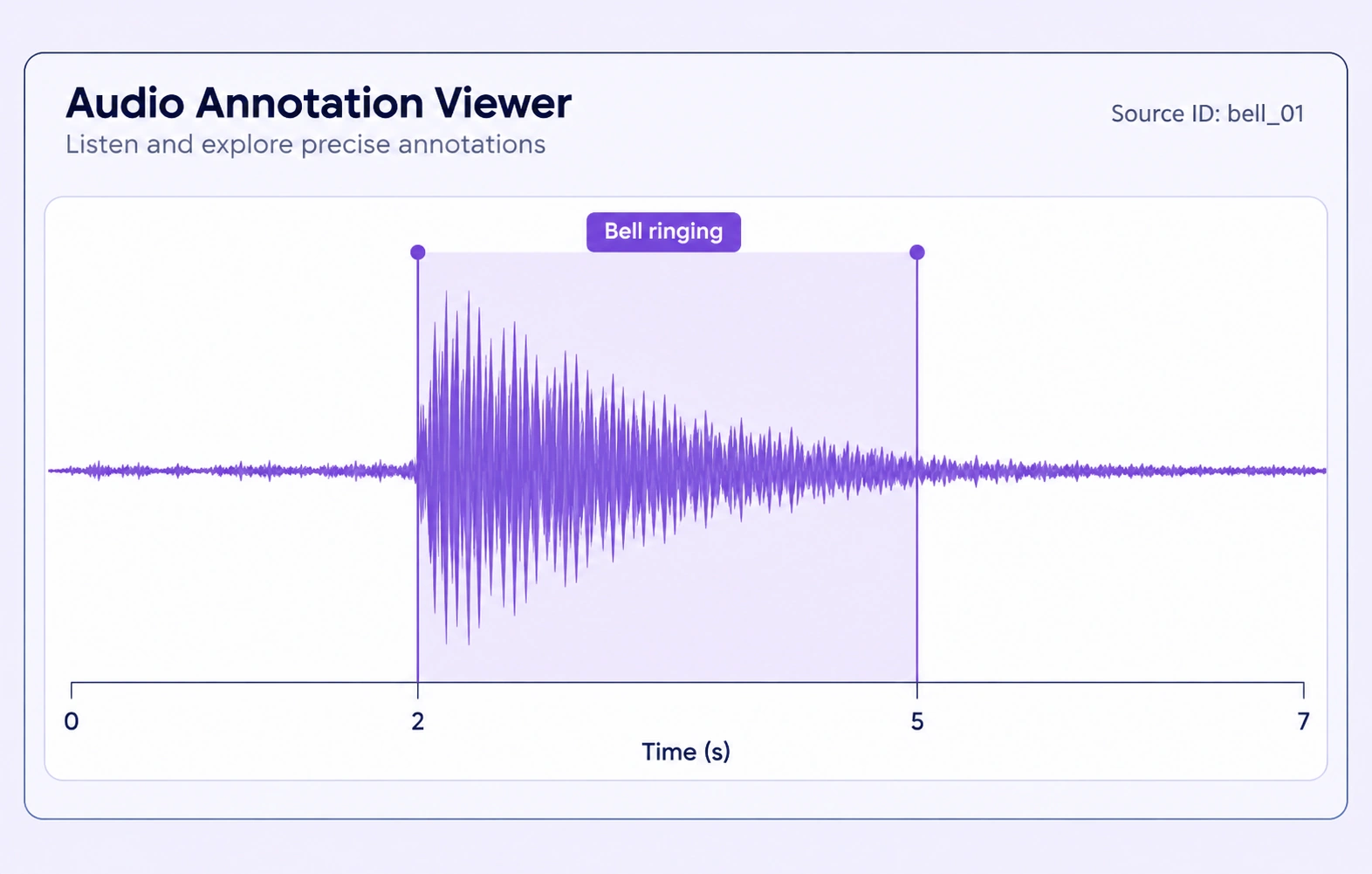
Bounded time intervals identify where a defined sound event occurs. Class and property values describe the audible evidence without replacing the recording.
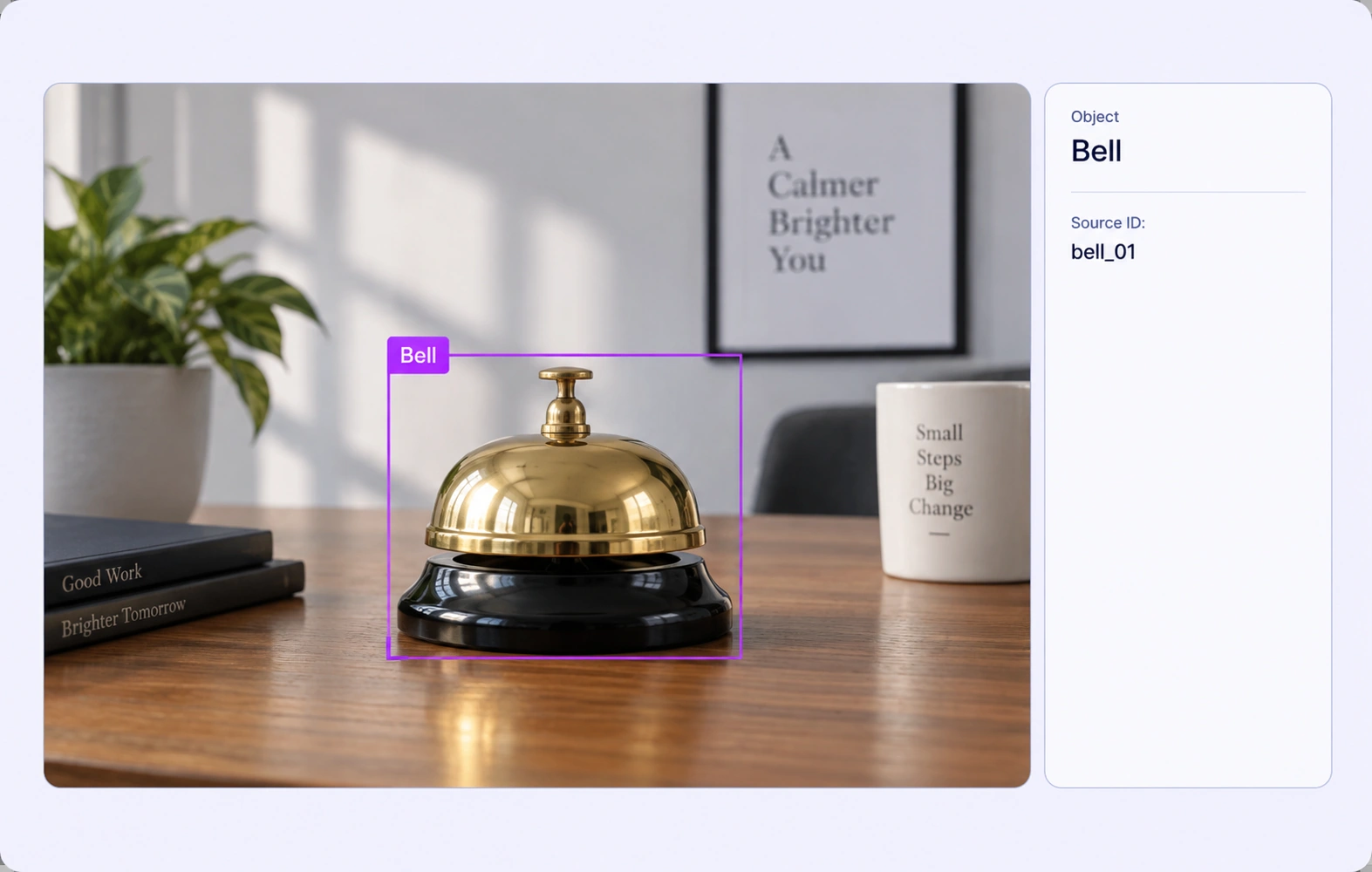
Bounding boxes identify the visible source in an image or video frame. Review the source box with the corresponding audio evidence and configured properties.
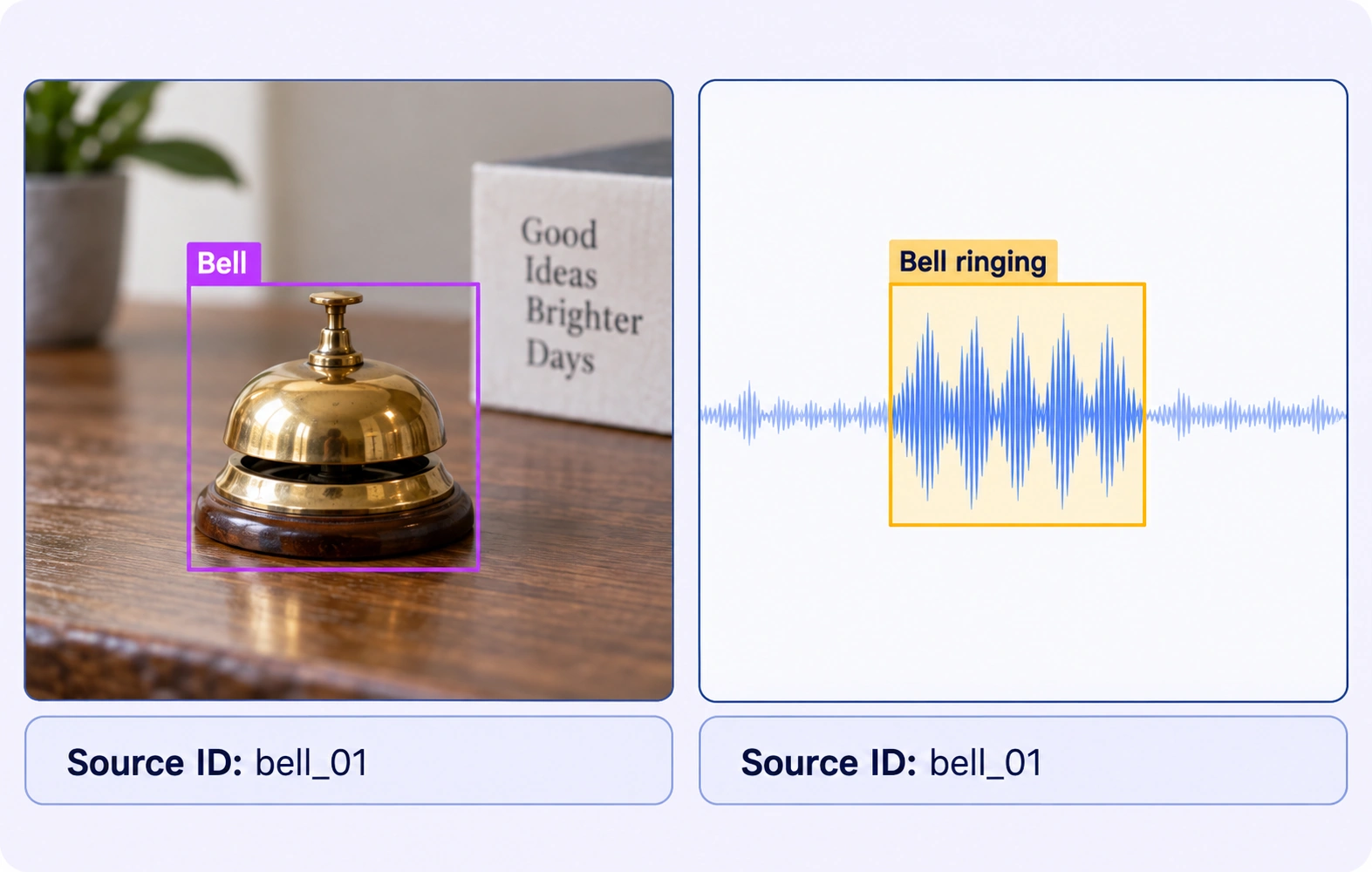
It prepares examples that identify a sound event and its visible source. Annotators label the audible interval and the relevant object in related visual media, then review their correspondence.
Sound event detection identifies what is heard and when. Audio-visual localization also identifies the source visible in the scene, such as the bell producing a ringing sound.
Supported audio and video files can be grouped in a multimodal case. A configured layout keeps the related sources available while annotators use each viewer’s native tools.
Teams can use matching configured source identifiers or event properties on the relevant annotations. Annotators inspect the recordings to establish correspondence; grouping does not infer that an audible event belongs to an object.
File grouping organizes related inputs using configured naming rules and keys. Teams must verify their timing and recording correspondence before labeling a sound source.
Define a project rule for off-screen or uncertain sources and record that condition with a configured property. A visible-source box should only be created when the object is supported by the frame.
Annotators can create separate intervals for the events required by the ontology. Clear definitions and review are especially useful when sounds overlap or a source is ambiguous.
This workflow prepares human-labeled examples and reviewed source correspondence. The annotations support downstream model training and evaluation; they are not a claim that Unitlab automatically localizes sound.
Reviewers check the audible boundaries, visible source region and configured identifiers against the related recordings. Rejected work can return for correction before acceptance.


We use cookies to improve your experience. See our Privacy Policy and Cookie Policy.