


Curate relevant samples and connect auto-labeling with shared review workflows.
Automate curation, management, and versioning of computer vision datasets.
Reusable ontologies and governed quality control reduce labeling and review rework.
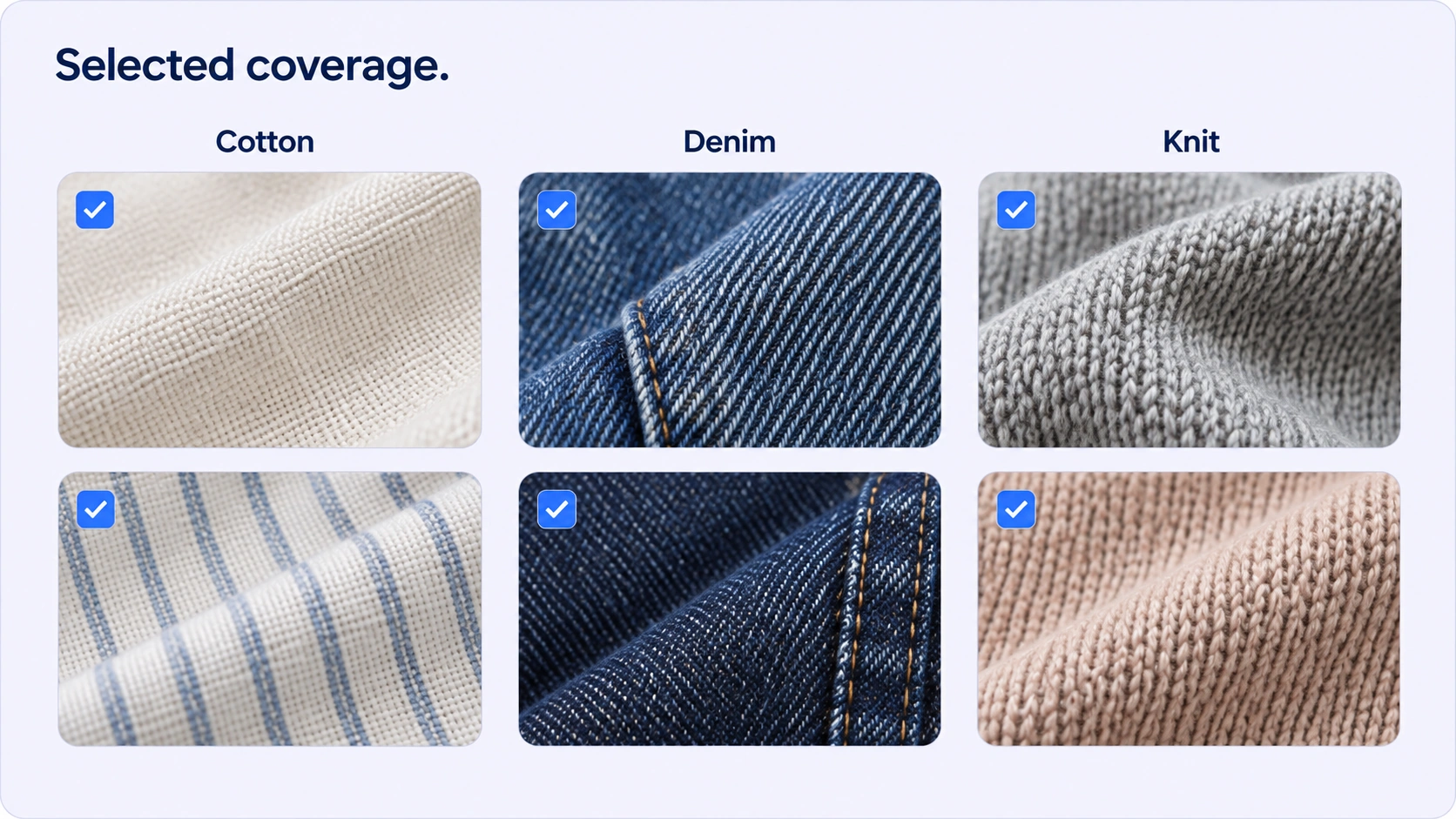
Mapped metadata filters and categories help teams inspect sample coverage. Selection remains a deliberate data-preparation decision rather than a guarantee of statistical balance.
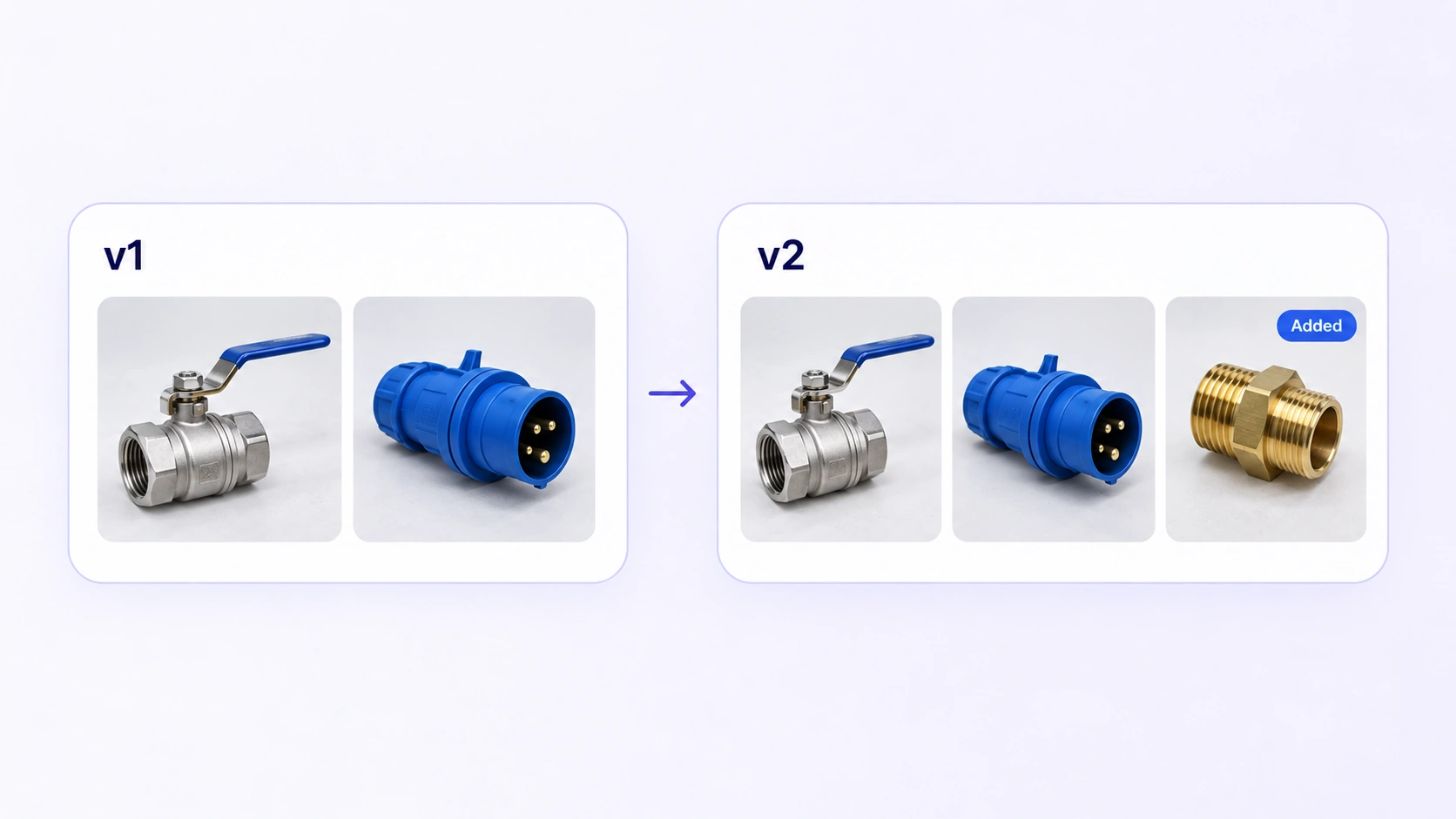
A dataset version preserves the selected source set. New edits continue in a draft, and a previous version can be restored into a draft for further work.
It is the selection and organization of image and video data for a specific model task. Teams inspect quality, redundancy, relevance and coverage before handing a defined source set to annotation or downstream preparation.
Curation decides which source samples belong in a dataset and how they are organized. Annotation adds the labels required by the model task. A curated dataset can then enter a configured annotation workflow.
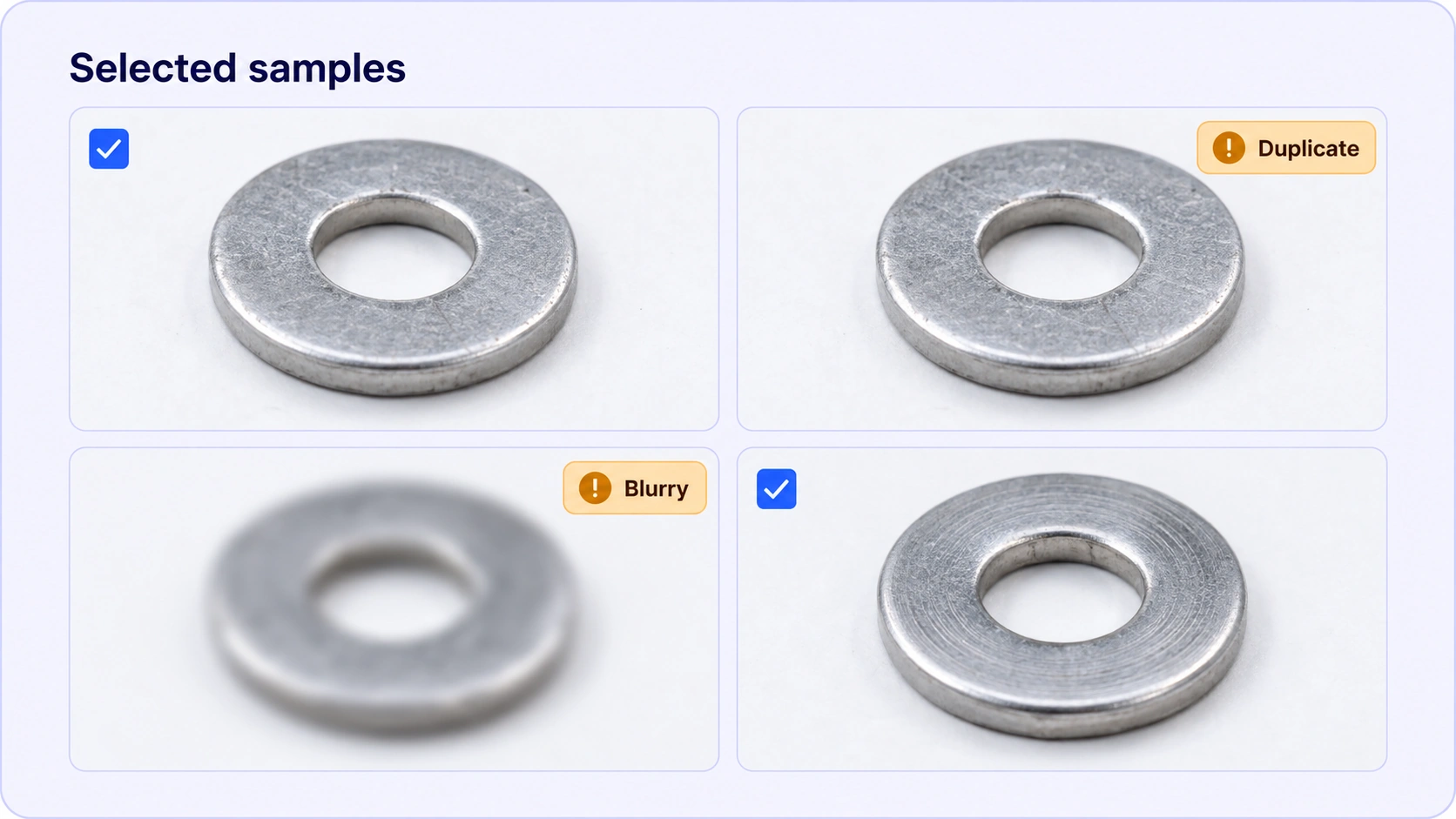
Yes. Supported duplicate search and mapped image-quality filters help surface candidates for inspection. Teams compare the source samples and decide which to retain; the workflow does not imply automatic deletion.
Use supported image and video search together with metadata to inspect relevant examples. A query such as rain at night can help locate candidate scenes, but the team must review their relevance and coverage.
The visual search capabilities described here apply to supported image and video data. They should not be assumed to provide the same embedding or search behavior for arbitrary tabular, sensor or other file types.
Metadata can organize and filter samples across known categories so teams can inspect coverage. Selection should reflect the model task and evaluation design; the interface does not guarantee representativeness or automatic balancing.
Use the mapped filters available for the selected asset type, including supported metadata and image-quality controls. Some filter concepts may be previews, so the workflow should rely on controls that apply to the current data.
Publishing creates an immutable snapshot of the dataset’s working draft. It preserves the source selection for a handoff, while later changes can continue separately in a draft.
Yes. Published versions remain available in dataset history, and restoring a version creates a draft for further work. This allows teams to revisit a previous source selection without editing the saved snapshot.


We use cookies to improve your experience. See our Privacy Policy and Cookie Policy.