
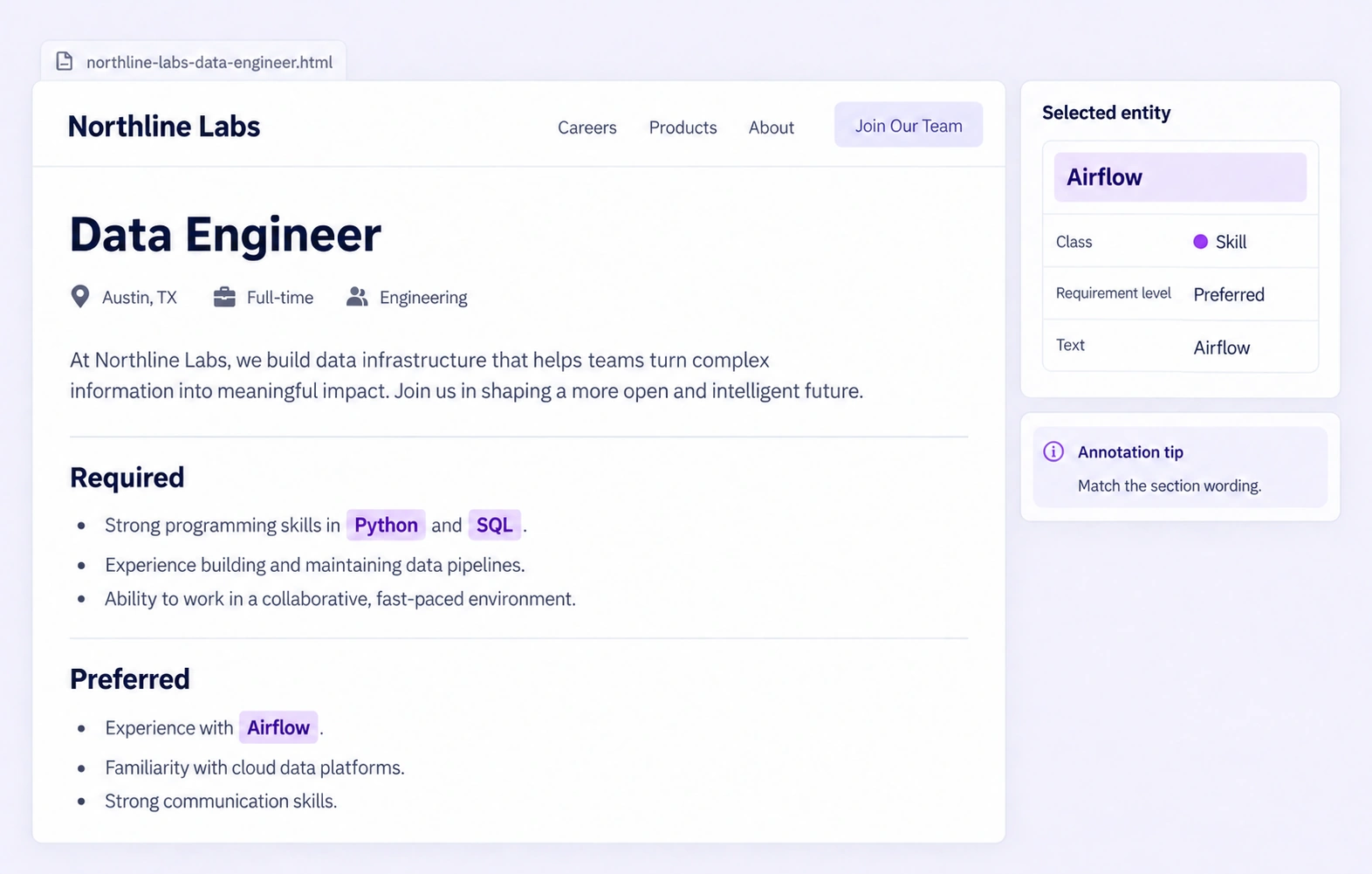
Label job titles, skills, and requirements with reusable field schemas and review.
Automate curation, management, and versioning of job-posting datasets.
Reusable ontologies and governed quality control reduce labeling and review rework.
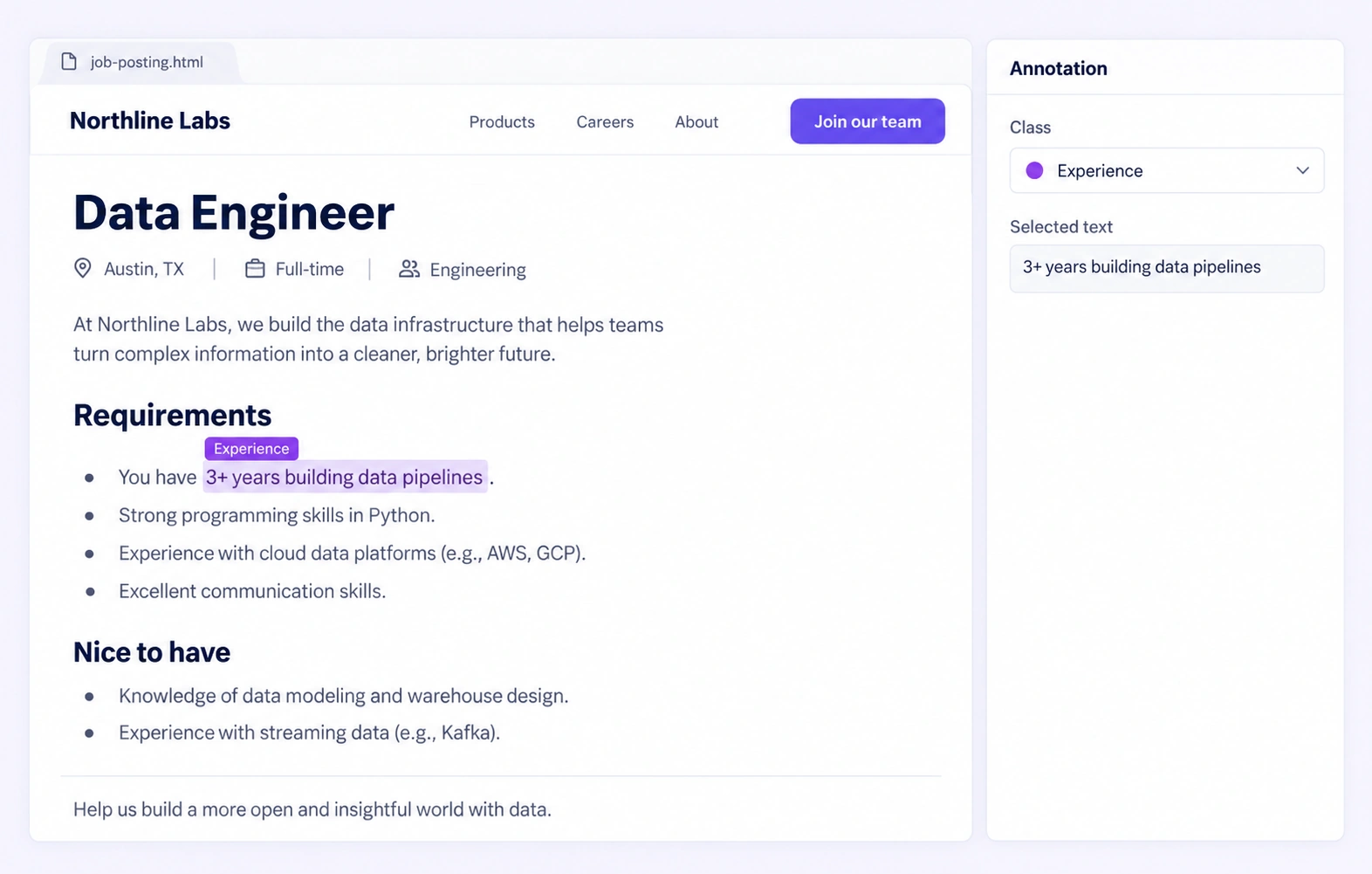
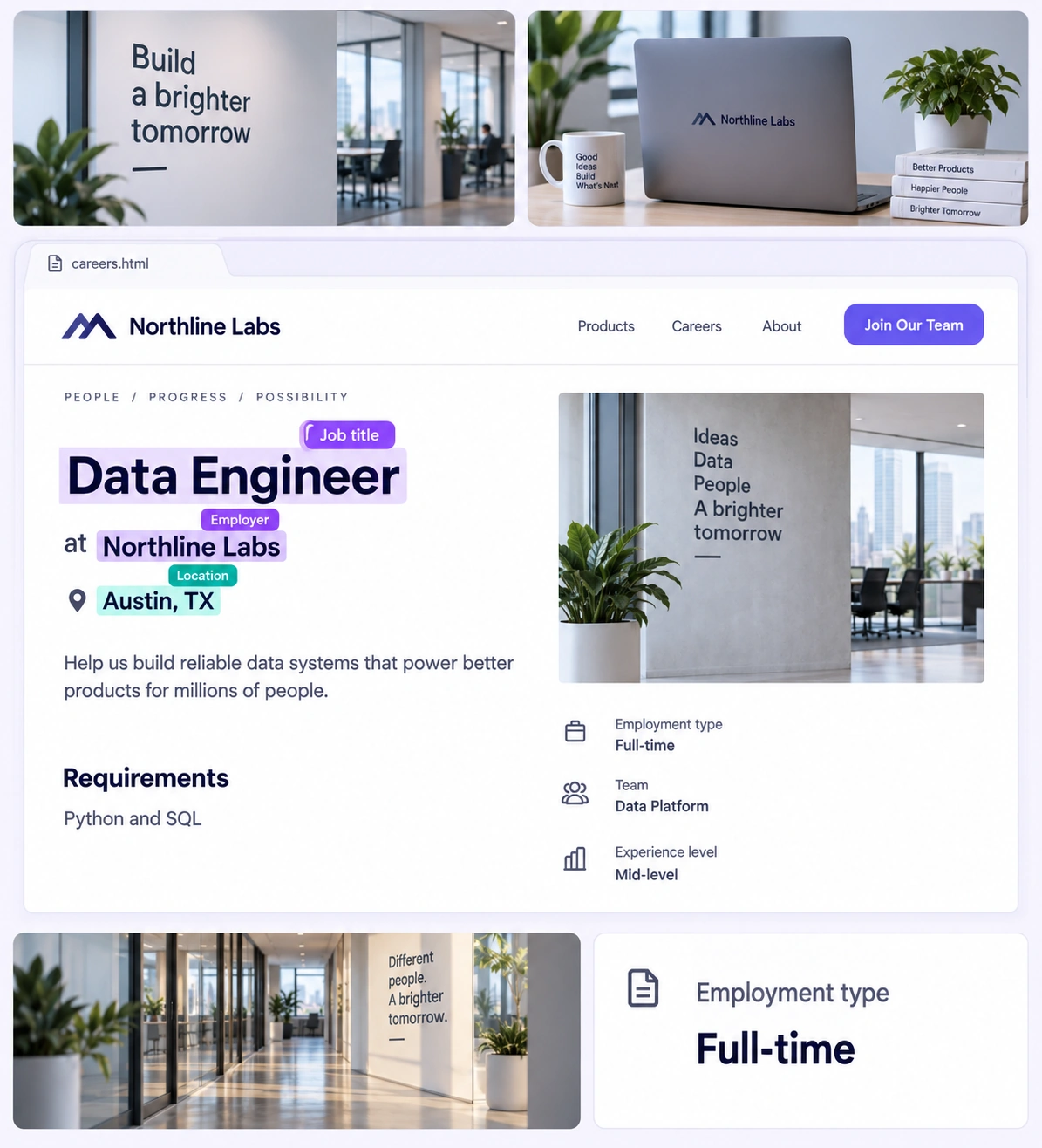
Create contiguous, non-overlapping labels for job fields and requirement phrases. Keep each selected range faithful to the visible text, including meaningful qualifiers.
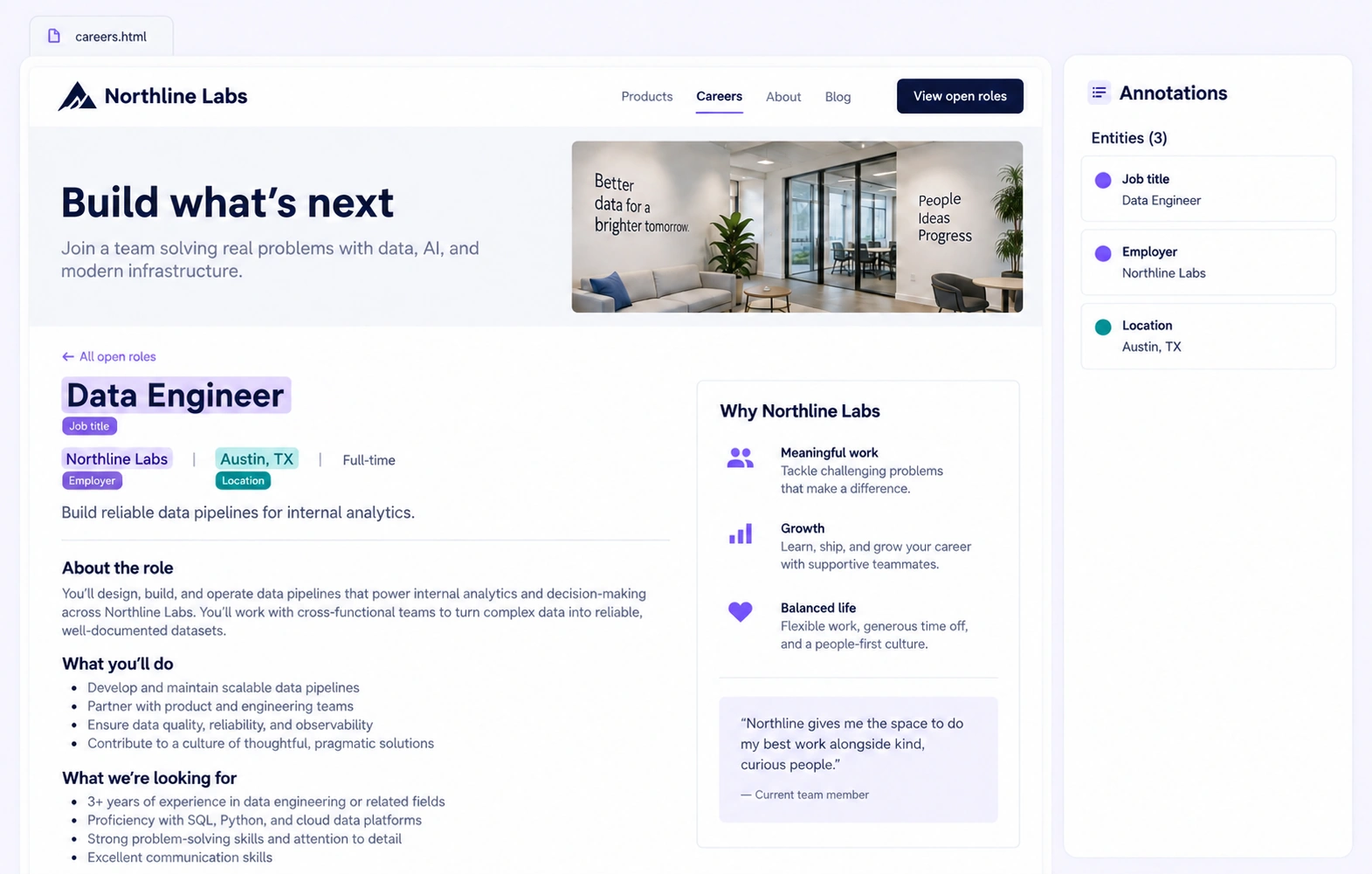
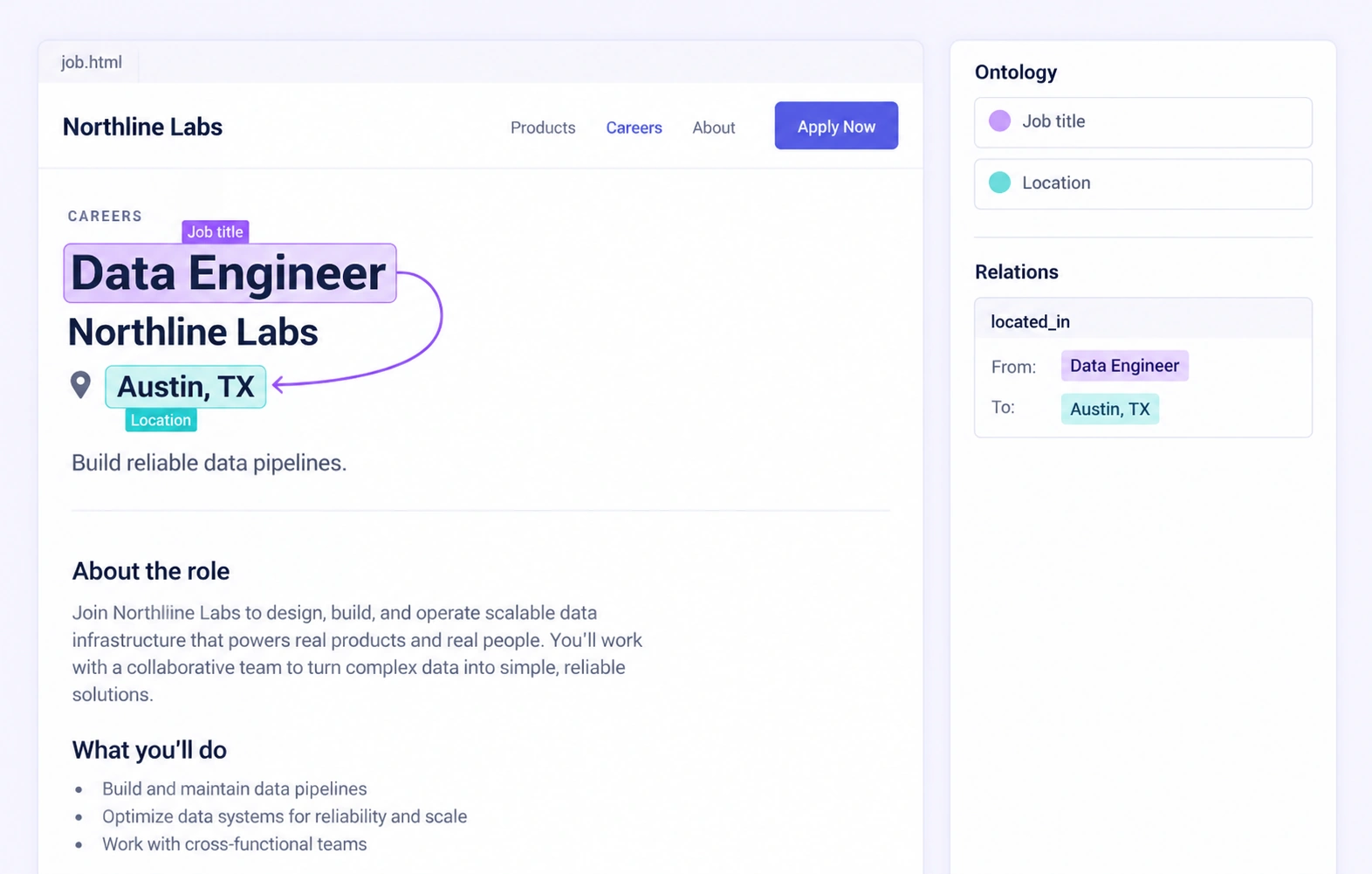
Connect a labeled job title to its stated employer or location within the same page. Add properties for field roles and reviewed requirement categories.
It labels the information an extraction model should identify in a job posting, such as the title, employer, location, skills, experience and compensation. In Unitlab, those labels remain anchored to the visible text of the uploaded HTML page.
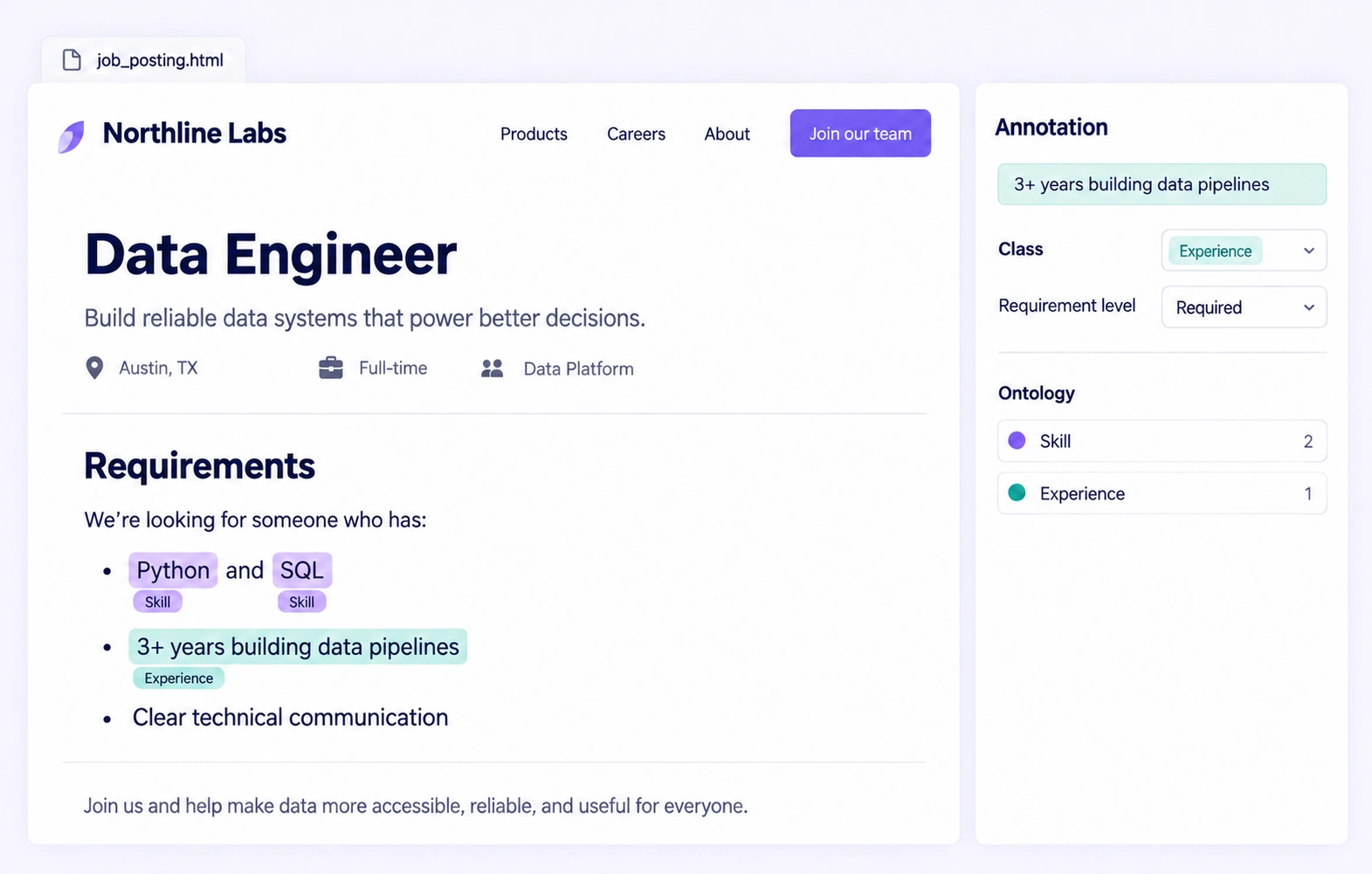
Yes. Define separate classes for skills, qualifications and experience, then select their exact source spans. Include meaningful qualifiers such as an explicit experience threshold when the annotation guidelines require them.
Use the section headings and wording visible in the posting as evidence. A configured property can record Required or Preferred on the skill annotation. Do not assign a requirement level that the source does not support.
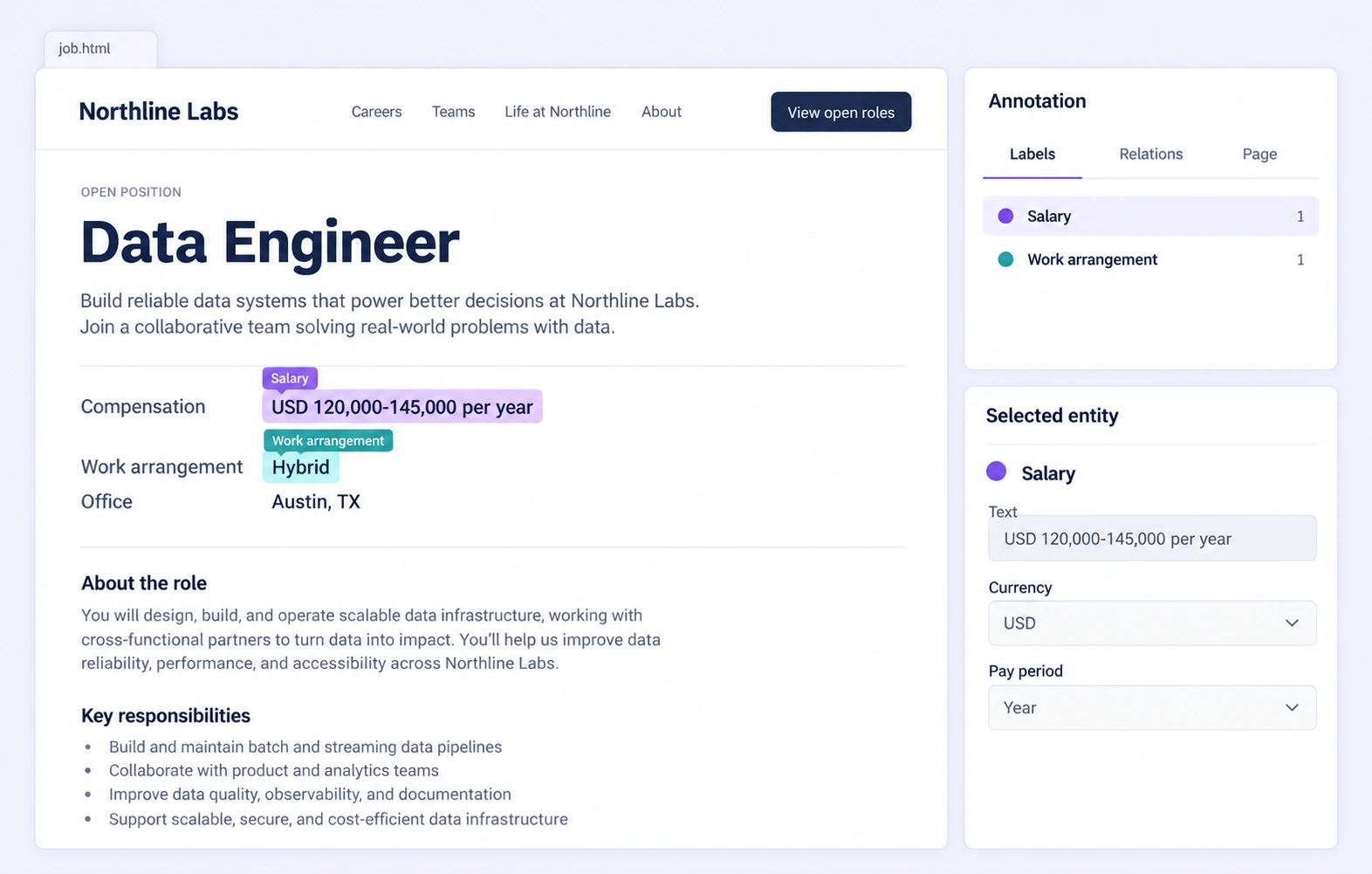
Yes, when the posting states them. Label the amount or range and its currency or pay period, and capture explicit wording such as Remote or Hybrid. These are source annotations, not inferred pay estimates or work-policy predictions.
Yes. Ontology-defined relations can connect text entities within the same HTML page, such as a job title and its stated location. Review the source, target and relation direction before accepting the labels.
Follow the project's missing-value rule and leave unsupported facts unfilled. Do not infer a salary, location, qualification or employment type from the employer name or another vacancy.
This workflow annotates uploaded .html or .htm snapshots of job postings. It does not navigate a live careers site, submit application forms or automatically collect new vacancies.
Use one ontology and clear examples for span boundaries, requirement levels and missing fields. Review labels in the rendered page, resolve contextual comments and return ambiguous or incorrect examples for correction.
Use a supported HTML export such as JSONL or Unitlab Unified Export Format. Preserve source identity, supported text anchors, entity classes, relations and properties when adapting the reviewed annotations to your extraction pipeline.


We use cookies to improve your experience. See our Privacy Policy and Cookie Policy.