Intent and text classification datasets

Assign meaningful labels to messages and text. Create intent, topic, sentiment, and business classification datasets with shared definitions and review built into the workflow.
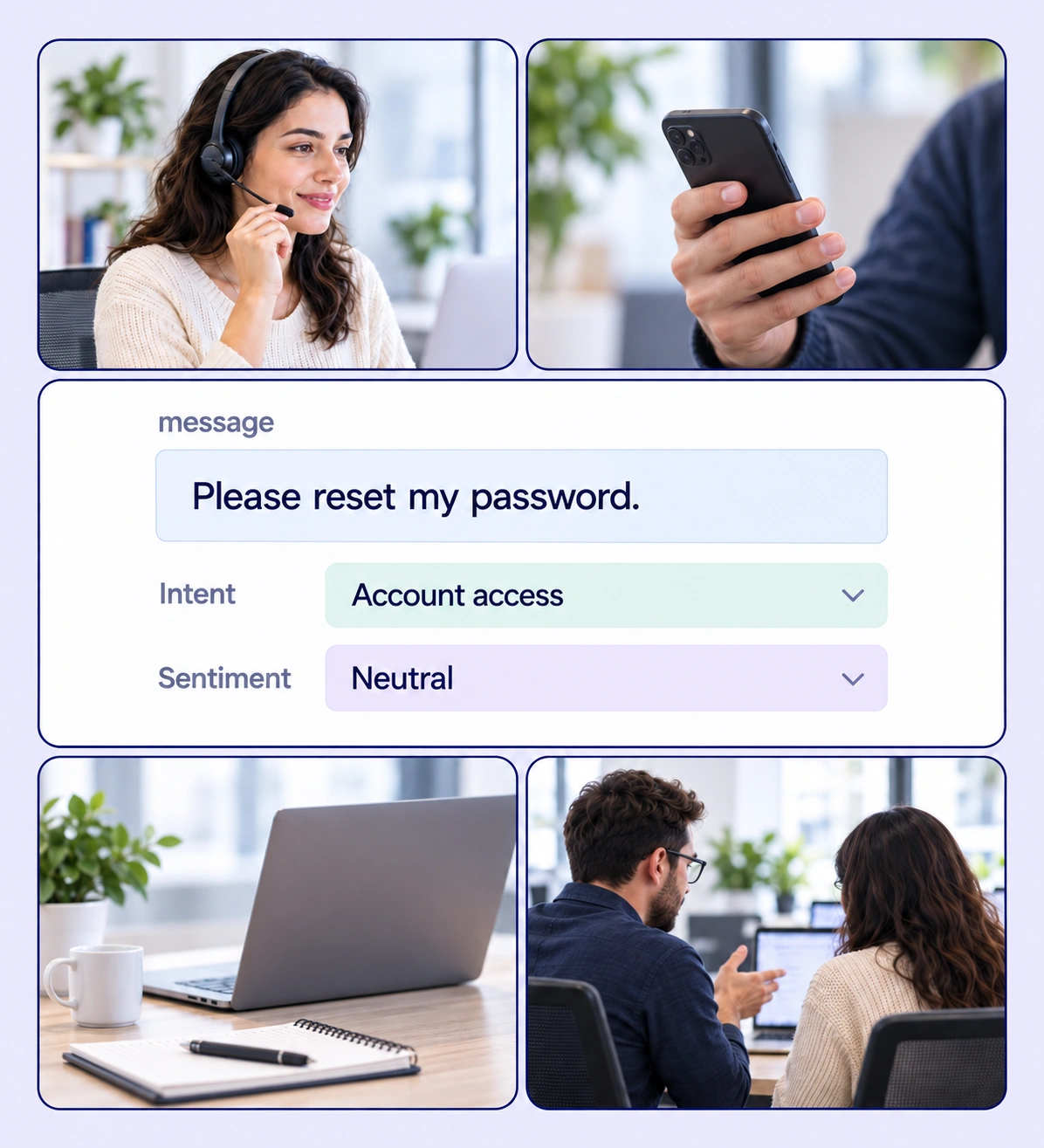
Intent & Text Classification example with source-data annotations and contextual photographs.

Teach models what a message means

Turn your classification guidelines into labeled examples with enough context for consistent decisions.
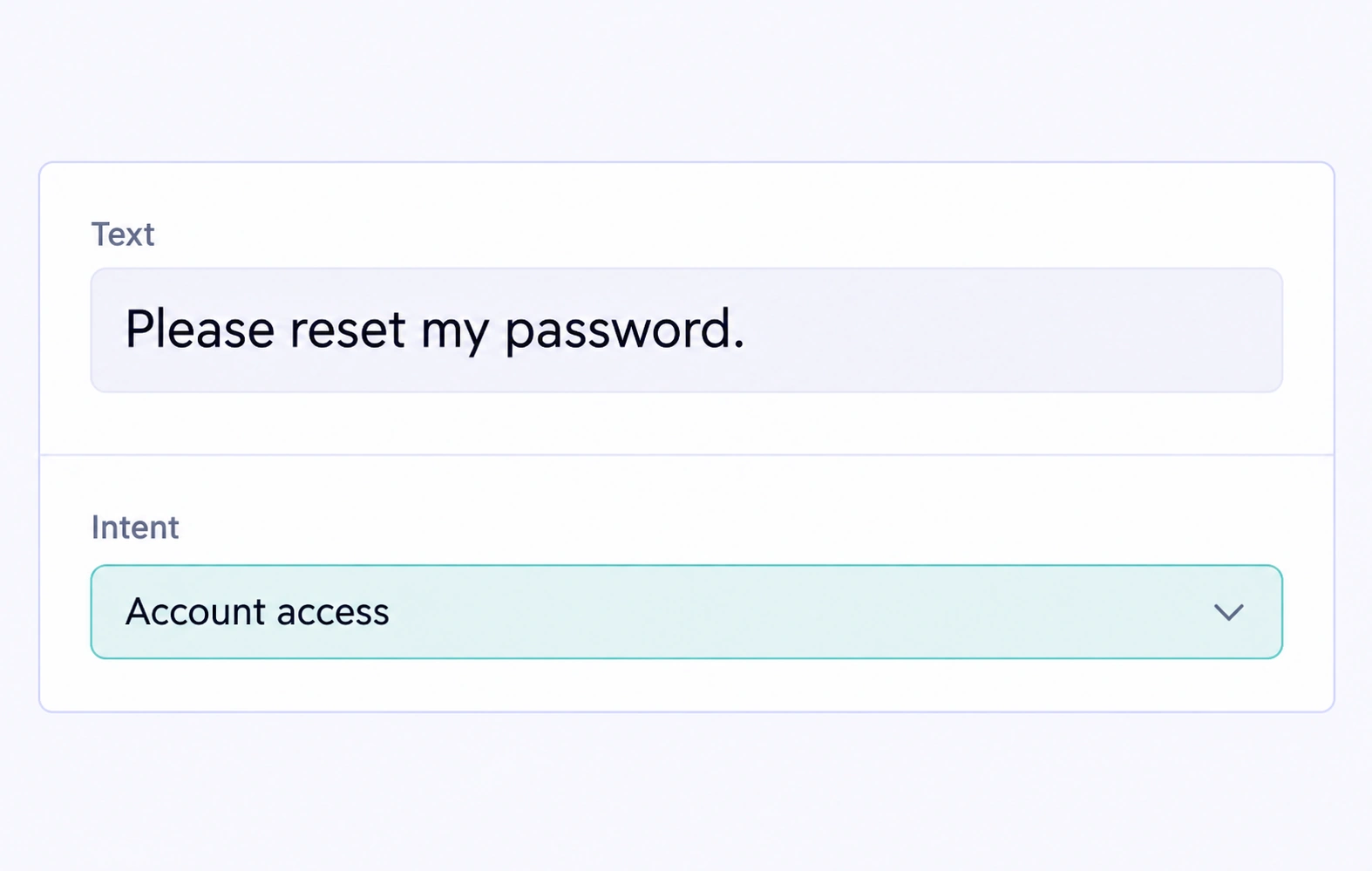
Customer message assigned the Account access intent label.

Customer intent labels

Classify requests such as delivery updates, returns, and account help using clearly defined intent categories.
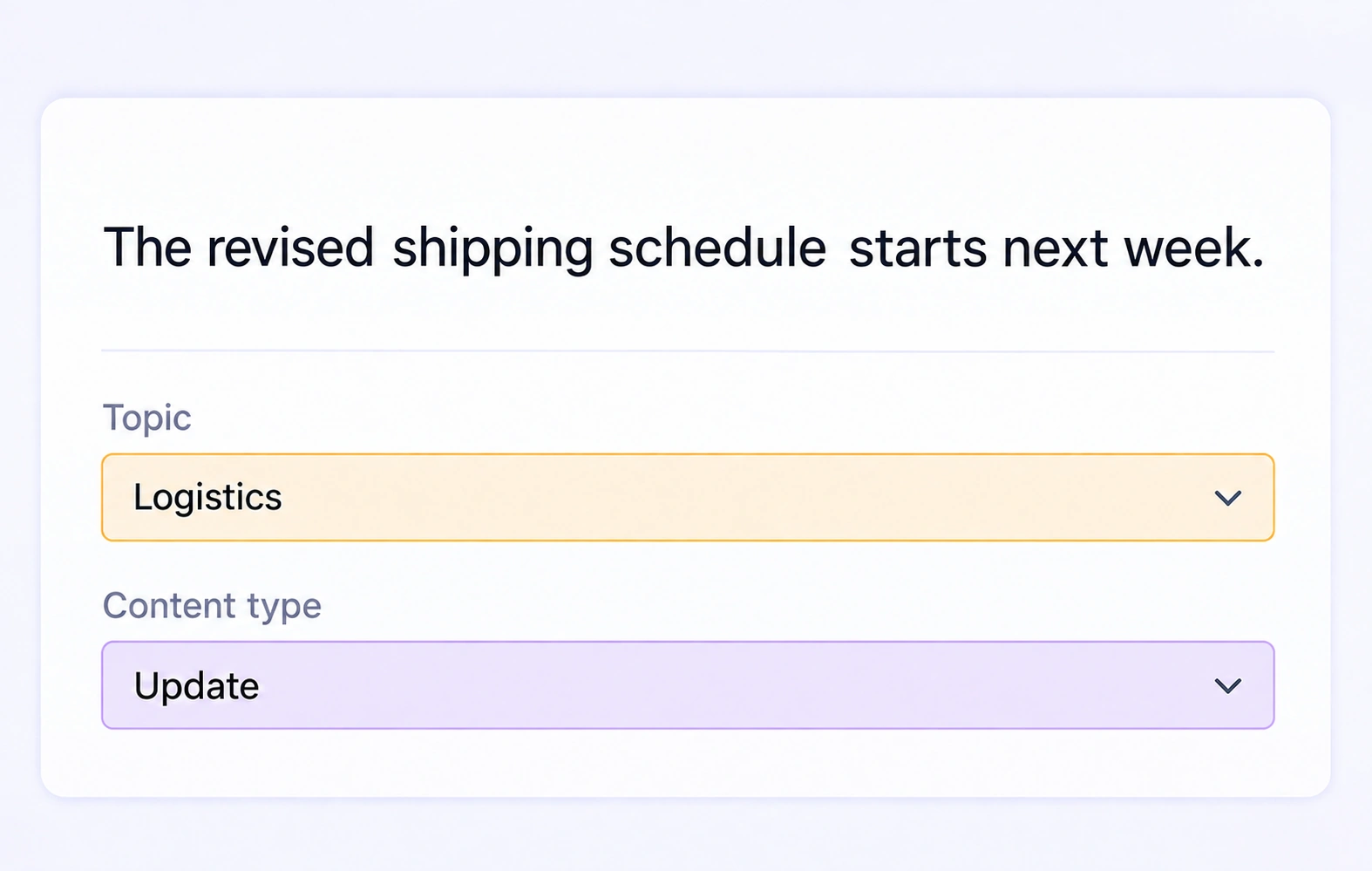
Text assigned Logistics topic and Update content-type labels.

Topic and category labels

Organize text by business topic or content category with the choices your model needs to distinguish.
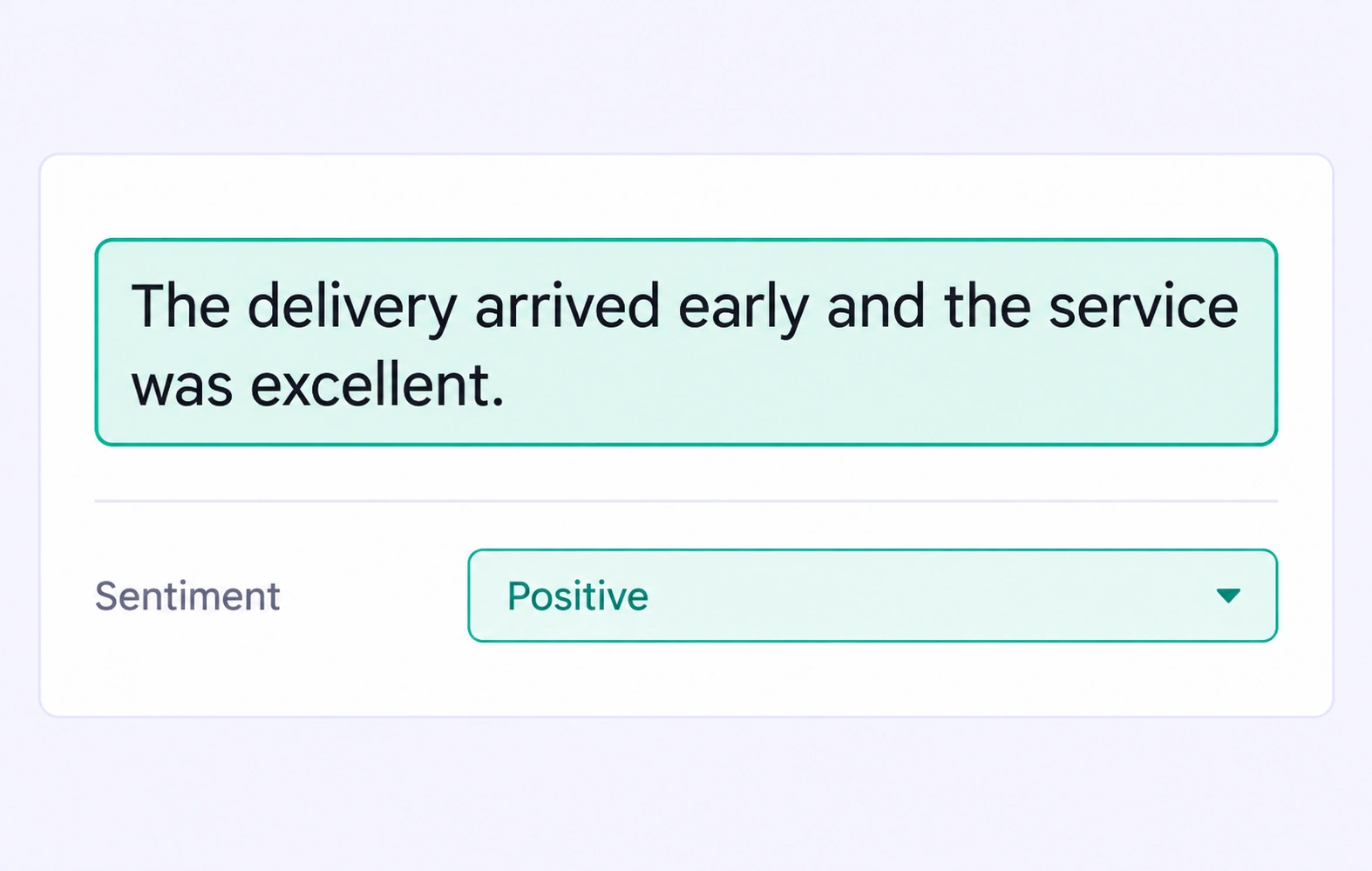
Customer feedback assigned a Positive sentiment label.

Sentiment analysis

Label sentiment according to your task guidelines while retaining the wording that supports each decision.
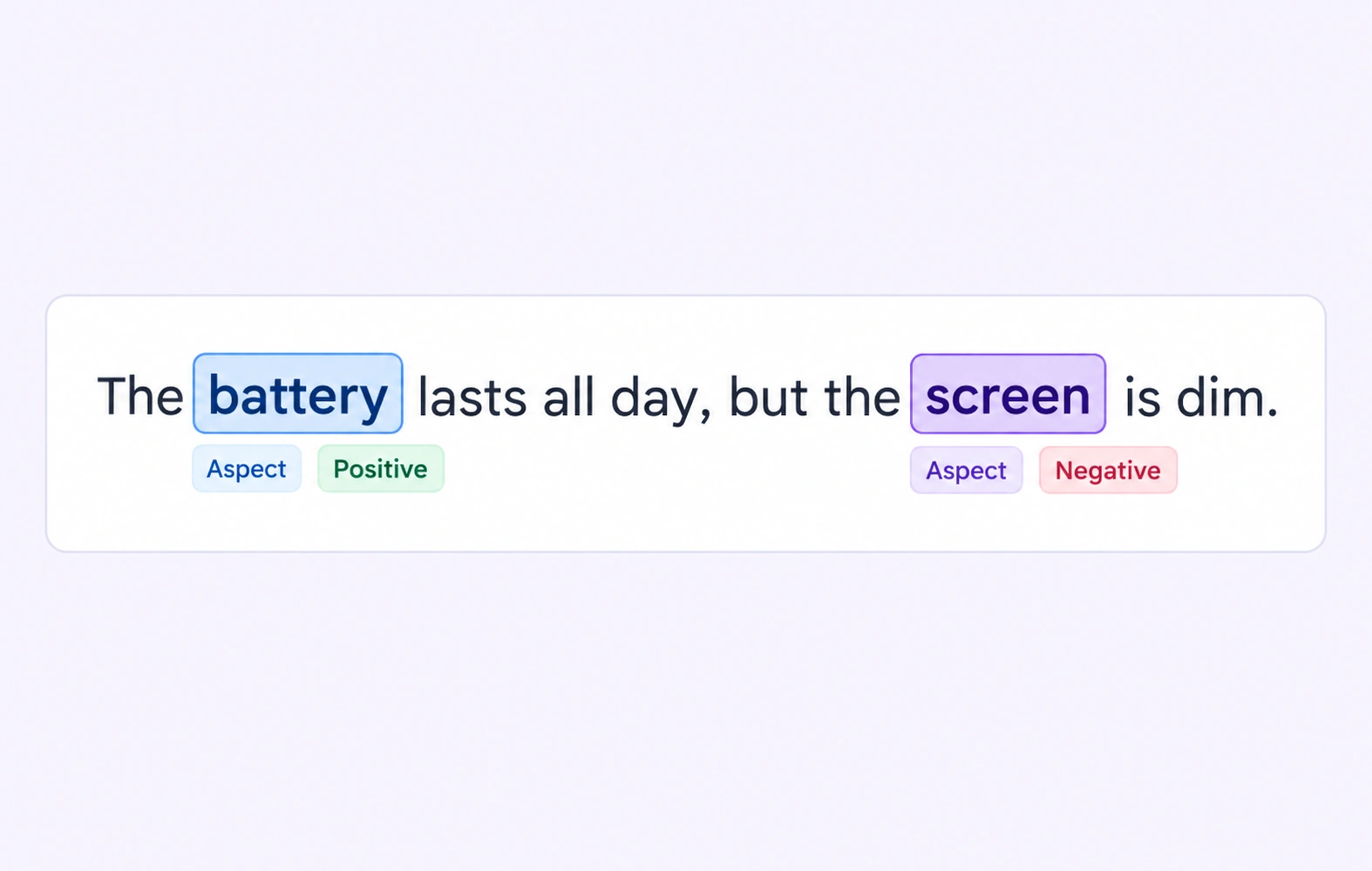
Product aspects labeled with positive battery sentiment and negative screen sentiment.

Aspect-level feedback

Mark the product or service aspect a message discusses and attach the sentiment category defined by your annotation protocol.

Why AI Teams Choose Unitlab

Bring text annotation, shared ontologies, expert review, and dataset delivery into one workflow so your team can focus on useful training data.
15X
Faster Text Annotation
60%
Free Up AI Engineers’ Time
5X
Lower AI Development Costs

Annotation types for intent & text classification

Combine exact text spans with structured relationships and properties that describe the language task.
Customer message assigned the Account access intent label.

Item classification

Use structured item properties to assign the intent, topic, or category of the text being annotated.

Supporting entity spans

Label the words and entities that provide additional extraction context alongside the item classification.
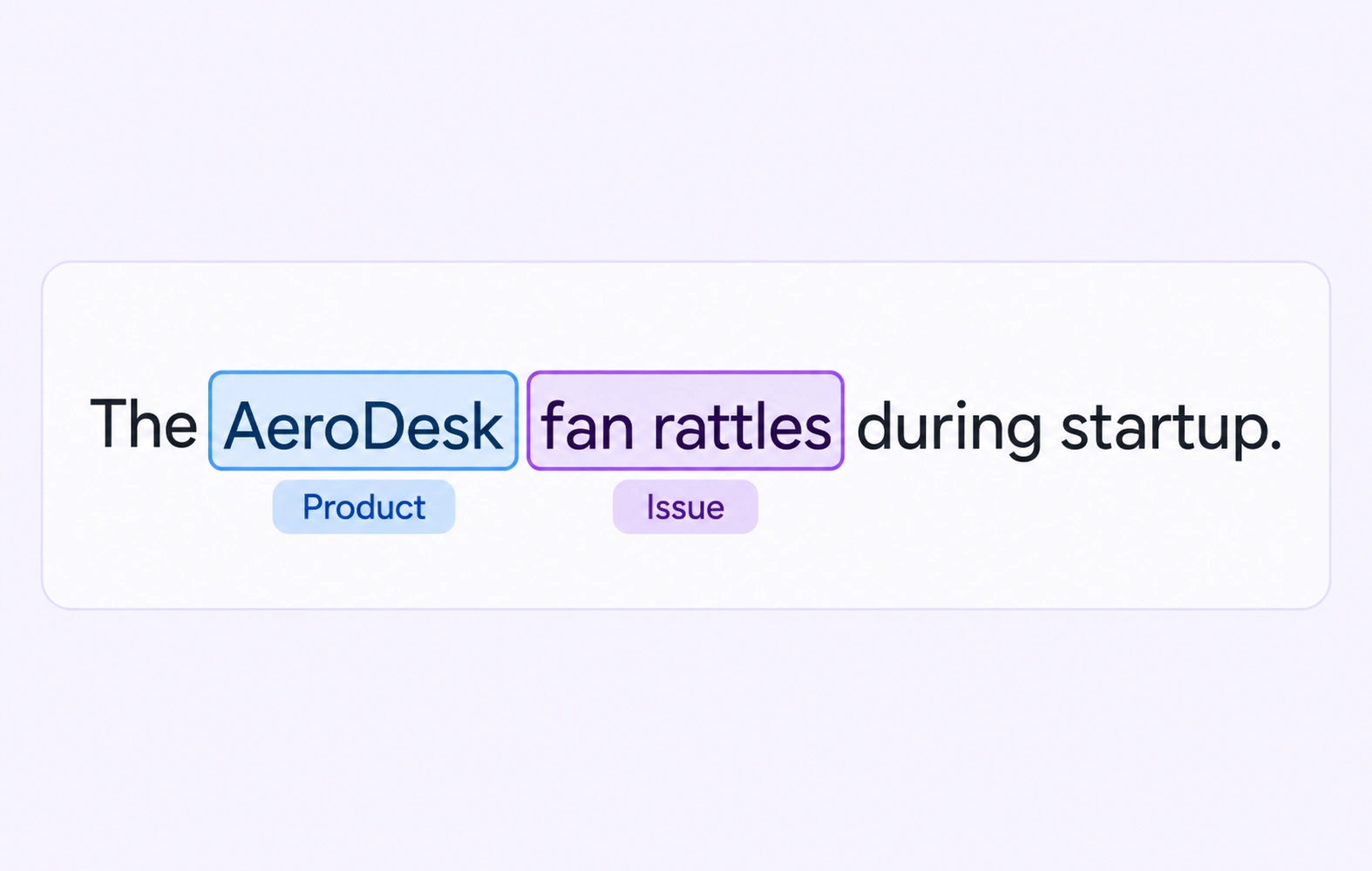
Text with labeled product and issue mentions.

Intent & Text Classification FAQs

What is text classification annotation?

Text classification assigns defined categories to language examples. Depending on the task, those categories can describe intent, topic, sentiment, or another business concept.

Can I create custom intent labels?

Yes. Define your own categories and examples, then use the same ontology choices across the annotation team.

Can one text example have more than one classification?

Yes. The ontology can include separate properties and multi-select choices where your guidelines allow multiple labels.

How should teams handle ambiguous messages?

Define an uncertainty or other category when appropriate, attach comments to unclear cases, and send them to review for a consistent decision.

Can I label both intent and sentiment?

Yes. Use separate properties so the request a person makes and the sentiment they express remain distinct dimensions of the training data.

Does the platform automatically route customer requests?

This workflow builds the labeled examples used to train or evaluate your own routing and classification models. Your team defines and reviews the labels.

Which text inputs can I use?

Use plain-text files for native language annotation. Define entity classes, relationships, and item properties around the text and task your team is labeling.

How can teams review the language labels?

Route annotated text through review, resolve comments and corrections in context, and use configured consensus or approved benchmarks to check consistency before releasing a dataset.

Can I export the annotated text for model development?

Yes. Text supports JSONL and Unitlab Unified Export Format. Choose the export that preserves the entities, relations, and properties needed by your training pipeline.